Android Studio "temporal must not be null"
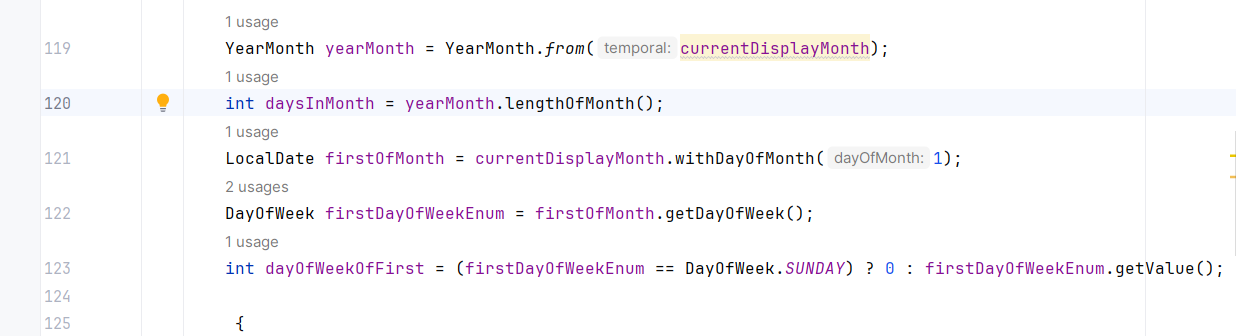
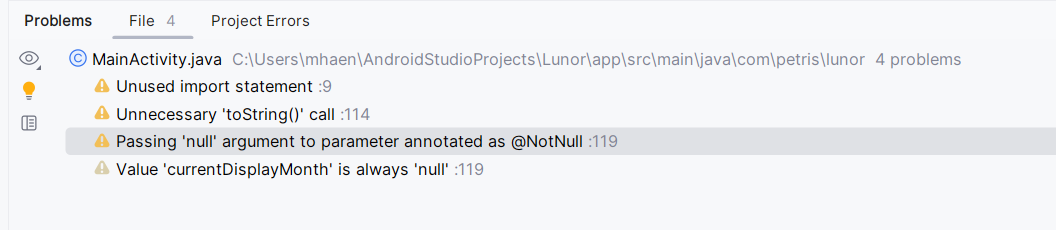
I'm very new to Java and coding in general (I started last week) and I'm making a calendar app for android. I got the basic calendar running, but when I tried to add a feature it keeps crashing. I believed it's because of line 119 always being null, but I initialised and declared it (I think). Anyways I'm stuck on this and can't work on my app anymore, so I would be very happy to solve this!
Here's the error logcat message :
77 Replies
⌛ This post has been reserved for your question.
Hey @Pétrichor! Please useTIP: Narrow down your issue to simple and precise questions to maximize the chance that others will reply in here./closeor theClose Postbutton above when your problem is solved. Please remember to follow the help guidelines. This post will be automatically marked as dormant after 300 minutes of inactivity.
show how you assign the current display month value
One of these?
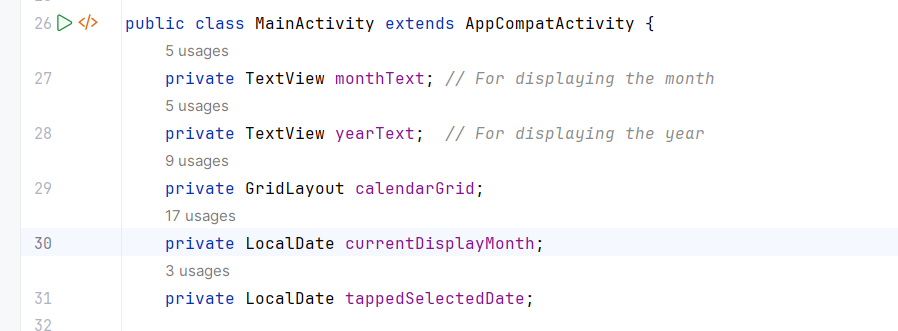
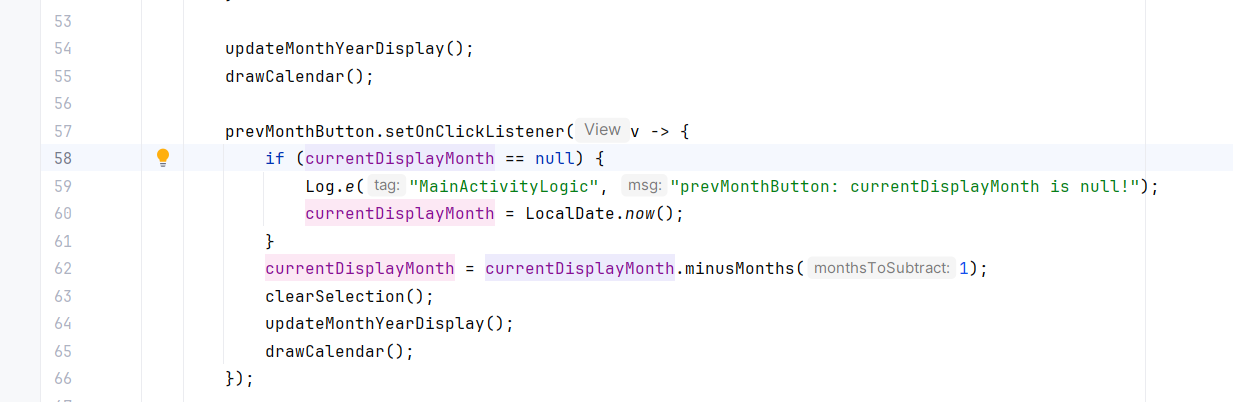
uhhh
wait
try in the
assigning value
just for testing do
Gemini told me to put a "defensive check" but idk if it's useful...
ai is dumb
I know 😭
try this
in the main activity fields
just for testing
It doesn't work
Do you want the error message?
yea
Oops
lmao
Why I can't paste :boohoo:
then screenshot
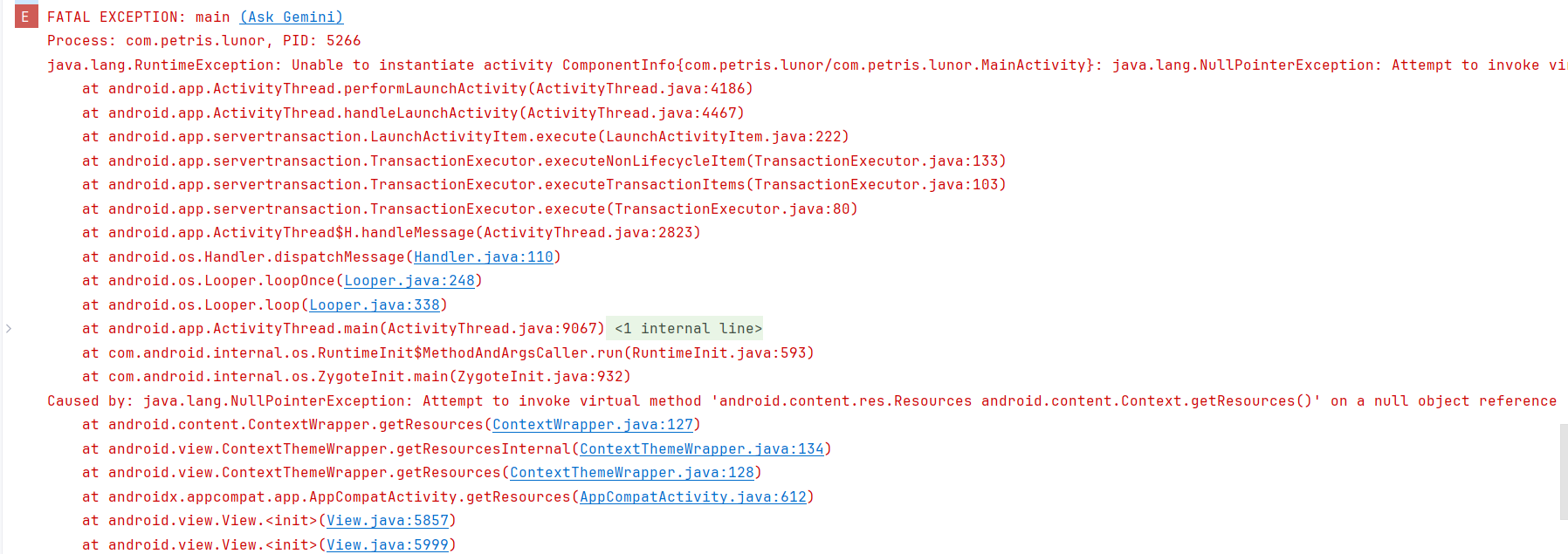
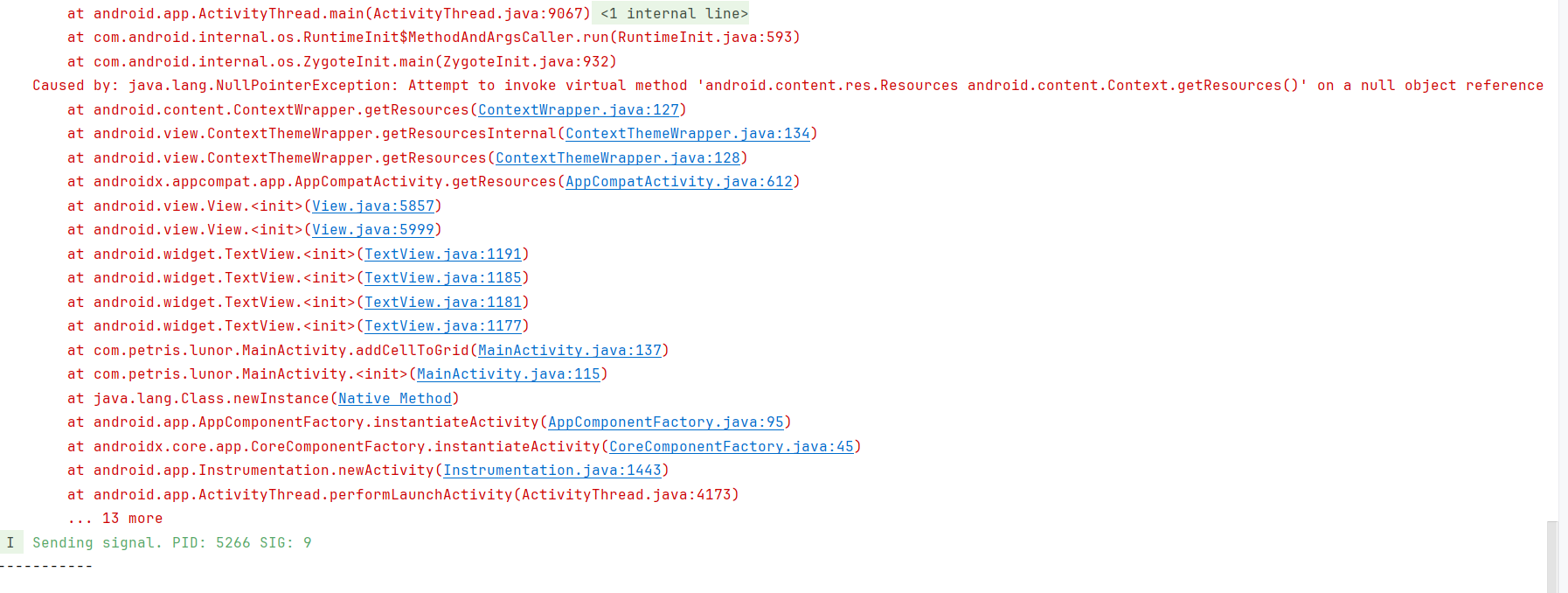
This line is so damn long

I can't put all of it
oh right
android doesnt let you set the
value
lmao
do you have the
oncreate method
show whats in there
Sorry if my code looks bad, I don't really know how to write yet...
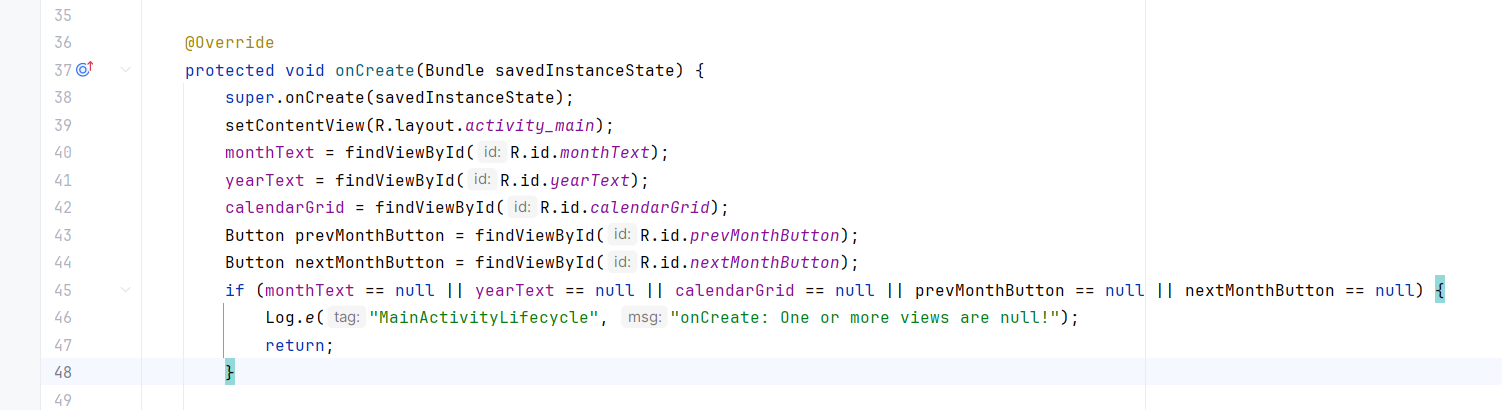
dont worry i dont know how to either
try this
and get rid of the local date now thing
Ok
Still no :(
show error
and paste the whole code
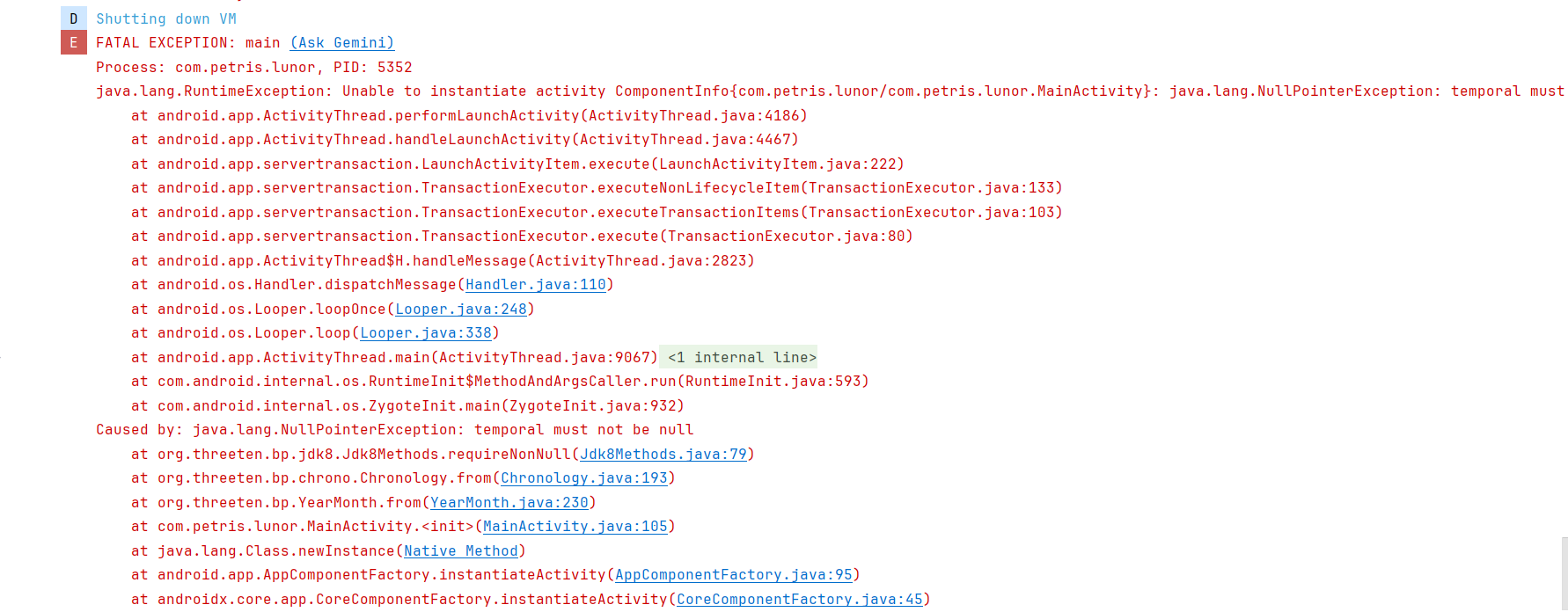
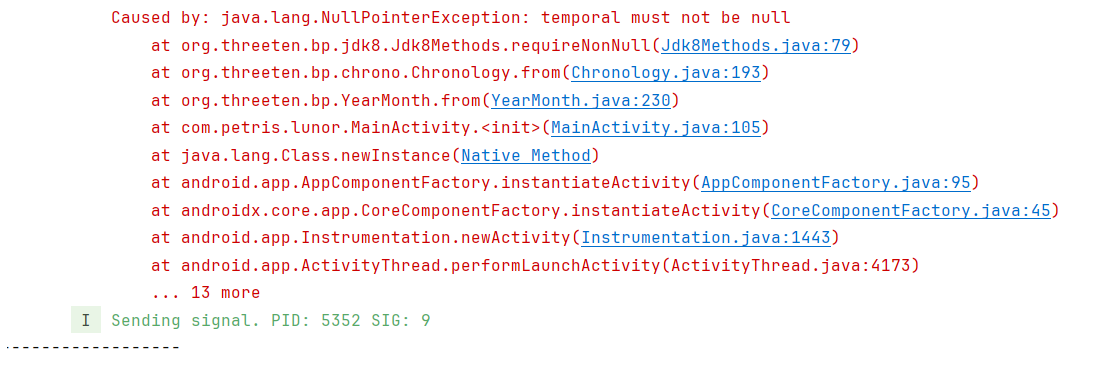
Which code
the class
main activity
just ctrl c and ctrl v here
oh
lmao
when i typed this
// super on create
// set content view
i meant you put the local date after these lines
Oh
add it between here
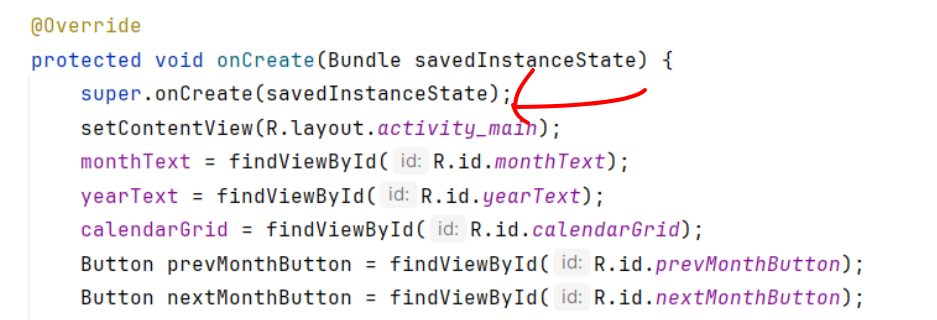
Ohh
Mb
Sorry what do I put there?
currentDisplayMonth = LocalDate.now()
Got it
Damn, still not working
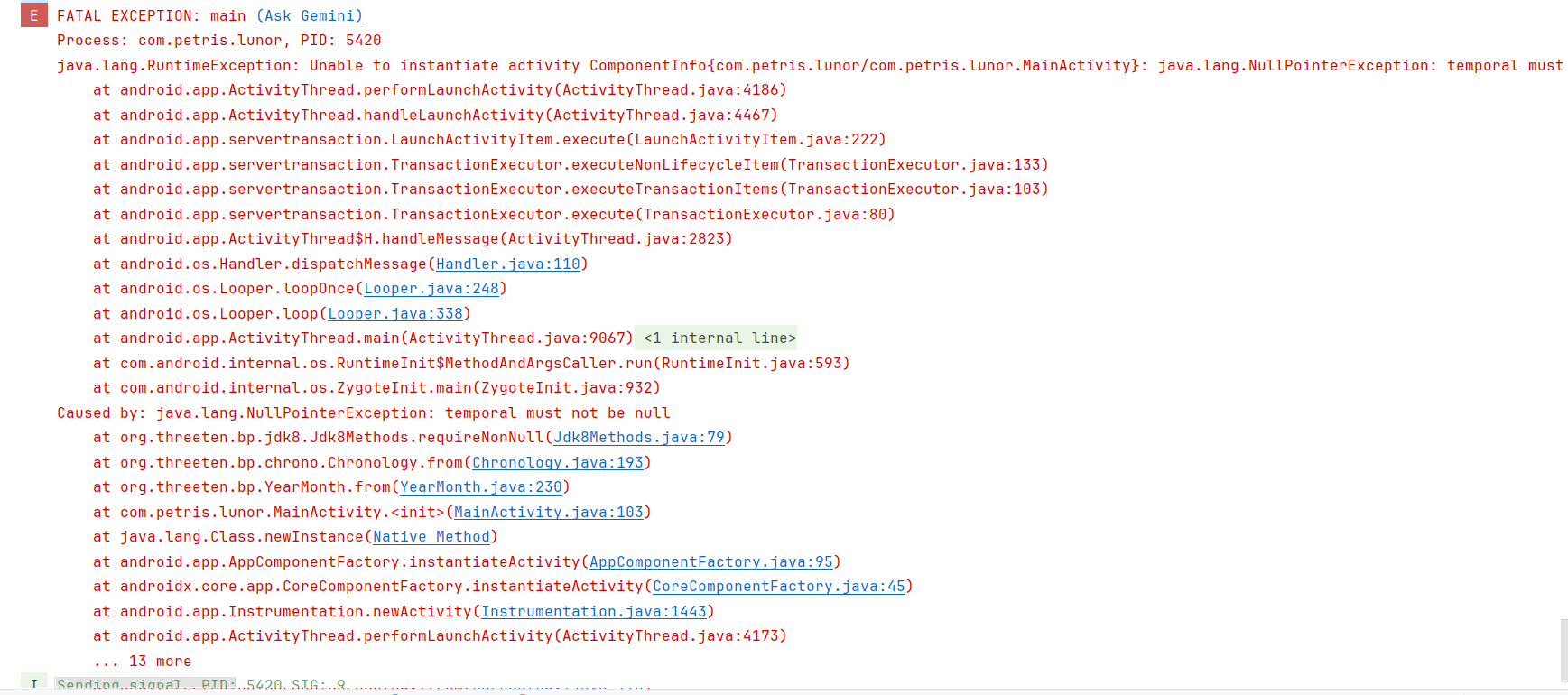
I think I broke it
These are my imports btw
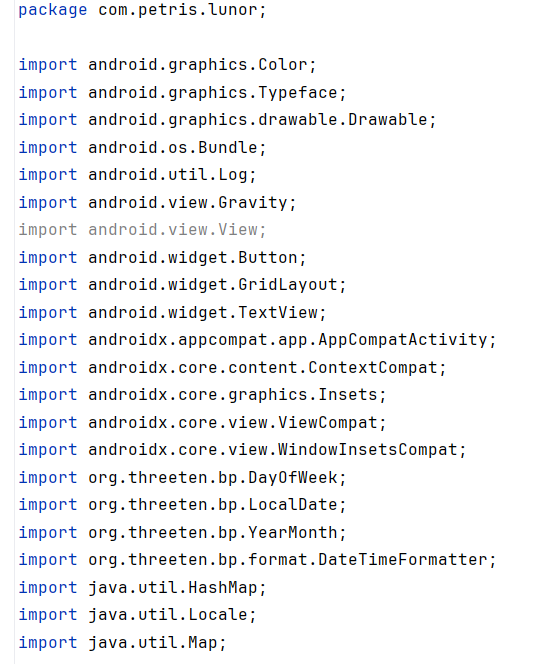
So it should be able to detect the month and day, right?
one second let me check it on my version
Ofc
show the current code btw
I'll send a video
If that's ok
i mean its gonna be faster if u just paste it
i just need to check the on create method
also what version of sdk do you have
Where can I check?
15 and 16?
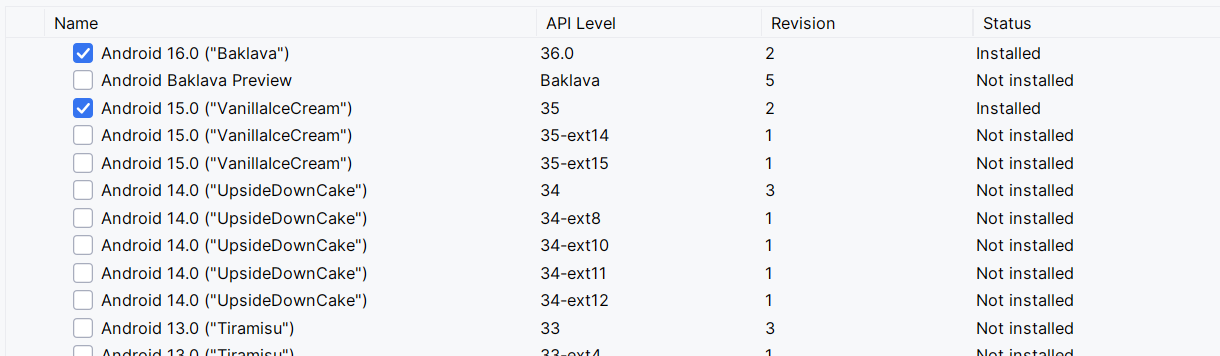
in build.gradle file there should be minsdk
id 'com.android.application' version '8.11.0' apply false
wrong file
there are 2 build.gradle
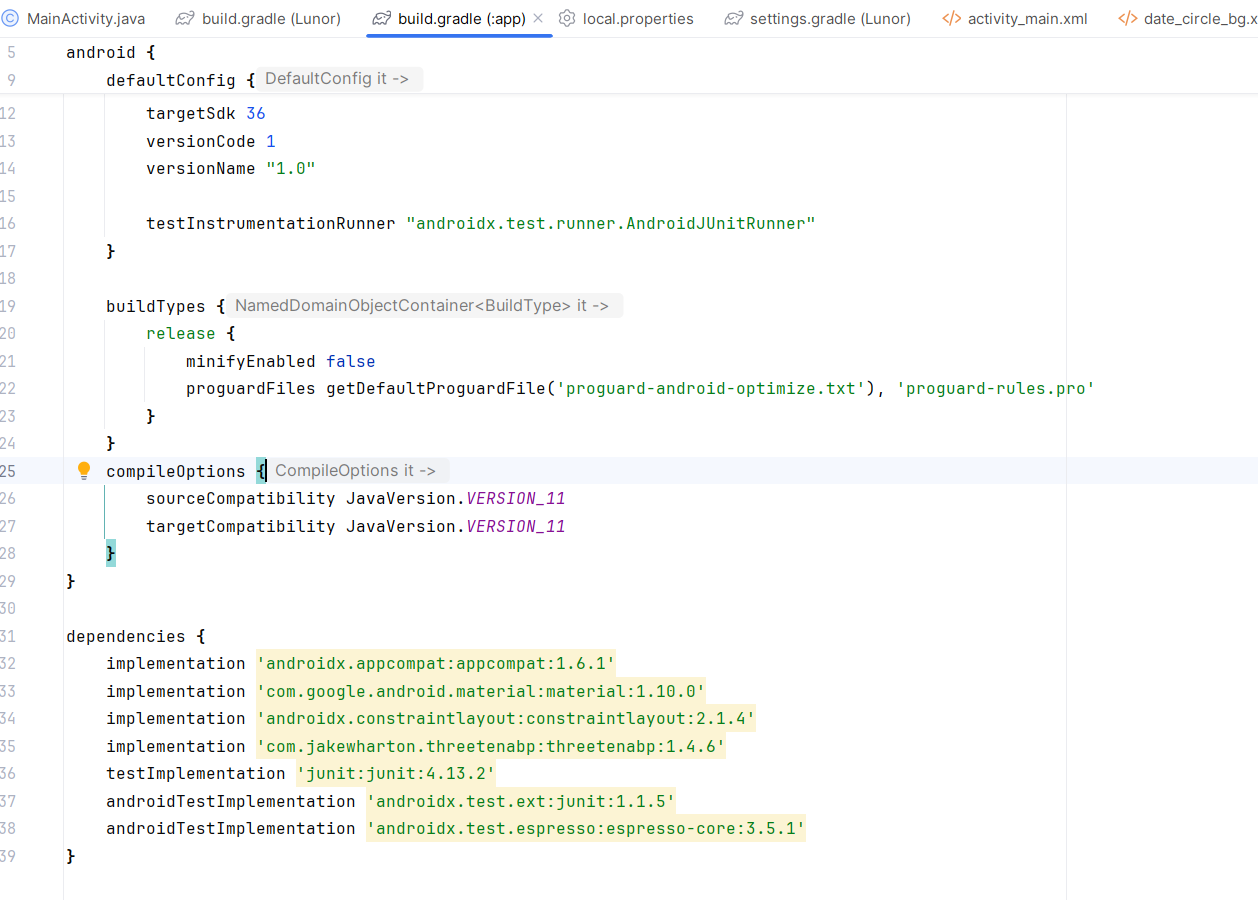
ok for testing purposes
in default config add
Under targetSdk?
yes
and then click sync now when gradle says files changed
Yes
It's building
now try running the app again
It crashed
paste the code
Wait
the code not the logs
lmao
Which part
the whole class
paste lines 90 - 110
cuz it throws error on those lines but i cant see which one it is
cuz theres no imports
Oh right
and which one is the 103 line
YearMonth yearMonth = YearMonth.from(currentDisplayMonth);
this yes
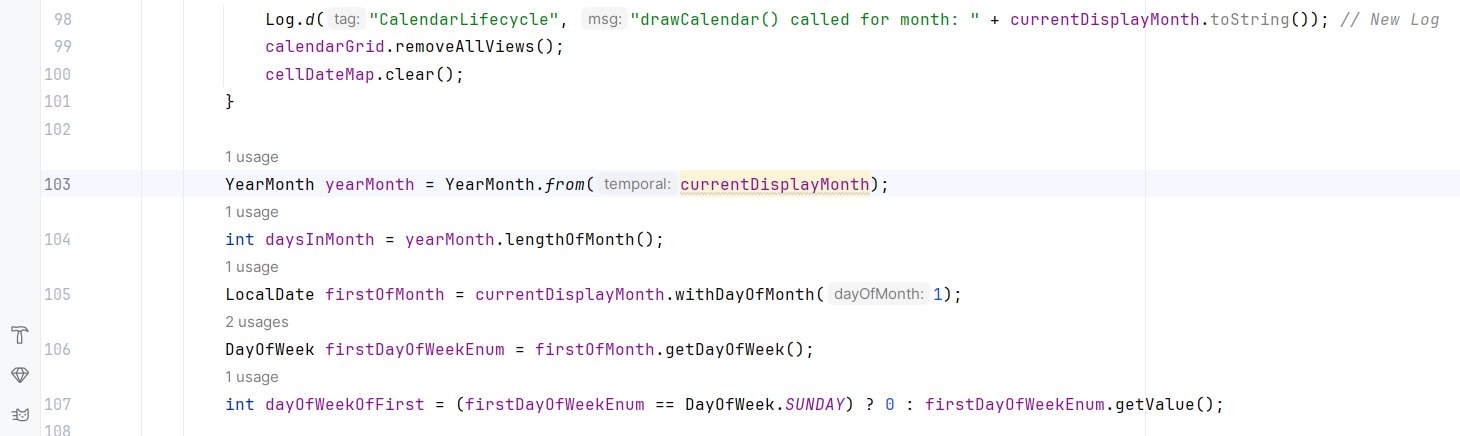
Yes
It's the line with the error in the problems
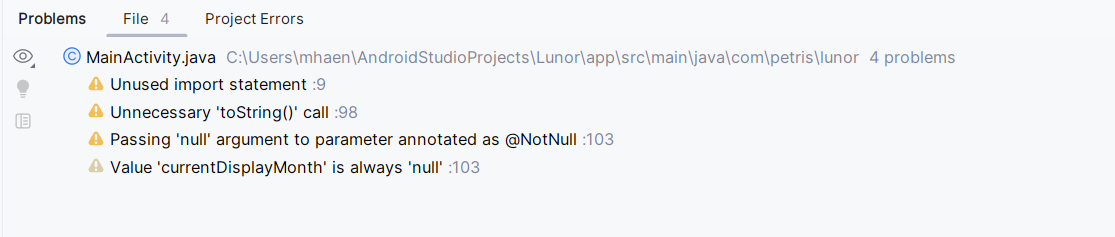
uno momento let me run it myself
Ofc
ok
now i know everything
basically
you have this
outside of a method
i assume it should be in the draw calendar method
also what is this supposed to do
should it be in the draw calendar method
it currently isnt
thats why you get the errors
because its not in any method
if i assume right that it should be in the draw calendar then it should look like this
and then it wont crash anymore
the problem was basically that the method calling get current month was not in any function
and so the on create method was actually called later
before this
thats why it was null
even though you were checking if it isnt in many places
Sorry I was interrupted
Yayyy
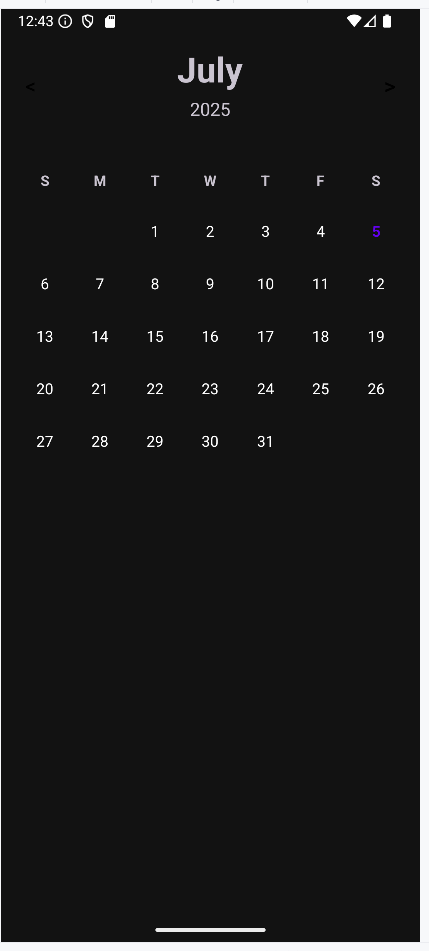
Tysm!!
Okok
I understand now
I need to check if it's in the correct void?
i would say you should assign the value in the on create method because inside it you have 2 methods using current display month
so if you assign it there you wont need to check for that in the methods if its null
Alright
I'll edit it tonight, I'm a bit busy this afternoon
But thanks for solving it :)
If you are finished with your post, please close it.
If you are not, please ignore this message.
Note that you will not be able to send further messages here after this post have been closed but you will be able to create new posts.
Post Closed
This post has been closed by <@1035088863808467044>.