33 Replies
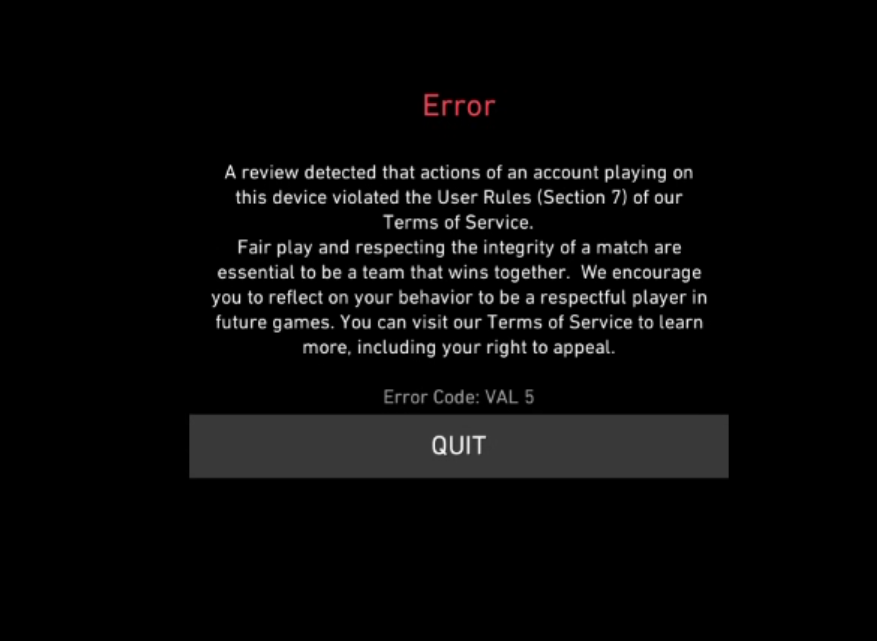
My friend is not hacking, he is playing legit, not using a third modification and is not violating any rule and we have reviewed the section 4, what happened?
@Ameer ur friend is lying twin
:Clove_Rave:
Supposedly "my friend" but it is actually my nephew
He is not using any third party modification.
ur nephew is lying twin
I introduced him to valorant, and I literally can see his PC and stuff he uses
wdym u see his pc
It is his 3rd day the only thing he is going through is connection issue
I go visit him it's my nephew
by extension, he may have cheated when u hadnt been looking
and he plays valorant normally.
My nephew doesn't even know how to cheat..
Can u please help us
do u share the same pc?
No we do not
But I see he has nothing downloaded that is a cheat or violates the "7th section" of rules
send his riot id
RiotID#TAG
Let me rephrase, he does not even know english to cheat xd
Ok 1sec
TRZKing#0805
@junimo ^^
I submitted a ticket but I need to understand the issue here, since I am pretty sure it's false
i dont see a ban
@Ameer try this
;vgc
- Open the Task Manager > Details tab
- End the task on all VALORANT, Riot Client and VANGUARD-related apps/services
- Open the Control Panel > Uninstall a Program
- Uninstall Riot VANGUARD
- Open CMD as Admin and type these commands:
- sc delete vgc
- sc delete vgk
- Navigate to your C: Drive, then Program Files
- Find the VANGUARD folder and delete it
- Open the Riot Client and click update
- Restart your computer after the update
After you’re done with that:
- Press Windows key + R
- Type services.msc
- Look for vgc
- Right-click on vgc > Properties
- Change the startup type to automatic
- Start the services (if not started already)
We will be waiting for your response, thank you.
sorry for the ping btw
Ok
U checked the history?
Of that ID
Cuz 🤷♂️
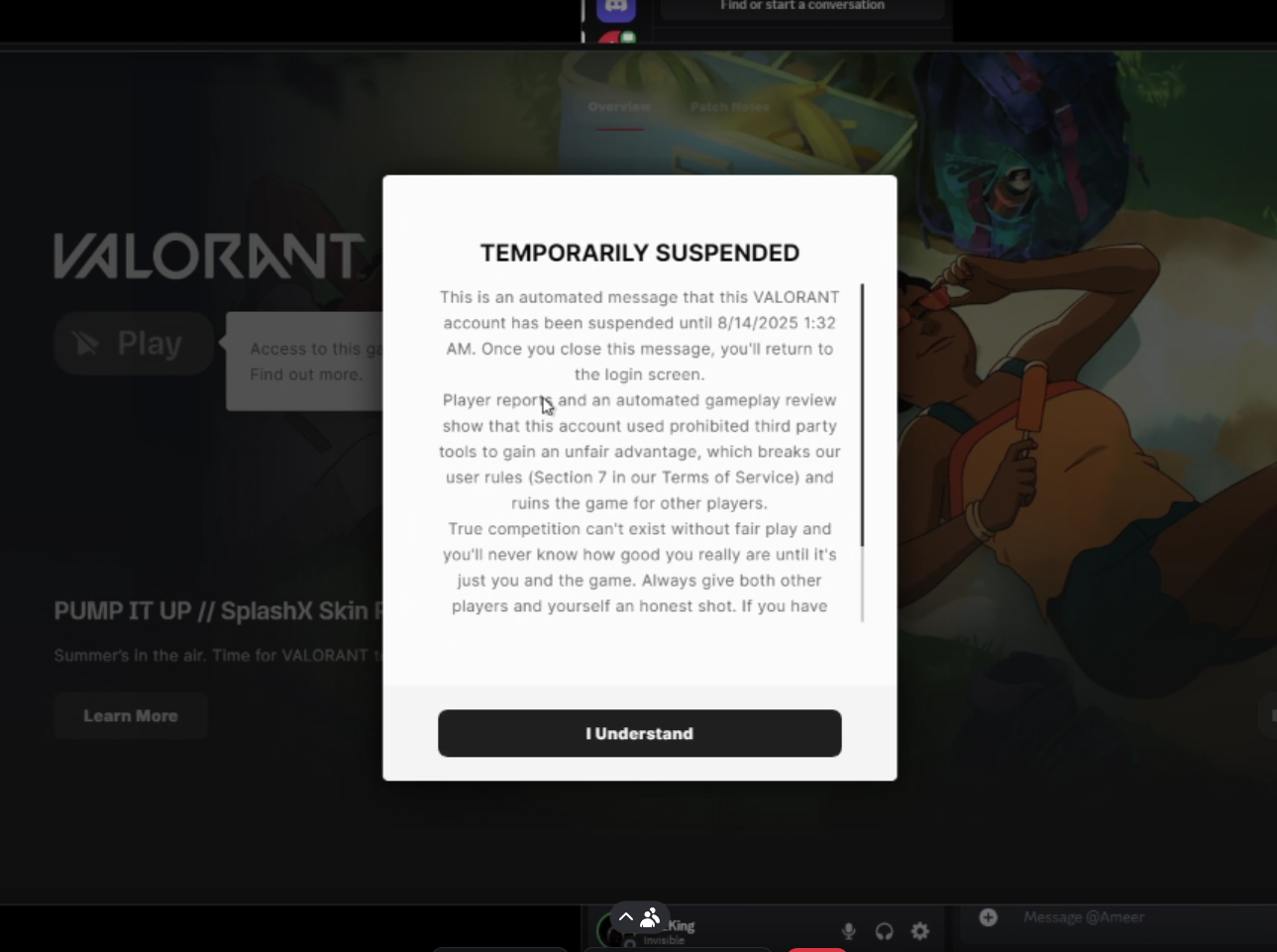
that is an afk ban
son
AFK ban?
yes
He has been playing
All the time, just a connection issue
Does that contribute?
Like he suddenly gets an error for connection
Maybe
wait so rn
is the ban over?
its temporary
Yes
might be connection issue related if internet is very slow
This is the 2nd match in a row where the ban occured
Ahhh...
So it is a connection issue cuz yes he was disconnecting & reconnecting
Uncontrollably
but dw its not a cheating ban
it says that sometimes
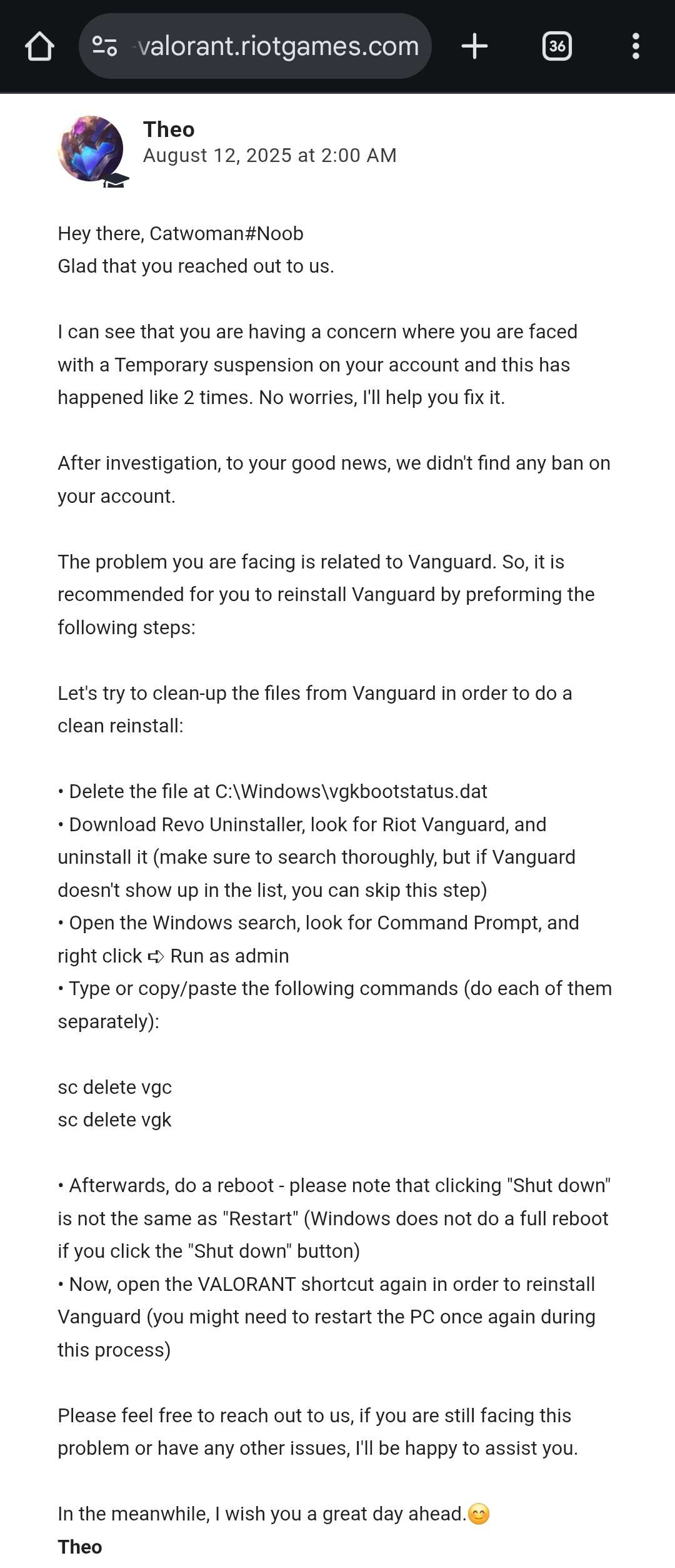
Im facing the same issue after UN5 Update so i make a Support ticket and provide my Valorant logs they tell its Vanguard bug to fix reinstall it read it for Help
LLMAO
hell get unbanned after a year or sum
Nope.
its an afk ban
dw