frozen gane
my game is frozen on the startup loading again. everything else works fine just valorsnt being a female dog word. can someone help
22 Replies
Relaunch and press F11
that didnt work
its just stuck in minimized mode @Rachel
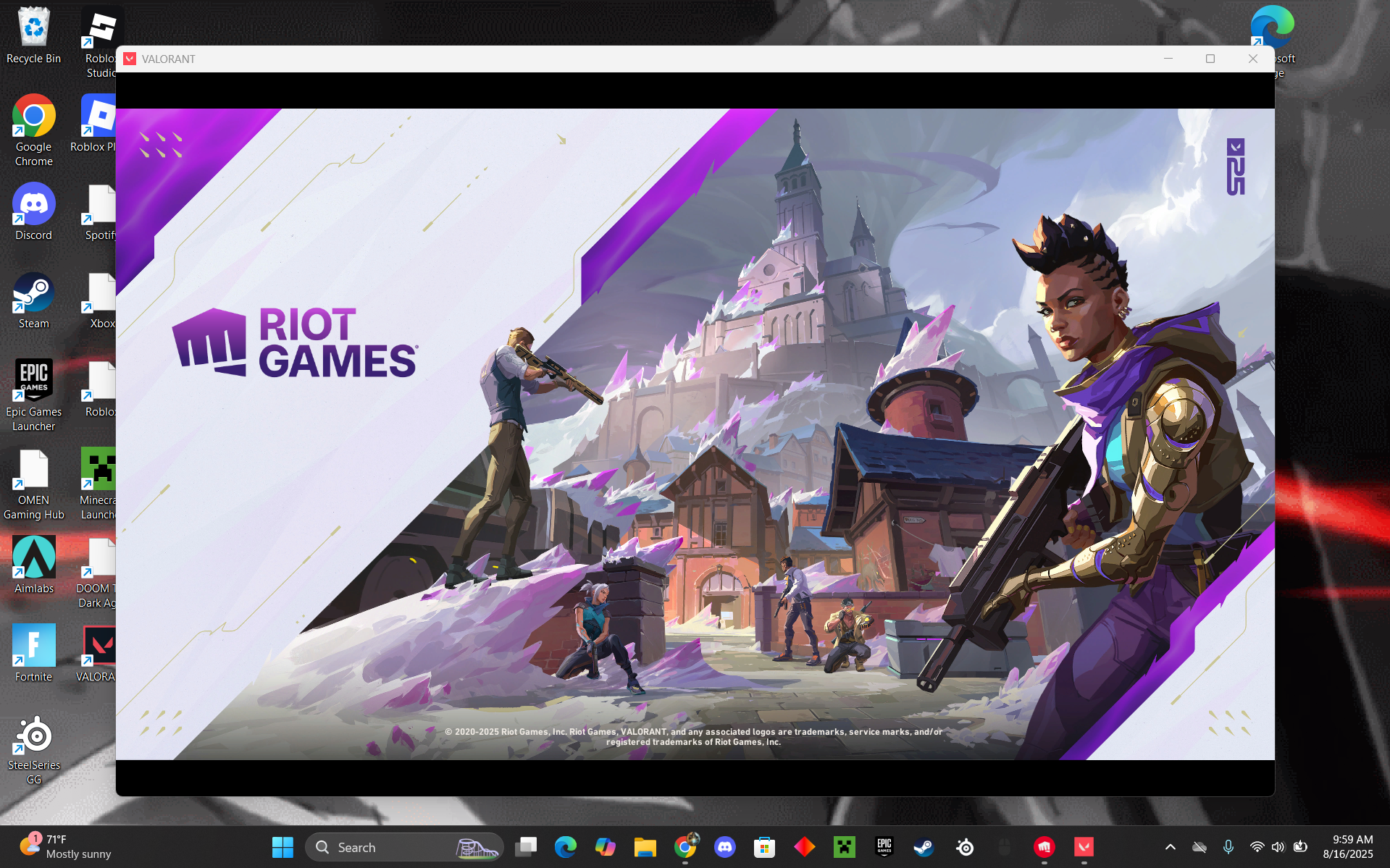
clicking the x doesnt even work. only way i get it to get closed is thru task manager
Open task manager > performance tab
Show ss in CPU tab
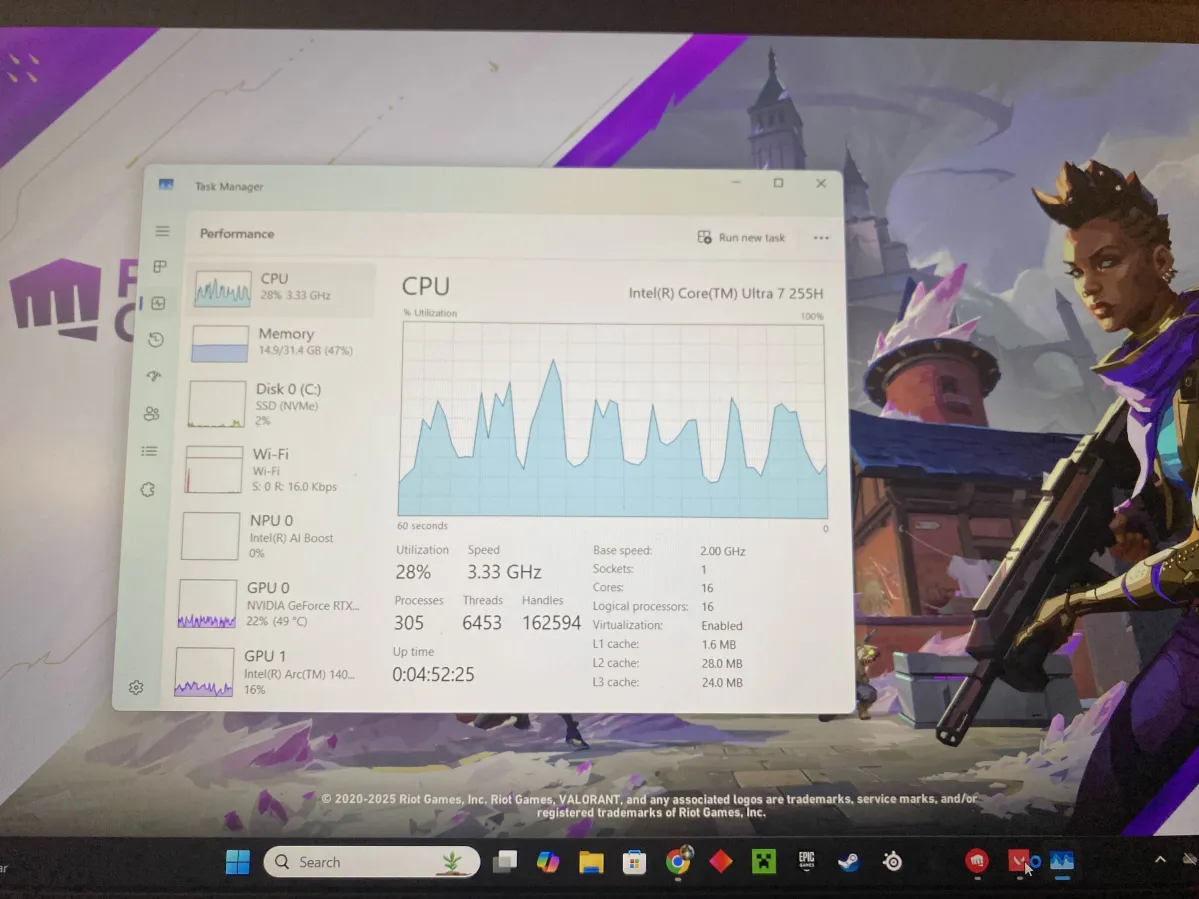
this was my cpu from a bit ago
im on the road rn otherwise id send a new one
but i cant be that much different can it?
https://www.intel.com/content/www/us/en/support/detect.html
download and install
Then open and update your igpu
Intel
Intel® Driver & Support Assistant
The Intel® Driver & Support Assistant helps keeps your system up-to-date by detecting when updates are available.
icarus told me to do the same. i have everything downloaded and updates
he told me like a week ago maybe? it worked then 2 days ago val stopped working again
Just check if there’s any new update in that rq
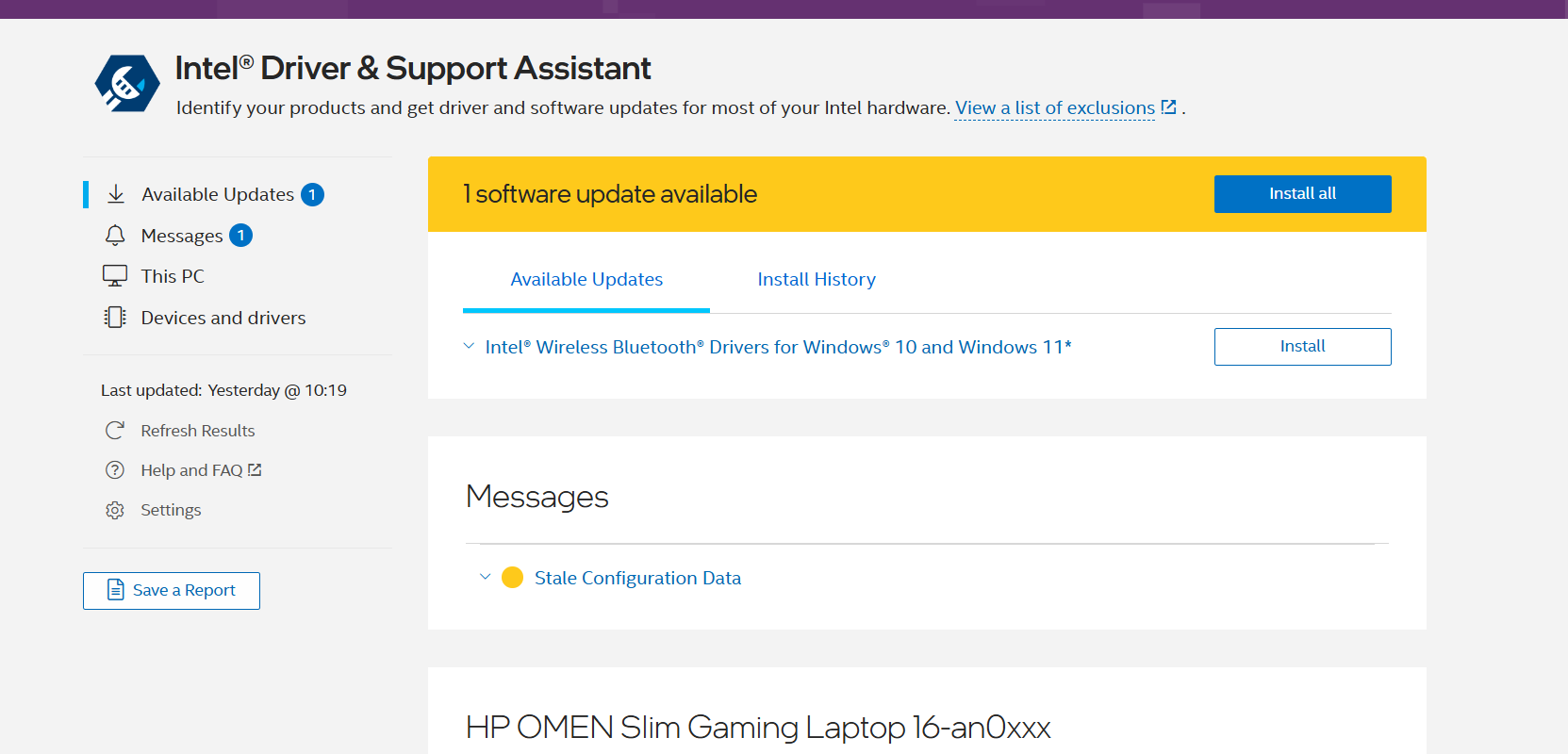
all i see
;vgc
- Open the Task Manager > Details tab
- End the task on all VALORANT, Riot Client and VANGUARD-related apps/services
- Open the Control Panel > Uninstall a Program
- Uninstall Riot VANGUARD
- Open CMD as Admin and type these commands:
- sc delete vgc
- sc delete vgk
- Navigate to your C: Drive, then Program Files
- Find the VANGUARD folder and delete it
- Open the Riot Client and click update
- Restart your computer after the update
After you’re done with that:
- Press Windows key + R
- Type services.msc
- Look for vgc
- Right-click on vgc > Properties
- Change the startup type to automatic
- Start the services (if not started already)
We will be waiting for your response, thank you.
Try this rq
just did
still dont work
Press windows key
Type installed apps and open it
From there delete Everything related to nvidia
Then
https://www.nvidia.com/en-us/drivers/
go here^ and in the manual search,
Enter your EXACT GPU MODEL and download the “Game Ready driver”
NVIDIA
Download The Latest Official NVIDIA Drivers
Download the latest official NVIDIA drivers to enhance your PC gaming experience and run apps faster.
ok done. wish me luck
omggg it finally loaded
ily like icarus
umm its broken again 😭
😭
Same problem?
Check for latest update on both nvidia and intel support assistance.
If both are updated to latest, try launching and press F11
nothing 😭
itll work for a day then be broken again 😭
Try this rq:
Press windows key
Search “msconfig”
And open “System Configuration”
Head to “Services” tab
Check “Hide all Microsoft services”
And then “Disable all”
And find “vgc” and enable that only
Open “Task Manager”
Then head to “Startup Apps”
And disable all
Then enable all riot related
Then restart your pc
late but smt worked. took about 10 minute to load but it worked
now i js hope it keeps working
thanks