30 Replies
@Ashank
wrong thread
any ideas?
Hi
What's up
What even
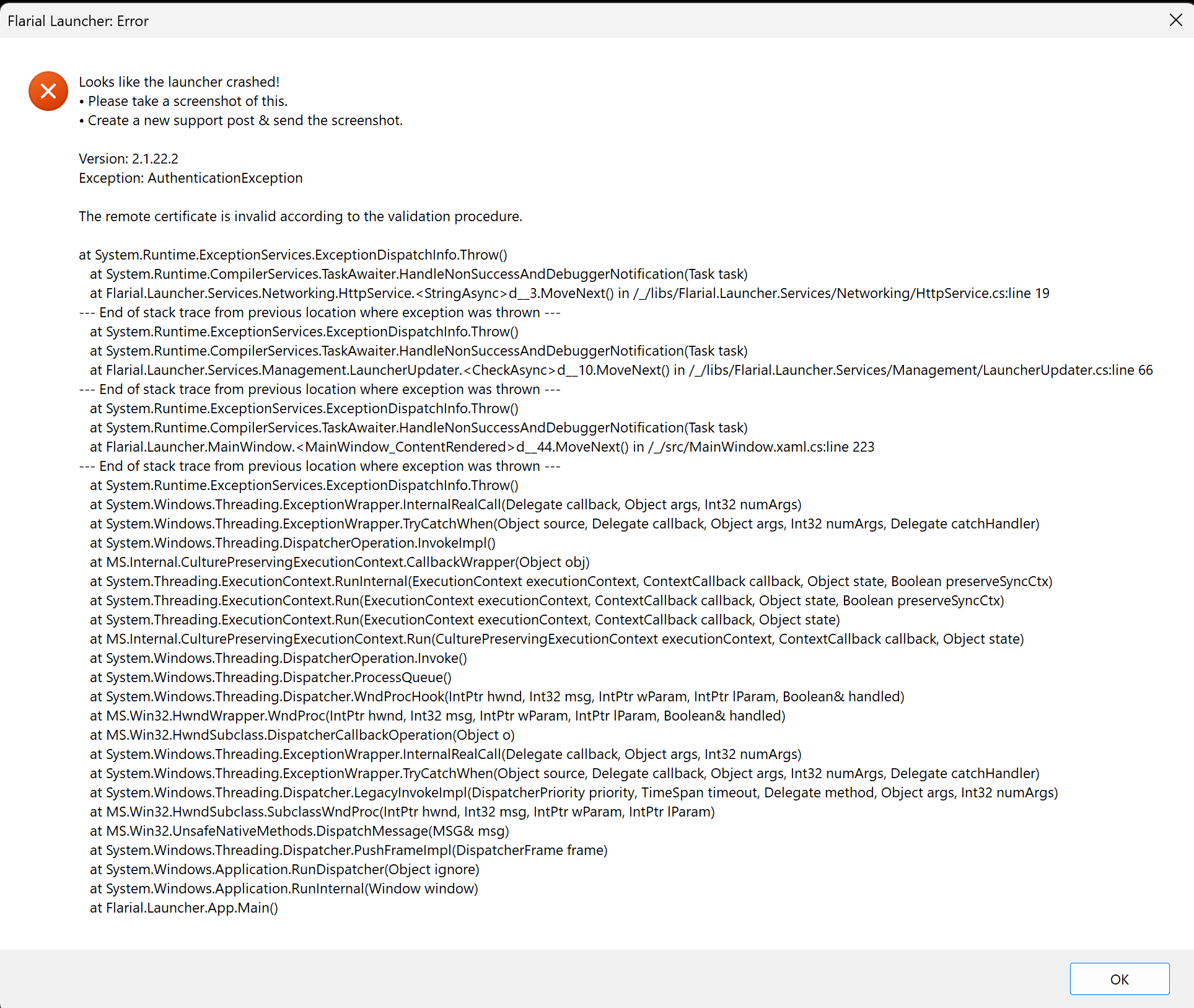
website ssl issue?
have you tried relaunching?
does this still happen?
Yes. I completely deleted the file and redownloaded but still having issues
Yes
good chance, this is an isp issue
https://cdn.flarial.xyz/launcher/Flarial.Launcher.exe
can you dl this
Im not a computer guy sorry, what is isp?
It says not secure and wont let me download but let me to try fix that
Ok I was able to download and launch it now, thank you so much I really appreciate it
@UwUrial It's still doing the same thing
likely some weird isp issue for sure
because its very inconsistent
Is there anything I can do? Or am I just cooked
you could use cloudflare warp
as mentioned in #How do I diagnose download & update issues with the launcher?
I downloaded it, what do I do now?
install it & enable it
I try to open it after installing it and nothing happened, is it already enabled
And it didnt work either unfortunately
check your tray menu
It loaded in, but then this happened when I log into the Hive.
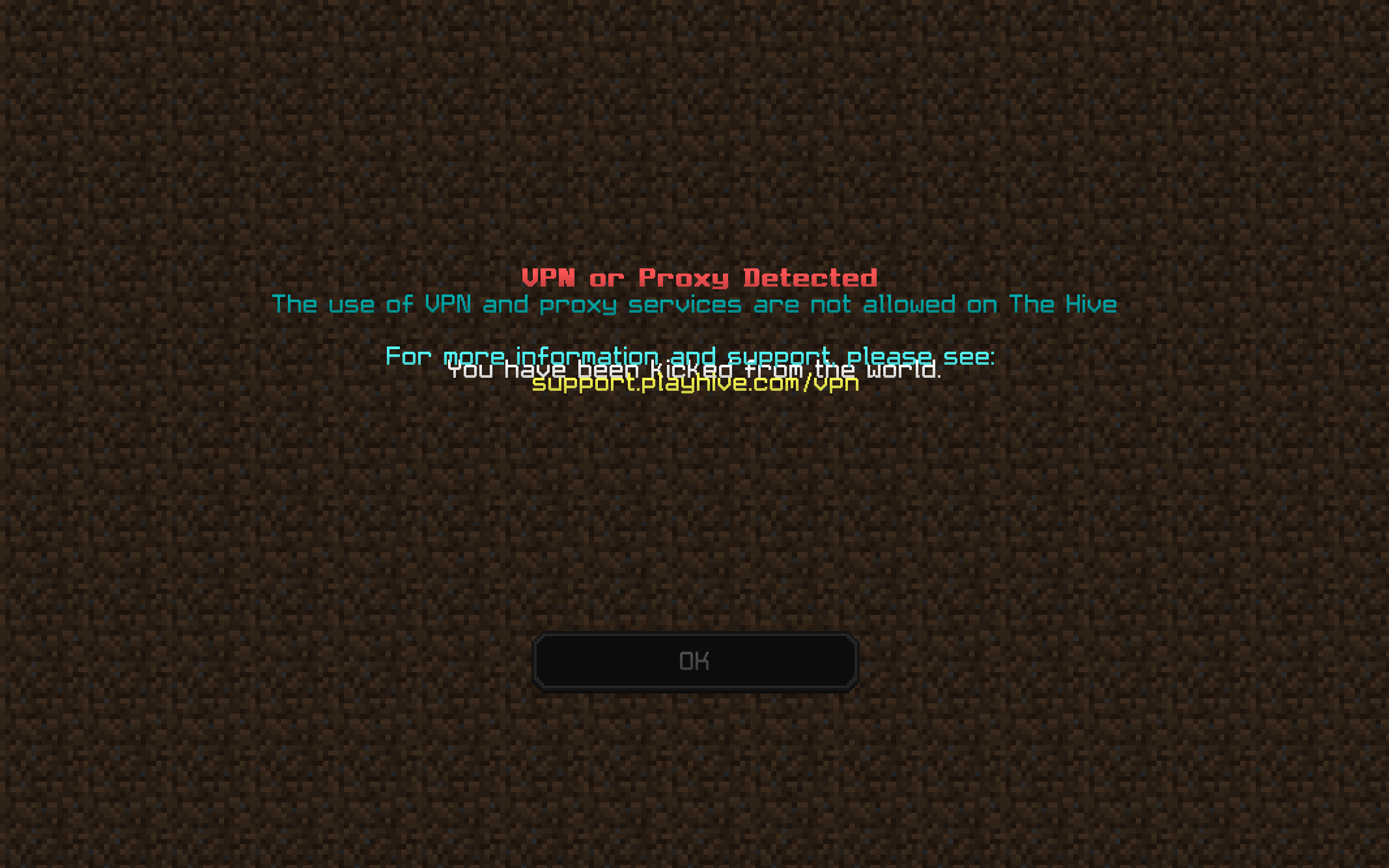
Basically I had to disable cloudfare warp after booting up minecraft and it worked
I appreciate your help
i will add proxy support so you can use warp for flarial only
got it working!
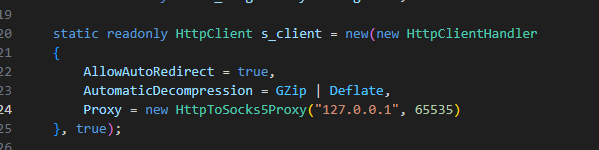
awesome! so what do I do now?
#changelogs
i have put instructions on how to configure warp
once done you can use flarial with 0 issues
perfect thank you, i appreciate it
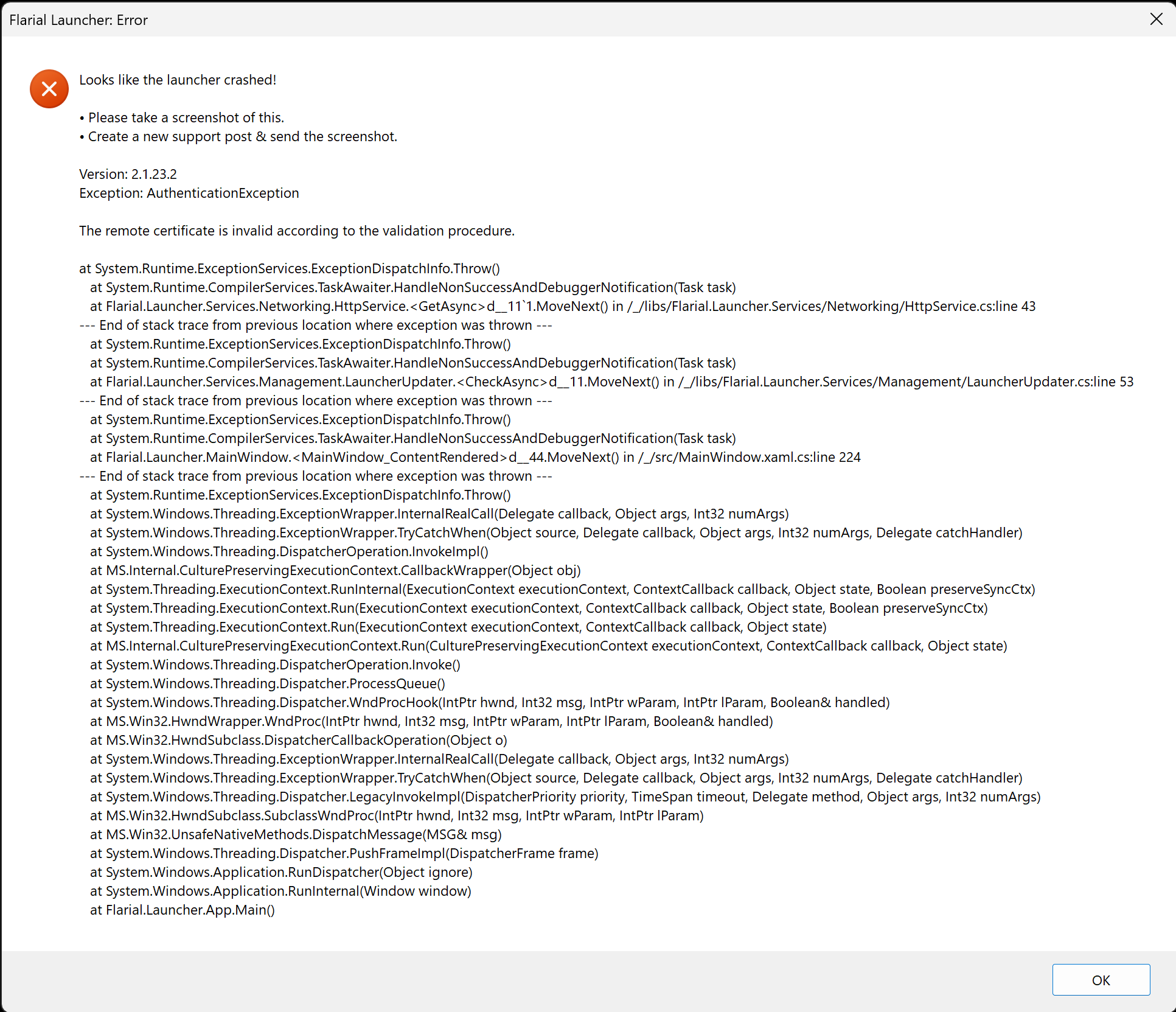
started happening again, is this because of the same issue, or because of the new minecraft updates?
#How to configure a Cloudflare WARP Proxy for Flarial Client's Launcher? redownload launcher
I did and Im still having the same problem 😢
isp issue i got to assume
if I use my mobile hotspot to boot up the launcher and minecraft it works. then i just switch to ethernet
must be an isp issue for sure then
is there any fix to it?
you might need to contact your isp
what exactly is the issue?
something from your isp's end is preventing your device from connecting to the cdn