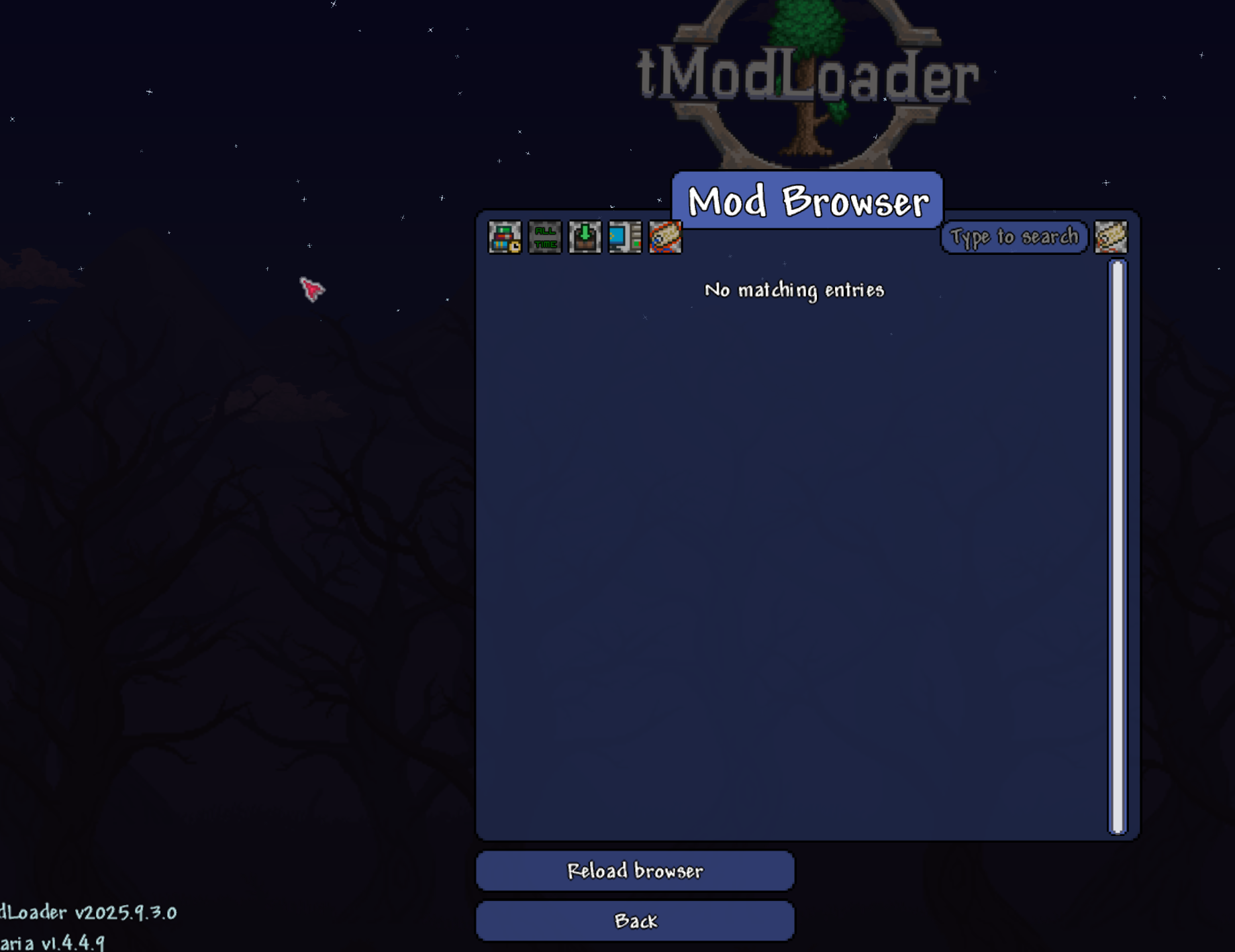
I cant see the new version of Calamity Mod, only see and download the old version.
I've done everything I can think of, from unsubscribing and resubscribing, deleting and re downloading. No matter what, I cannot see nor download the new version of Calamity mod and Calamity music mod that their creator just uploaded. Instead, all I can see and download are the old versions of them. I've spoken to the mod's creator and he said I should bring this to your attention. Any help to resolve this issue would be greatly appreciated. No matter what I do, everything is up to date on my end, done file validation, and checked the versions of both mod loader an base game. But the version of Calamity mod and Calamity music mod are for an older version of Tmodloader, not the current one. When I tried to update it, no option for updating was available. I asked Ozzatron, but they said I should ask you guys... Any help would be greatly appreciated.
3 Replies
Tag: removelocalmods
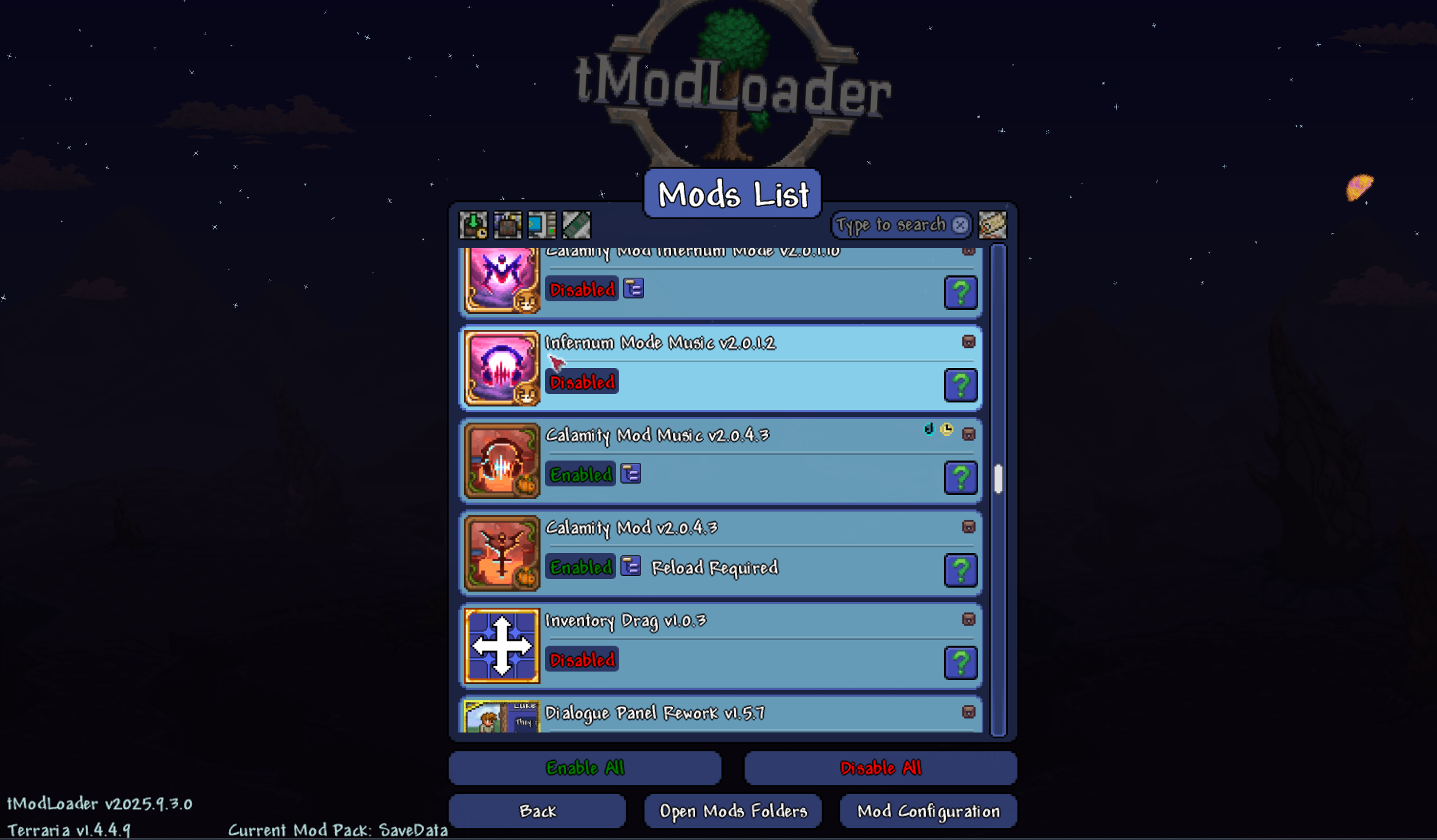
Check the Manage Mods menu. If there are mods with a pink/magenta background and no Steam icon, delete those mods. What it means is you have a local install of the mod which is overriding the likely more up-to-date Steam version. Deleting the local version will let you use the Steam version.
To delete the mod you can either:
* With the mod disabled, click the trash can icon to delete the mod in the Manage Mods menu.
* OR go to
Documents\My Games\Terraria\tModLoader\Mods and delete the tmod files there.You have a frozen version from a mod pack. ^
I deleted the mod packs, and those mods. Should I delete all the mods in that folder?
okay, re-reading the above, I'll do that
makes sense now I think about it
Thank you, that fixed everything. Problem Solved!