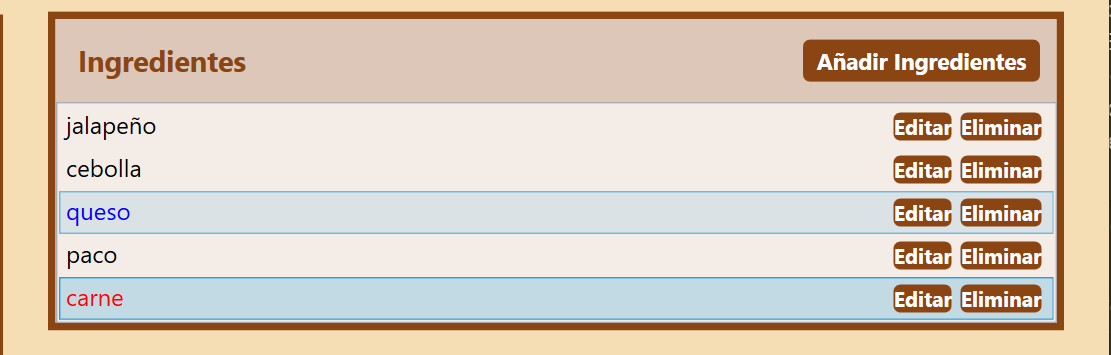
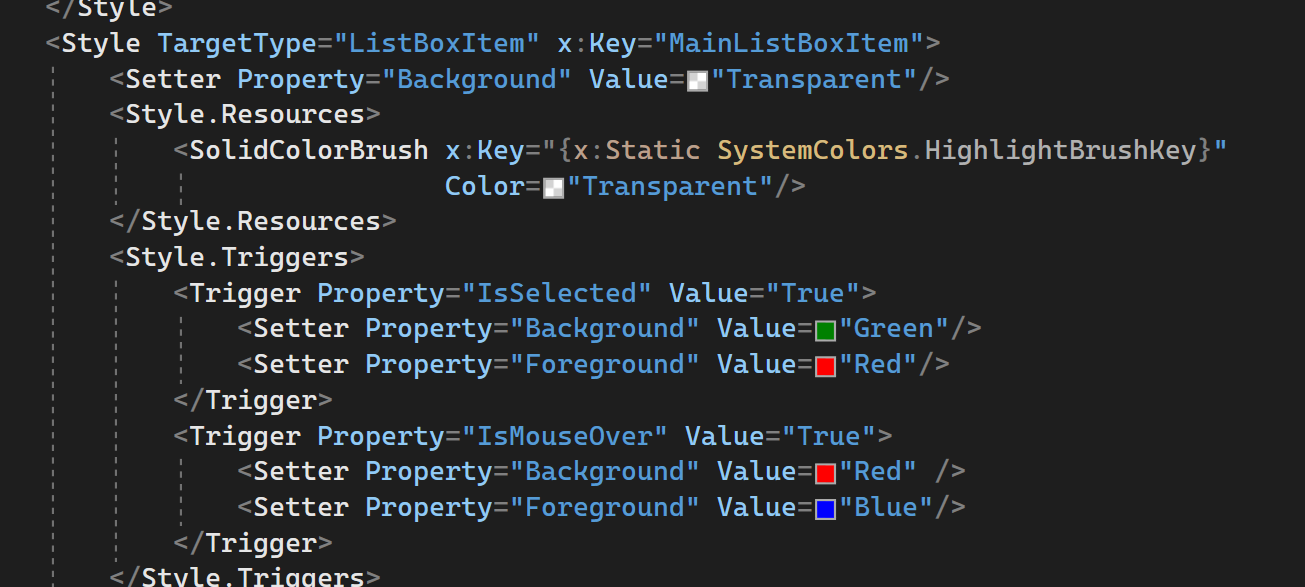
<Style TargetType="ListBoxItem" x:Key="MainListBoxItem">
        <Setter Property="Background" Value="Transparent"/>
        <Style.Resources>
            <SolidColorBrush x:Key="{x:Static SystemColors.HighlightBrushKey}"
                             Color="Transparent"/>
        </Style.Resources>
        <Style.Triggers>
            <Trigger Property="IsSelected" Value="True">
                <Setter Property="Background" Value="Green"/>
                <Setter Property="Foreground" Value="Red"/>
            </Trigger>
            <Trigger Property="IsMouseOver" Value="True">
                <Setter Property="Background" Value="Red" />
                <Setter Property="Foreground" Value="Blue"/>
            </Trigger>
        </Style.Triggers>
    </Style>
<Style TargetType="ListBoxItem" x:Key="MainListBoxItem">
        <Setter Property="Background" Value="Transparent"/>
        <Style.Resources>
            <SolidColorBrush x:Key="{x:Static SystemColors.HighlightBrushKey}"
                             Color="Transparent"/>
        </Style.Resources>
        <Style.Triggers>
            <Trigger Property="IsSelected" Value="True">
                <Setter Property="Background" Value="Green"/>
                <Setter Property="Foreground" Value="Red"/>
            </Trigger>
            <Trigger Property="IsMouseOver" Value="True">
                <Setter Property="Background" Value="Red" />
                <Setter Property="Foreground" Value="Blue"/>
            </Trigger>
        </Style.Triggers>
    </Style>