
✅ Python not correctly highlighted in Visual Studio
Hello,
I am programming Python in Visual Studio, but I have noticed that the code-highlighting is not working as I would expect. When you go to the website of Visual Studio for Python (see https://visualstudio.microsoft.com/vs/features/python/?wt.mc_id=aka_ms_python), you see images of very neat highlighted code, but in my case it looks like this (see image). As far as I know I have already installed the Data Science and Python tooling, but this brings no results.
Someone that can point me in the right direction?
I am programming Python in Visual Studio, but I have noticed that the code-highlighting is not working as I would expect. When you go to the website of Visual Studio for Python (see https://visualstudio.microsoft.com/vs/features/python/?wt.mc_id=aka_ms_python), you see images of very neat highlighted code, but in my case it looks like this (see image). As far as I know I have already installed the Data Science and Python tooling, but this brings no results.
Someone that can point me in the right direction?

Visual Studio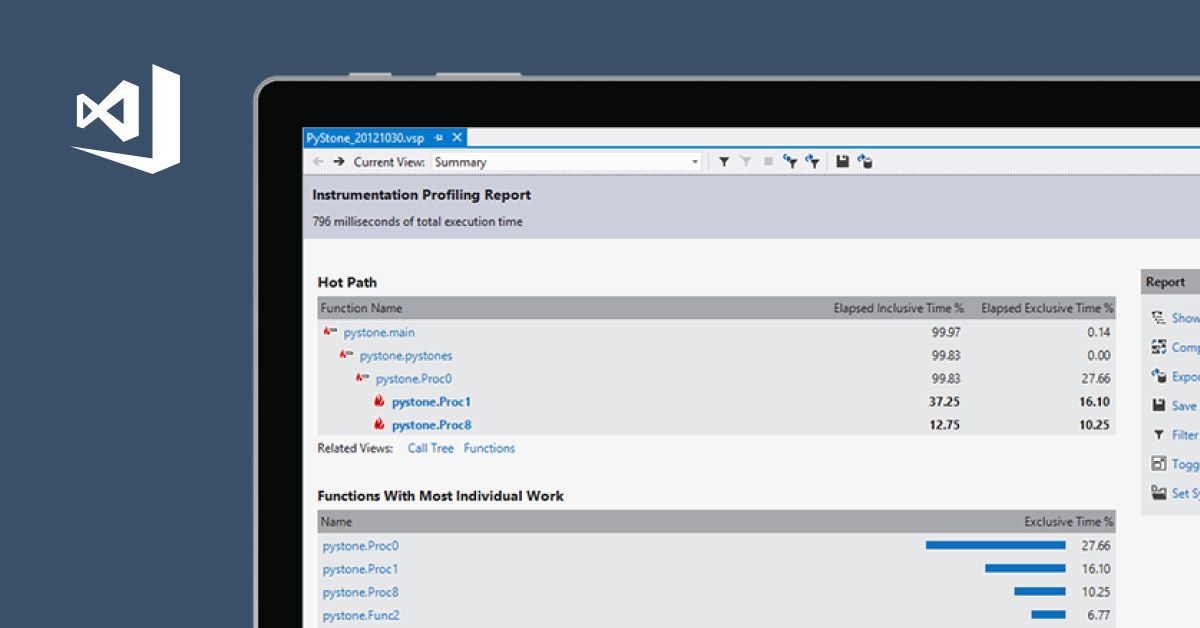
Python code insights. Visual Studio IDE analyzes your code to make suggestions. Manage 3rd party libraries. Interativey debug on Windows and Linux. Much more!

