nvidia and base image issue
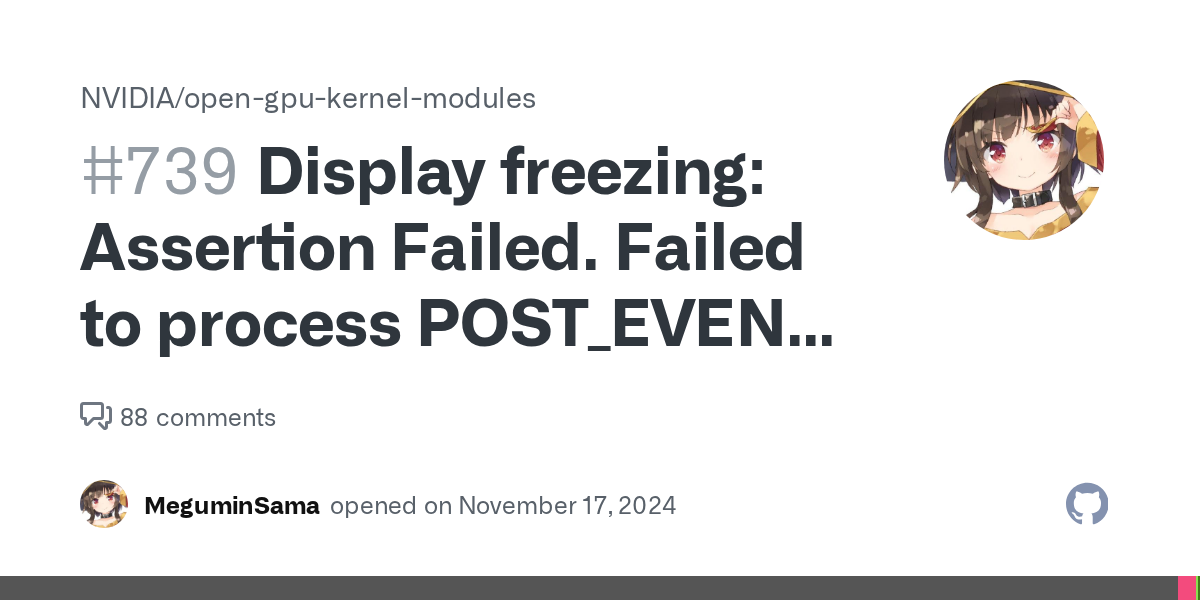
Hello, i've been running into this issue and its very annoying: https://github.com/NVIDIA/open-gpu-kernel-modules/issues/739 . I think I'm using the open kernel modules because
modinfo -l nvidia says the license is Dual MIT/GPL.
I wanted to switch to the closed source drivers, but I realized that the ublue-os/hwe repo I was using for my base was archived https://github.com/ublue-os/hwe.
Is there a recommended way to install the closed source nvidia drivers? I noticed the thread about an nvidia installer module but thats not ready yet.
Also, what should i use as my base image now that ghcr.io/ublue-os/silverblue-nvidia is archived?GitHub
Display freezing: Assertion Failed. Failed to process POST_EVENT wi...
Seemingly at random, one display will completely freeze until I reboot. The other displays continue to work just fine. If I restart the monitor, all of my remaining displays will freeze. All monito...
17 Replies
Afaik the closed source drivers are basically discontinued and don't work for newer fedora versions anymore. That's why ublue doesn't ship them anymore
im pretty sure it started happening once i upgraded to f42, which is weird. this issue is so annoying so hopefully they fix it soon π
I personally haven't heard that the -nvidia images are discontinued, I think they're just built somewhere else now
But you'd have to ask that in the ublue server in #πͺcustom-image-support
im guessing they forgot to link the ghcr repo to the new github repo
ok im tripping now it links to main instead of hwe
No you're right,. The image itself links to the hwe repo
https://github.com/ublue-os/hwe/pkgs/container/silverblue-nvidia
Here
oh wait i copied the silverblue-main url instead of nvidia lol...
ill ask them rn about it
I was just about to ask (since I also use an -nvidia image) lol, but you go
I had the same issue recently btw, it fixes itself when you relog or open the TUI and then go back the the GUI. Not sure if this is a thing in Gnome as well, but the KDE shortcut is ctrl+alt+3 and then ctrl+alt+2
usually ctrl+alt+3/2 works for me when something bad crashes, but for some reason even that doesnt work
Ok interesting
some people mentioned 575 might fix the issue, so hopefully that gets released soon on fedora
Maybe it has gotten worse again. I've had this off and on for the last half year or so and have become a bit desanitized π
My next card is definitely going to be amd tho
π π π thats pretty bad
yeah
the issue was opened in november which is crazy
The thing is it is super random
yeah this seems like a debugging nightmare
I think that's just the legacy ones, not the proprietary
Yeah, so basically
silverblue-main-nvidia ships with the open kernel as you said
If you want to use ublue's silverblue-main images, have a look at my nvidia recipe and try it out. I'm using that to update the akmods module, but lacking time right now to finish it π
GitHub
nimbus-os/recipes/recipe-dev-nvidia.yml at main Β· franute/nimbus-os
Custom Fedora image based on UBlue. Contribute to franute/nimbus-os development by creating an account on GitHub.
You'll just need the script step at the beginning of the recipe and that should be it
Now, take into account that you must use 42 as a base so that the installer adds the right kargs when installing. If not, you'll need to use
ujust command to fix Nvidia drivers
(or add the kargs manually)