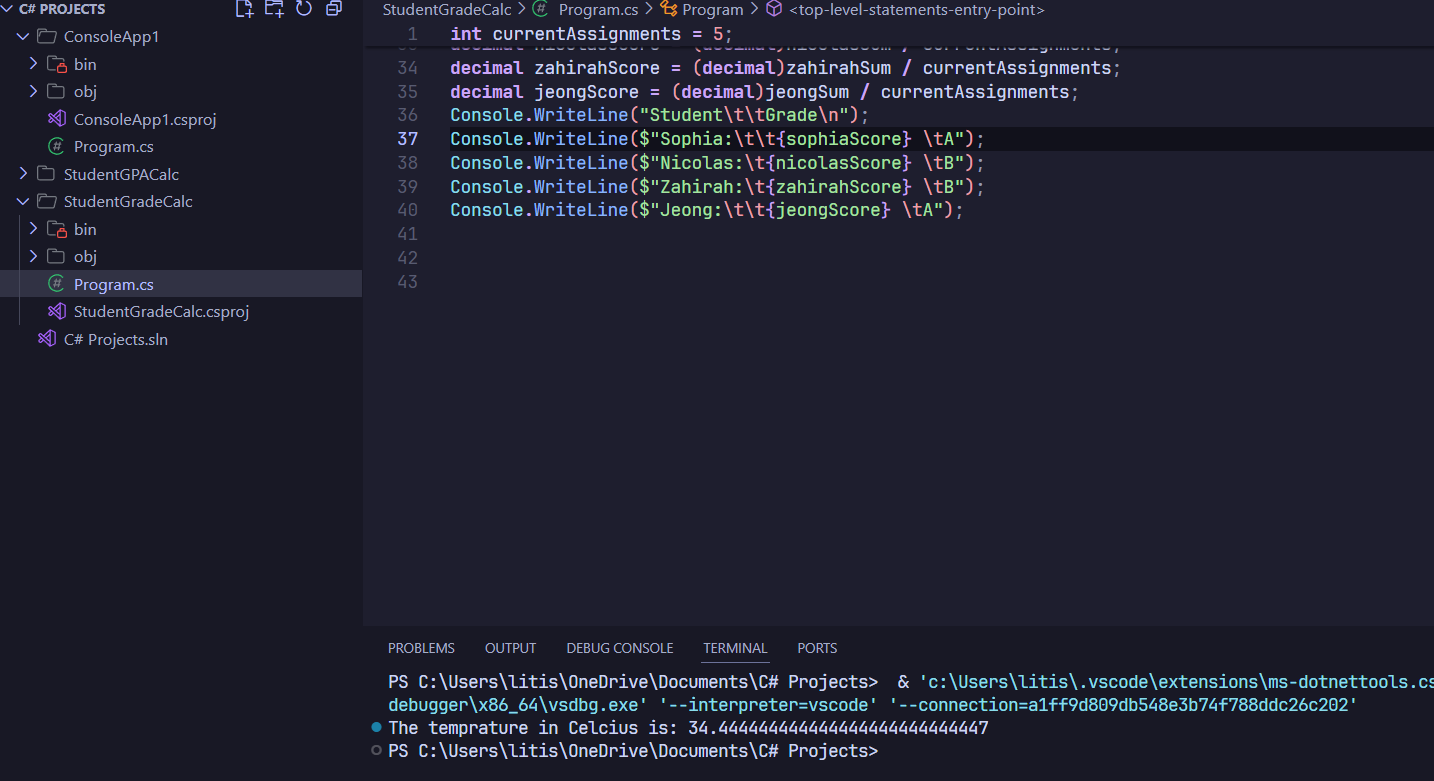
✅ How to run the active file on VS Code
So basically I have a 2 folders with different projects, one is ConsoleApp1 and one is StudentGPACalc, when I run StudentGPACalc using Ctrl+F5, it runs ConsoleApp1 instead. But when I use the run button on top left saying "Run project associated with this file", it runs my actively editing file. I want to use Ctrl+F5 to run my actively editing project. How to do it? Whenever I do Ctrl+F5 on my active file, the terminal keeps providing me solution of ConsoleApp1