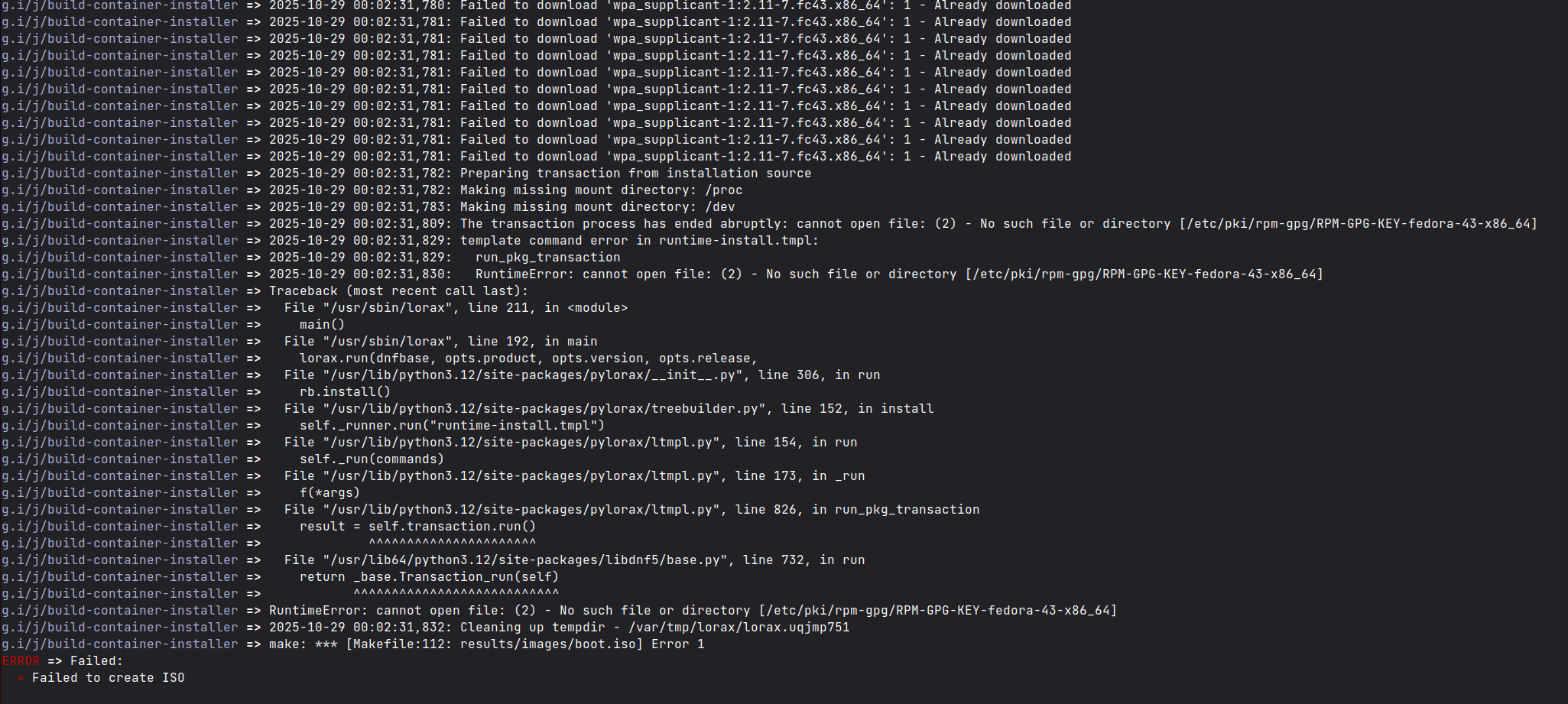
Error while generating an ISO with bluebuild CLI
Hi there,
I've installed the
Please see the attached image for more context. Any advice is appreciated. Let me know if I can share any additional information.
Custom image repo: https://github.com/naheller/nate-os
Command used:
I've installed the
blue-buildPlease see the attached image for more context. Any advice is appreciated. Let me know if I can share any additional information.
Custom image repo: https://github.com/naheller/nate-os
Command used:
sudo bluebuild generate-iso --iso-name nate-os.iso image ghcr.io/naheller/nate-os