M
Mastra•3w ago
Hans L

Mastra Cloud - new account (Google) initializes with "random" repo

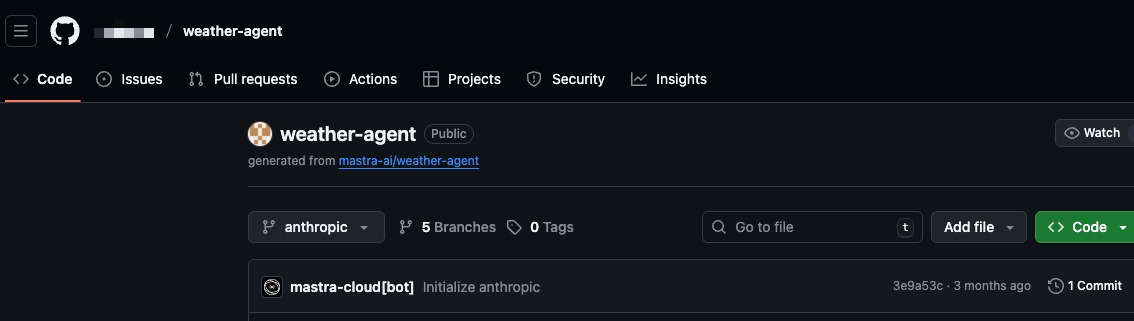
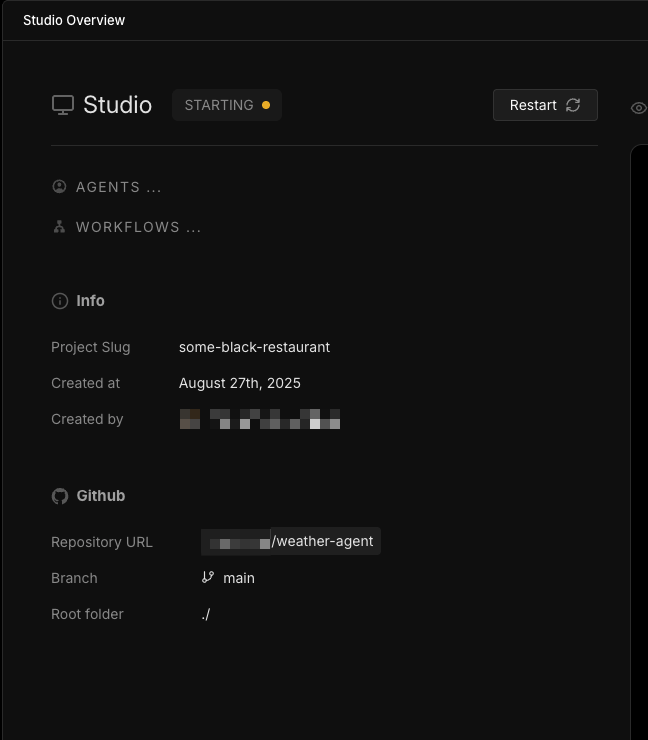
Hey Mastra Team, A bit of an odd one -- I just created a Mastra Cloud using my Google Account (I used my github account previously for my personal work and that worked fine). I didn't link to a github repo, it just asked me to provide a name for a new project. Then in Studio Overview it appears to have linked my Cloud project to someone else's (public) repo. There doesn't seem to be a way to change the repo, either. Steps to reproduce: - navigate to https://cloud.mastra.ai - click continue with google - create a new project and give it name - In Mastra cloud, navigate to Studio -> Overview
Mastra Cloud
The serverless platform for AI Agents
No description
No description
5 Replies
Mastra Triager
Mastra Triager•3w ago
šŸ“ Created GitHub issue: https://github.com/mastra-ai/mastra/issues/10274 šŸ” If you're experiencing an error, please provide a minimal reproducible example to help us resolve it quickly. šŸ™ Thank you @Hans L for helping us improve Mastra!
Yujohn
Yujohn•3w ago
Hey @Hans L thanks for reporting this, we are taking a look now and found an issue with the slug generation. May you check again? you may have to navigate to: https://cloud.mastra.ai/Hanss-team/dashboard/projects/some-black-restaurant-remedy/studio/overview
Mastra Cloud
The serverless platform for AI Agents
Yujohn
Yujohn•3w ago
A fix has been shipped on our side, once again thank you so much for reporting!
Hans L
Hans LOP•3w ago
Hey @Yujohn , thanks for the quick response and fix. The random repo is indeed gone and I see the "Setup Mastra Cloud" screen. Here I select "Create from Mastra project on Github" and installed the mastra app into the github org. However, I am not able to select a repo. It keeps asking me to install the github app (see video). Hope this helps, happy to try again anytime! Thanks!
Yujohn
Yujohn•3w ago
Hey @Hans L I'm still taking a look on my end here, but you will need to re-install the app which you can do by selecting a repo in the dropdown or select all. In the meantime I'll be digging into some logs to find out what happened. Sorry for the inconvinence and thank you for your patience on this! I just found the bug. Turns out it fails to install if you try go from Create project -> install github app. If you install the app from your team settings instead it will work. I'll try and git a fix out for this issue. Thank you so much for raising this! fix has been shipped!

Did you find this page helpful?