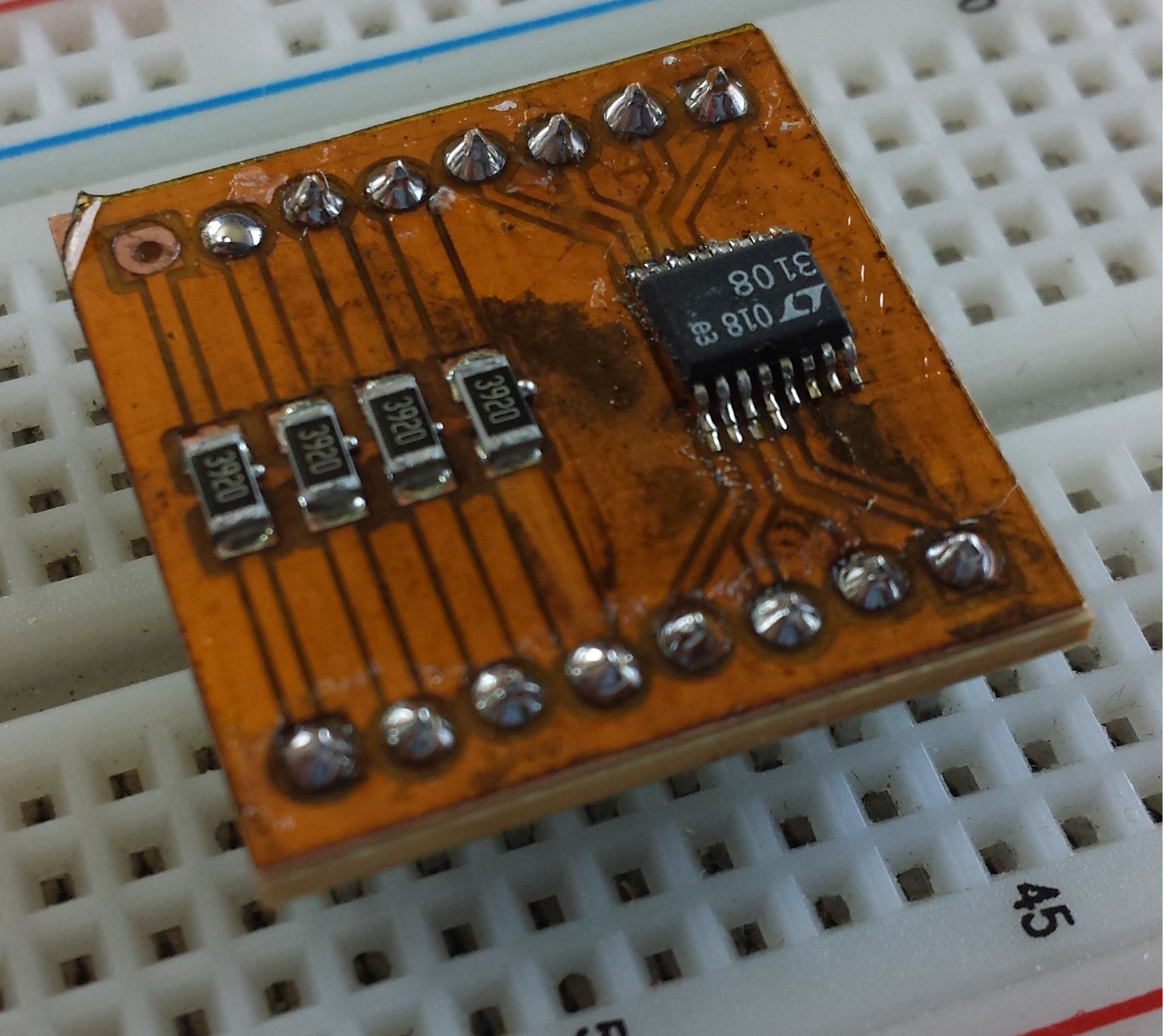
Seve - @shibo @Anas this is the technique we're...
@shibo @Anas this is the technique we're going to be using for making "Kapton Tape Solder Masks", https://hackaday.io/project/1554-making-a-solder-mask-using-kapton-tape/details
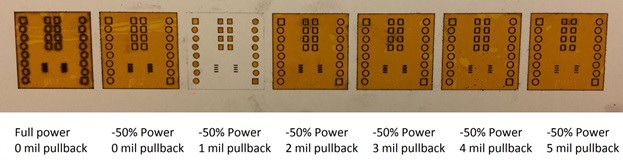
Note that they mention a "pullback" for the solder mask- this is similar to solder mask margin and yea we might want to have it be configurable at the time of LBRN generation- it basically lets me cover more or less of the pads
Note that they mention a "pullback" for the solder mask- this is similar to solder mask margin and yea we might want to have it be configurable at the time of LBRN generation- it basically lets me cover more or less of the pads
<p><strong>One-Off Solder
Mask </strong></p><p>This document outlines how to take an EAGLE layout, a printed circuit
board manufactured using the Protomat C60 circuit board cutter, Kapton tape (1
mil thick), and a Universal Laser VLS 3.50 to create a solder mask for your
circuit board. Figure 1 shows the finished
product; a cut circuit board co...
Mask </strong></p><p>This document outlines how to take an EAGLE layout, a printed circuit
board manufactured using the Protomat C60 circuit board cutter, Kapton tape (1
mil thick), and a Universal Laser VLS 3.50 to create a solder mask for your
circuit board. Figure 1 shows the finished
product; a cut circuit board co...