File got lost while renaming batch
❓Question🗄️Server☑️Ready
Dear Immich devs, first of all, big kudos for the product you have built here. Really impressive!
I learned about it recently, pulled my Google Takeout of 1TB that included albums.
Get about 40k photos, 6k videos, which resulted in 567GB when imported to immich.
The only critical issue I faced is the following:
- there were about 4000 images that were marked as created on the day of import instead of being listed at actual capture date. I noticed those were mostly from physical cameras (SONY), Pixel 2 or some older phones etc.
- i looked into some of them using
- my strategy was that I will at some later point write a script that would apply exif info immich expects, sourced from those alternative date/time values.
- I selected all of them and put them into the album. And then marked them as created at some arbitrary day in the past to move them out from the top of the gallery.
- adding them to the album went smooth, but date change through immich web interface created a havoc
- some entries date was updated correctly and moved to corresponding folders, but many got lost.
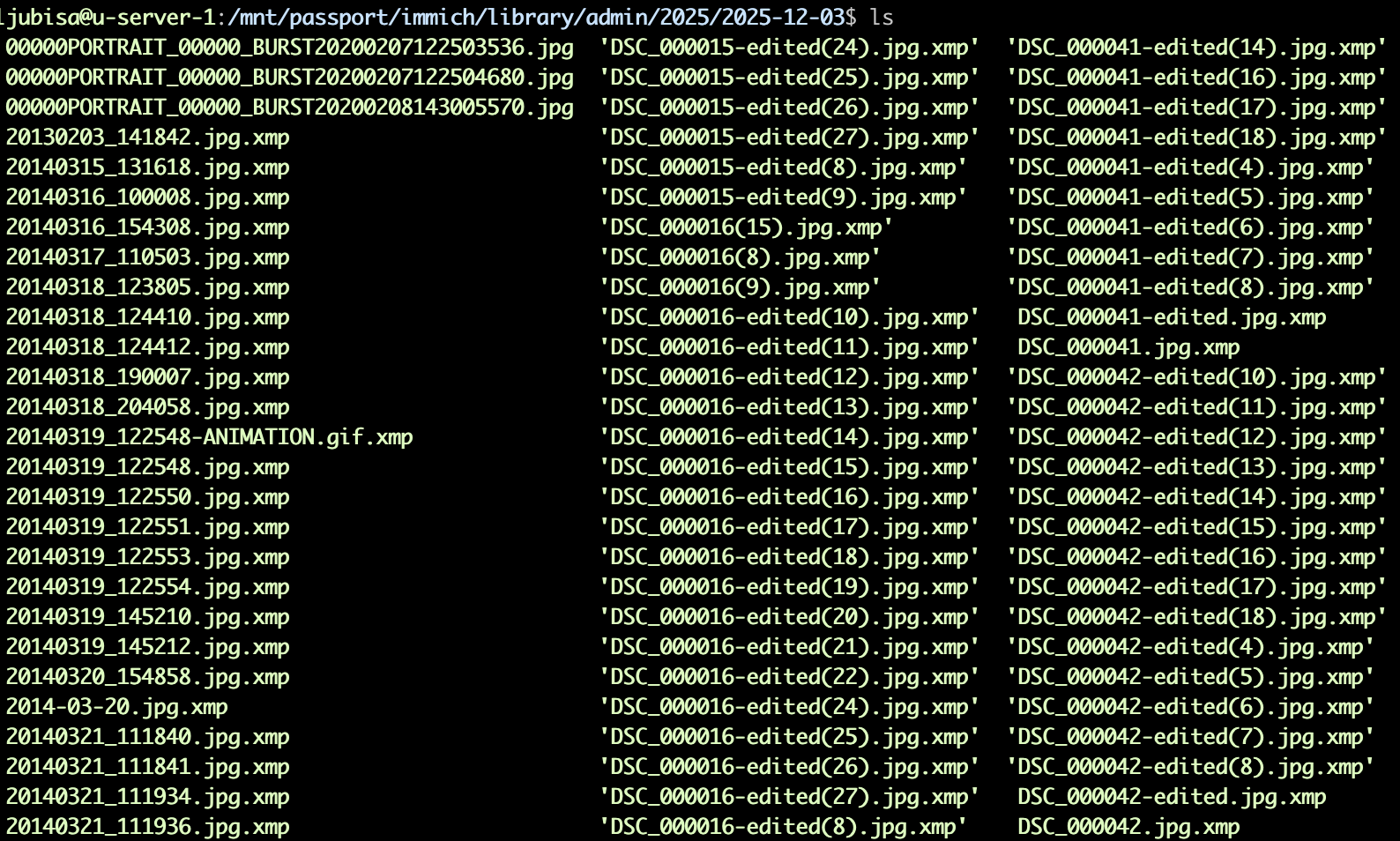
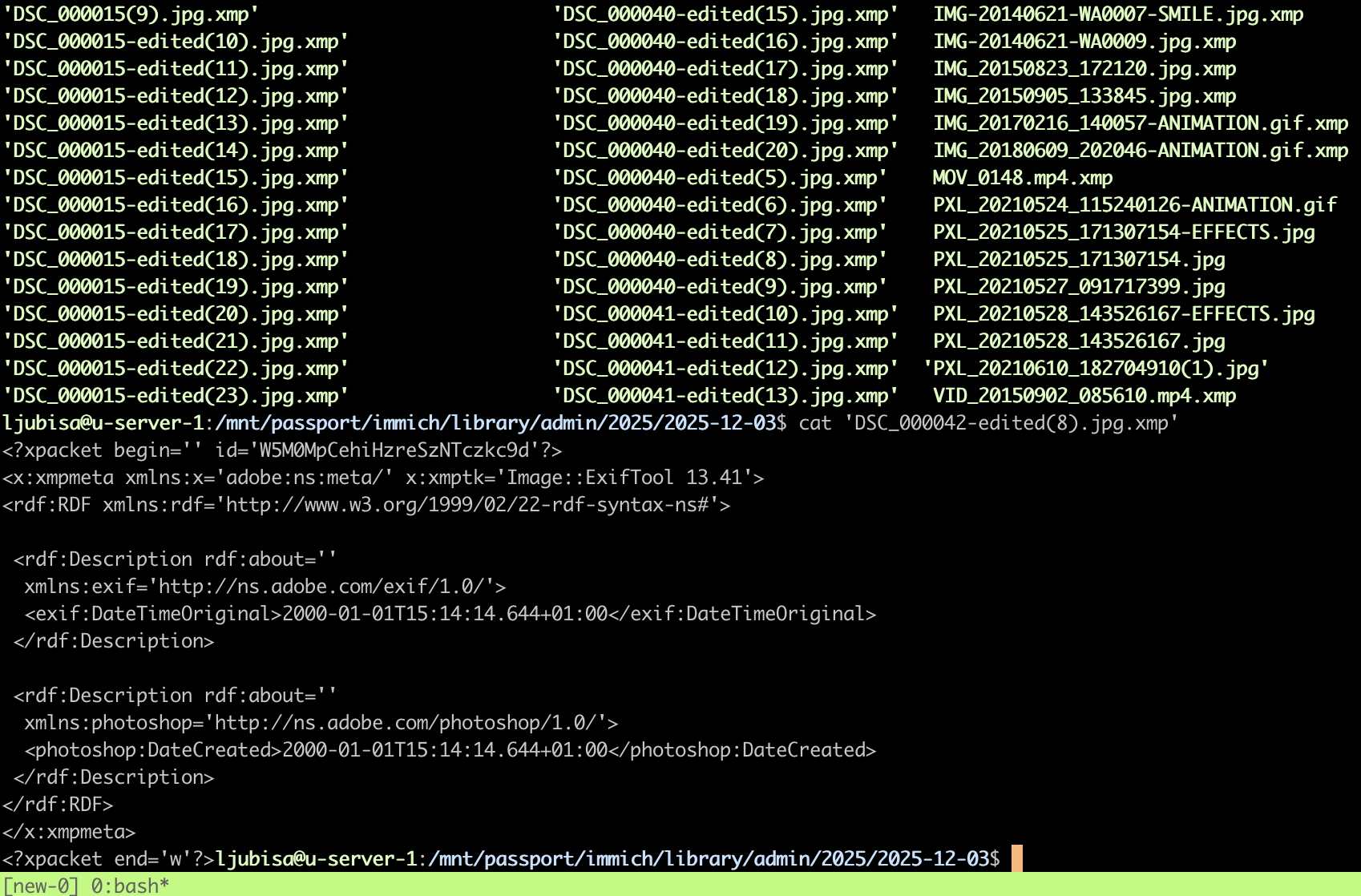
- I ended up with with bunch of
This runs on Ubuntu Server, immich v2, using an external 2TB drive, and old IBM T400 laptop.
I am in the process of buying a proper NAS.
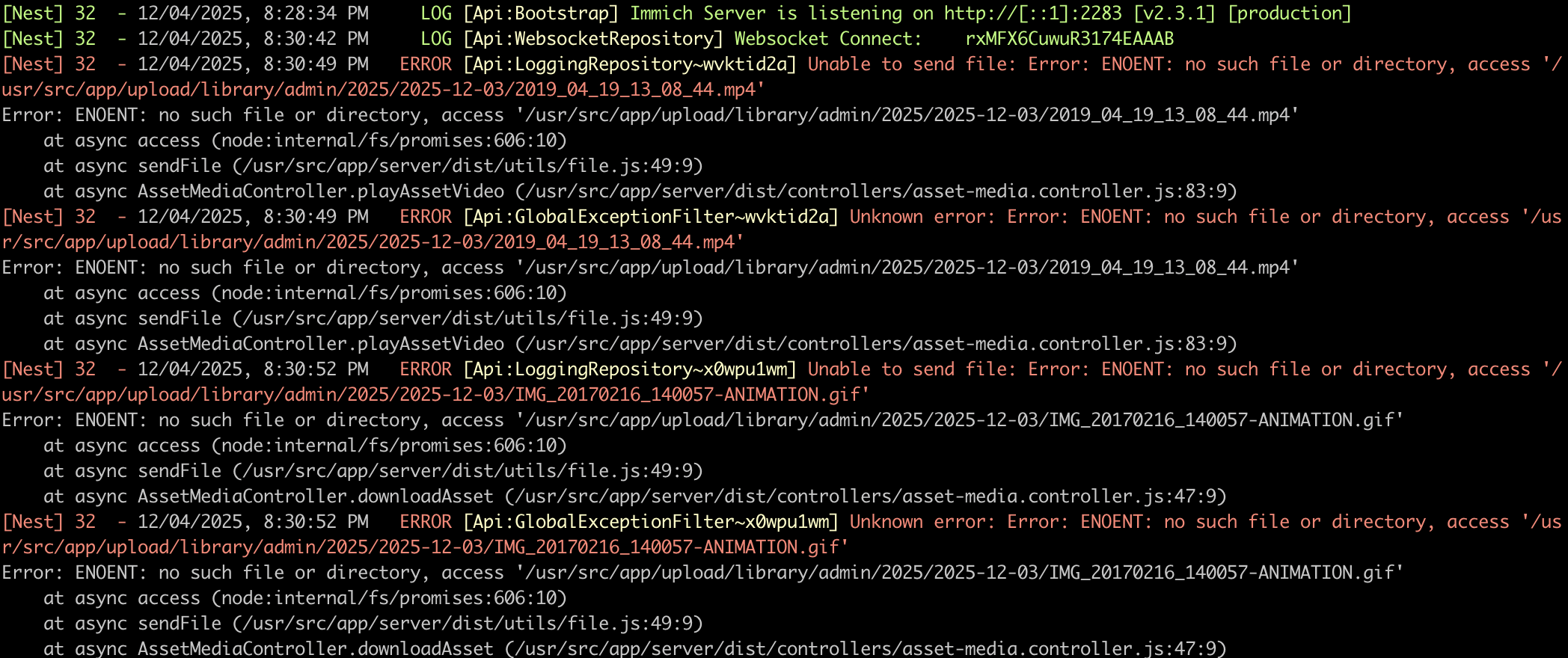
I'll share the logs and images of the originating folder after I tried the date change.
Thumbnails of the images are still there and shown in the gallery, but when I open it I get:
I learned about it recently, pulled my Google Takeout of 1TB that included albums.
Get about 40k photos, 6k videos, which resulted in 567GB when imported to immich.
The only critical issue I faced is the following:
- there were about 4000 images that were marked as created on the day of import instead of being listed at actual capture date. I noticed those were mostly from physical cameras (SONY), Pixel 2 or some older phones etc.
- i looked into some of them using
exiftoolSony Date Time: 2014:03:22 10:00:35GPS Date/Time: 2014:03:22 09:00:14ZDate/Time Original: 2021:05:28 16:35:26PXL_20210528_143526167-EFFECTS.jpg- my strategy was that I will at some later point write a script that would apply exif info immich expects, sourced from those alternative date/time values.
- I selected all of them and put them into the album. And then marked them as created at some arbitrary day in the past to move them out from the top of the gallery.
- adding them to the album went smooth, but date change through immich web interface created a havoc
- some entries date was updated correctly and moved to corresponding folders, but many got lost.
- I ended up with with bunch of
.xmpThis runs on Ubuntu Server, immich v2, using an external 2TB drive, and old IBM T400 laptop.
I am in the process of buying a proper NAS.
I'll share the logs and images of the originating folder after I tried the date change.
Thumbnails of the images are still there and shown in the gallery, but when I open it I get:
Error loading image