Immich broken after library migration on HexOS (TrueNAS Scale)
❓Question🗄️Server☑️Ready
Recently added a new HDD pool to my NAS, and needed to migrate my Immich library to the new pool, while keeping the app files and whatnot on the SSD pool. No problem right? Wrong, I now have a broken Immich instance.
Roughly following the steps here and here, I first did a database backup and stopped Immich, then tried to simply create a new Photos dataset on the HDD pool I could copy the data from. Surprise, there is no way to create a new folder to use as the Photos dataset (or move the existing dataset) within the HexOS interface. I tried to create a new dataset and it blocked me from doing so. Ended up going into TrueNAS to and replicating the data onto the HDD pool in a temp folder. Because I was unable to create a "Photos" dataset due to there being an existing one (I tried making one manually in the TrueNAS interface but it did not let me assign it as the default media location within HexOS), I was forced to delete the Immich app as well as the old Photos dataset located on the SSDs, and manually create a Photos dataset on the new HDD, then set that as the media photos location via "change default locations" in the HexOS interface.
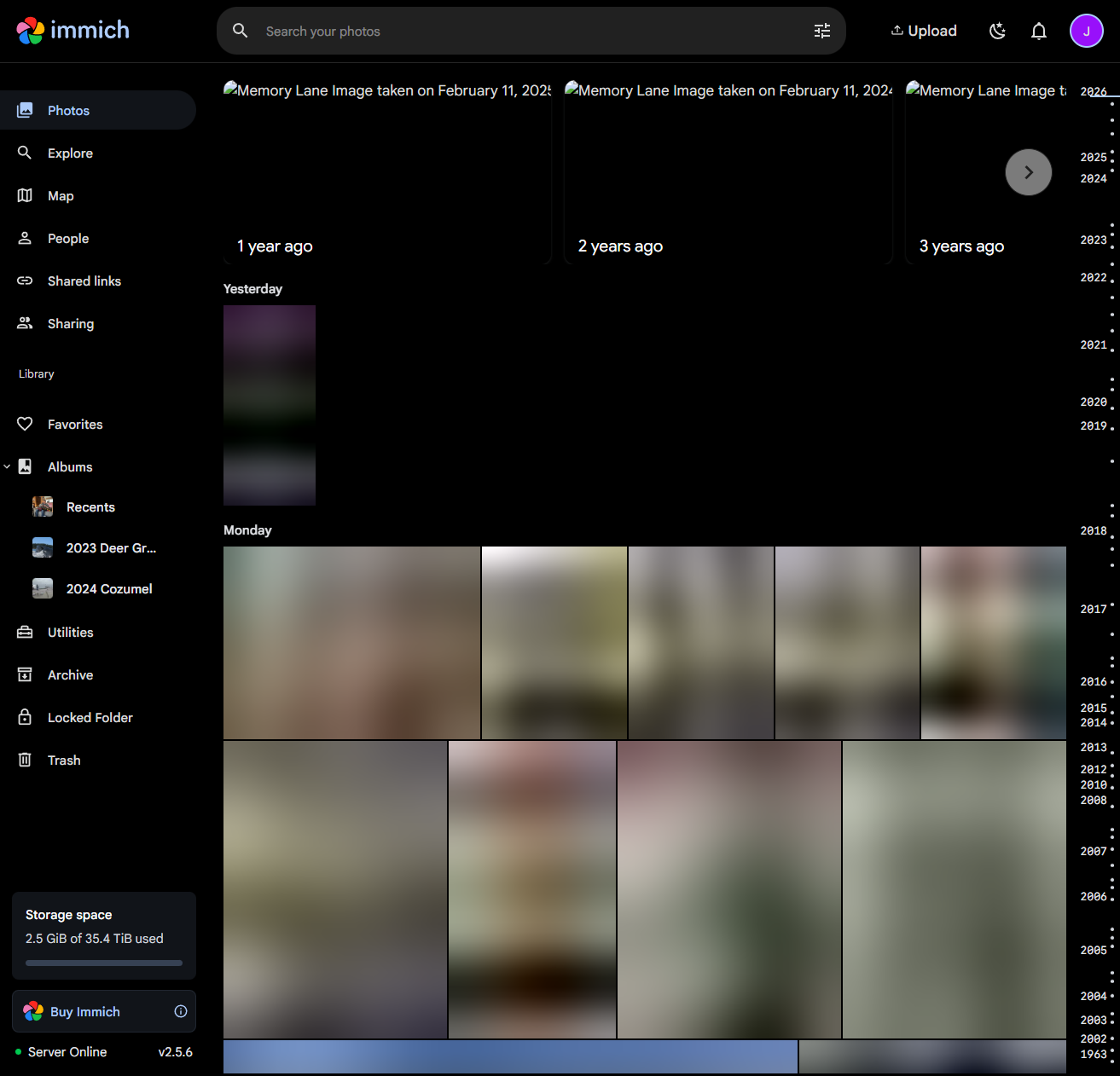
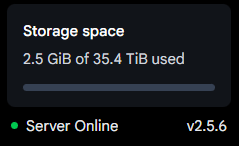
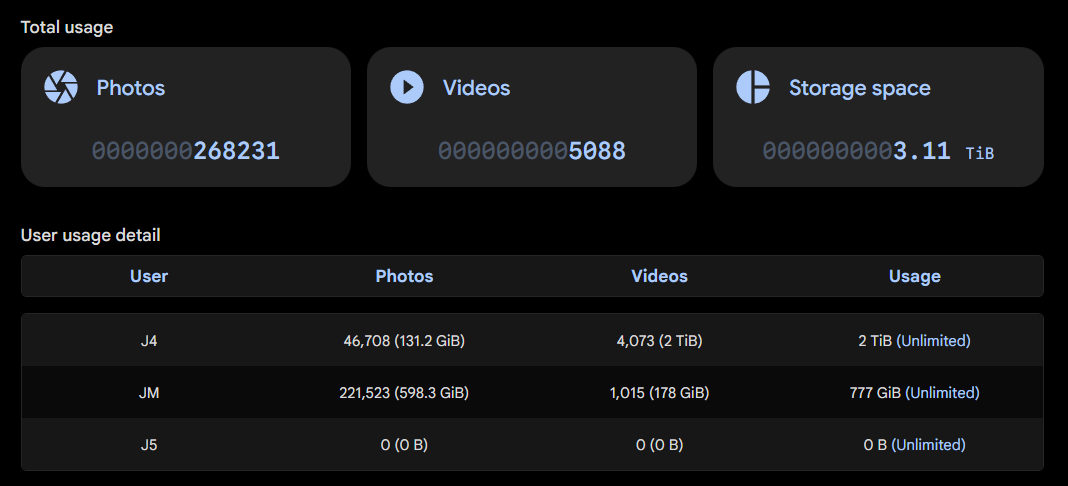
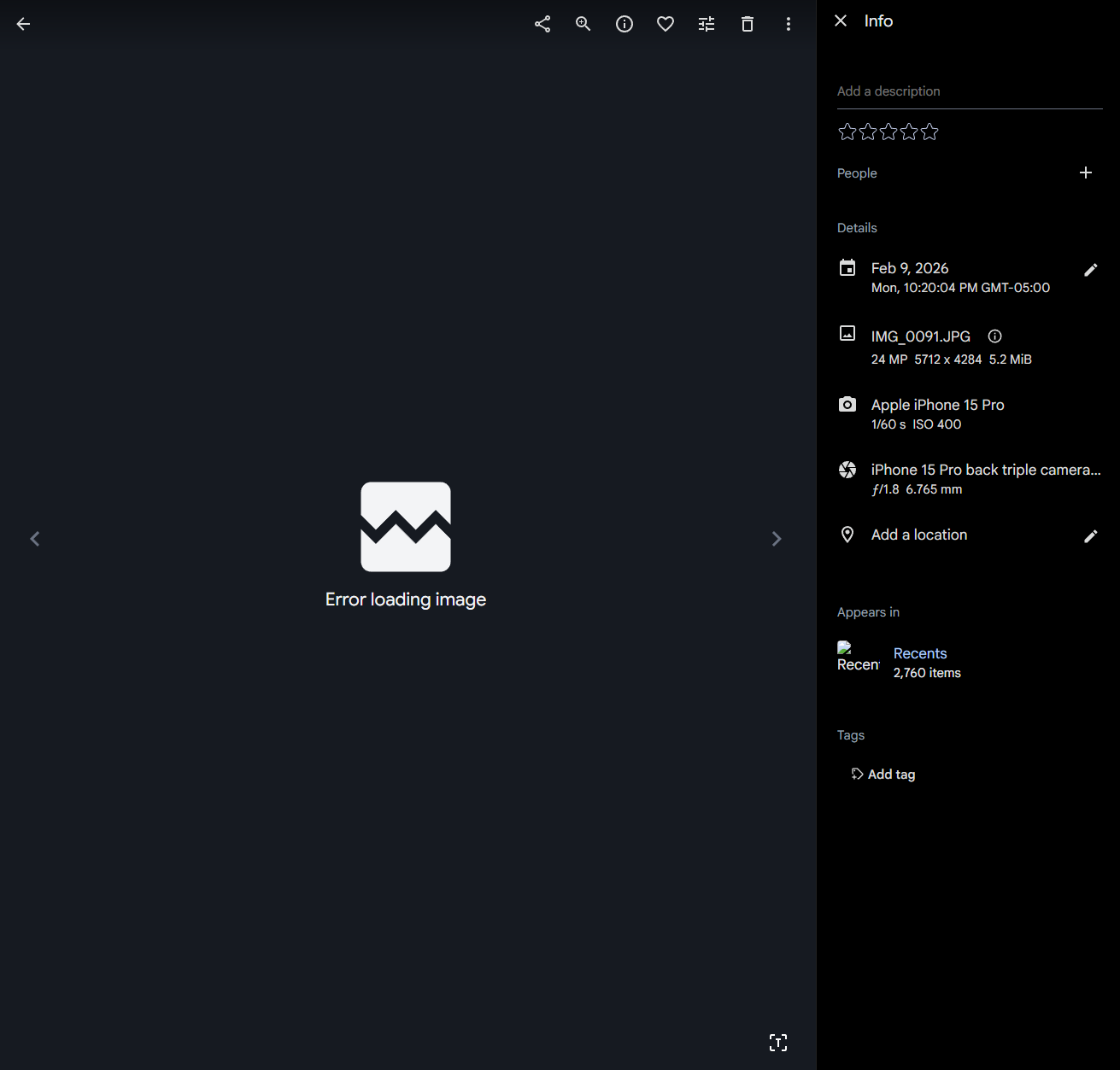
After this I was able to copy the Immich data from the temporary folder to the new HDD Photos dataset within TrueNAS with replicate task, and reinstall Immich with the HexOS interface. I performed a database restore but it told me I was missing some library, thumbs, and video transcode files but that they could be regenerated after restoring. After performing the database restore, my Immich app is broken with only the lowest possible quality thumbnails loading. I tried running jobs to rebuild thumbnails and transcodes to no avail. I verified all of my library data was copied correctly and I can go into the file structure to open whatever images I want, but nothing loads within the immich interface. Worse, when I try to download an image within the Immich interface it seems to work within immich but then I get a "site wasn't available" error in the browser. There's also a weird mismatch with the server storage space figure.
Any ideas would be much appreciated.
Roughly following the steps here and here, I first did a database backup and stopped Immich, then tried to simply create a new Photos dataset on the HDD pool I could copy the data from. Surprise, there is no way to create a new folder to use as the Photos dataset (or move the existing dataset) within the HexOS interface. I tried to create a new dataset and it blocked me from doing so. Ended up going into TrueNAS to and replicating the data onto the HDD pool in a temp folder. Because I was unable to create a "Photos" dataset due to there being an existing one (I tried making one manually in the TrueNAS interface but it did not let me assign it as the default media location within HexOS), I was forced to delete the Immich app as well as the old Photos dataset located on the SSDs, and manually create a Photos dataset on the new HDD, then set that as the media photos location via "change default locations" in the HexOS interface.
After this I was able to copy the Immich data from the temporary folder to the new HDD Photos dataset within TrueNAS with replicate task, and reinstall Immich with the HexOS interface. I performed a database restore but it told me I was missing some library, thumbs, and video transcode files but that they could be regenerated after restoring. After performing the database restore, my Immich app is broken with only the lowest possible quality thumbnails loading. I tried running jobs to rebuild thumbnails and transcodes to no avail. I verified all of my library data was copied correctly and I can go into the file structure to open whatever images I want, but nothing loads within the immich interface. Worse, when I try to download an image within the Immich interface it seems to work within immich but then I get a "site wasn't available" error in the browser. There's also a weird mismatch with the server storage space figure.
Any ideas would be much appreciated.