
Svg sizing issue...
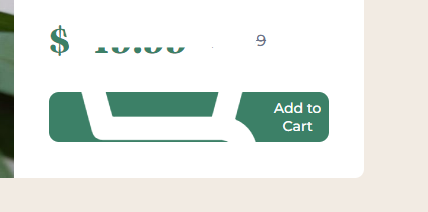
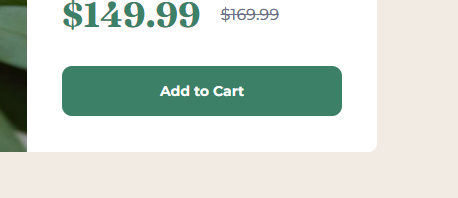
I am trying to do replicate a design from frontend mentors. There is a "shopping cart" svg they provided that should be in a button with "Add to Cart" text. Now, the problem is that when I put the svg next to the text, the svg appears to be massive and can't be controlled. Please help.
Button without the svg (Looks ok):
Button with the svg:
svg (shopping cart):
Please help.
Button without the svg (Looks ok):
Button with the svg:
svg (shopping cart):
Please help.

A friendly place for developers to meet other devs, ask questions, get help, and just have a good time 🙂.
36,263Members
Resources
Similar Threads
Was this page helpful?
