Stop table container from expanding itself to fit absolute nested children
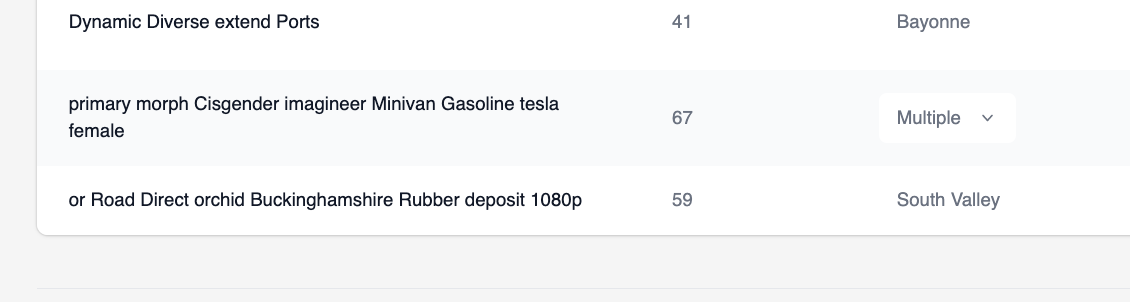
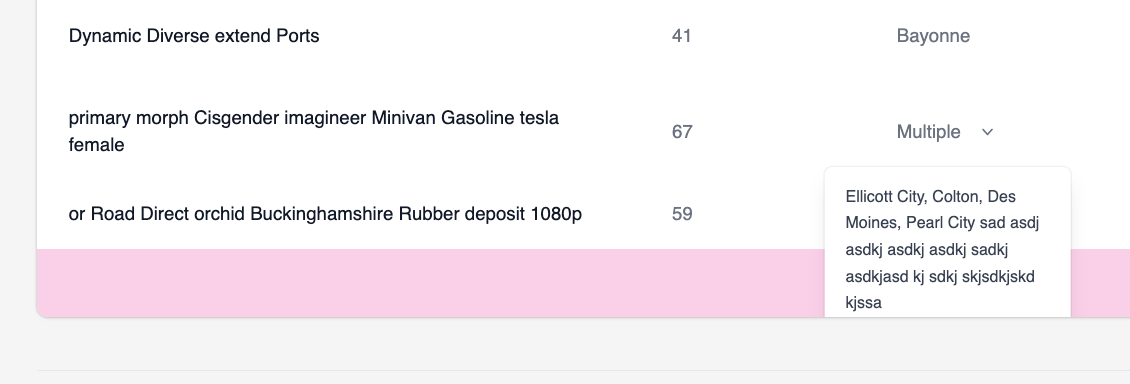
Hello, I have a table that has a column that contains a button that expands a text element. First 2 screenshots show what it looks like before button is clicked and after it's clicked and text is shown.
I'm using Vue to show/hide element with v-if, so it's either in the DOM or not, no
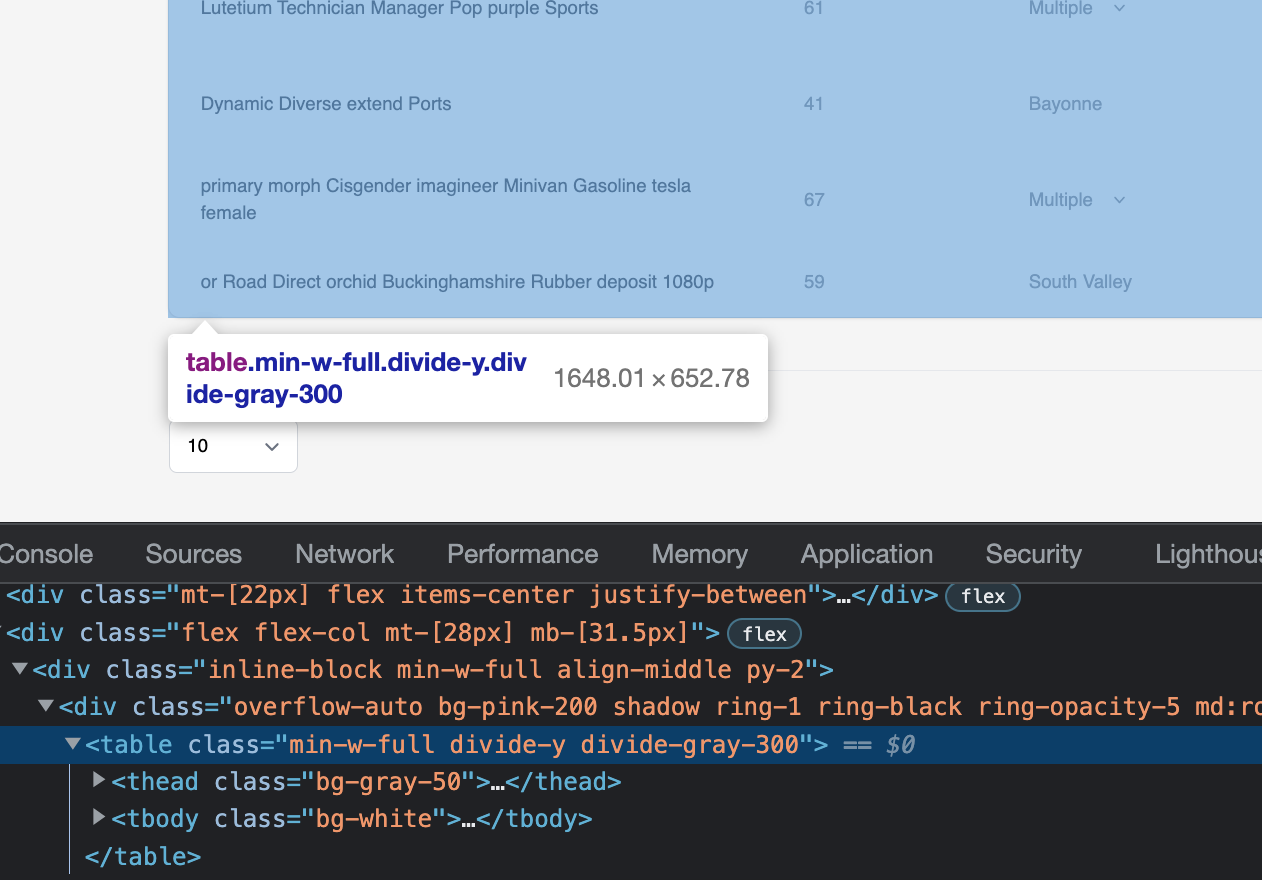
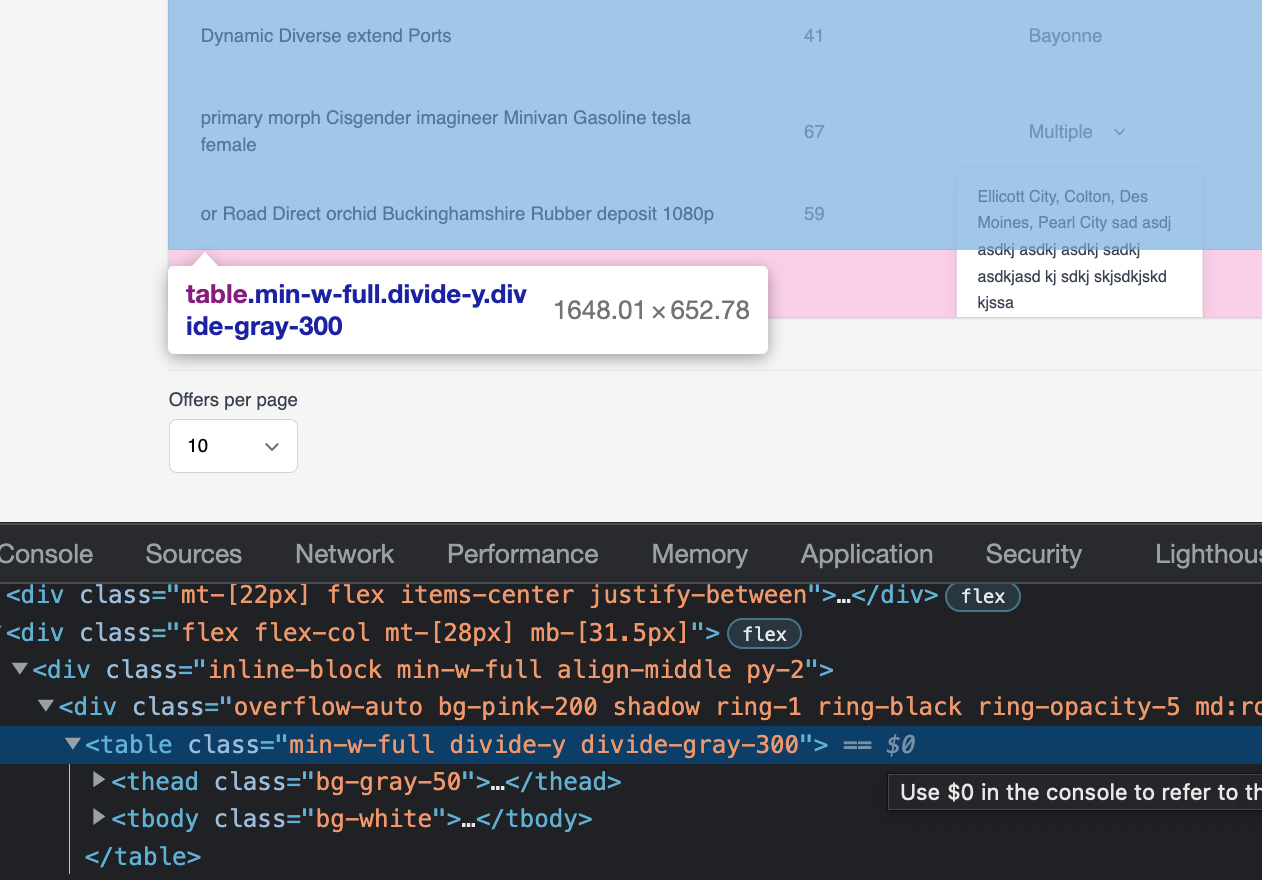
As you can see when the text is expanded the table container (pink) expands to fit it, screenshots 3 and 4 show before click and after of inspector elements. The table stays the same size but parent div expands to fit my added absolutely positioned element.
How can I make it stay the same size of purely table rows and not expand when my text block is being shown?
Here's an approximate snippet the table structure seen in screenshots.
I'm using Vue to show/hide element with v-if, so it's either in the DOM or not, no
displayAs you can see when the text is expanded the table container (pink) expands to fit it, screenshots 3 and 4 show before click and after of inspector elements. The table stays the same size but parent div expands to fit my added absolutely positioned element.
How can I make it stay the same size of purely table rows and not expand when my text block is being shown?
Here's an approximate snippet the table structure seen in screenshots.