
How to create restrict absolute positioned element from leaving grandparent's boundary?
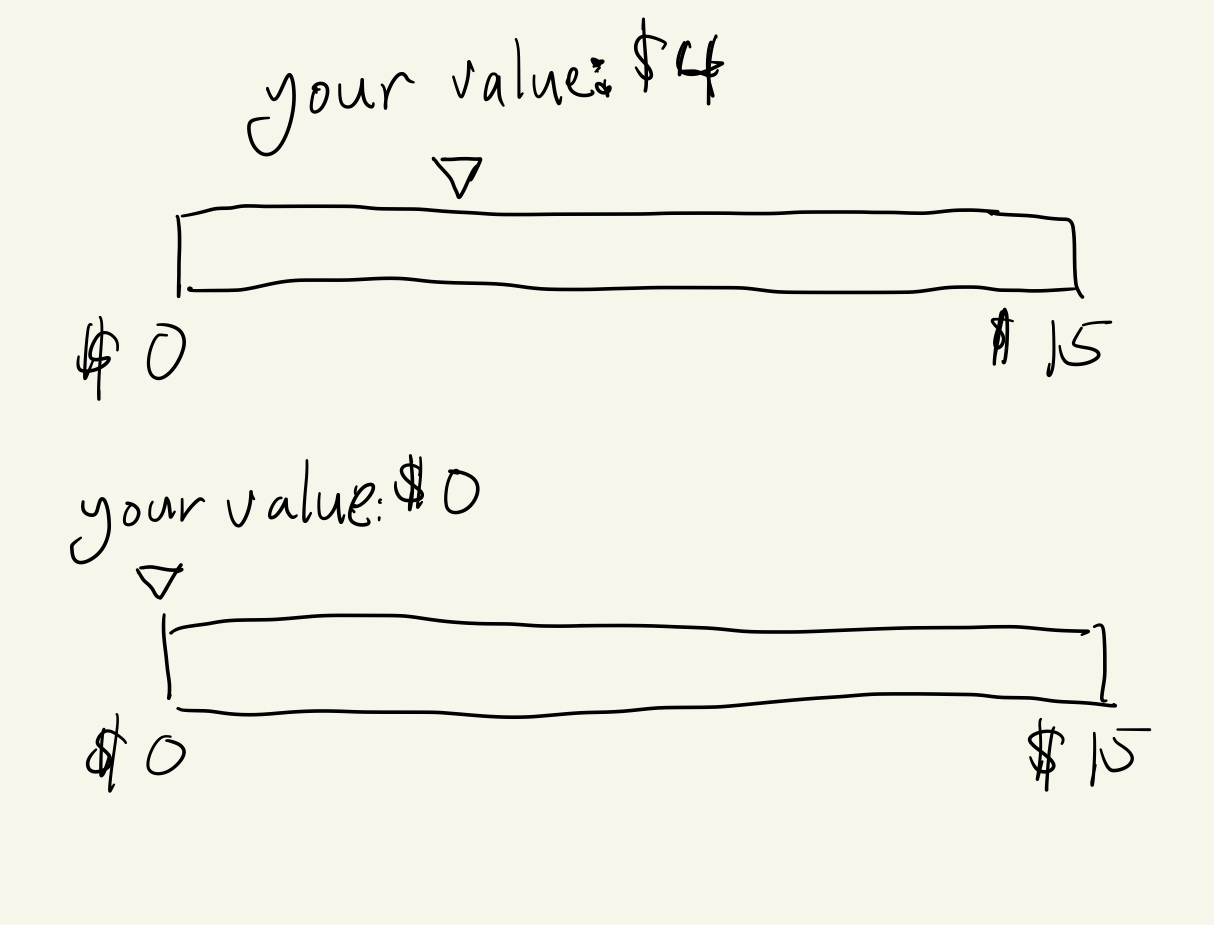
I have an element that displays a value range and a text bubble above it that communicates where the value lies in the range. When the value is in the middle of the range, I would like the text centered on its pointer and if it is near the edge, I would like the text to shift to contain itself within the grandparent's boundary. How can I contain the grandchild within the grandparent's boundary?
This is what I have so far. I can get what I need it to do until the value is near the boundaries where I need the text to be off-center of the arrow
This is what I have so far. I can get what I need it to do until the value is near the boundaries where I need the text to be off-center of the arrow

A friendly place for developers to meet other devs, ask questions, get help, and just have a good time 🙂.
36,263Members
Resources
Similar Threads
Was this page helpful?
