BlendOS on VirtualBox
Hi everybody! I wish to try the BlendOS experience on a virtual machine before doing anything serious on it.
I'm not sure how to install it correctly, as my first attempt led to quite a lot of errors, like fullscreen not working, and the os being stuck at the installation phase.
Can anyone guide me as to how to install and use it on VirtualBox? Thanks in advance!
21 Replies
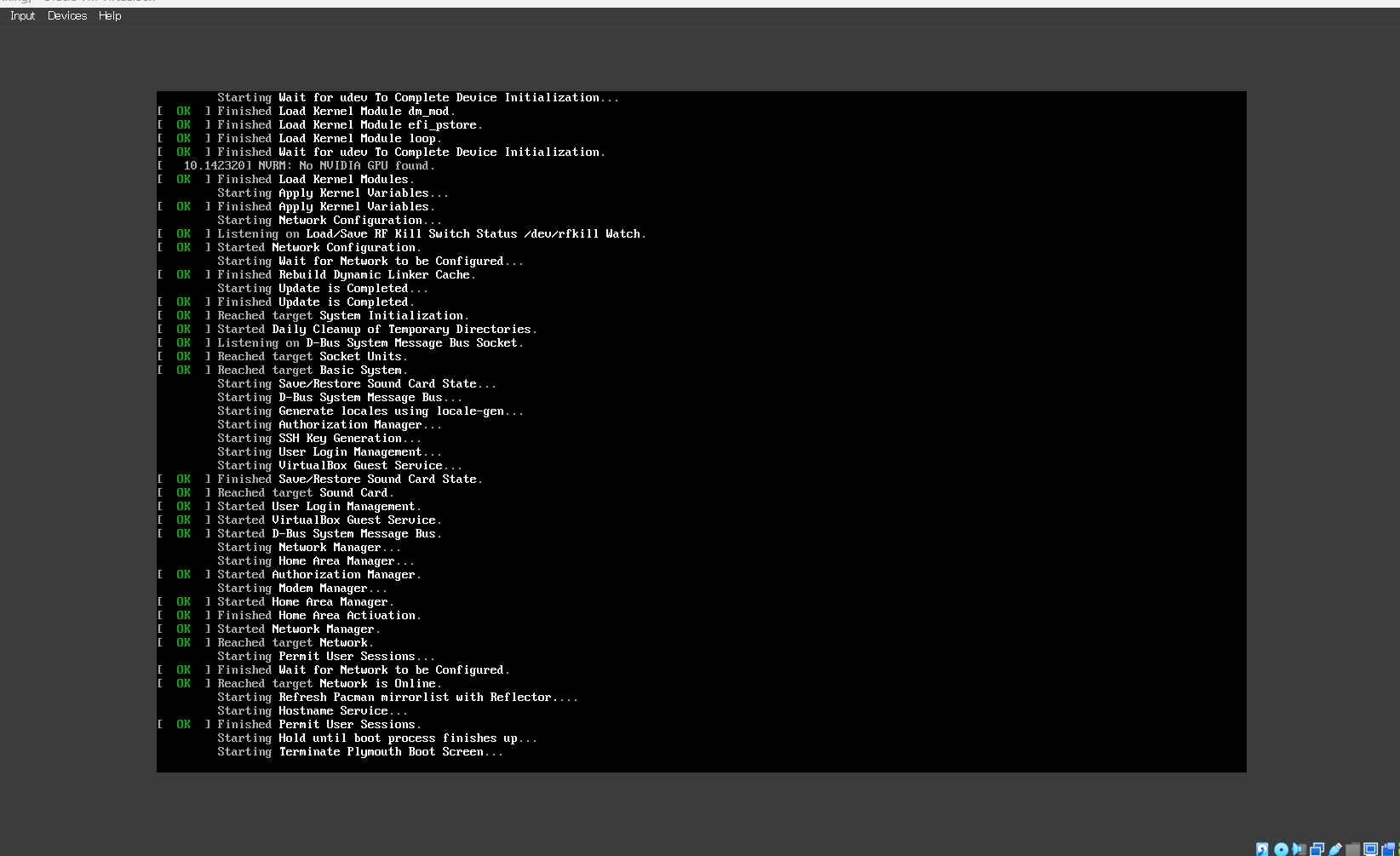
its been stuck like this for the past few hours
plasma version
did a shutdown and re did it
works
but lots of errors in log files
Send a screenshot of your Vms settings
@α²Ό also make sure to @ me
like on a real machine
I should make an ova vbox image
I'm going to re install the os from scratch, so I can give more information:


@α²Ό Enable EFI

it is now done

Ok, tell me if it boots and stuff
We need VM images
To avoid this shit
It boots well, but android is a bit finicky and cant seem to get it working
Do you have the nested setting turned on?
This is a screenshot from an article about it.

Running VMs in virtual box requires it. And iirc the Android thing is basically a VM
its disabled?

btw I have disabled hyper-v recently, due to bluestacks constantly bugging me to enable it
(Hyper-V is not meant for windows 11 home, so when bluestacks says it wants hyper-v, it couldnt do anything. Its technically there, but since its locked behind software, bluestacks detects its there, but couldnt use it)
Probably nothing you could do then to fix the VMs issue with android apps then, assuming the cause of the issue is nesting being disabled.
oh..
I wanted to try blendOS because of the stock android support
and the containers
does that mean containers wont work as well?
d
i saw ubuntu touch people run waydroid succesfully
The issue is that due to something with Windows 11 on their computer not supporting hyper v or something, prevents vm nesting to be supported.
why the EFI must enabled?