Installing BlendOS on Gnome Boxes
Hi I am a linux noob and have rarely used VMs in the past (hence why I am using Gnome Boxes as it is the most readily available.)
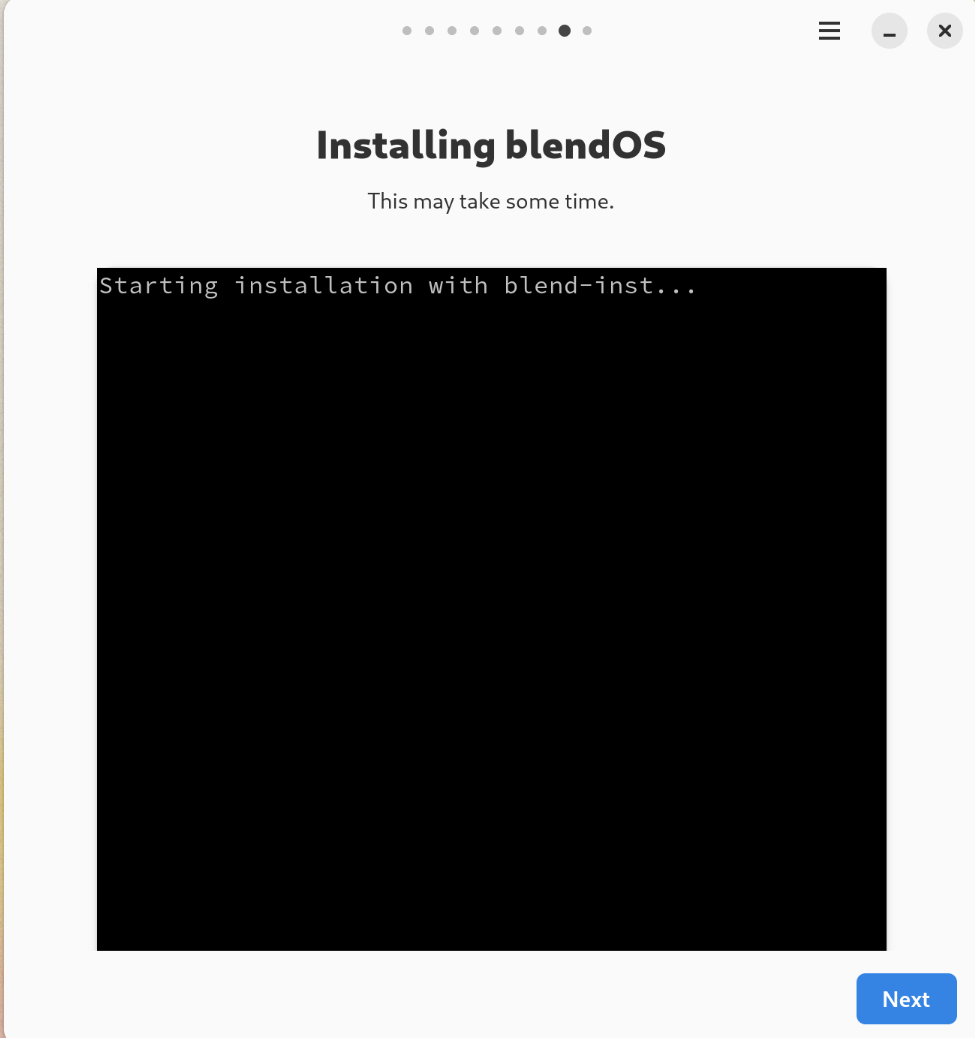
I am able to boot into the live instance and go through the Installer yet when I get to the panel that actually installs anything it shows "Starting installation with blend-inst..." and the "Next" button is available right away.
I have left it on this window for over a half hour yet nothing else appears.
The VM shows internet connection and I am able to navigate everything as expected.
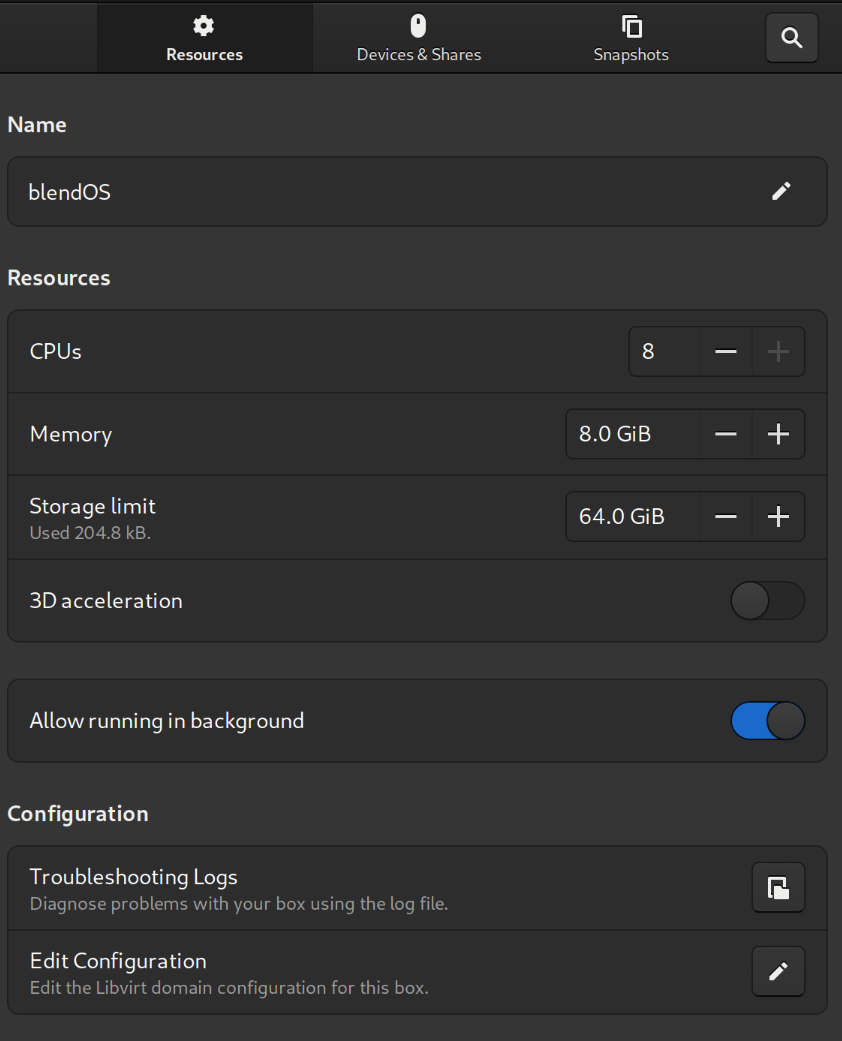
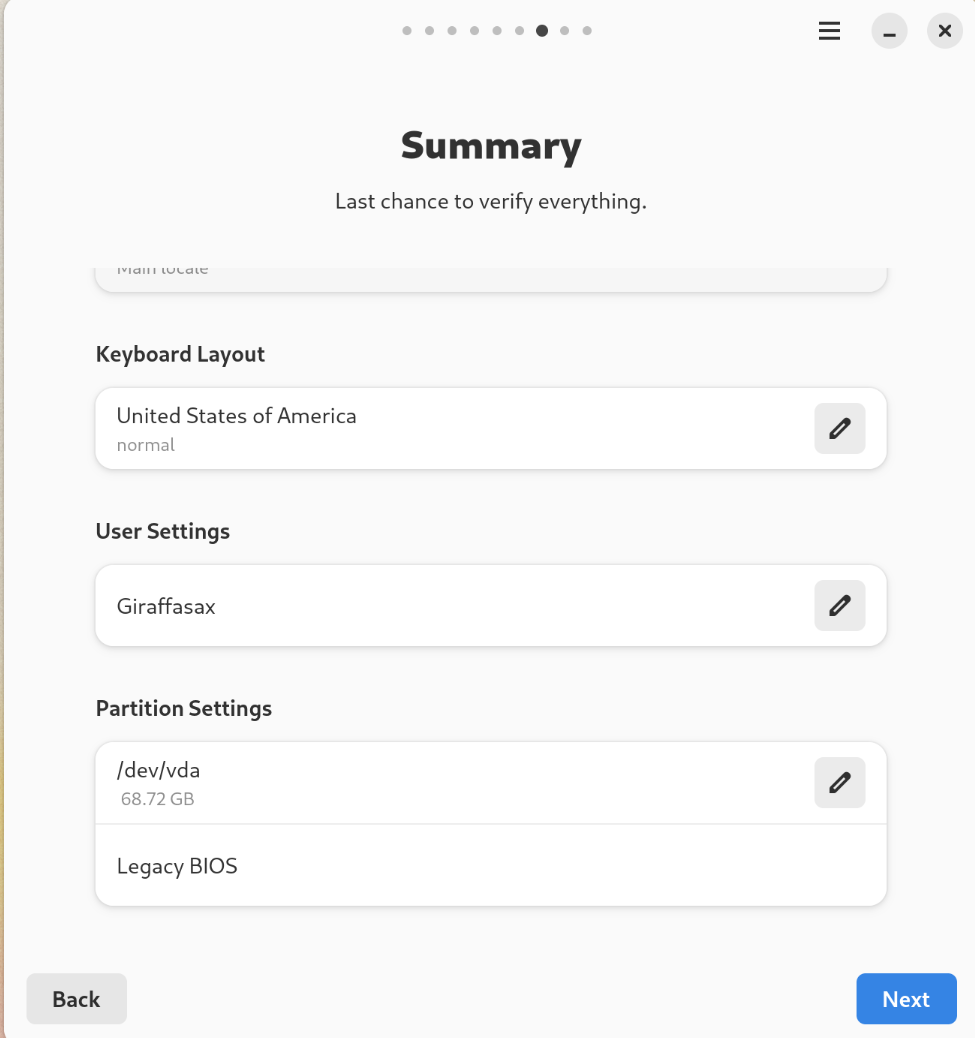
Attached are some images of my VM settings, the summary before install, and the stuck install window.
I am able to boot into the live instance and go through the Installer yet when I get to the panel that actually installs anything it shows "Starting installation with blend-inst..." and the "Next" button is available right away.
I have left it on this window for over a half hour yet nothing else appears.
The VM shows internet connection and I am able to navigate everything as expected.
Attached are some images of my VM settings, the summary before install, and the stuck install window.