Error: Input not supported on USB installation
I am currently using an Acer monitor and when booting up the USB everything works fine, but after the boot screen my screen turns black and after a few seconds a message pops up on my monitor screen the following message was: "Input not supported", does anyone have a fix for this? GPU info: NVIDIA GeForce GTX 1650
33 Replies
what did you flash it with and do you have another gpu
I used Rufus and no I have only one GPU
I tried to fix it but it just wouldnt work
The GUI boot screen was fine
but after
it errored
@ム丂イ乇尺ノ丂ズ Do you know how to fix that?
Should I use something else than Rufus or is it okay?
use etcher
and try again
Alright
balenaEtcher - Flash OS images to SD cards & USB drives
A cross-platform tool to flash OS images onto SD cards and USB drives safely and easily. Free and open source for makers around the world.
@ム丂イ乇尺ノ丂ズ That didn't work for me sadly
Got any other fixes?
can you hit Alt+F2 during boot?
I tried pressing Ctrl + Alt + F2 at some point but it just turned pitch black and after 1 second the message pops right back
This also happend to me when I installed Nvidia drivers on Ubuntu
I don't know if that's the case though
But yeah i'll try that right now
again
@ム丂イ乇尺ノ丂ズ The same thing happend
Got anything else I could do?
send a picturee of the input failed screen
alright
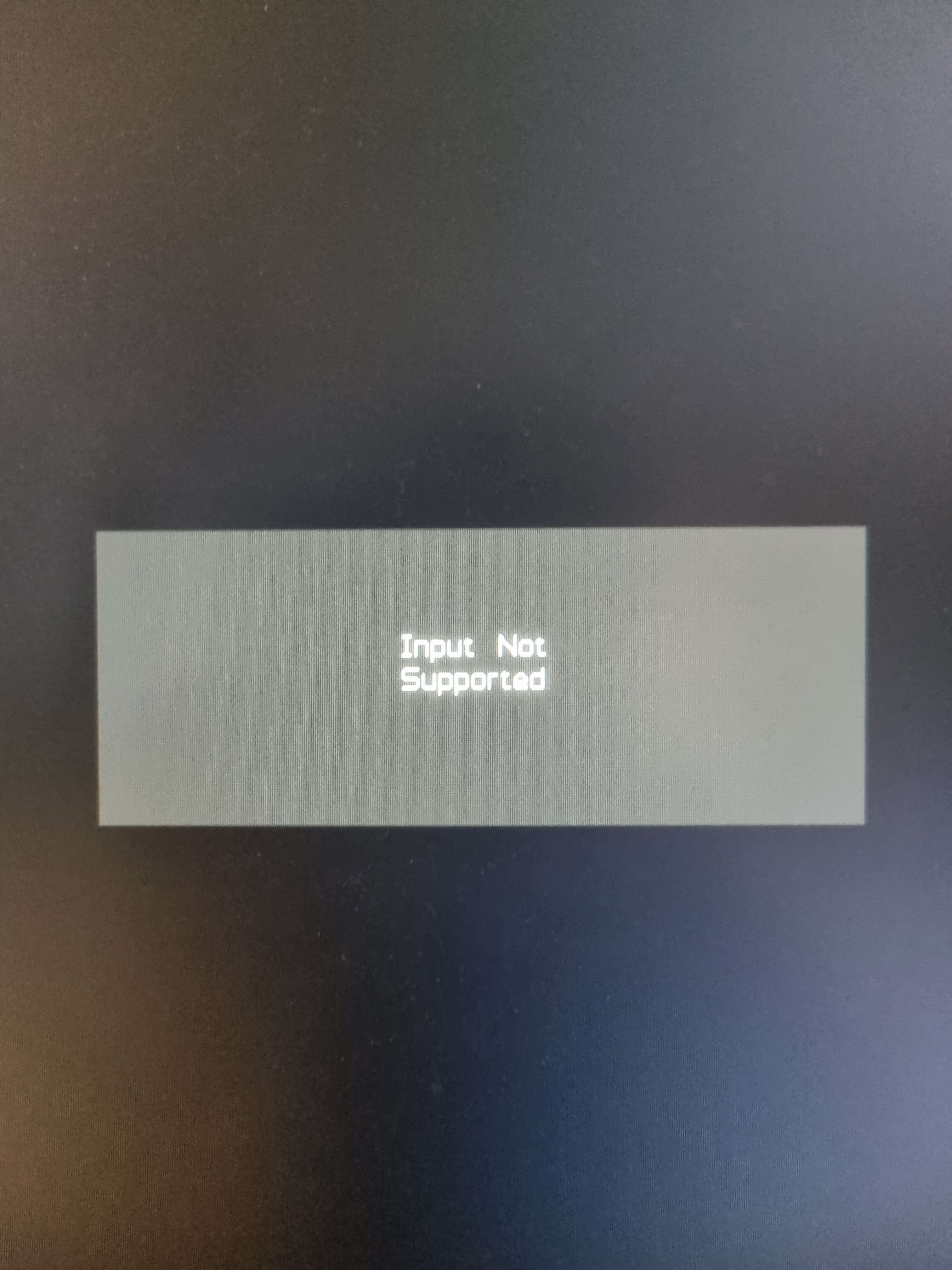
Sorry for the bright image
@ム丂イ乇尺ノ丂ズ
sure it's not your monitor?
I think it actually is
Does this happen because of the graphics driver?
I've seen this happen a lot to acer monitors
but I didn't think that it was that problem
Got any idea how I can fix this?
Because I don't really want to buy another monitor right now
@ム丂イ乇尺ノ丂ズ
don't think so
use another monitor
¯\_(ツ)_/¯
even a tv will do
or get an intel/amd iGPU
Found the issue
I tried installing the nvidia proprietary graphics drivers
On another operating system
After rebooting
The same message popped up
v2 has the nvidia drivers
the proprietary ones
in the livecd and system
so your monitor doesn't like those drivers
yeah for some reason
but my gpu needs it
and I don't like that there is no option to boot up without the drivers
I can't really do anything
I have seen that many people are actually having the same issue in the internet
How can I boot up without the GUI?
like just the classic terminal thing
@ム丂イ乇尺ノ丂ズ
edit the grub boot entry IU'll send a guide but there's no text-based installer for blend
no its ok
I just want to change stuff
since GUI doesnt work
Please do send a guide
select the blendOS boot entry and press e
not enter
e
then show me what you see
Alright
give me a moment
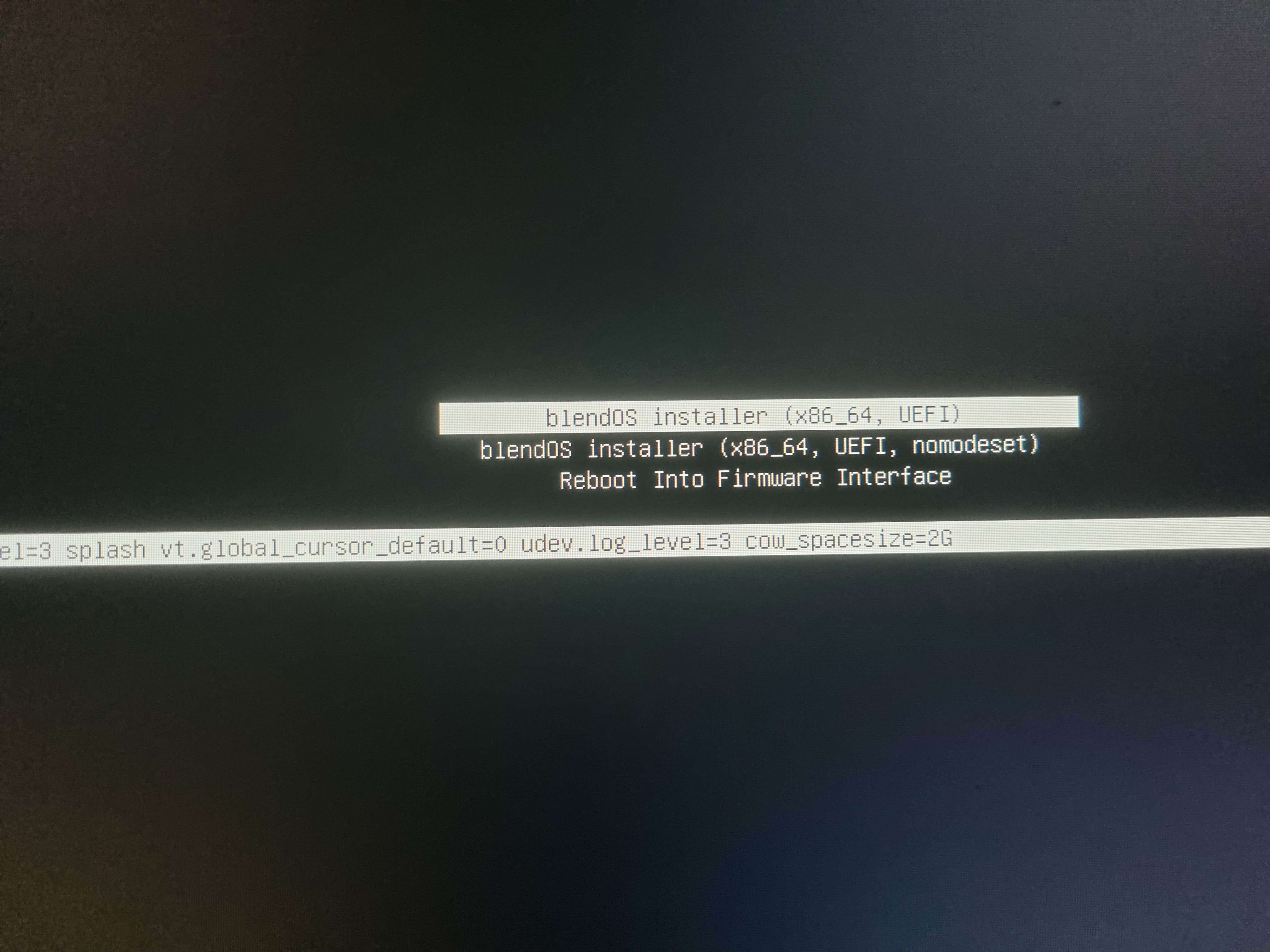
This is what I got @ム丂イ乇尺ノ丂ズ
hit 4
*r
oh wait I think that isn't grub
What is that then?
systemd-boot
Oh alright, that's why it looks weird
And
I found the issue
There is a common problem with acer monitors
if you set them higher than 60hz it displays that error message, if you have the NVIDIA proprietary drivers installed on Linux (Open source drivers works)
So I need to make blendOS set my monitors refresh rate to 60hz
on boot
But since i'm a newbie I don't really know how to do that
so i'll need your help
if you could tell me how, that would be wonderful!
And also
Why did I get that instead of grub?
You always do
Anyway v3 beta is out
You can try that
blendOS v3
We're excited to announce the new beta release of blendOS,
Still doesn't work
I need to set my monitors refresh rate to 60hz on boot
But I don't know how to
Could you help?
I'm not an expert on this, maybe check google
Alright
Thank you for the help!
I'll update you if I did any progress