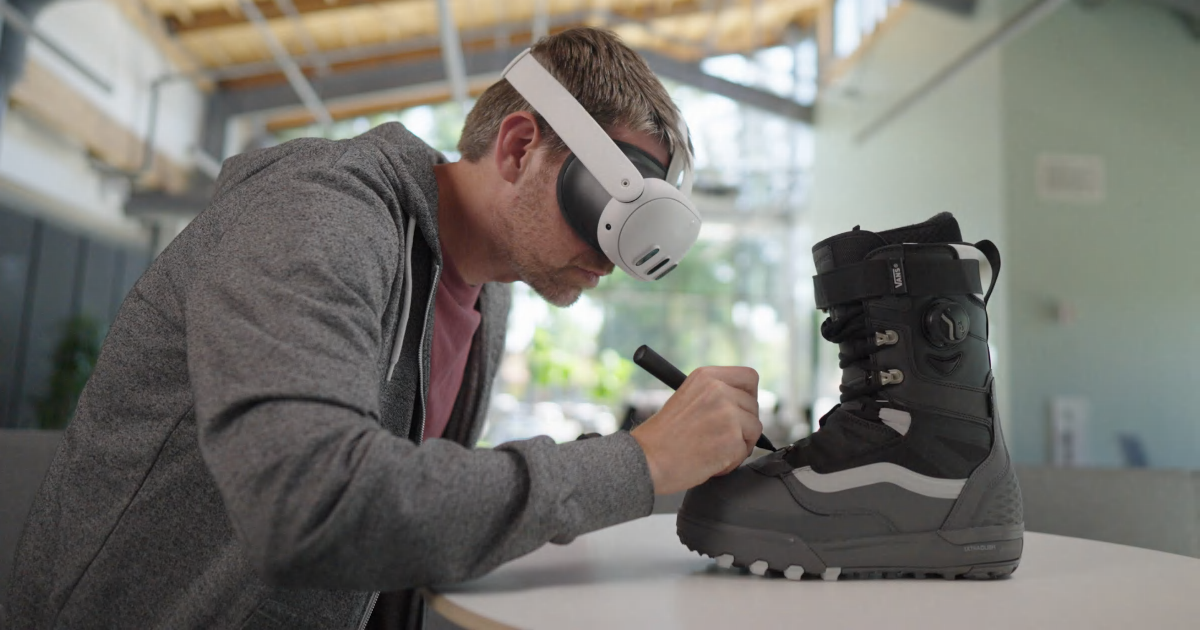
New accessory announcement! We're proud to announce we've been working with Logitech over the past through months to integrate their new MX Ink stylus into Open Brush! ๐ Draw, sketch and paint naturally with precision and ease in a familiar form factor.
https://www.logitech.com/en-gb/products/vr/mx-ink.html
The device is scheduled to be out later this year, and we can't wait to share what we've been working on ๐ @Quest
MR Stylus for Meta Quest 3, Meta Quest 2 | Logitech
Mixed Reality Stylus for Meta Quest. Experience high-precision in MR with the familiar feel of a pen. No learning curve, saving time and keeping you in your workflow.
5 Replies
Just got the MX ink stylus on Friday. Pairing it with Open Brush is a totally new way to immerse yourself in 3D design. I used Open Brush earlier this year to add a unique look to some assets in my John Coltrane A Love Supreme XR Experience installation in a New York gallery. I've been invited back to have my own show and will definitely be integrating MX ink stylus/Open Brush into my new applications and experiences. Thanks @mikesky and @andybak for adding support ! Love it!:ty: :KojiGood:
The current Meta Store beta has better support for the MX Ink. If you see a regular controller instead of a model that looks like the stylus then you're on the wrong version.
@andybak Thanks for the heads up. I was wondering why the model of the MX ink wasnโt replacing the touch controller. I will definitely check out the beta build ASAP!:alertsiren:
I just updated the main release so you don't have to ๐
Let me know if you spot any issues. We don't like pushing a betaout this quickly usually but we wanted to help the MX users.
Even better! I totally understand the hesitation on pushing the beta. ๐ฏ. I will let you know if I come across any issues. Thanks again!!!:Gojoshine:
@andybak Okay...I spent some time in the Quest app on the Quest 3. I did notice the MX model was now shown. However, the original touch controller was still there as well. Additionally, I was unable to select anything using the MX. I was able to isolate the problem. It is an issue with me being left-handed. I also had the MX set tings on the Quest itself under settings, devices, stylus,...I had toggled the left handed mode on. When I went back into the Quest settings and switched the MX settings to the default right-handed mode and relaunched Open Brush, everything worked great when I used the MX in my right hand. The MX model showed up and the original touch controller was no longer visible (unless I picked up the touch controller in place of the MX.) I did try to switch to left-handed within the Open Brush settings...with not luck. Sorry to have to relay this. Thanks for asking for feedback though. I love Open Brush...You guys rock!:kuriyes:
I also jumped in to the PC VR version too. (That's what I use the most.) I noticed the MX model wasn't appearing at all there. But I'm sure you know that too!