
Creating responsive navigation bars with a hamburger menu
I've set out to learn more about navigation bars and how to properly create them, i'd like to create the navigation bar as shown in the image and i'm having some issues.
1 - I usually create a navbar in the structure below, add flex to main-header and main-nav. But now i need to add the buttons at the end of the row. I'd usually add a div and put those 2 buttons in it and assign them flex-end but this did not work. How can i get them on the flex-end side whilst keeping it responsive?
2- I mostly refer to this video of Kevin on creating mobile button/hamburger menu but i find it quite specific towards the website he's making himself. ( https://www.youtube.com/watch?v=HbBMp6yUXO0), I've tried some of his implementations like the aria stuff and sr-only but this feels a bit to advanced and often does not work. What are the basic components i need to know to create simple hamburger menu's?
3- the header contains the navbar but also the "A modern publishing platform" with buttons section, should i put it all in a section since they share the same background?
1 - I usually create a navbar in the structure below, add flex to main-header and main-nav. But now i need to add the buttons at the end of the row. I'd usually add a div and put those 2 buttons in it and assign them flex-end but this did not work. How can i get them on the flex-end side whilst keeping it responsive?
2- I mostly refer to this video of Kevin on creating mobile button/hamburger menu but i find it quite specific towards the website he's making himself. ( https://www.youtube.com/watch?v=HbBMp6yUXO0), I've tried some of his implementations like the aria stuff and sr-only but this feels a bit to advanced and often does not work. What are the basic components i need to know to create simple hamburger menu's?
3- the header contains the navbar but also the "A modern publishing platform" with buttons section, should i put it all in a section since they share the same background?

YouTubeKevin Powell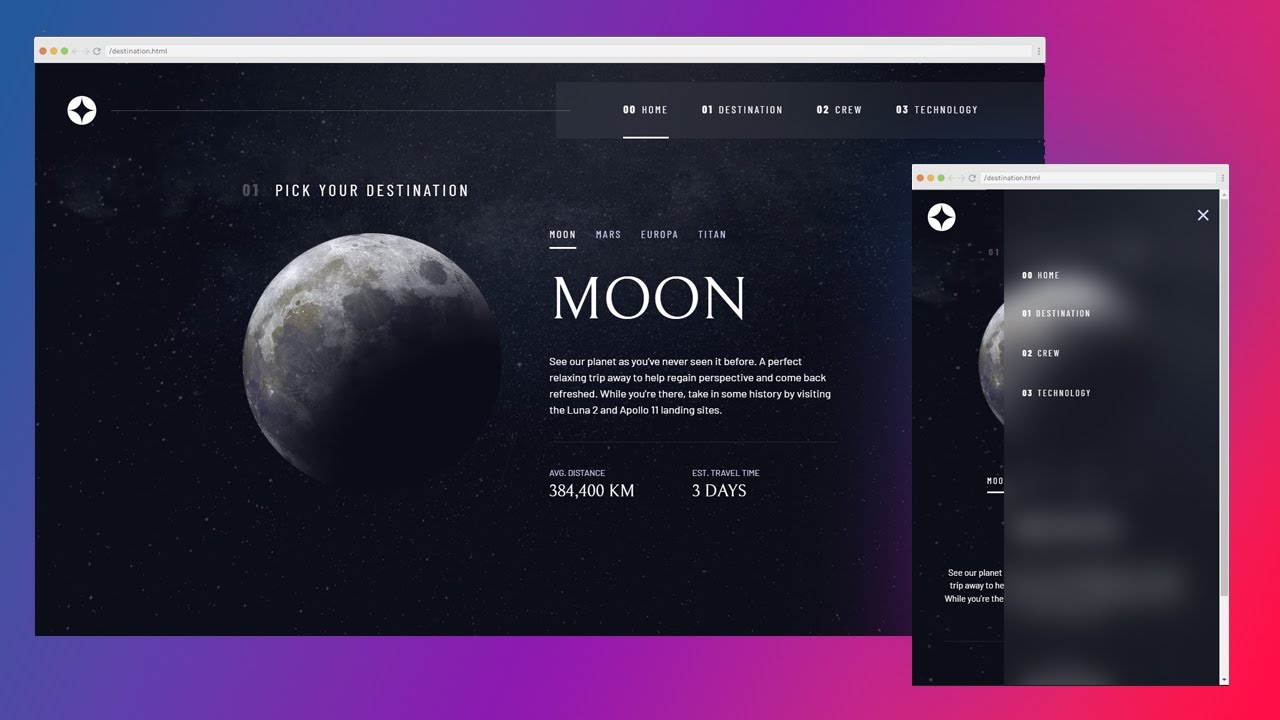
You can find the Frontend Mentor project here: https://www.frontendmentor.io/challenges/space-tourism-multipage-website-gRWj1URZ3
And the free Scrimba course here: https://scrimba.com/learn/spacetravel
 Links
Links
 Why I use HSL: https://youtu.be/Ab9pHqhsfcc
More on feature queries (@supports): https://youtu.be/wPI8CEoheSk
More info on .sr-...
And the free Scrimba course here: https://scrimba.com/learn/spacetravel
Links Why I use HSL: https://youtu.be/Ab9pHqhsfcc More on feature queries (@supports): https://youtu.be/wPI8CEoheSk More info on .sr-...
A friendly place for developers to meet other devs, ask questions, get help, and just have a good time 🙂.
36,263Members
Resources
Was this page helpful?
