
Learning LoRa ( using RYLR998 ) seeking for guidance
@Umesh Lokhande @techielew @all a few days back, I kick started working with LoRa from @Umesh Lokhande 's YouTube video on LoRa
 Here is the link
https://youtu.be/vgYVVC6Lvl8
Key takeaways from video and web are:
Why LoRa, How LoRa works.
How to configure Module using AT command.
Usecase of LoRa.
and more…
After a fair understanding of RYLR998.
I started with RYLR998 LoRa modules
I'm able to configure 2 RYLR998's using USB to UART TTL converter.
Your guidance is appreciated. Queries are asked in next post
Here is the link https://youtu.be/vgYVVC6Lvl8
Key takeaways from video and web are:
Why LoRa, How LoRa works.
How to configure Module using AT command.
Usecase of LoRa.
and more…
After a fair understanding of RYLR998.
I started with RYLR998 LoRa modules
I'm able to configure 2 RYLR998's using USB to UART TTL converter.
Your guidance is appreciated. Queries are asked in next post
YouTubeBINARYUPDATES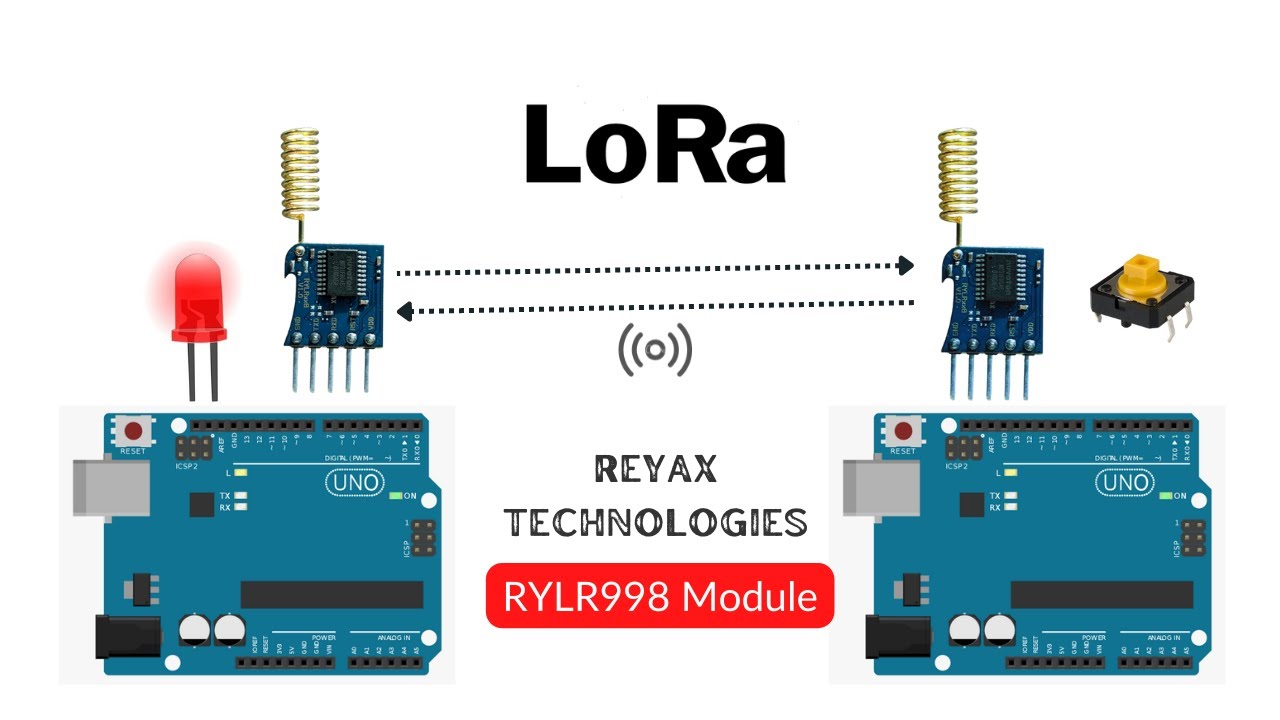
Learn how to use LoRa Module with Arduino Uno. We’ll use RYLR998 LoRa Module from Reyax Technologies. In this Lora tutorial, we’ll use AT commands to configure radio modules. We’ll communicate two Arduino over wireless LoRa communication protocol. Later, we’ll write arduino code to transmit and receive data.
[SUPPORT]
►► Get FREE TRIA...
[SUPPORT]
►► Get FREE TRIA...
Solution
Hi, @AJAY KUMAR V I'd suggest setting the same Address for both RYLR998 Lora radio modules. And test if both Lora modules communicate using AT commands (as shown in the video). Please note that the default baud rate is 115200 (factory setting) whereas in my code and testing, I changed it to a 9600 baud rate. So if you're following the instructions from my video then you've to modify your code
Serial.begin(9600);
