Outlet is not displaying as expected
Hello,
I have created a route tree using the following folder structure
this is my app/index.tsx
and this is my app/dashboard.tsx
For reference this is my __root.tsx
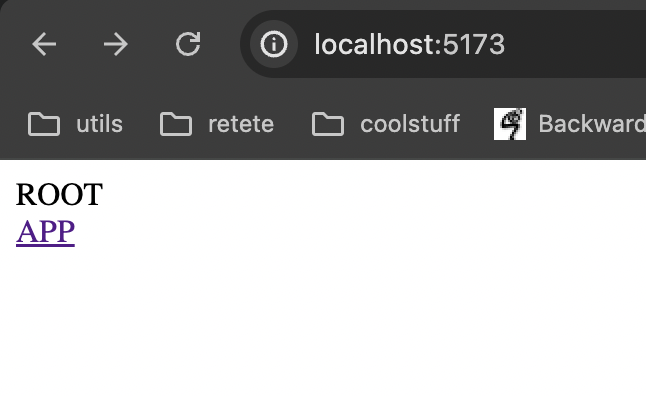
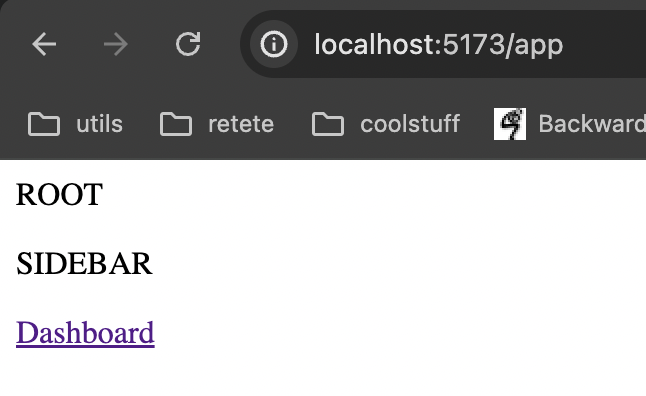
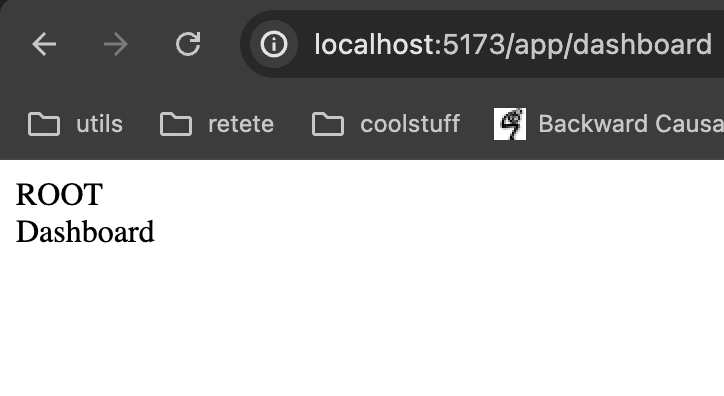
The issue is that the Outlet for the root works as expected and the text ROOT is always visible. The issue comes from using Outlet in the app folder. I expected to have the SIDEBAR text always visible for all child routes of app. However the issue is that the SIDEBAR text dissapears when going to the /app/dashboard endpoint
Workflow
1. Go to root
2. Press the app link
3. Press the dashboard link
As you can see in the attached images this is not what i want but i cannot understand where i am making the mistake for such a basic functionality. Any help is appreciated
I have created a route tree using the following folder structure
this is my app/index.tsx
and this is my app/dashboard.tsx
For reference this is my __root.tsx
The issue is that the Outlet for the root works as expected and the text ROOT is always visible. The issue comes from using Outlet in the app folder. I expected to have the SIDEBAR text always visible for all child routes of app. However the issue is that the SIDEBAR text dissapears when going to the /app/dashboard endpoint
Workflow
1. Go to root
2. Press the app link
3. Press the dashboard link
As you can see in the attached images this is not what i want but i cannot understand where i am making the mistake for such a basic functionality. Any help is appreciated