
Need help in TipTap
Need Help
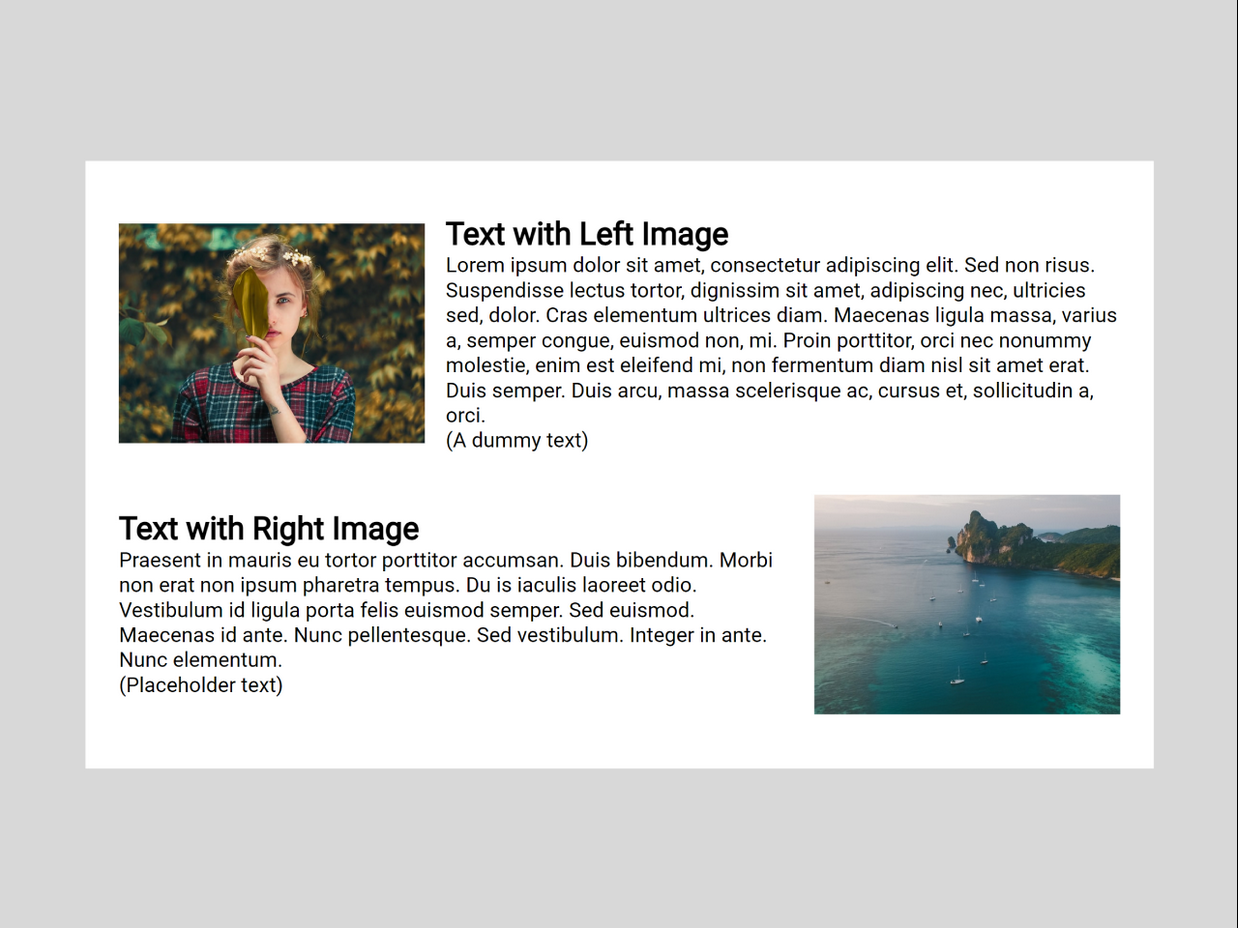
I am building a Notion-like text editor using TipTap (React). This editor is designed for both creating and updating content. One of the key requirements is to allow text and images to be flexibly positioned—images on the left with text on the right, and vice versa—with the option to create multiple columns.
I've attempted to solve this problem multiple times, but I can't seem to find a solution. The official documentation doesn't appear to cover creating columns: https://tiptap.dev/docs.
As an alternative, I found an unofficial extension called tiptap-extensions. Initially, this extension solved my problem, but after some testing, I encountered a new issue. When creating columns in the text editor and submitting the data, everything works fine. However, if you try to update the same content, the columns no longer appear.
The actual HTML:
How it appears in the updateTextEditor.jsx
I noticed that the column-block and column classes and divs no longer exist after submitting the data. After some research, I found out that the HTML gets normalized through the TipTap schema. Does anyone know of a solution to this problem—both the inline and column issues?
By the way, the effects I described above can be seen in the pictures attached.
Thanks.
I am building a Notion-like text editor using TipTap (React). This editor is designed for both creating and updating content. One of the key requirements is to allow text and images to be flexibly positioned—images on the left with text on the right, and vice versa—with the option to create multiple columns.
I've attempted to solve this problem multiple times, but I can't seem to find a solution. The official documentation doesn't appear to cover creating columns: https://tiptap.dev/docs.
As an alternative, I found an unofficial extension called tiptap-extensions. Initially, this extension solved my problem, but after some testing, I encountered a new issue. When creating columns in the text editor and submitting the data, everything works fine. However, if you try to update the same content, the columns no longer appear.
The actual HTML:
How it appears in the updateTextEditor.jsx
I noticed that the column-block and column classes and divs no longer exist after submitting the data. After some research, I found out that the HTML gets normalized through the TipTap schema. Does anyone know of a solution to this problem—both the inline and column issues?
By the way, the effects I described above can be seen in the pictures attached.
Thanks.


Was this page helpful?
