
Painful CSS rule grid issue
 Hi All,
This has been a tedious problem I’ve been trying to figure out for days and I would be most grateful to anyone who can figure out what to do..
Hi All,
This has been a tedious problem I’ve been trying to figure out for days and I would be most grateful to anyone who can figure out what to do..My Challenge…
After watching Kevins fantastic ruled grid video, I had the idea to create a fully boarded grid of cards in CSS that looks like a grid table. Unlike the example Kevin gave here…. https://www.youtube.com/watch?v=EQYft7JPKto&t=730s
I used nth-child selectors and outlines to try to get the boarders all the way around the edges. I also used an :empty pseudo-class to remove the outline if there are no child elements, so to stop empty children becoming blank areas when content wraps uneven numbers of columns.
Result so far…
The good news is I have been able to create a ruled grid (around each child element) that fits within its container (leaving out empty children). The bad news is that the grid of card breaks on the TOP LEFT CORNER of the 5th card in the second row (See attached image). The blue lines of the bricks builder grid indicator shows that the second card outline is within the blue grid indicator and the third and fourth card outline is outside the blue grid indicator (creating a mis-alignment).
Ideas…
I was wondering if there is a way to force all outlines to appear on the bricks builder blue grid line, or if I could manipulate the line position somehow with some kind of rule like…. box-sizing: border-box; (although I can’t grasp why child elements behave in this way to fully understand how to use these properties).
 Would be most grateful to anyone who can cure my very frustrating itch!!


YouTubeKevin Geary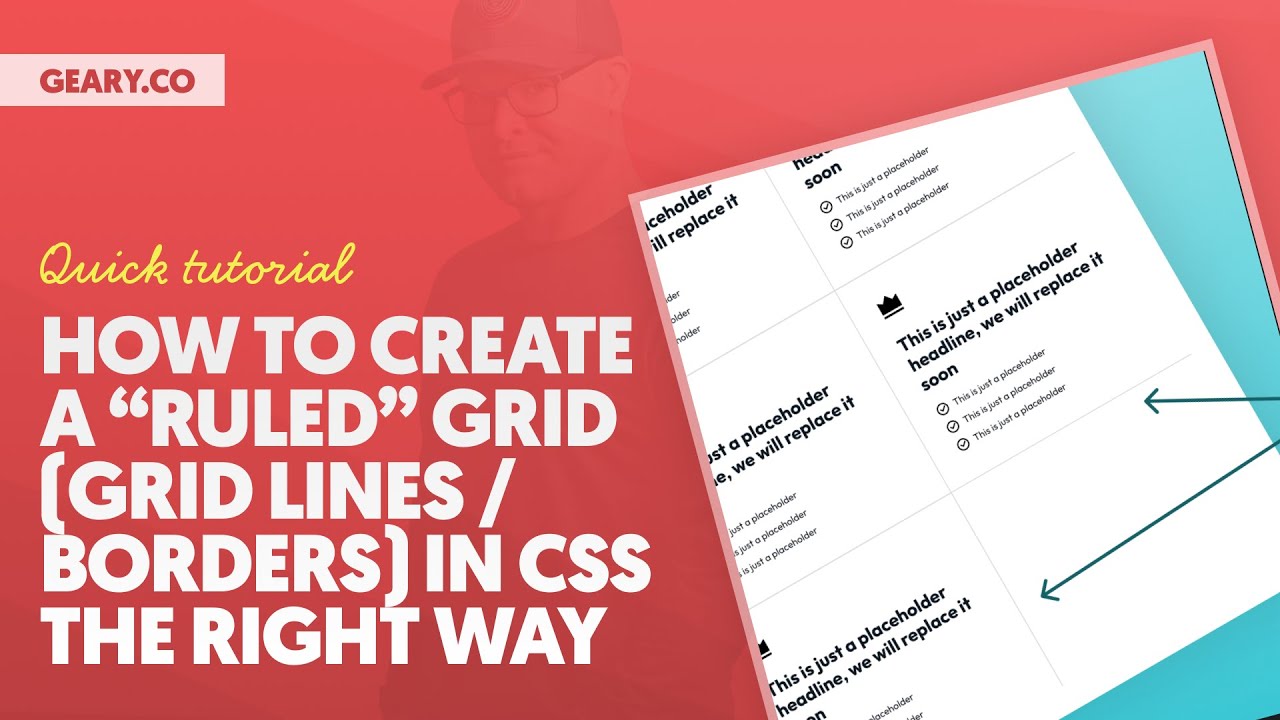
Adding a border between columns and rows in a CSS grid layout is a typical design pattern. While it’s easy to achieve in a design tool like Figma, it comes with a lot of challenges in a development environment.
Sure, there are a lot of manual, non-scalable ways to achieve this look. In fact, every time I’ve seen it done, the approach was very m...
Sure, there are a lot of manual, non-scalable ways to achieve this look. In fact, every time I’ve seen it done, the approach was very m...

A friendly place for developers to meet other devs, ask questions, get help, and just have a good time 🙂.
36,263Members
Resources
Was this page helpful?
