Specify account id in Next.js config pathname
In the video linked below (minute 5:14) Theo explains that it is important to add your UploadThing account identifier to the pathname in
In the image URL, the file key comes right after
https://youtu.be/jsuNjCAngnQ?si=9wzXylcg3r619IEn&t=314
next.config.jsIn the image URL, the file key comes right after
/f/https://utfs.io/f/osAUv9zfuFLpB7YEJ936t2S0eHjMlpcf4KR8Wm17iZDb4k3Nxyzhttps://youtu.be/jsuNjCAngnQ?si=9wzXylcg3r619IEn&t=314
YouTubeTheo - t3․gg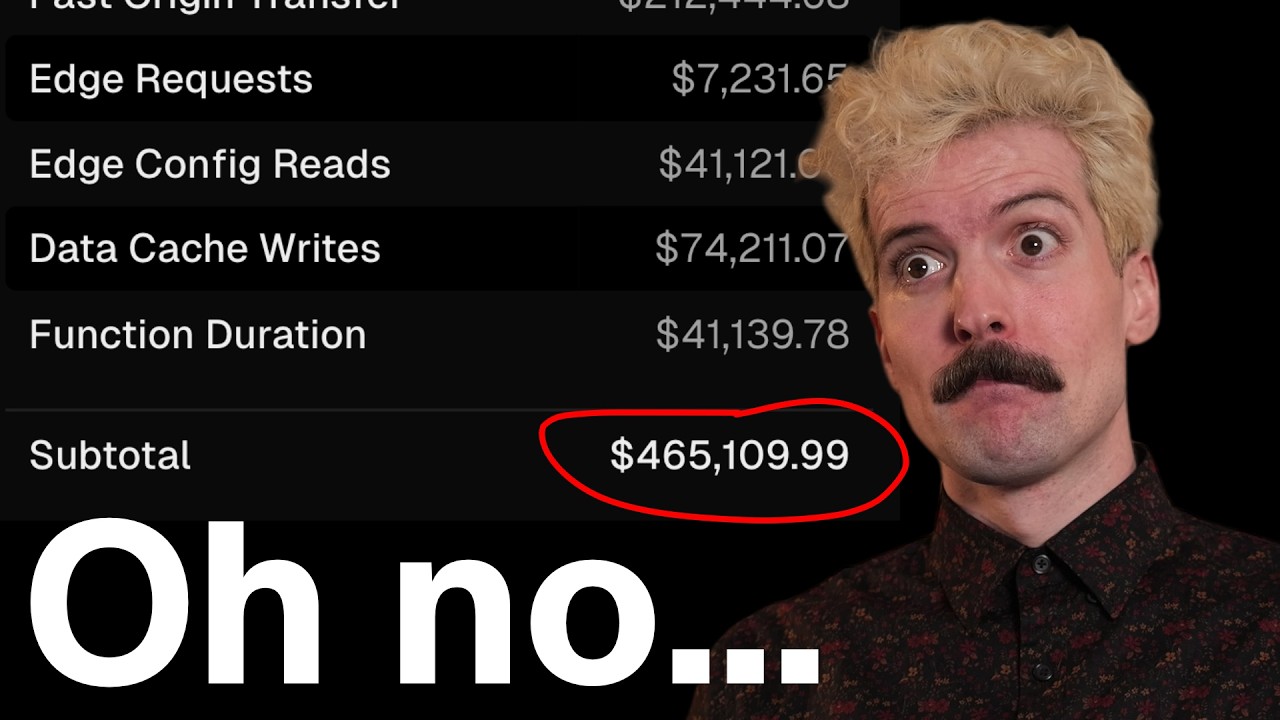
The video you guys thought I'd never make. This should be fun :) I hope these tips help you avoid unexpectedly large bills on Vercel.
Thank you Payload for (un)sponsoring this video. Check them out at https://soydev.link/payload
Oh also check out UploadThing: https://uploadthing.com
Check out my Twitch, Twitter, Discord more at https://t3.gg
...
Thank you Payload for (un)sponsoring this video. Check them out at https://soydev.link/payload
Oh also check out UploadThing: https://uploadthing.com
Check out my Twitch, Twitter, Discord more at https://t3.gg
...