
Match colours of OBS recording to Davinci Resolve 19 export
Hello, hope you're well. I have a recording of Marvel Rivals that I want to cut out some parts, no other effects or editing required. I'm using Davinci Resolve 19 (version 19.1.3 build 7) to cut the clip and export it. However, no matter what project settings or export settings I choose, the colours look either crushed or washed out. I understand that Resolve might be overkill for this task, but I'm looking to learn it.
Previously, I was using mostly "Auto" settings in Resolve, but the colours looked all desaturated and washed out. However, I watched the video linked below and set the Data Levels to Full. The colours started to look better, but now the problem is that it looks high-contrast now, with dark areas becoming completely black and light areas becoming too bright.
https://youtu.be/phwSgNO99wQ?si=yAbIWLqOyhsrALEy
So far, I've managed to make it look somewhat closer to the original colours with still a little bit too much brightness, but I've fiddled around with the settings so much that I've completely forgotten what the export settings for the closest clip was. I've posted in the subreddit, the official Blackmagic forum and watched numerous videos online, but nothing is getting the colours right or even close to the settings that I forgot.
I need someone to look at all the data about the recording and tell me what the best export settings is for it, because I've numerous settings from online videos, forums, articles, etc. but nothing was able to match the colours of the recording. I'd appreciate any help I can get.
OBS Studio settings and MediaInfo data about the OBS recording are attached as screenshot.
PC Sepcifications:-
- CPU: AMD Ryzen 5 3600
- GPU: AMD Radeon RX6600
- Memory: 16 GB
- Storage: 1TB NVME SSD + 1TB SATA SSD
- Display: Gigabyte G27F
- OS: Windows 10 Home 22H2 build 19045
Previously, I was using mostly "Auto" settings in Resolve, but the colours looked all desaturated and washed out. However, I watched the video linked below and set the Data Levels to Full. The colours started to look better, but now the problem is that it looks high-contrast now, with dark areas becoming completely black and light areas becoming too bright.
https://youtu.be/phwSgNO99wQ?si=yAbIWLqOyhsrALEy
So far, I've managed to make it look somewhat closer to the original colours with still a little bit too much brightness, but I've fiddled around with the settings so much that I've completely forgotten what the export settings for the closest clip was. I've posted in the subreddit, the official Blackmagic forum and watched numerous videos online, but nothing is getting the colours right or even close to the settings that I forgot.
I need someone to look at all the data about the recording and tell me what the best export settings is for it, because I've numerous settings from online videos, forums, articles, etc. but nothing was able to match the colours of the recording. I'd appreciate any help I can get.
OBS Studio settings and MediaInfo data about the OBS recording are attached as screenshot.
PC Sepcifications:-
- CPU: AMD Ryzen 5 3600
- GPU: AMD Radeon RX6600
- Memory: 16 GB
- Storage: 1TB NVME SSD + 1TB SATA SSD
- Display: Gigabyte G27F
- OS: Windows 10 Home 22H2 build 19045


YouTubeMarieta Farfarova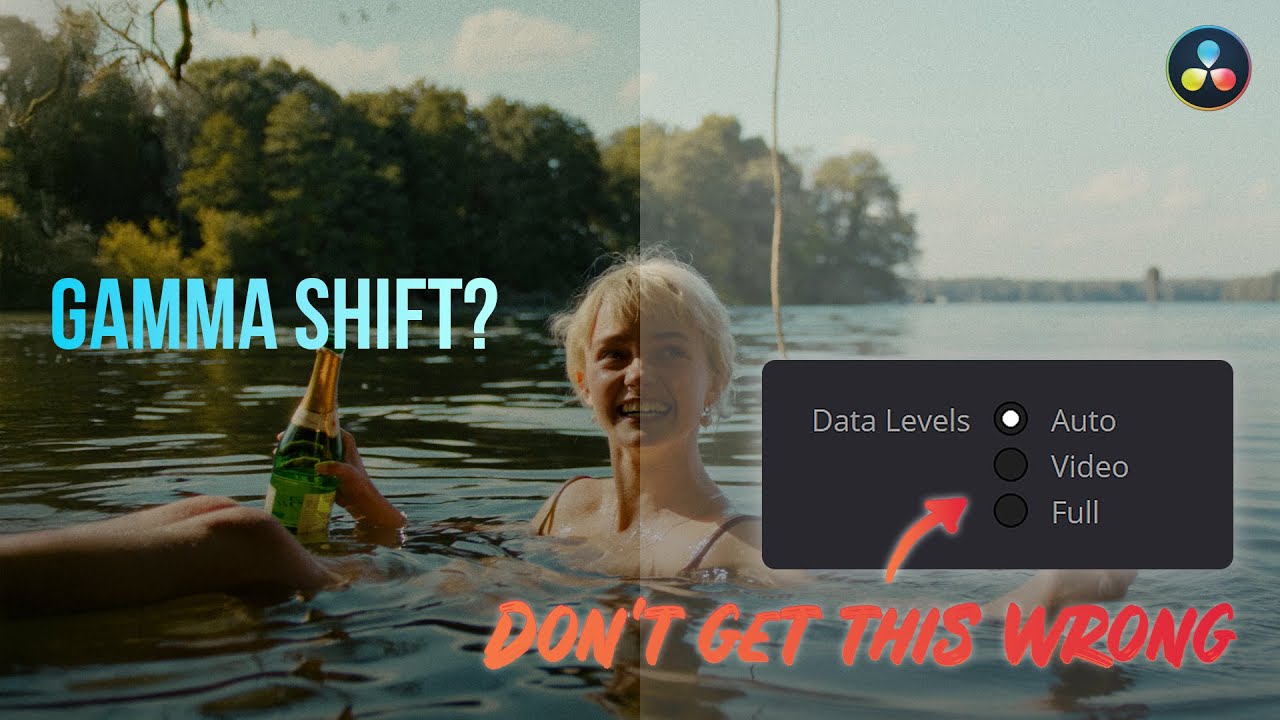
Learn how data levels affect your videos and find out how to set them up correctly to avoid a gamma shift in DaVinci Resolve.
TIMECODE CHAPTERS:
00:00 - Introduction
00:49 - What are Data Levels?
01:35 - Video or Full Data Levels?
03:01 - How to check the data levels of your reference monitor?
06:11 - How to change the data levels of a file?...
TIMECODE CHAPTERS:
00:00 - Introduction
00:49 - What are Data Levels?
01:35 - Video or Full Data Levels?
03:01 - How to check the data levels of your reference monitor?
06:11 - How to change the data levels of a file?...

Stream Professor's Classroom! EposVox's tech education community. Learn about streaming & analog video goodness.
10,117Members
Resources
Was this page helpful?
