
How to Run DeepSeek R1 on your Raspberry Pi 5
Ever wondered if you could run a local LLM on a Raspberry Pi 5? DeepSeek R1:8b makes it possible! While the Pi 5 isn't the fastest AI powerhouse, it’s an exciting way to experiment with on-device AI—no cloud required.
Key Takeaways:
 Optimized for Raspberry Pi 5 (8GB RAM) using a distilled Llama model.
No AI acceleration—only CPU or external GPU via PCIe.
Simple setup with Ollama’s installation script.
Significantly slower than desktop GPUs—expect long processing times.
 Performance Test: Running a basic Python script test showed a stark contrast—16s on a PC vs. 8 minutes on a Pi 5! But if you’re into low-cost AI tinkering, this is a fun challenge.
 More details on installation and performance testing...
Key Takeaways:
Optimized for Raspberry Pi 5 (8GB RAM) using a distilled Llama model. No AI acceleration—only CPU or external GPU via PCIe. Simple setup with Ollama’s installation script. Significantly slower than desktop GPUs—expect long processing times. Performance Test: Running a basic Python script test showed a stark contrast—16s on a PC vs. 8 minutes on a Pi 5! But if you’re into low-cost AI tinkering, this is a fun challenge. More details on installation and performance testing...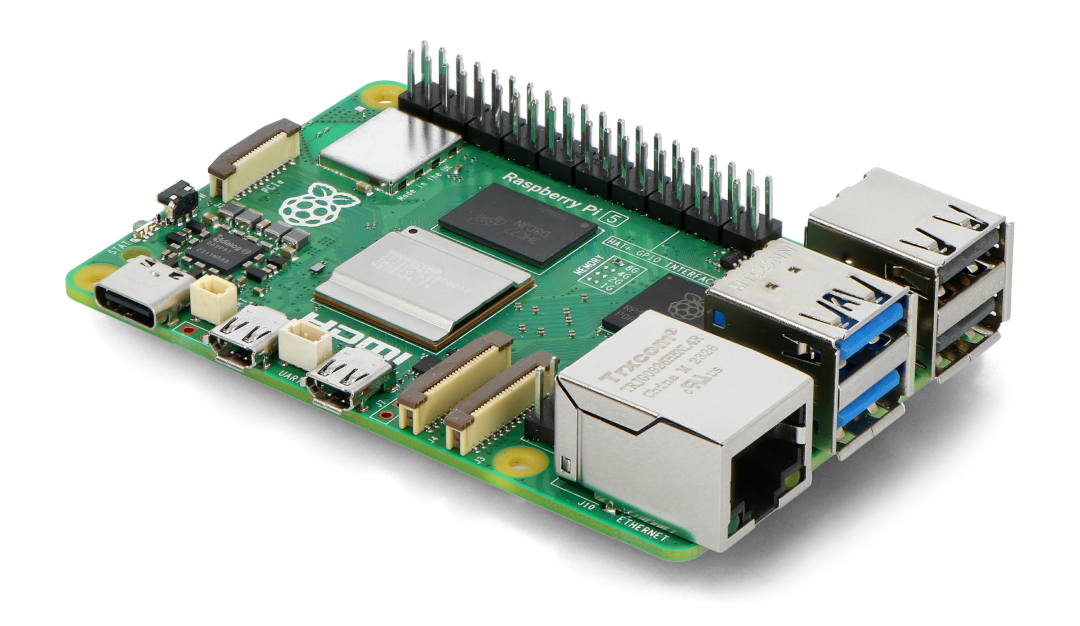
Tom's Hardware
Ok it runs a little slow, but it runs completely offline.

