
LODs are like a static image with shaders
I know this sort of post has been made a bunch of times, but I've looked through them trying to find something that works for me.
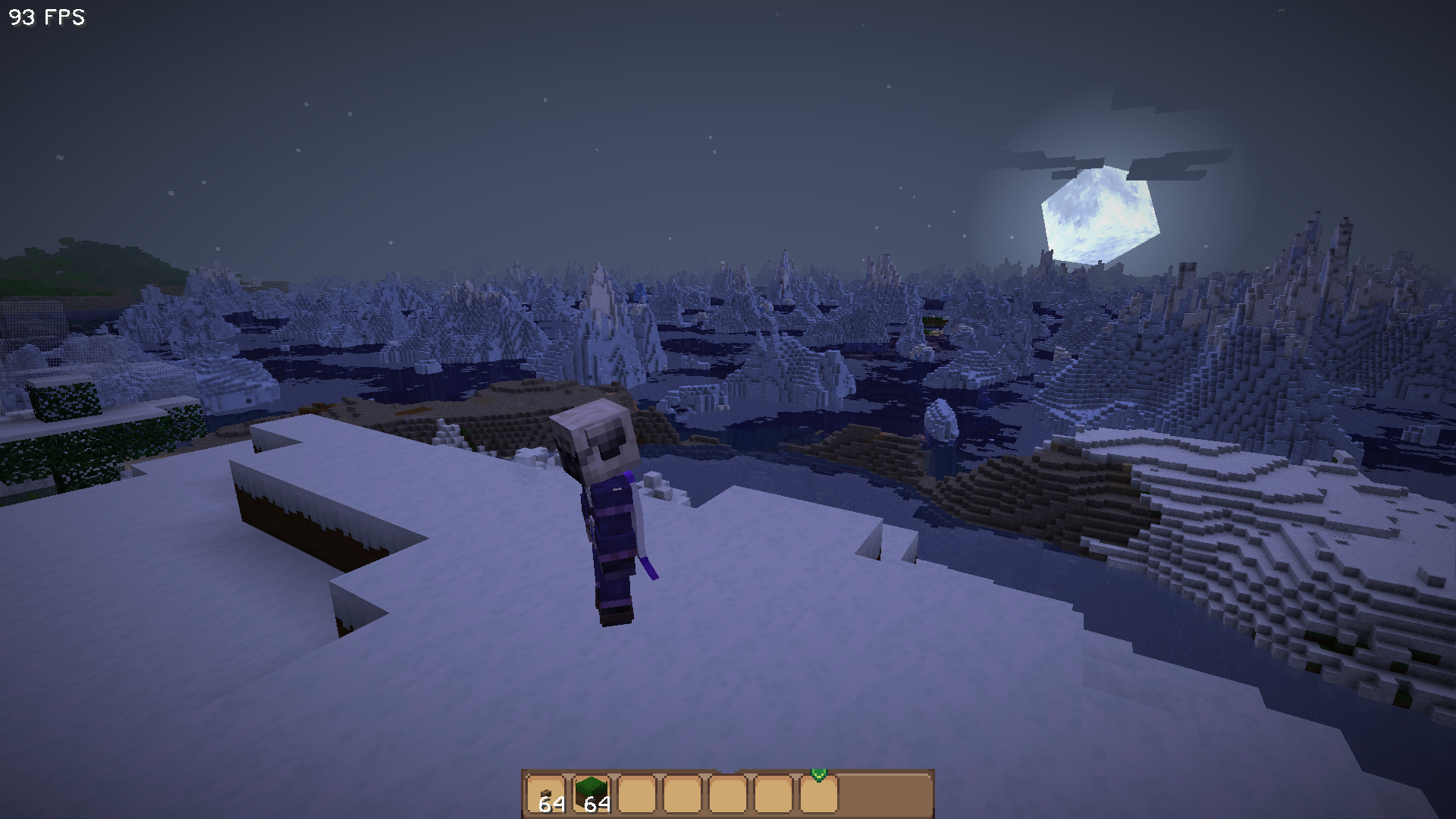
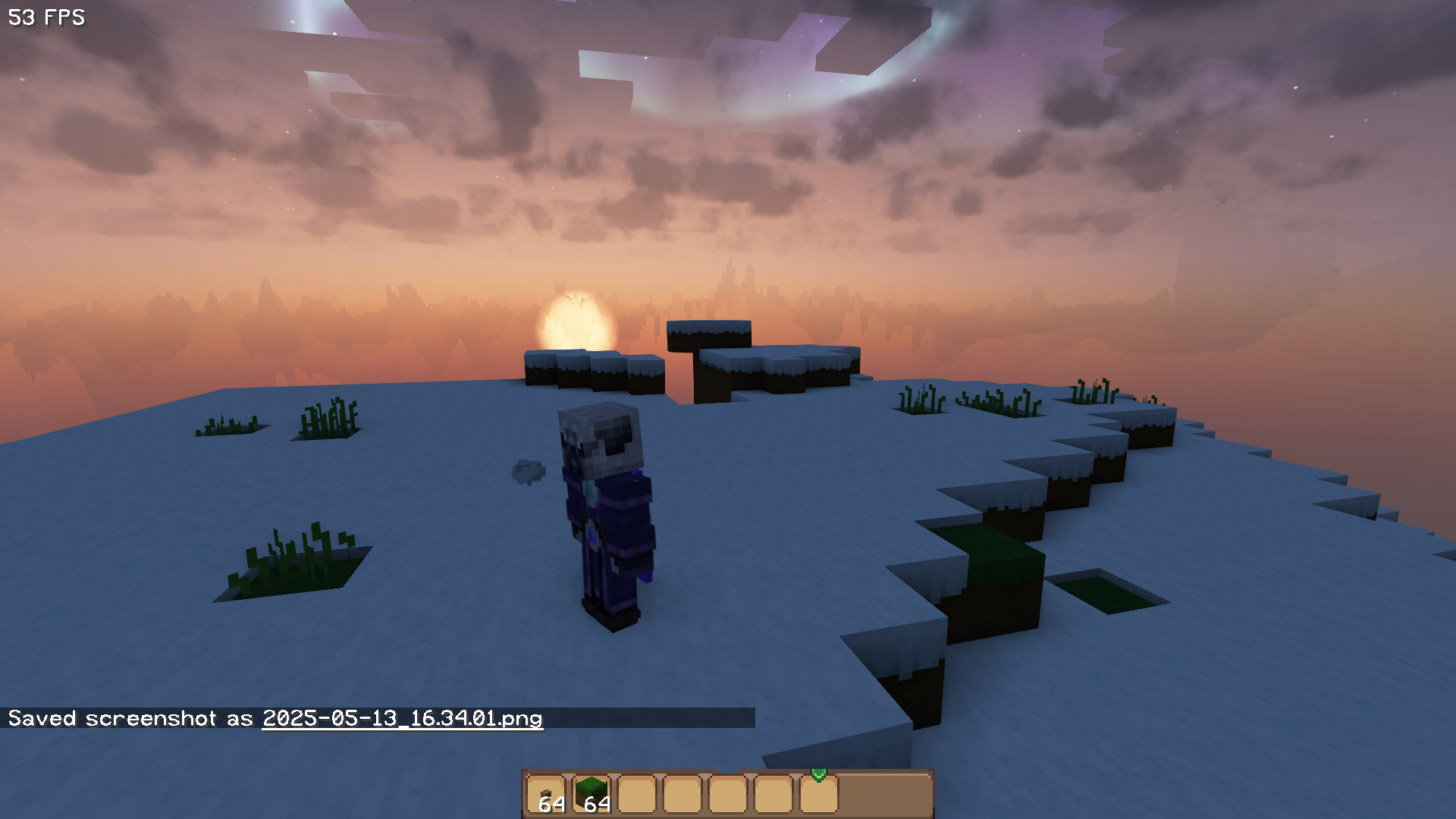
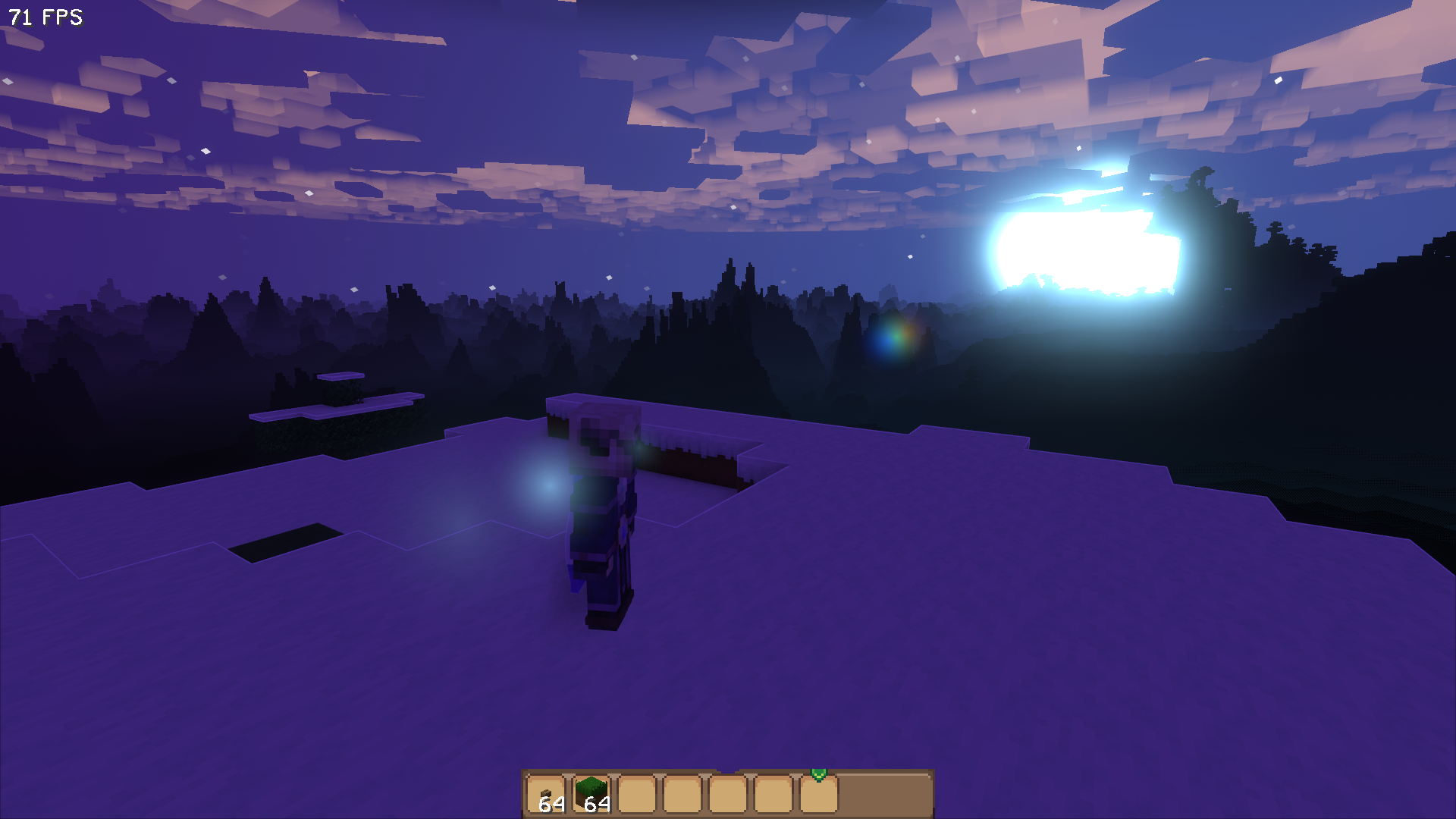
LODs work fine without shaders (pic. 1). Loading shaders makes some kind of flat image appear in the place of the LOD (pic. 2 complementary shader, really light, kind of transparent on the horizon; pic. 3 super duper vanilla, black against the horizon). Moving the camera also moves this artifact.
I have tried following the steps from the FAQ. The steps from blisssky did not help. I do have wynntils installed, but gamma is disabled.
Attached is my latest log where I took these screenshots, and my modlist.
LODs work fine without shaders (pic. 1). Loading shaders makes some kind of flat image appear in the place of the LOD (pic. 2 complementary shader, really light, kind of transparent on the horizon; pic. 3 super duper vanilla, black against the horizon). Moving the camera also moves this artifact.
I have tried following the steps from the FAQ. The steps from blisssky did not help. I do have wynntils installed, but gamma is disabled.
Attached is my latest log where I took these screenshots, and my modlist.
Similar Threads
Was this page helpful?
