Cannot access Prisma database
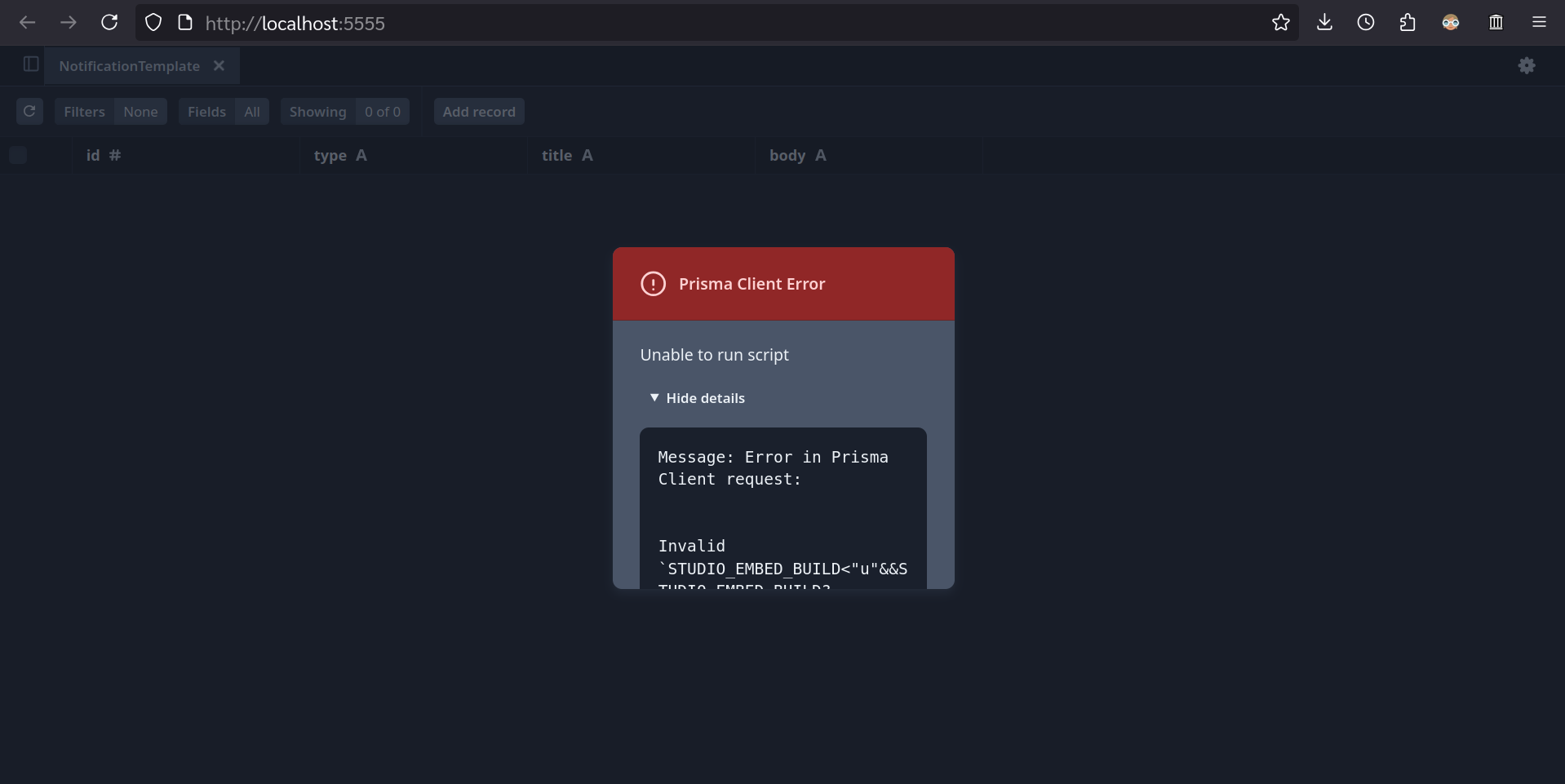
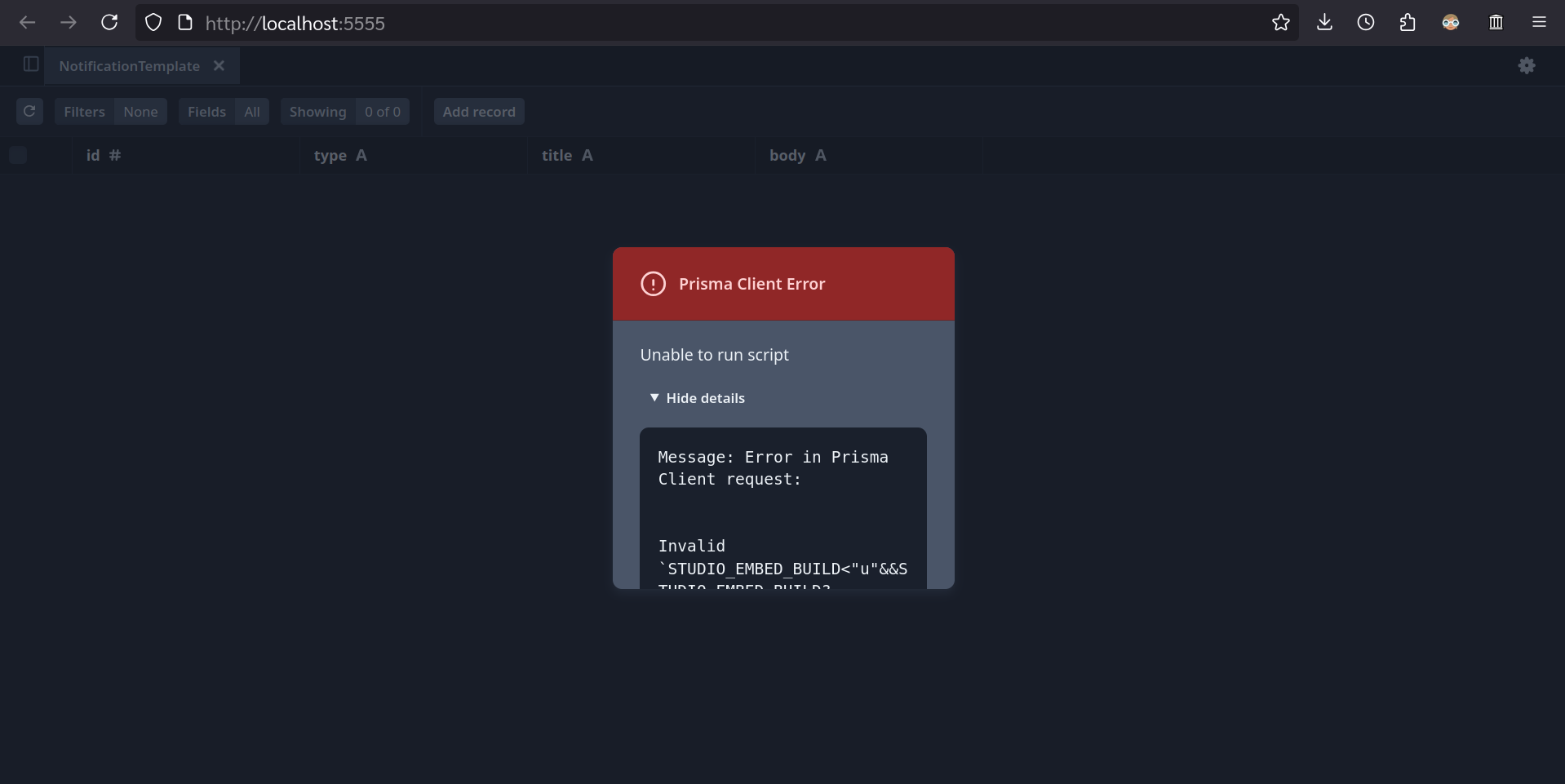
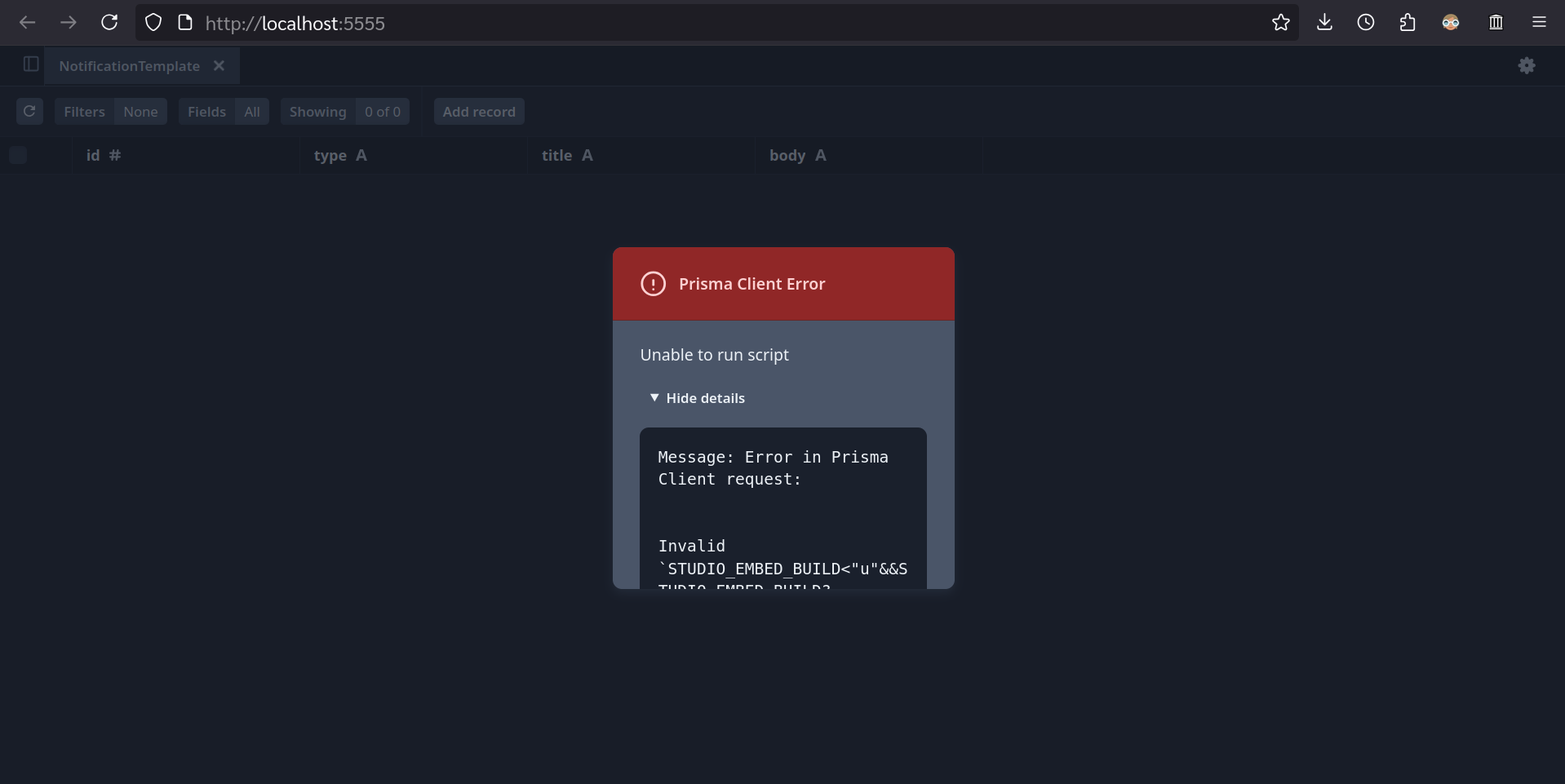
Hello, I'm currently using Prisma Postgres with Accelerate. It was fine accessing the database until yesterday afternoon. It seems to be a Prisma Client error on the build script. The error message is as follows:
These are what I have tried:
- reinstalled
- deleted
- cloned the repository again
- cloned the repository again on Linux Mint (I encountered the error on Windows 11, but it still occurs even on Linux Mint)
My team member has the exact same laptop configurations, Node version, and all package versions. I have checked the database URL in
These are what I have tried:
- reinstalled
@prisma/client@prisma/extension-accelerate- deleted
node_modules- cloned the repository again
- cloned the repository again on Linux Mint (I encountered the error on Windows 11, but it still occurs even on Linux Mint)
My team member has the exact same laptop configurations, Node version, and all package versions. I have checked the database URL in
.env