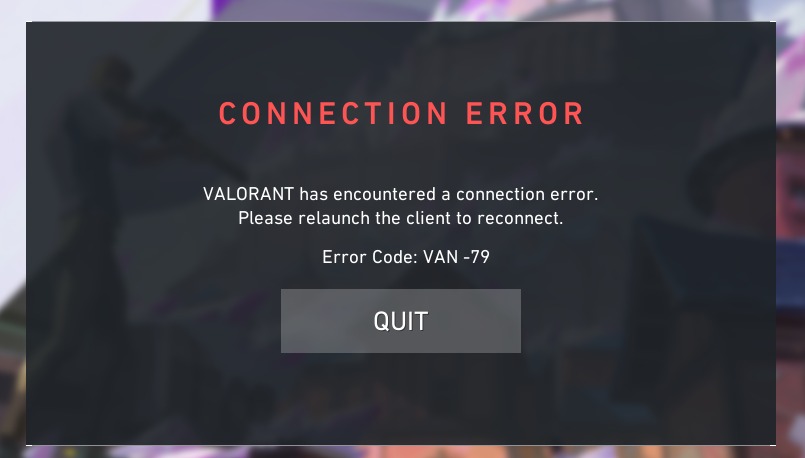
Unable to play in fullscreen and windowed fullscreen, Error Code VAN -79
First problem: I got a new laptop, and when I tried to play Valorant nothing shows up even though it is visible in the taskbar. I restarted the game, restarted the laptop, repaired the game, and reinstalled it, still nothing shows up. It only worked when I tried pressing F11 which makes it go into windowed mode, and only then am I able to play the game (I think it's a driver issue but I'm not too sure).
Second problem: I saw UnrealCEFSubProcess.exe taking up a LOT of RAM usage in task manager, and I tried fixing it by of course, a YouTube tutorial. The tutorial said to enable access to public and private network on Riot Client, Vanguard, Boostrap Package, and Win64 Shipping in the Windows defender firewall. After that, I restarted my laptop, opened up Val, and it gave me Error Code VAN -79. I tried removing those apps in the firewall and it still didn't work.
Please help :)
Second problem: I saw UnrealCEFSubProcess.exe taking up a LOT of RAM usage in task manager, and I tried fixing it by of course, a YouTube tutorial. The tutorial said to enable access to public and private network on Riot Client, Vanguard, Boostrap Package, and Win64 Shipping in the Windows defender firewall. After that, I restarted my laptop, opened up Val, and it gave me Error Code VAN -79. I tried removing those apps in the firewall and it still didn't work.
Please help :)