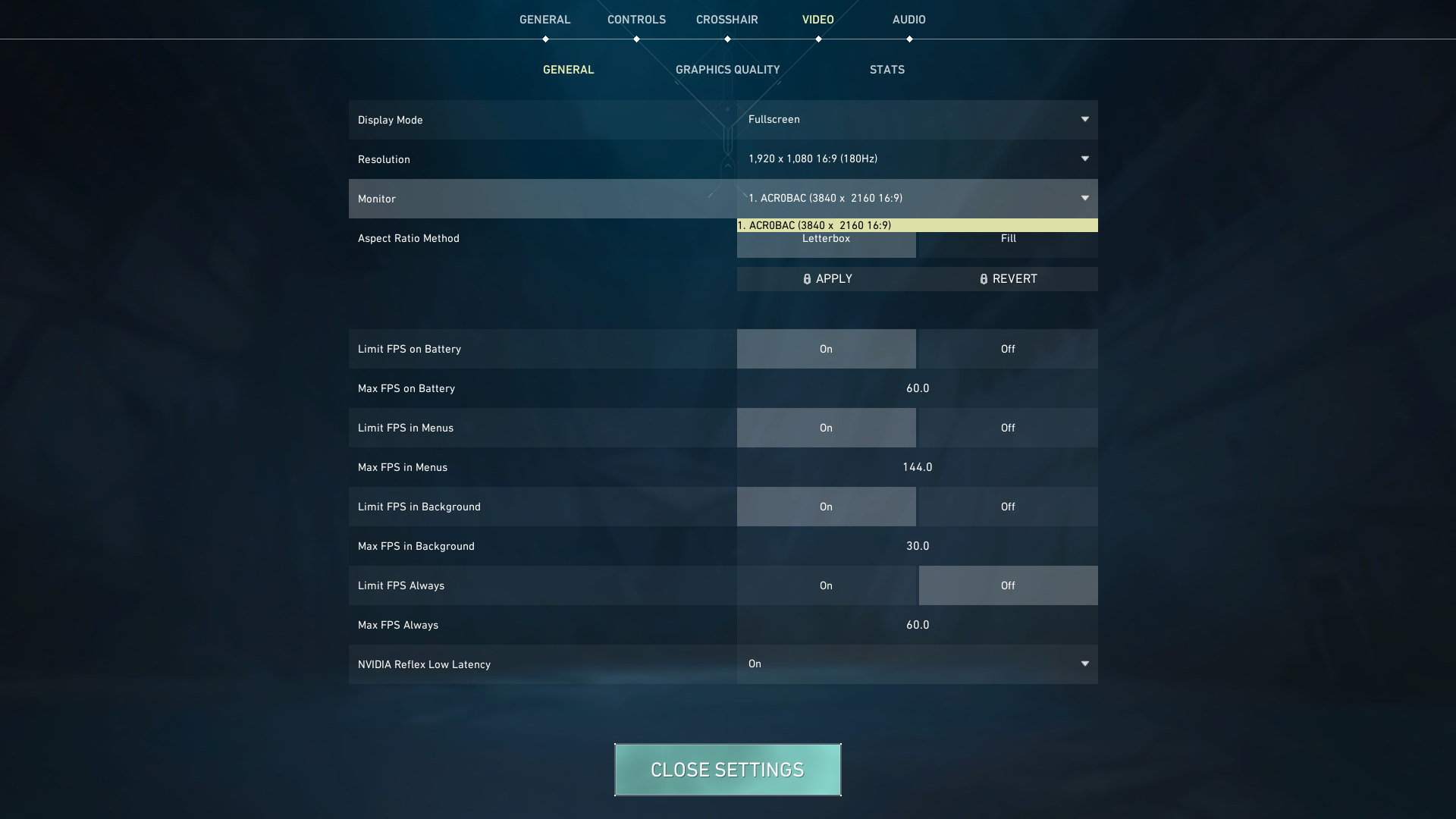
go to display settings and check if your display resolution is set to 1920Γ1080 there if itβs already correct then go to nvidia control panel or amd software and check the resolution and scaling options make sure it's not being upscaled to 4k updating your graphics driver can also help reset this detection issue
updated my drivers, checked display resolution and nvidia control panel for upscaling but it still only shows up as 4k in game. do you have any other ideas?
ugh idk but just go to nvidia control panel then display then change resolution and manually add a custom 1920x1080 resolution if itβs not listed also under set up multiple displays make sure only your actual monitor is active sometimes windows extends to a ghost display finally double check windows display settings and set scaling to 100% then restart i hope this works