Turbo button not working on OneXPlayer G1
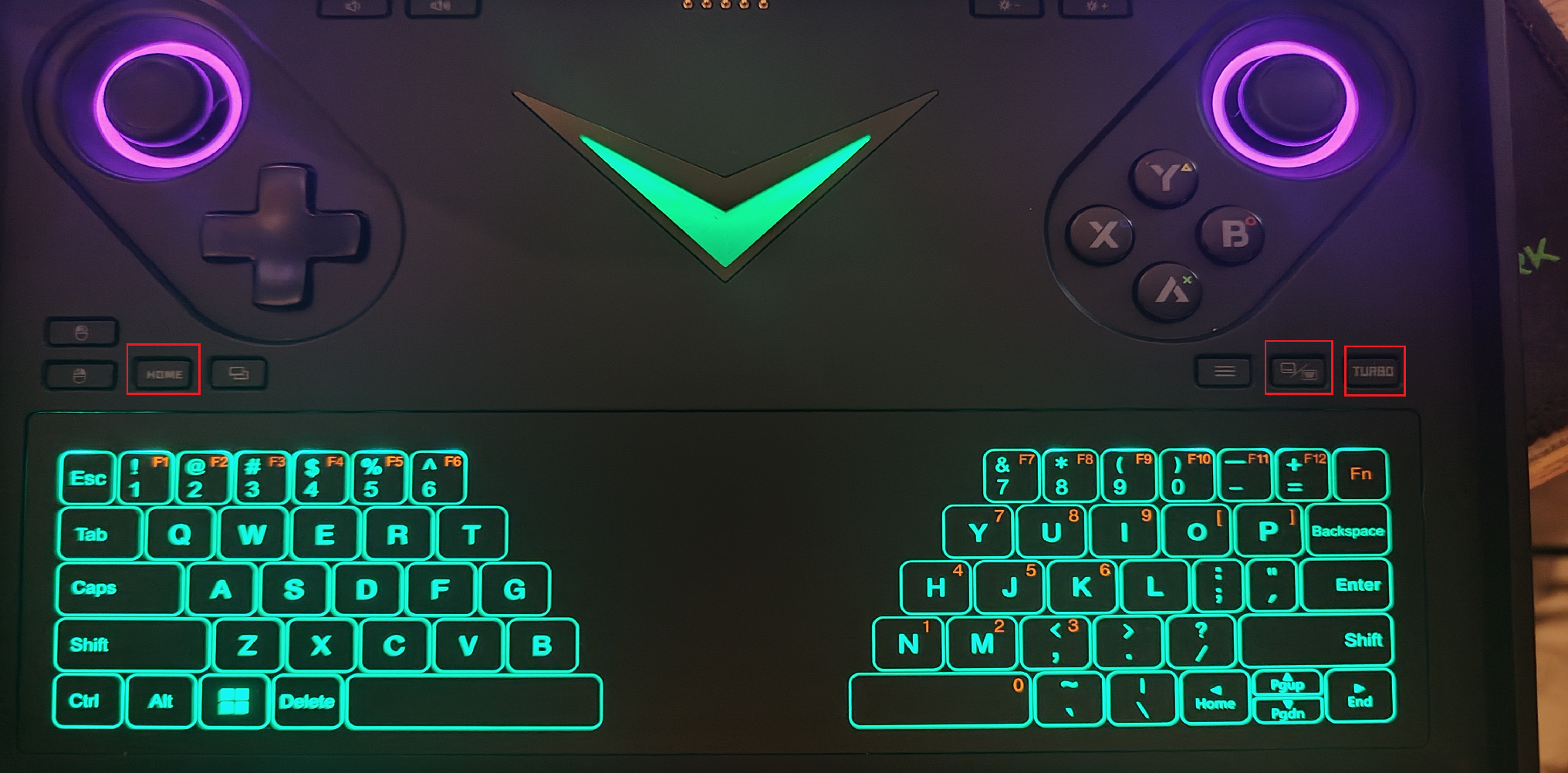
Hey! Just got a onexplayer G1 and the turbo button isn't working so I can't access the quick menu. any clue?
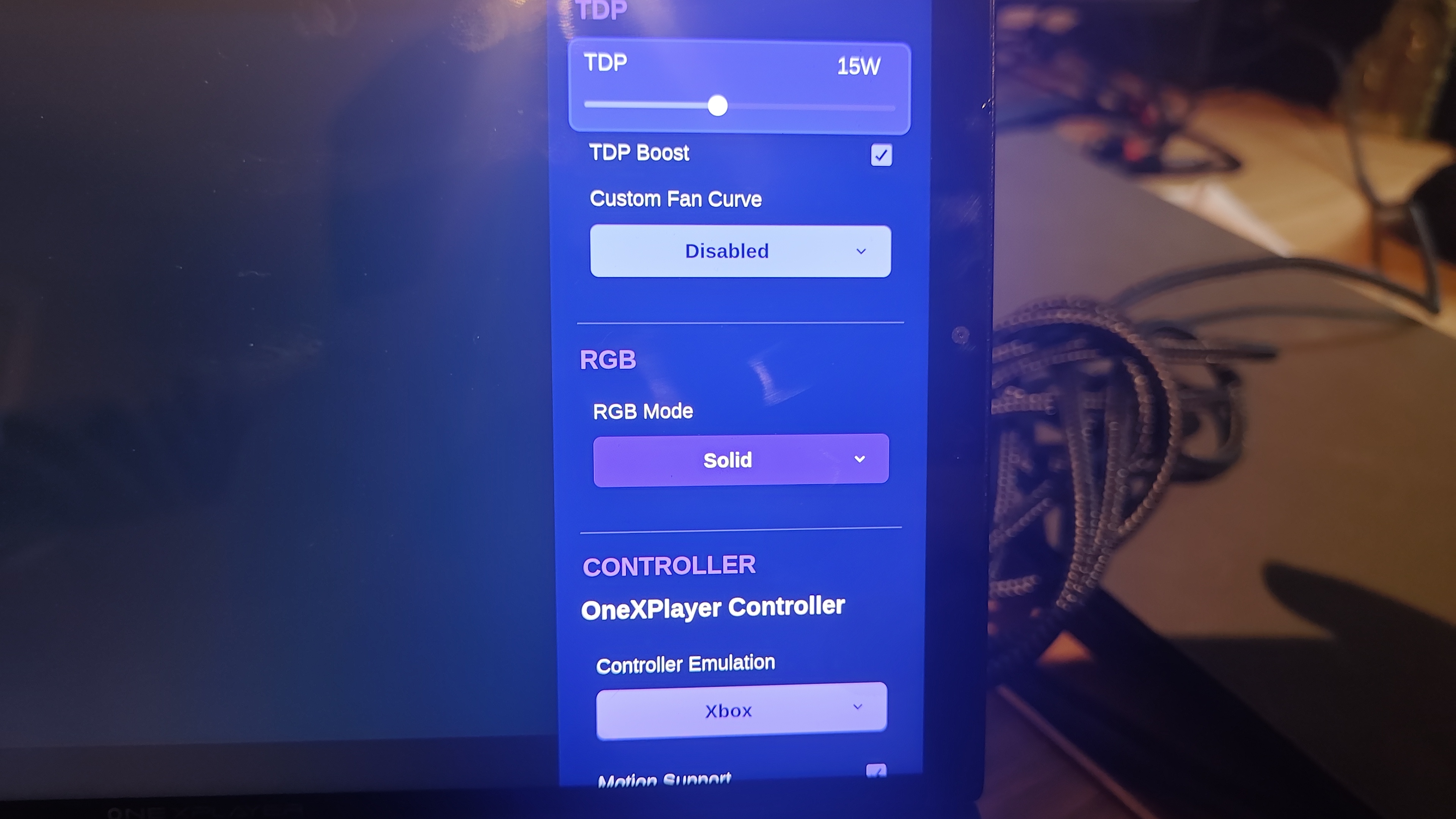
I can access the quick menu with the touchscreen by swipping middle right to left and I can access handheld daemon by swiping from top right to left but the physical "tubo" button doesn't work.
The "Home" button looks to be working since it opens the steam menu (library, store, etc..) but not sure if it just acts as a "back" button.
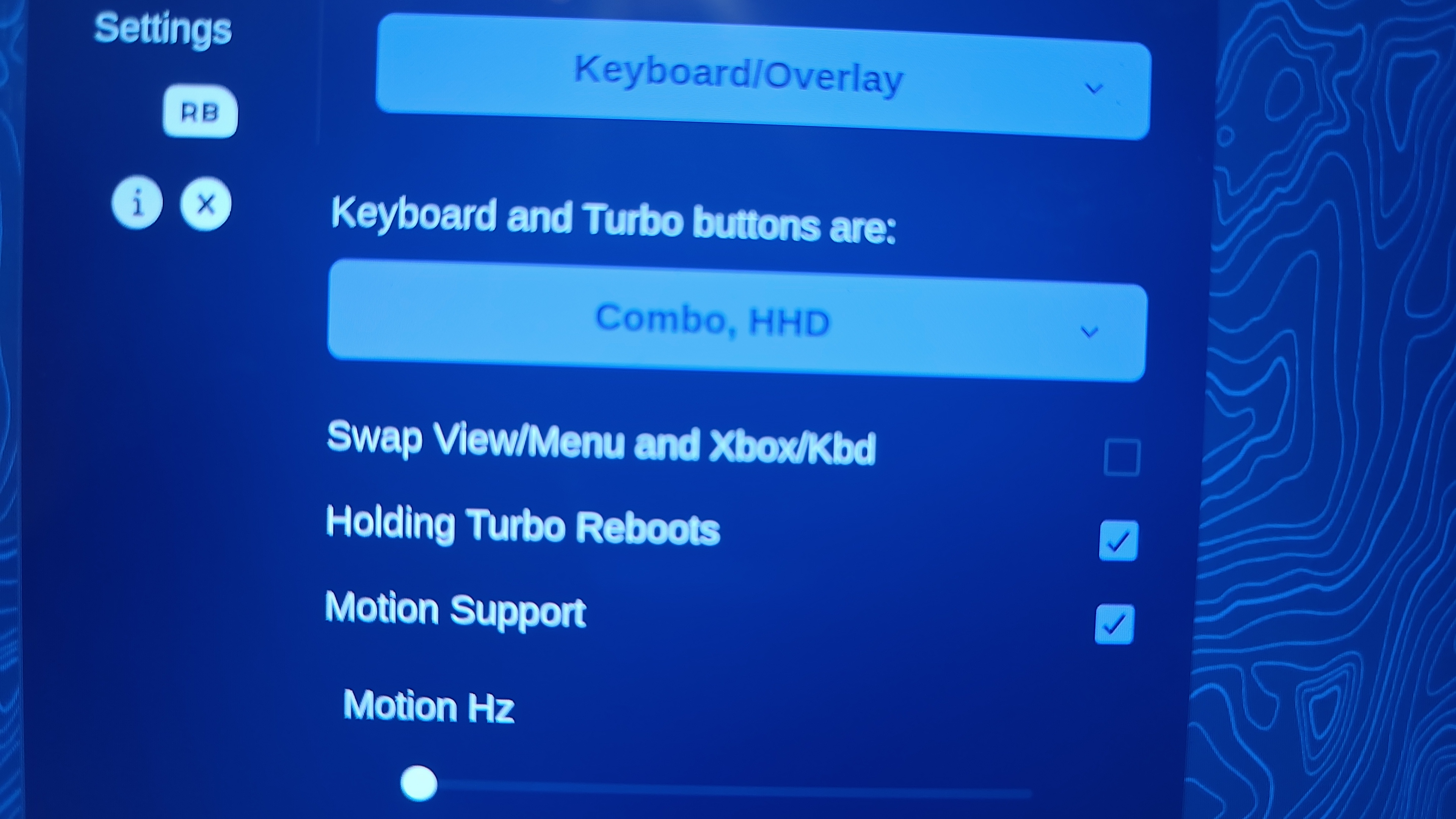
As per handheld daemon git, the G1 is supported. Handheld Daemon looks to be running since I can access it with the touchscreen, I can see the "turbo" and "keyboard" button mentioned. But even if I change it, it still doesn't do anything.
Somebody proposed to ask the question here including the keycode, maybe it would not be mapped.
I can't find the keycode... when I open Chrome in gaming mode and go to a website for the keycode, the button isn't registered. I can provide it if instructions are given to find it.
Thanks!
I can access the quick menu with the touchscreen by swipping middle right to left and I can access handheld daemon by swiping from top right to left but the physical "tubo" button doesn't work.
The "Home" button looks to be working since it opens the steam menu (library, store, etc..) but not sure if it just acts as a "back" button.
As per handheld daemon git, the G1 is supported. Handheld Daemon looks to be running since I can access it with the touchscreen, I can see the "turbo" and "keyboard" button mentioned. But even if I change it, it still doesn't do anything.
Somebody proposed to ask the question here including the keycode, maybe it would not be mapped.
I can't find the keycode... when I open Chrome in gaming mode and go to a website for the keycode, the button isn't registered. I can provide it if instructions are given to find it.
Thanks!