External Display - Framework 13 native display will not work w out external monitor!
Hey, I have a bug with external displays I'm hoping to get help on:
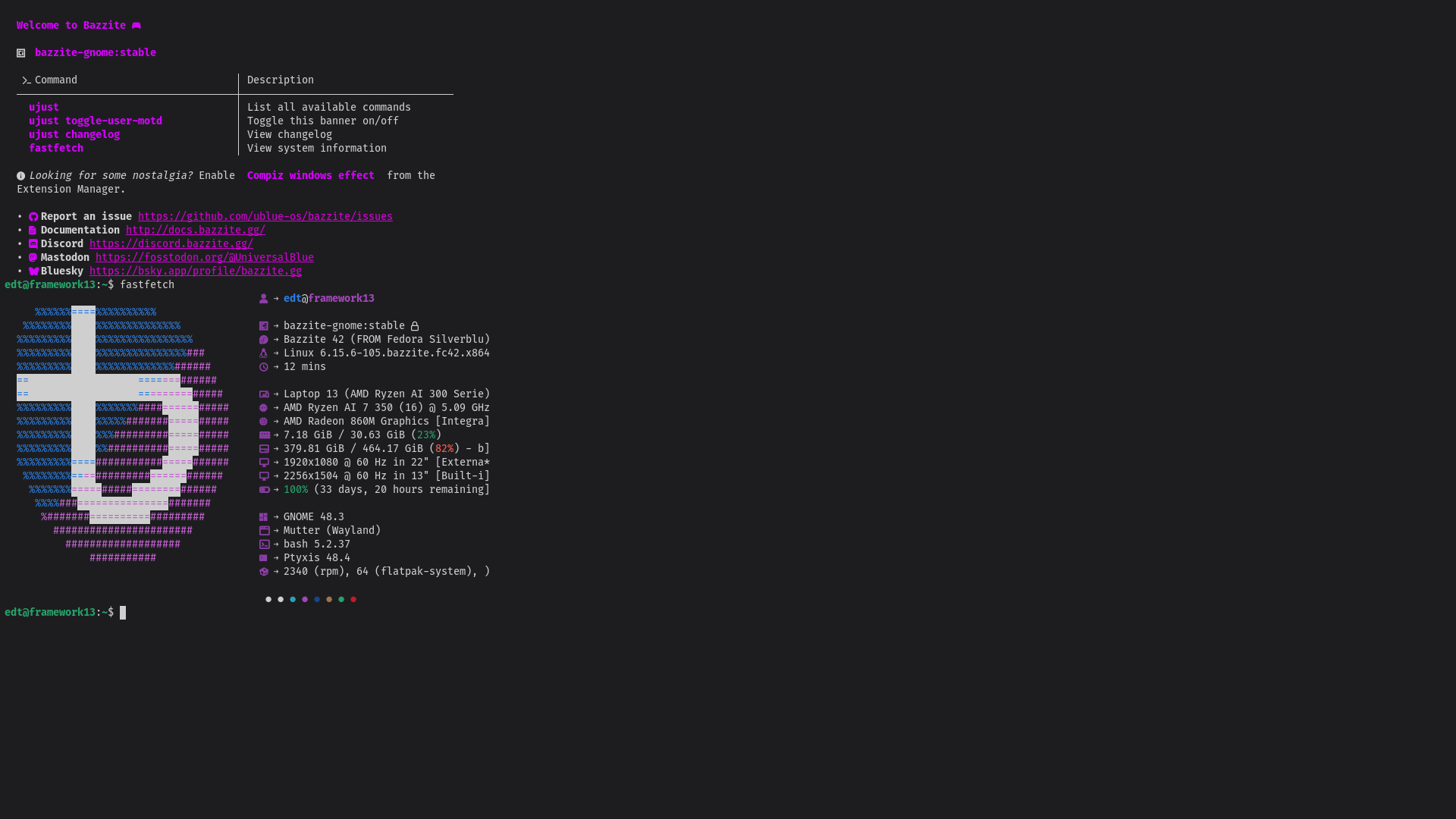
I have an LG 22" external monitor connected by HDMI port (FrameWork HDMI expansion bay)... the laptop native display is in the native 2256 x 1504 (3:2) resolution, but for some reason all desktop elements & text look absolutely, eye-hurtingly TINY! It didn't do that before I had it hooked to the display, and maybe I'm missing the appropriate setting somewhere but I could always scale it, I guess... the bigger problem is that the built-in display no longer works WITHOUT the external display attached... it just goes black. If I 'turn off" the external monitor the native display works, but if I unplug the external (even if it's "off" in display settings) built-in screen goes black. If I restart w/o external display attached, I see the framework logo, get to log in, then... black screen again. No display output until I plug in the HDMI cable. Can't seem to get anywhere with it. Suggestions for next step in troubleshooting? Thank you!

14 Replies

I have had a different problem, but the fix is probably the same. I'll go check what I did and then post it here, it was something with
kscreen-doctor
try kscreen-doctor output.eDP-1.mode.1 output.eDP-1.enable
I didn't notice you were using Gnome, that command will not work but I assume a similar command can be used in GnomeOK, I'll web search kscreen-doctor and see what I can find out.
looks like the equivalent to kscreen-doctor for GNOME (in so far as there is one) is xrandr. I've never used it before... I'm thinking I should maybe reinstall display drivers? Does anyone know the command for that in Bazzite?
It's something with Variable Refresh Rate... I've discovered that much. changing to experimental VRR with
gsettings set org.gnome.mutter experimental-features "['variable-refresh-rate']" DOES allow the internal monitor to function... however, the UI elements are so absurdly tiny that I have to scale to 200% just to use it, which makes apps act awkwardly. I shouldn't have to scale 200% just to use the built-in monitor... also, tried fractional scaling experimental-features set and it must've over-wrote the vrr, bc screen promptly stopped working again. Grrrr2256 x 1504 @ 13 inch will need scaling
regardless of OS
as far as I know, this is the native resolution for framework 13. GNOME only has fractional scaling as experimental, and any other resolution I set the built in display to only turns the screen black...
afaik framework used such a high resolution just so linux users could use %200 instead of fractional scaling which was problematic when they made this decision (and still is)
hmm Ok, I see. Thank you
tbh I'd use %175 on that res, taking my 1440x900 13 inch macbook with no scaling
well, I can't, b/c A: I can't change the resolution on native for some reason (screen goes black) B: fractional scaling "overwrote" the VRR fix that made the screen work after it was bugged/broken - working with external monitor only
I could if I switch to KDE, apparently
from everything I've seen, that's just more 'built in' but fractional scaling is not a fully-supported thing on GNOME (yet)
but at least the screen works again, and 200% is only slightly awkward
You're finding somewhat (possible) conflicting info. Xrandr is the manager for X11 systems, not specifically Gnome or KDE.
the package
gnome-monitor-config is what you'll probably want
Just gonna ask the dumb question: you don't just have "external monitor" set in the screen mirroring options right?Hahaha thank you for checking, and while i could theoretically see myself doing something that dumb, in this case, no. I have them as joined. I toggled mirror on and off as a troubleshooting step but it made no difference
I check because I've done that 😂 but ok good to know! Id try the gnome monitor config thing too, since that should be able to directly affect a monitor's status
I get
bash: gnome-monitor-config: command not found in terminal ... is it a command for some other function?No, it's a package you have to install unfortunately, it doesn't come with gnome