Game stuck on loading screen
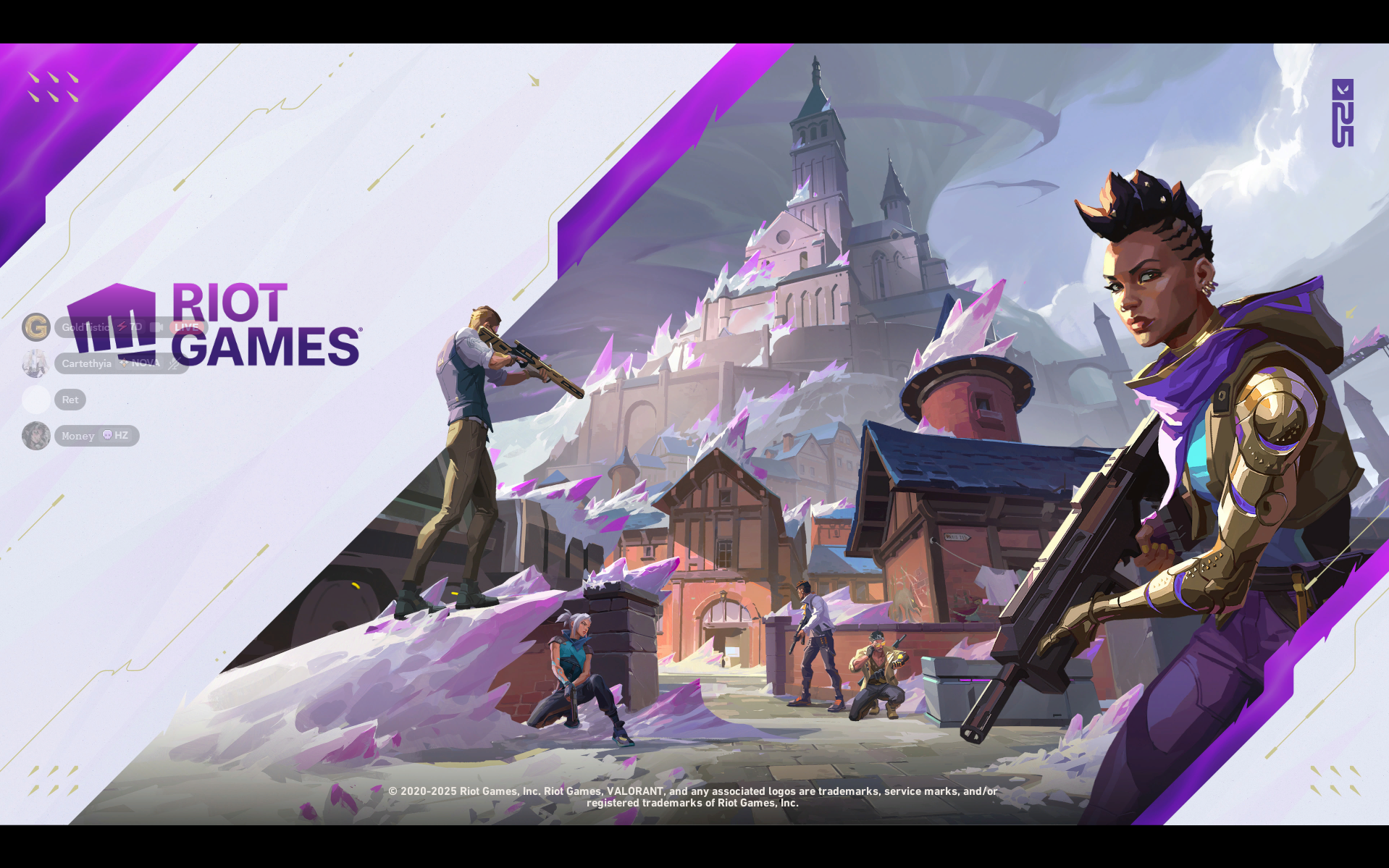
So I tried downloading val on my pc earlier today and I've been stuck on the loading screen for hours now. I can hear the sounds of the game itself, but I can't get into the game whatsoever to the home screen or anything. What types of steps do I need to take for this?

12 Replies
It's been stuck on here for the past day. I've tried closing out of the game and redownloading it entirely. Nothing has worked.
Open task manager > performance tab
Show ss in CPU tab
Better ss.

https://www.intel.com/content/www/us/en/products/sku/237327/intel-core-ultra-7-processor-155u-12m-cache-up-to-4-80-ghz/downloads.html
go here and download and install the intel arc graphics driver
Intel
Intel® Core™ Ultra 7 Processor 155U (12M Cache, up to 4.80 GHz) ...
Intel® Core™ Ultra 7 Processor 155U (12M Cache, up to 4.80 GHz) - Download supporting resources inclusive drivers, software, bios, and firmware updates.
Just this?

Yes
I downloaded it and I got it to reboot. Do I try launching the game now?
Yes pls
It's still taking a bit to load. I can still hear the game starting sounds but it's still the same loading screen issue
Open the game in windowed mode
Just gave me this

It took a while but I'm in!