language appear ugly or just squares
Arabic looks ugly and separated and Japaneses is just blocks
47 Replies

You might be missing font packages
FAQ - blendOS
blendOS FAQ
arch-repo: https://geo.mirror.pkgbuild.com
impl: http://github.com/blend-os/tracks/raw/main
repo: https://pkg-repo.blendos.co
track: default-gnome
packages:
- noto-fonts noto-fonts-cjk
didnt work
and yes i have put /etc/locale.gen
infact i have put every language in local.gen
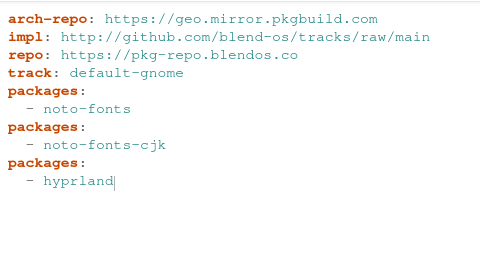
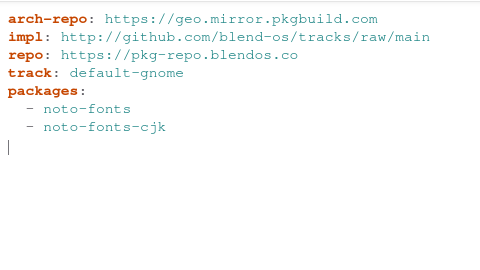
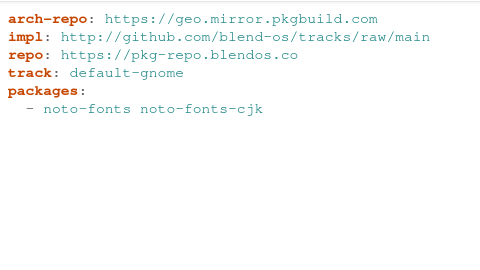
Can I see a picture of your system.yaml
You may have formatted it incorrectly
You don’t need to do that for the characters to render
Only if you want to use Japanese as your system locale
tried those 3
@/home/wal/name.txt, you've gained the level
1The second one is correct
But the third one probably works too
didnt work . i rebooted do i do something else to apply system.yaml
sudo akshara update
it does not apply itself
Sos anyways
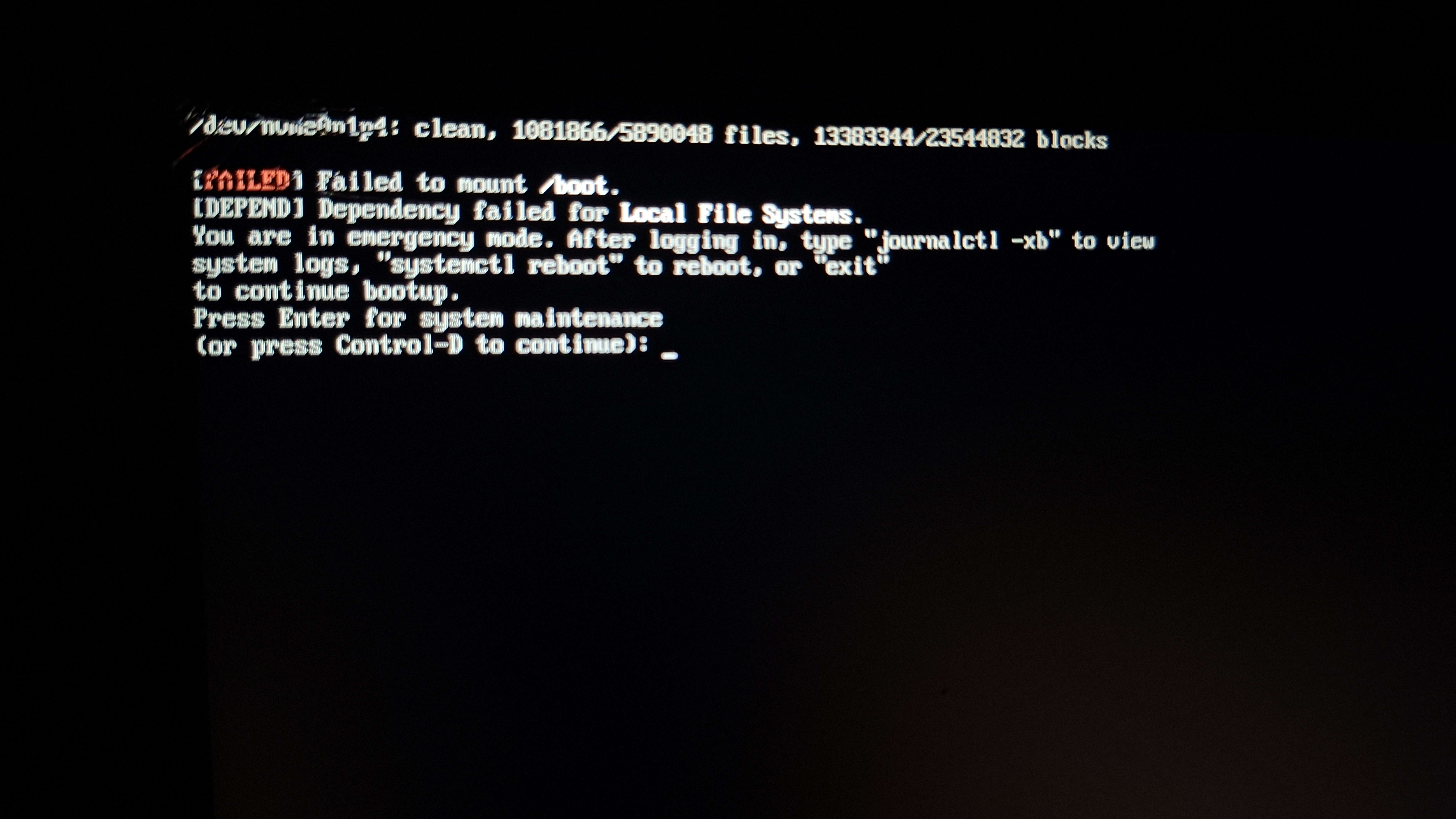
hit control-D and try to get to something workable
After spamming the "starting default.target" took long still loading let see if i have any luck?
Rebooted after waiting. And more details after I rebooted
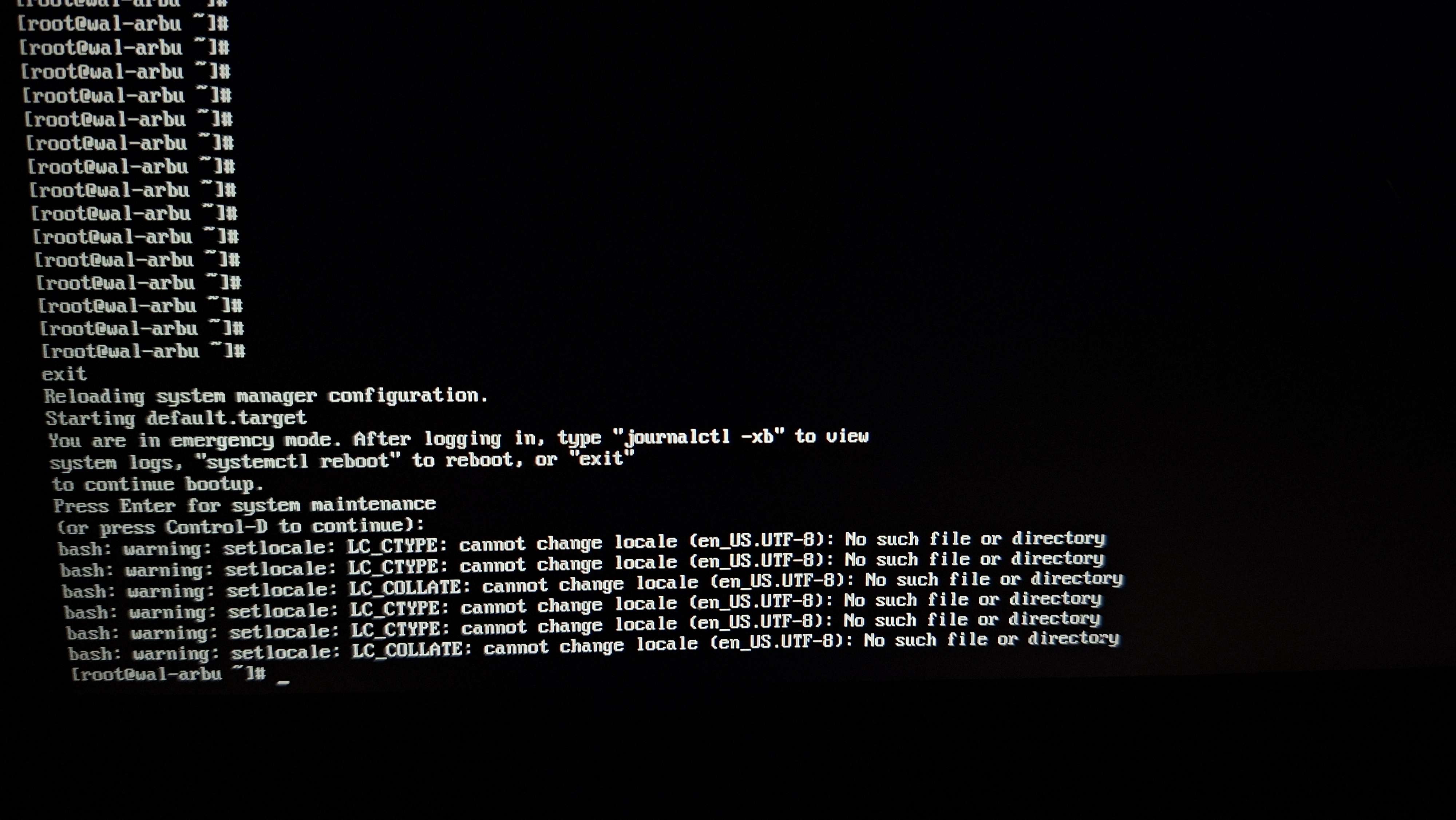
Still no results
Did you try ctrl+d
.
Didn't work
If you did then enter emergency mode and do journalctl -xb like it tells you
So do I just capture the red things?
Errors
Anything about mounting /boot yeah
K
Laptop no power got to charge it
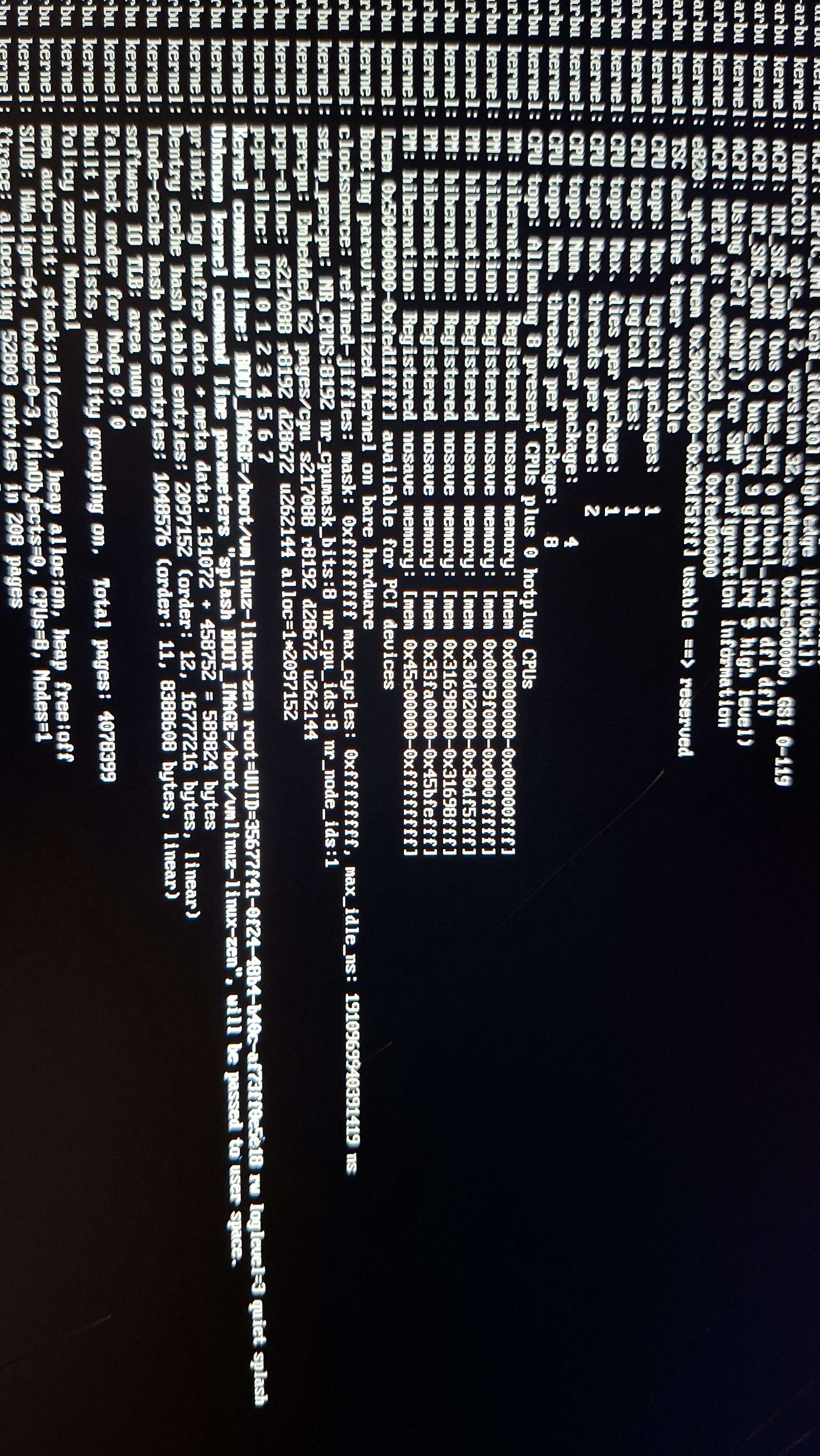
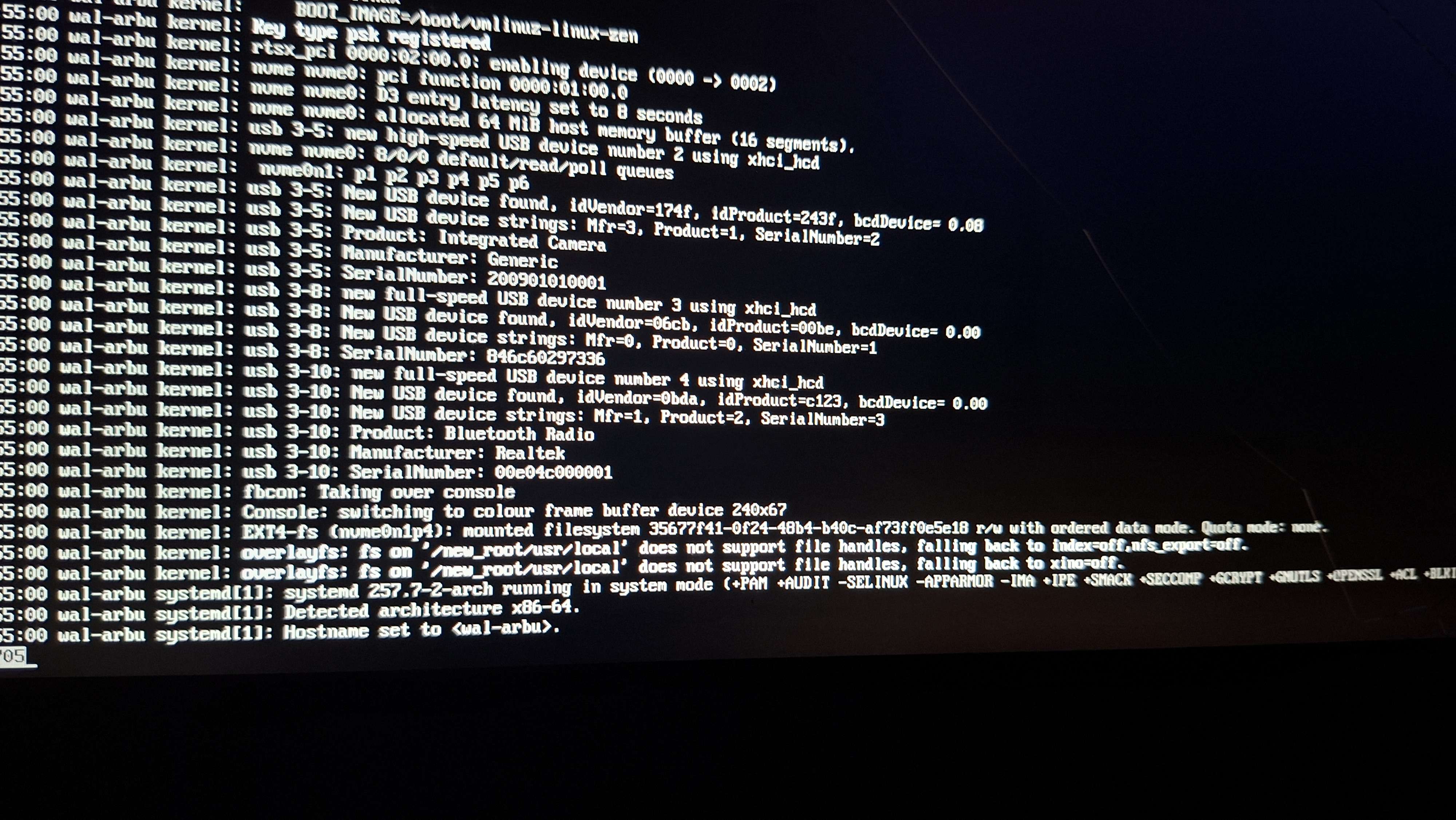
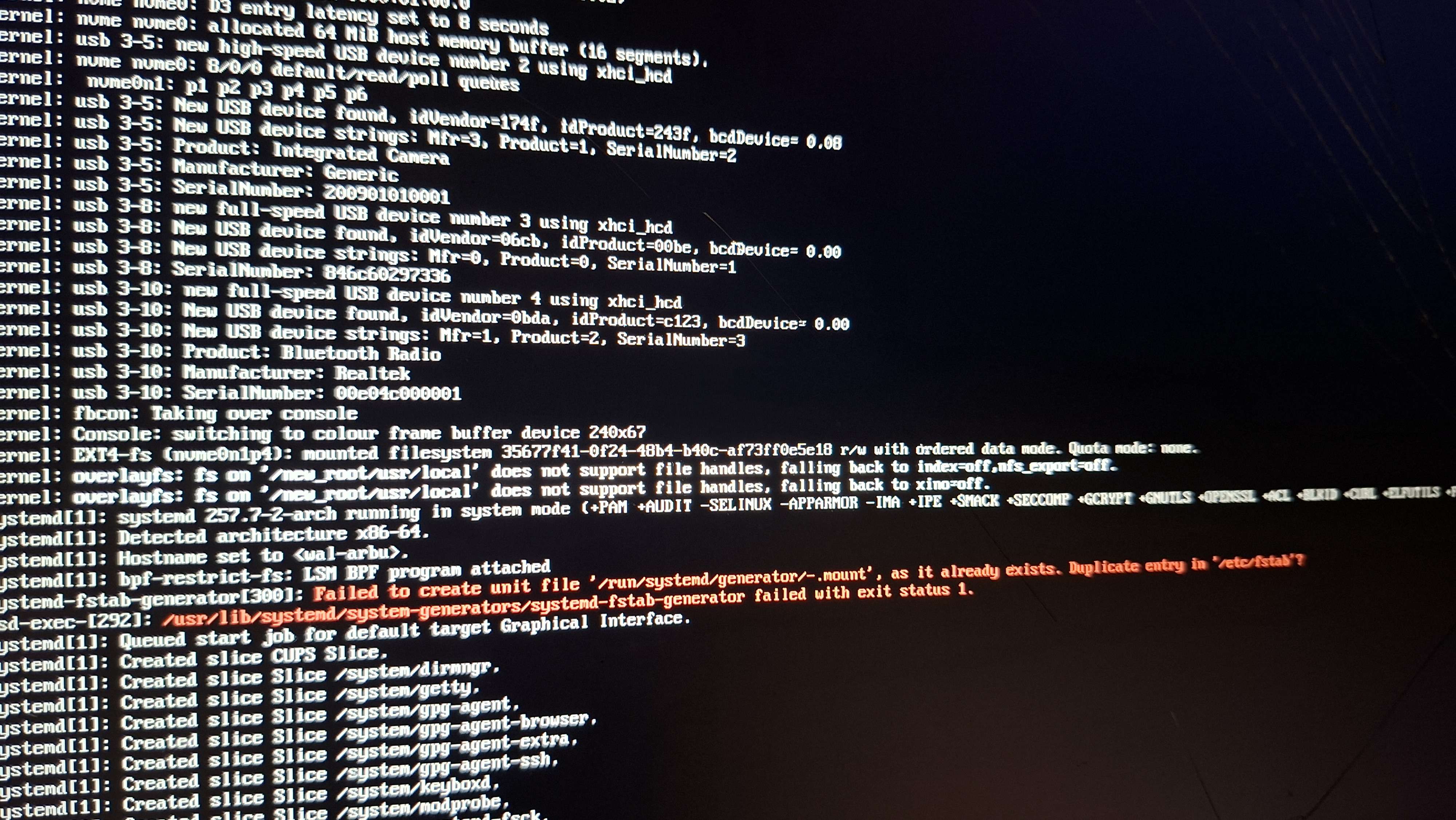
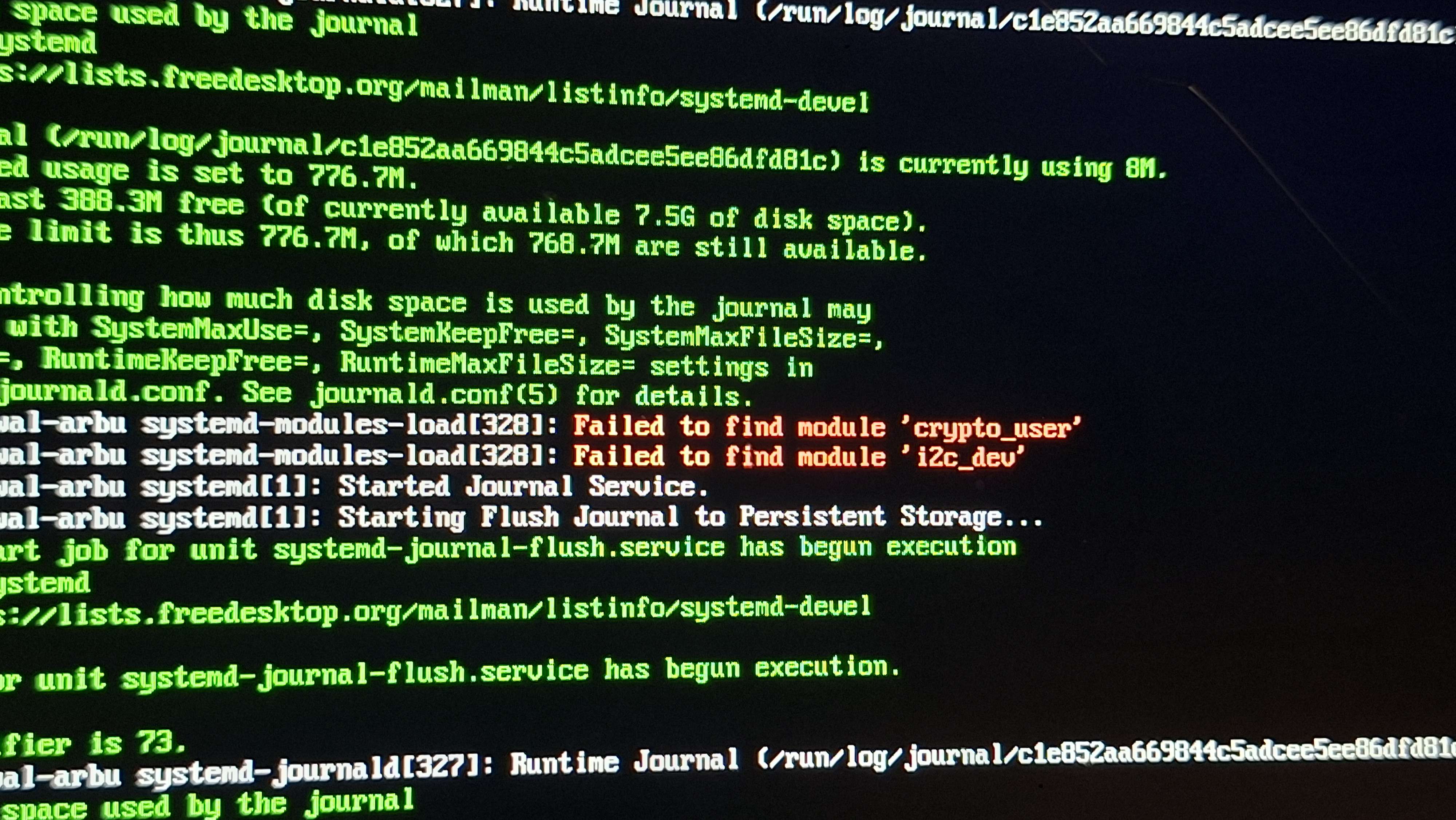
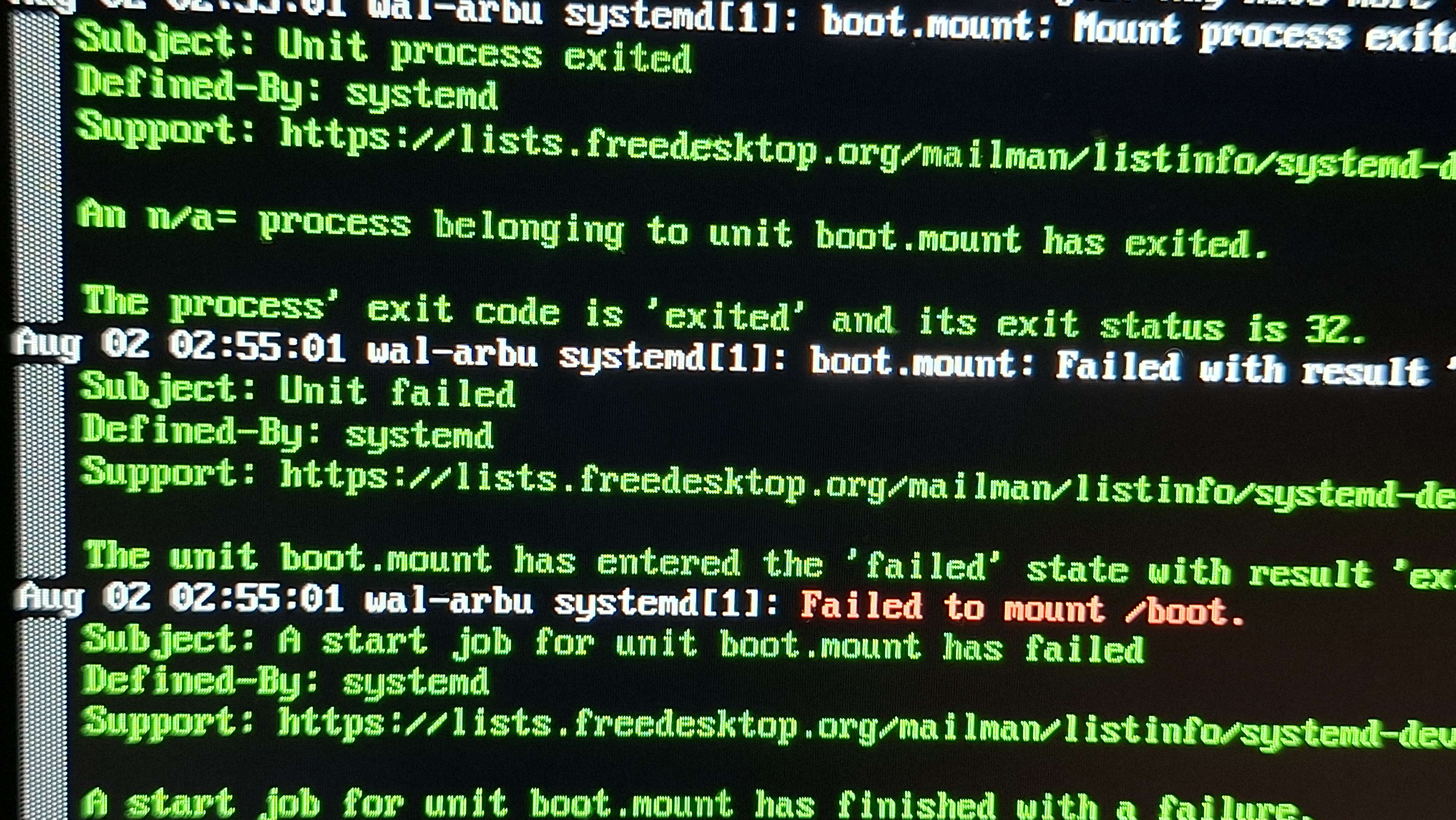
@/home/wal/name.txt can you load into the liveCD (any liveCD), mount your main partition and check its /etc/fstab?
No- but I got windows that read my boot
And my main
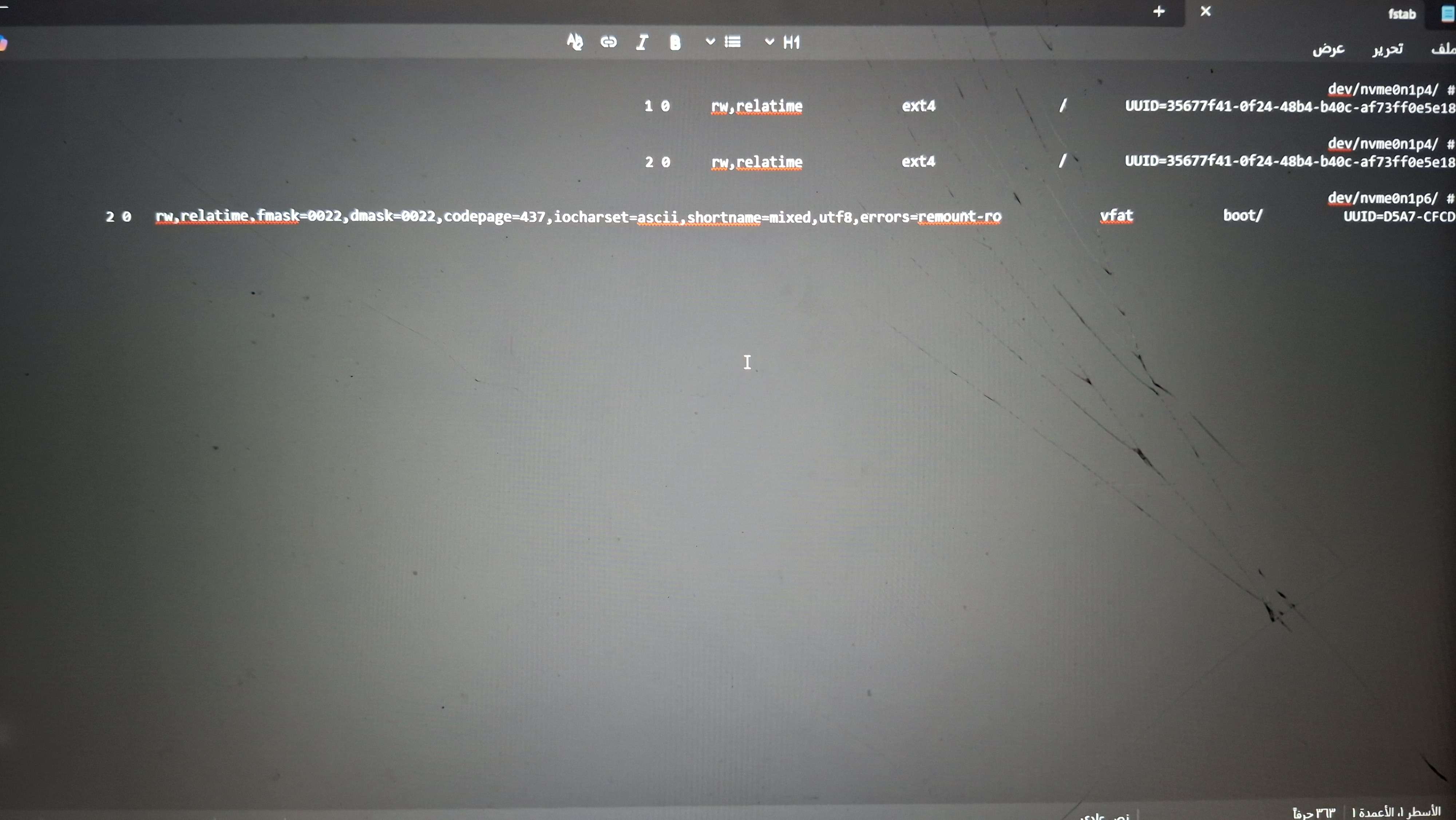
I don’t think it’s supposed to be RTL unless that’s just your text editor
Arabic
Could I see that LTR
Arabic😲
Kk
RTL = right to left
LTR = left to right
Ik
Arabic use rtl
And I know it’s Arabic
But I am going to
But it’s English text shown RTL
Change it to Ltr
Yeah it dose this for all text
At the end of ro there's a 0. 2
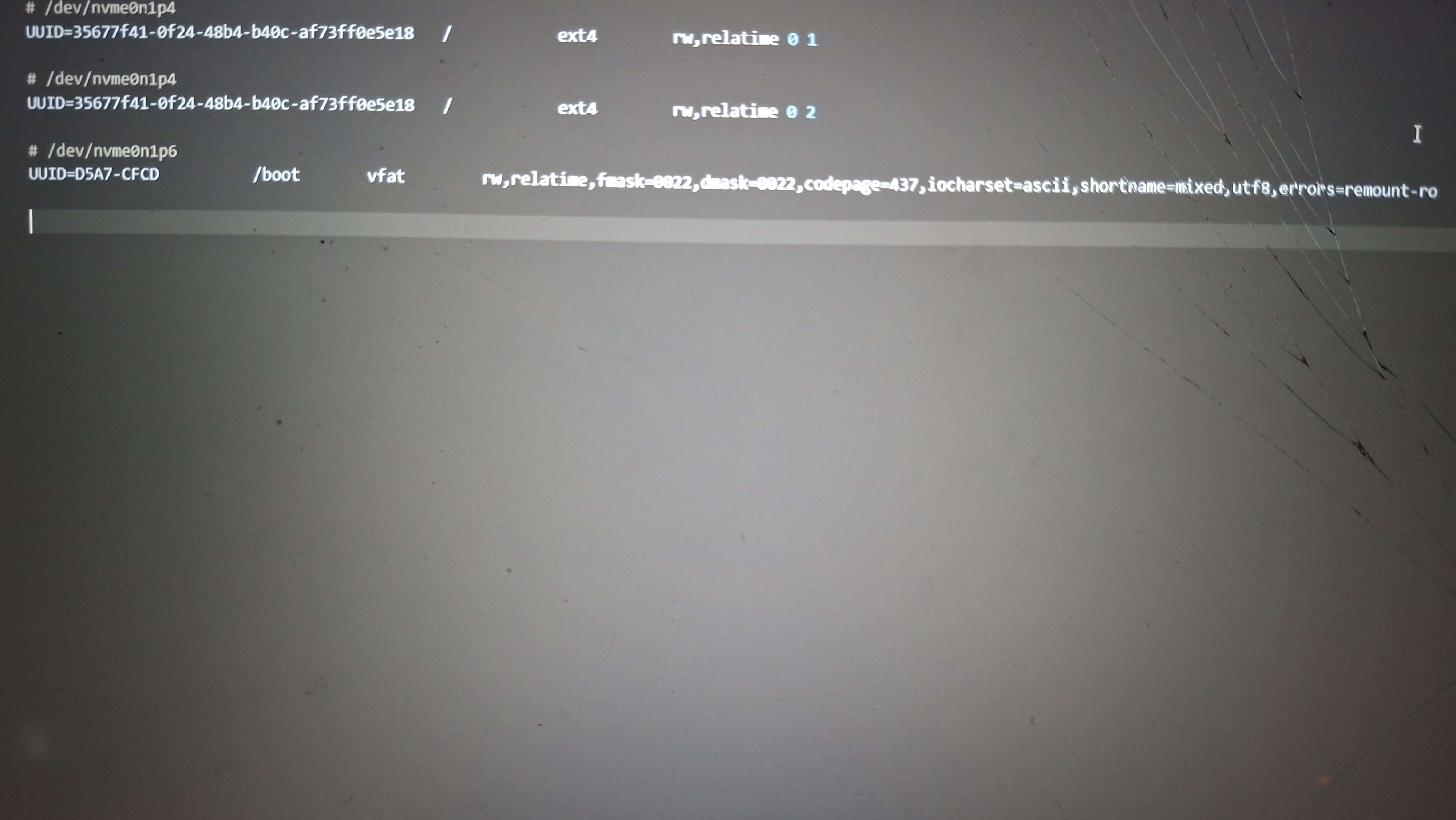
0 2
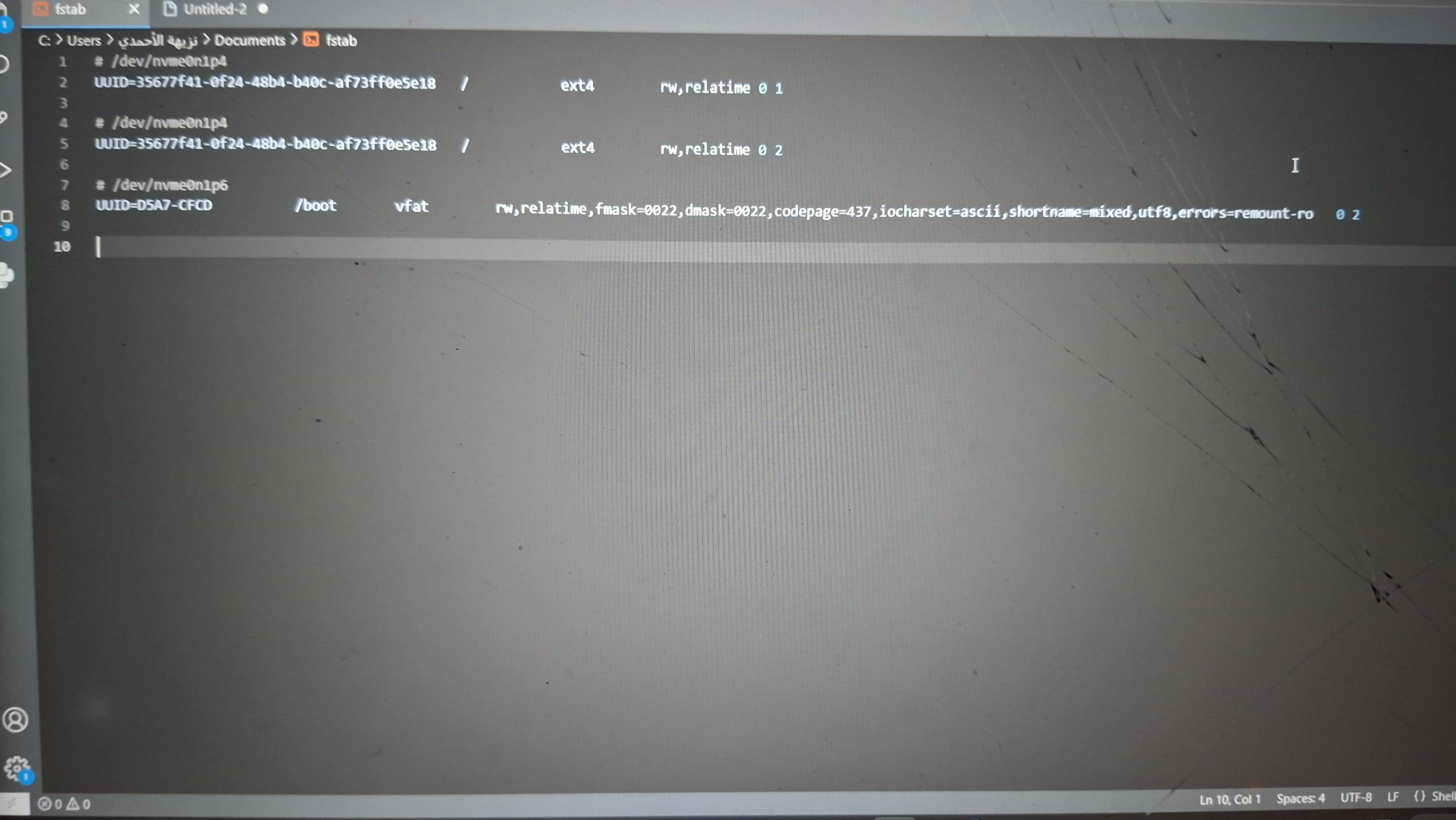
.
Can you try mounting that partition on Windows
It’s Fat32 it should work
@/home/wal/name.txt
And?
Need to make sure the partition itself is ok and that it really is a mount issue
Your /boot
Ok
Might take log
Long
If that does work try and get the UUID of that partition from any Linux LiveCD
and make sure it matches what’s in the fstab
sudo blkid