
Game Mode Resolution and Scope Buddy
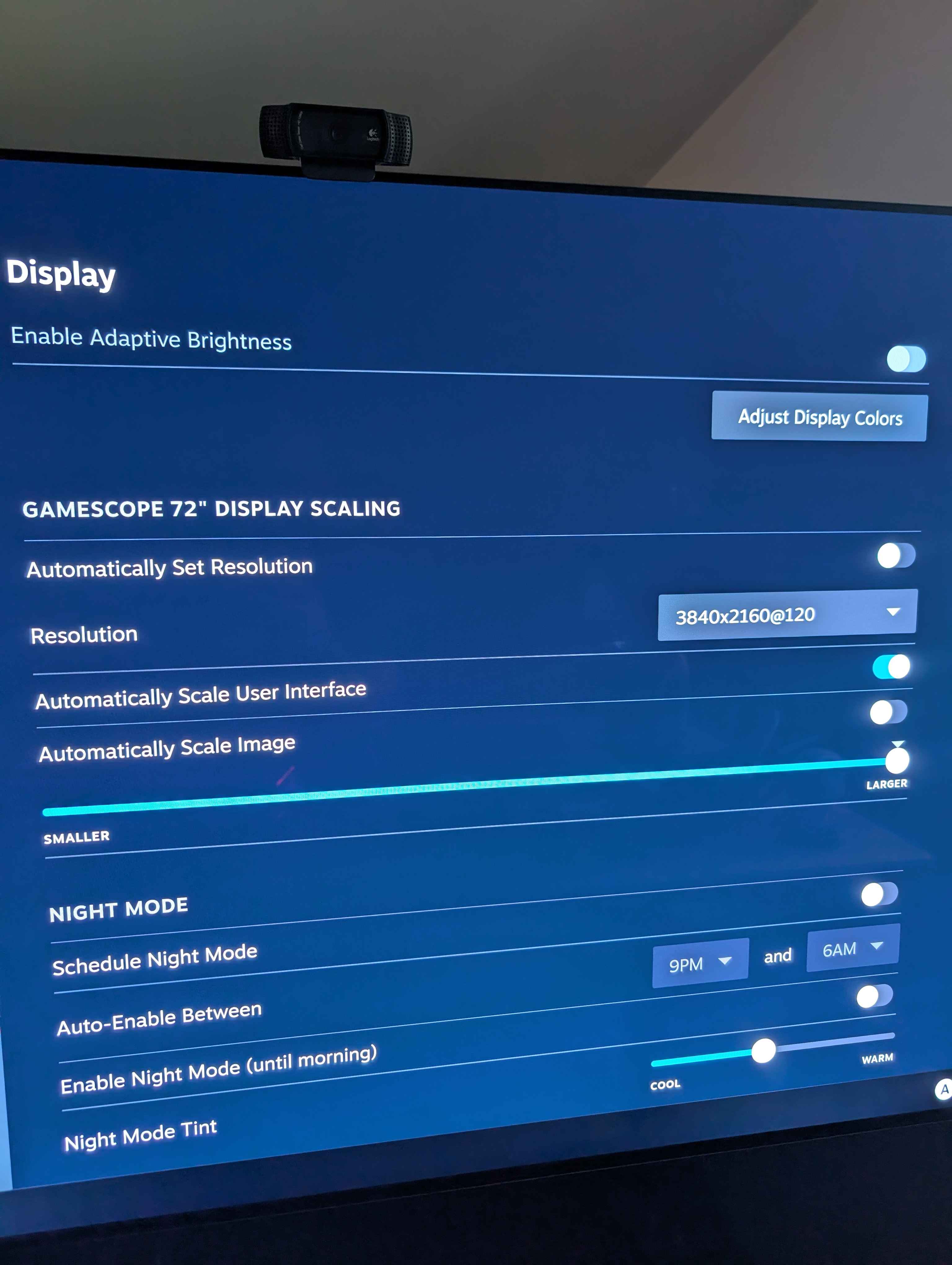
Is there a way to change this resolution value to something that isn't listed?
I've read various bits of information, most seem to only work in desktop mode.
I'm super confused because the resolution options here don't match what's available in desktop mode. I get significantly more options there.
I'm wanting to change this option to the requested clients option using Sunshine.
I doubt it matters but running bazzite kde deck, AMD, and LG C2 as display with no dummy dongle.
I think I can use the new scopebuddy utility but not sure if that only applies to the game and not the steam mode UI too.
I've read various bits of information, most seem to only work in desktop mode.
I'm super confused because the resolution options here don't match what's available in desktop mode. I get significantly more options there.
I'm wanting to change this option to the requested clients option using Sunshine.
I doubt it matters but running bazzite kde deck, AMD, and LG C2 as display with no dummy dongle.
I think I can use the new scopebuddy utility but not sure if that only applies to the game and not the steam mode UI too.
Solution
Figured this out
I had to make a custom edid with the resolutions that I knew worked with my monitor. DM me if I forget to add more details
https://universal-blue.discourse.group/t/custom-edid-bin/1774/5
I had to make a custom edid with the resolutions that I knew worked with my monitor. DM me if I forget to add more details
https://universal-blue.discourse.group/t/custom-edid-bin/1774/5
Universal Blue
This thread was the closest guide I could find to fix my monitor EDID. The missing bit was to add a video kernel argument like this: sudo rpm-ostree kargs --append-if-missing=video=DSI-1:e You may also need to put the firmware_class.path before the drm.edid_firmware. I didn’t test it in the reverse order, but it seems logical to give it the ...

