Default favorites have been deleted, how do I reset them?
Ever since I tried enabling the IS_AI_ENABLED feature flag, I've been unable to disable it. I got the idea from ❓︱helpStruggling to enable AI Agent in Workflows. Furthermore, the AI configuration was never fully working so it's stuck in a half broken state.
More Importantly -> the default favorites were deleted from my local workspaces when I enabled this flag, hence the reason for the context above.
Resources checked:
- 🏡︱generalHi all - I did something dumb and
- ❓︱helpUpgrade 0.42 -> 0.43 -> 0.44. Workspace objects & favorites disappeared.)
- 🏡︱general
I appreciate @prastoin 's presence on all of these
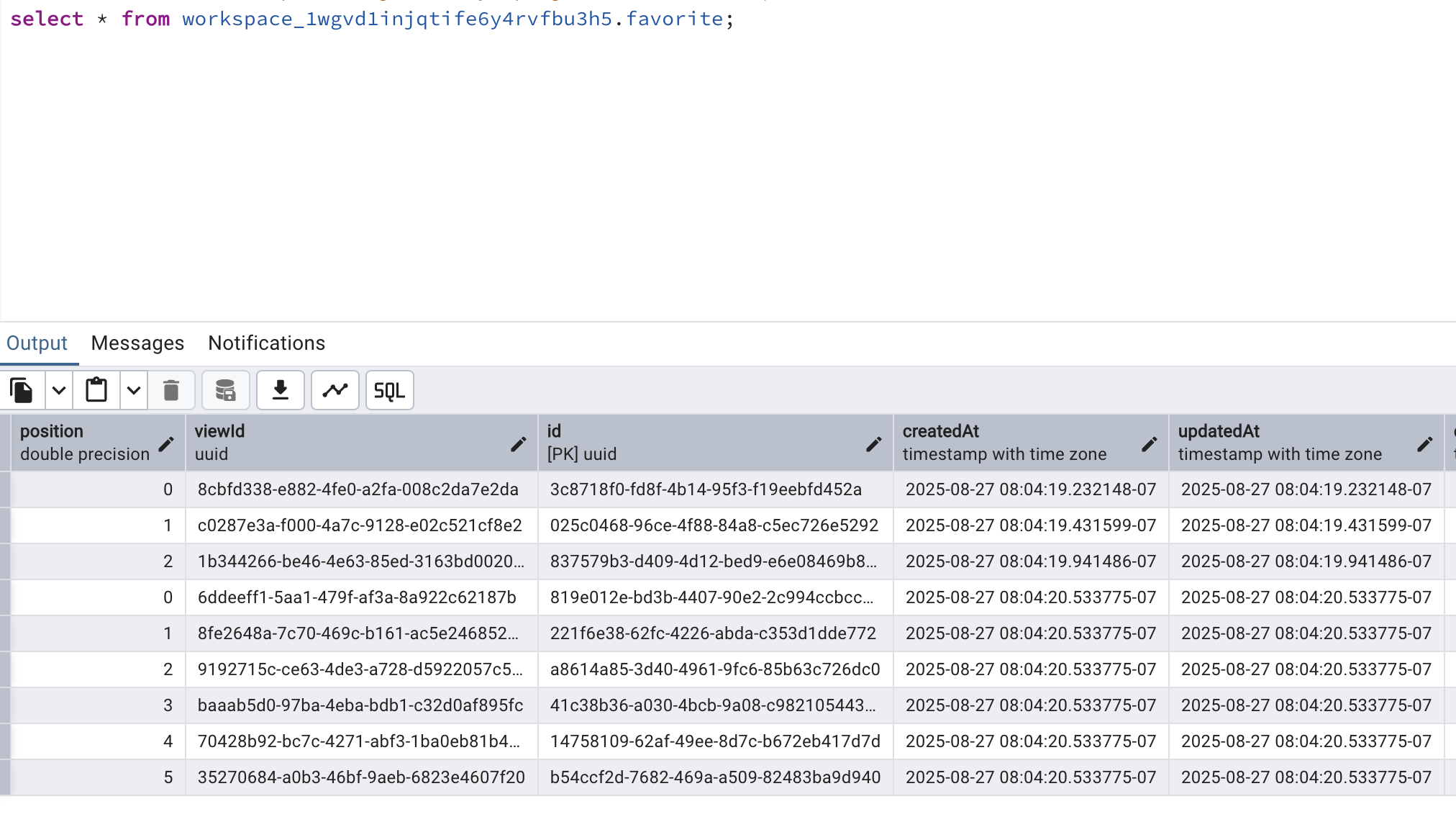
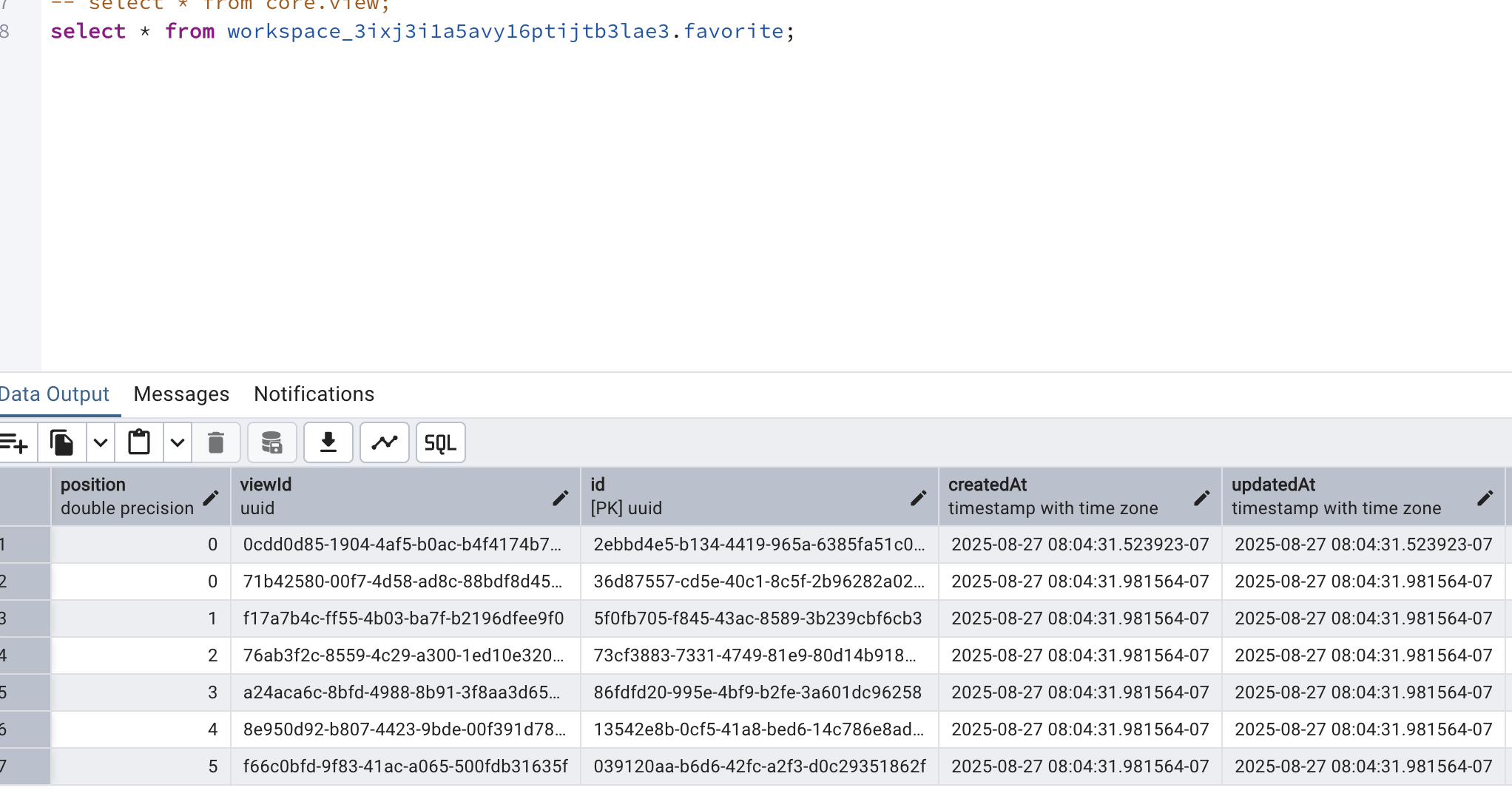
I'm mainly confused on how this is working with only a seemingly random entry, with the only unique id being for a view in a workspace. Why do the default favorites get deleted? It seems uncommon, but clearly not unheard of.
Additionally, is there a script that would make this manual task a bit easier?
More Importantly -> the default favorites were deleted from my local workspaces when I enabled this flag, hence the reason for the context above.
Resources checked:
- 🏡︱generalHi all - I did something dumb and
- ❓︱helpUpgrade 0.42 -> 0.43 -> 0.44. Workspace objects & favorites disappeared.)
- 🏡︱general
I appreciate @prastoin 's presence on all of these
I'm mainly confused on how this is working with only a seemingly random entry, with the only unique id being for a view in a workspace. Why do the default favorites get deleted? It seems uncommon, but clearly not unheard of.
Additionally, is there a script that would make this manual task a bit easier?