error > RabbitMQ connection error connect ECONNREFUSED 172.18.0.2:5672 Error: connect ECONNREFUSED 1
I am upgrading to v4.4.0 it went through sucessfully, but failed to start with RabbitMQ error
I stopped runtipi, did system prune removed all the images and did fresh pull, i am still having the same issue. let me know if anyone having resolution for this.
Looks like it is always scary and tricky to update RunTipi
48 Replies
Please follow the Example post so we can help you
It's always tricky to help without any further info
okay , sure i will
Thanks can you also paste the result of
./runtipi-cli debug?if i restart reverse proxy manually it works
I see you have a custom
user-config/tipi-compose.yml which is probably what's breaking the default here, could you also share what custom changes you have applied? Same for the custom traefik config
Or at least try to disable first these two customizations and see if runtipi works properly without your changestipi-compose.yml
i remember facing same issue a while ago after upgrade. not sure what I did.
setings.json
You told that after restarting the reverse proxy it was working. Maybe what are the logs of it?
docker logs runtipi-reverse-proxy it seems stuck in "Created" statelogs look clean
let me restart and see that will happen
i am restarting with sudo that is the way to do right?
Yes!
same issue proxy not started
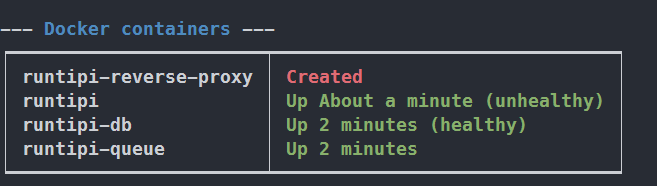
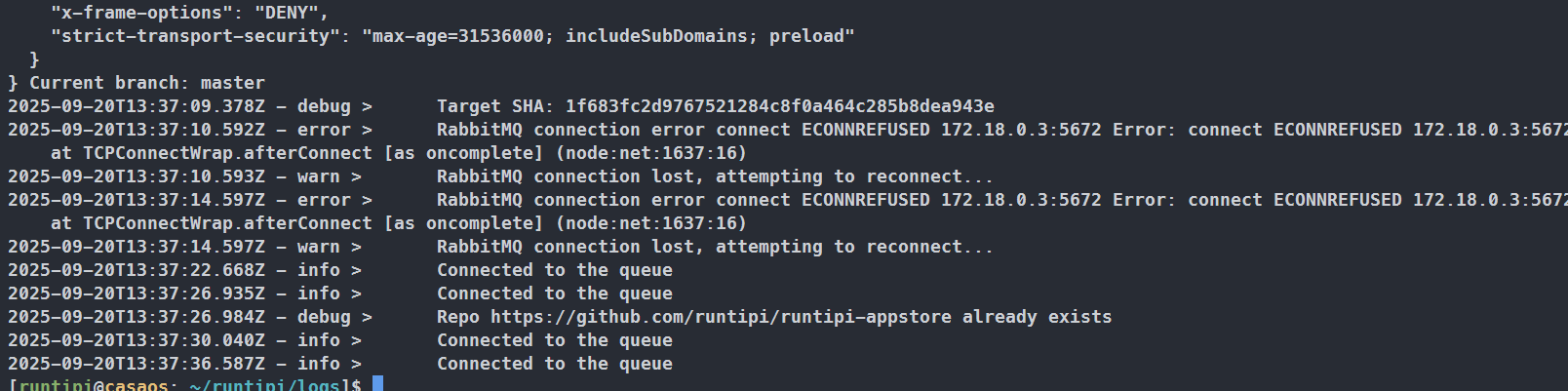
docker logs runtipi-reverse-proxycontainer is not running
docker ps shows more info?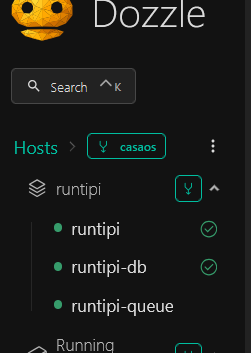
or
docker inspect runtipi-reverse-proxy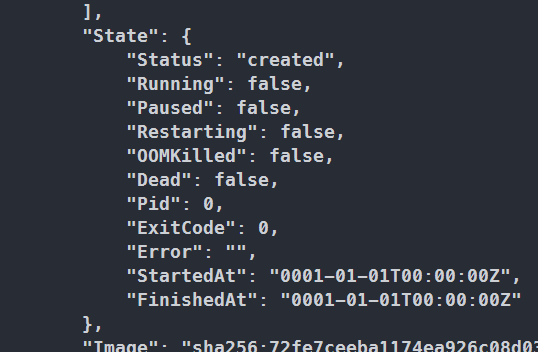
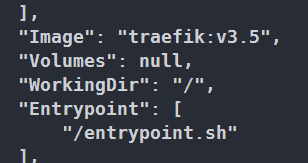

restart works
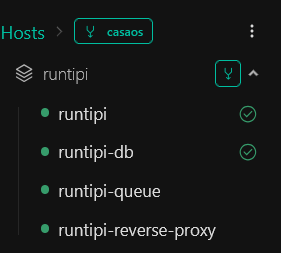
And after restart, everything works correctly? Like you can use runtipi?
Correct
Okay so it's not an issue with runtipi-queue (and we can see in the logs that rabbitmq connects after a couple of tries)
do i have to make any changes to the docker compose
to me it looks like MQ should run after all the services are up
Something is preventing traefik to start, maybe your custom config? Can you backup the
traefik folder at the root (rename to traefik_bak) and in your runtipi settings disable persistTraefikConfig
Then try to restart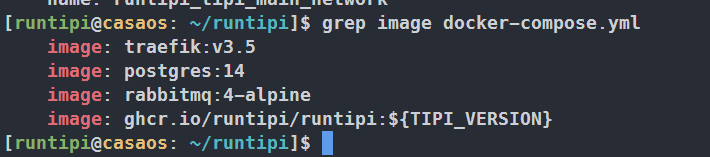
okay i will try and update
@Nicolas it didnt help, i removed all settings and tipi-compse and restarted , it still has the same issue.
is there any way i can open a BUG
not sure what to capture
I'm not sure what could be wrong here
If you could describe reproductions steps on a clean OS with minimal config it could help
@Nicolas After so many irritating days of dealing with runtipi. I found the problem. after upgrade for some reason traefik.yml config was overwritten. corrected it and trying to restart let me see what happens
Sorry you have experienced this, it should not happen if persistTraefikConfig is set to true. Did it happen for you even with that option enabled?
it was set to true
i corrected the traefik.yml no luck i am still having issue. proxy container is failing to start with ./runtipi-cli. manually it works
I am thinking of scrapping every thing start fresh
certs are not generated as well for new apps
2025-10-04T18:20:58Z ERR Error renewing certificate from LE: {yog.duckdns.org []} error="error: one or more domains had a problem:\n[yog.duckdns.org] propagation: time limit exceeded: last error: authoritative nameservers: DNS call error: read udp 172.18.0.5:54028->15.223.21.81:53: i/o timeout [ns=ns7.duckdns.org.:53, question='_acme-challenge.yog.duckdns.org. IN TXT']\n" acmeCA=https://acme-v02.api.letsencrypt.org/directory providerName=myresolver.acme
if i delete acme.json will it generate automatically?
something wrong with acme.json, i renamed it , all the services came through without issue
Kind of strange
I have experienced recently a very similar issue, i had some wrong configs in traefik.yml and it wouldn’t start anymore
Do you know what was wrong with the config? What did you have to change?
I had no logs, no errors in traefik
it went to default
all my settings were lost
i am redoing every thing now
clean up and fresh install
debugging further doesnt make sense to me
if runtipi is stable, This is game changer in home lab.
I’ll try a few things on my side
you should keep runtipi seperate from the apps. deleting the folder will delete all the apps. If ppl want to do fresh install of runtipi for somereasonthey should have option to delete just runtipi and keep the settings in place and fresh runtipi should pickup them up
i see persistTraficConfig default value is true. so i dont need to make any entries into settings.json right?
i made my changes and proxy is failing to start
What have you changed? Probably traefik doesn’t like something
This should not be the case
I installed from scratch and it's not the case
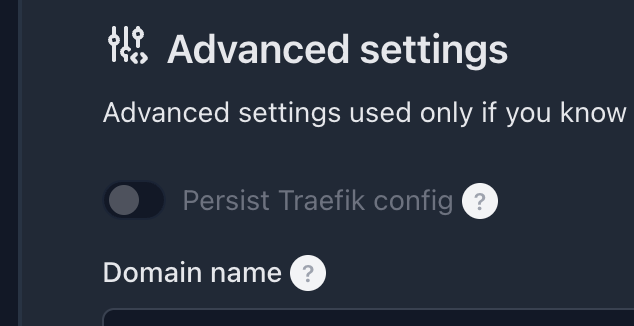
that worked
looks like you shouldn't touch settings.json
i made change to traefik it failed
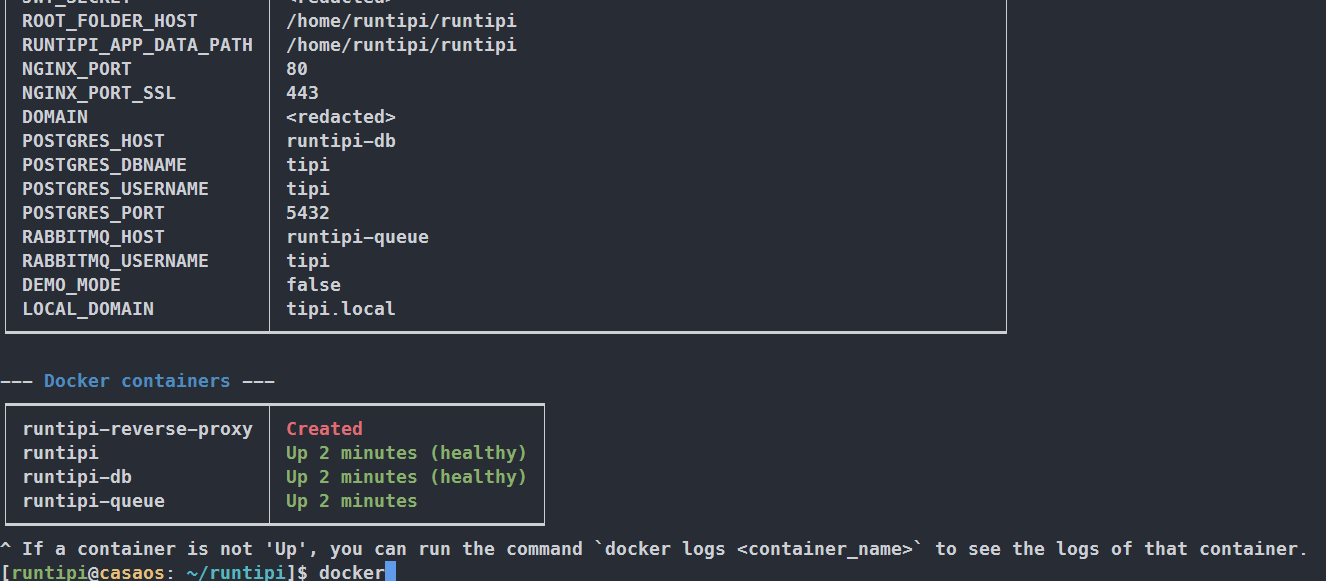
all i did was create tipi-compose and made changes in traefik
Yes but what changes in traefik
This is a traefik issue not being able to load something, so I suspect the changed config
maybe a similar error i have in 4.5.5 (i think was also in 4.4.0 (no logs here)
logs
happens when i restart the host with runtipi on it (after update f.i.)
a sudo ./runtipi-cli restart helps