.heif get corrupted after uploading them
I just recently set up an immich server on a spare laptop that i had lying around that is running a fresh install of Linux Mint 22.1
Everything seemed to be working fine until i tried to backup the photos from my smartphone (that's the main reason i wanted to set up an immich server).
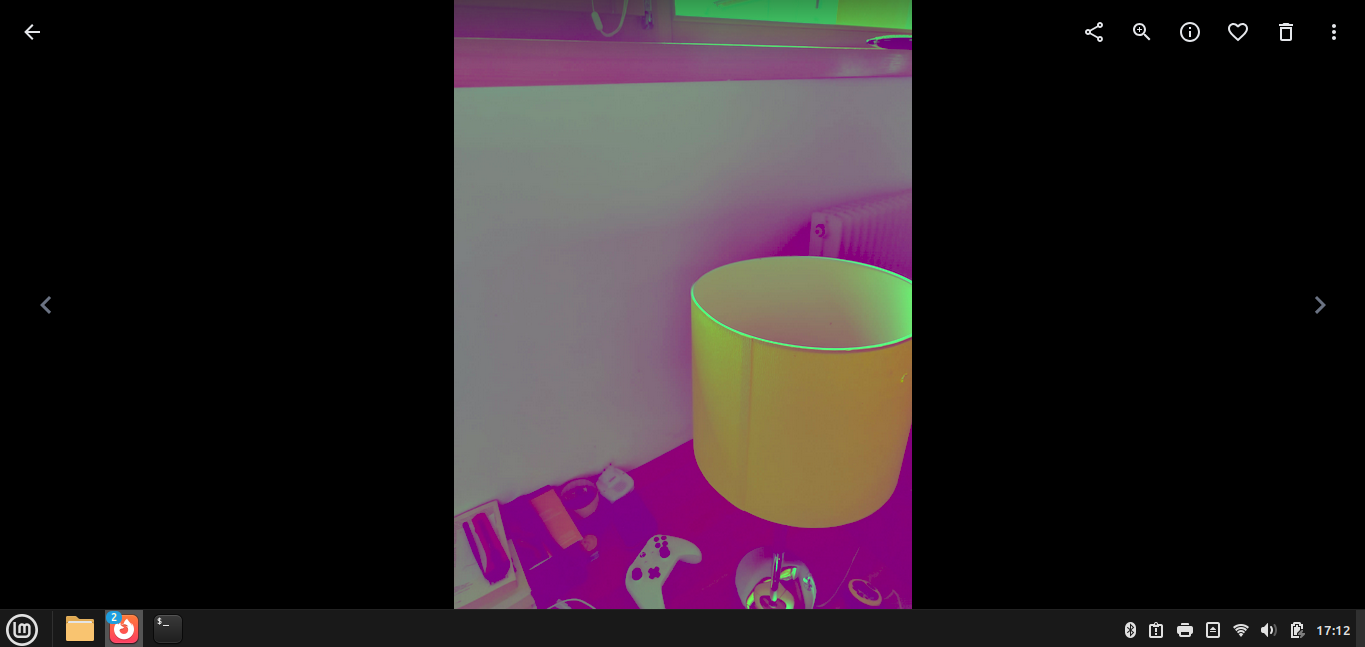
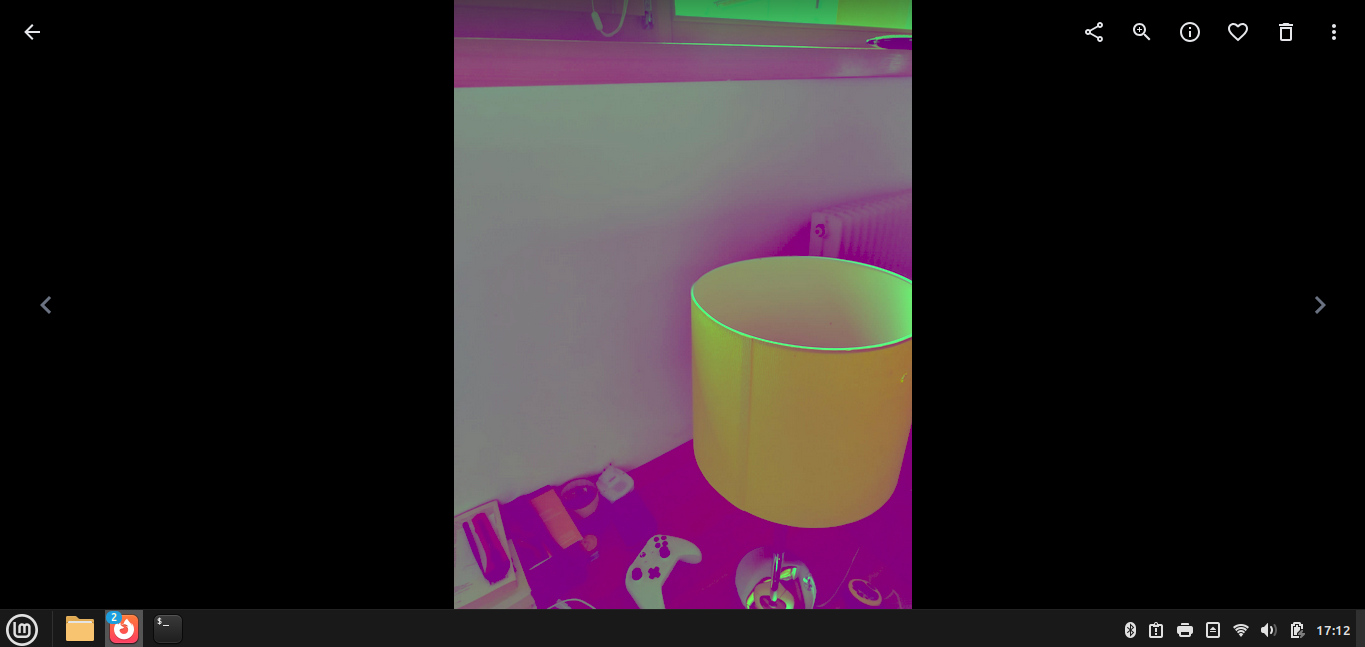
Just then I noticed that some photos (in particular they were .heif format photos) were corrupting after being uploaded, to be more precise they got color shifted to shades of magenta and yellow.
I tried to solve this first on my own, looking on the internet for answers and it seemed that it was caused by the library
I then managed to update to version 1.19 of the library using this custom PPA: https://launchpad.net/~ubuntuhandbook1/+archive/ubuntu/libheif.
I then retried the thumb drive check and to my surprise the artifacting was actually gone, but when i got ahead and actually backed up my photos from the immich mobile app they were still corrupting like before.
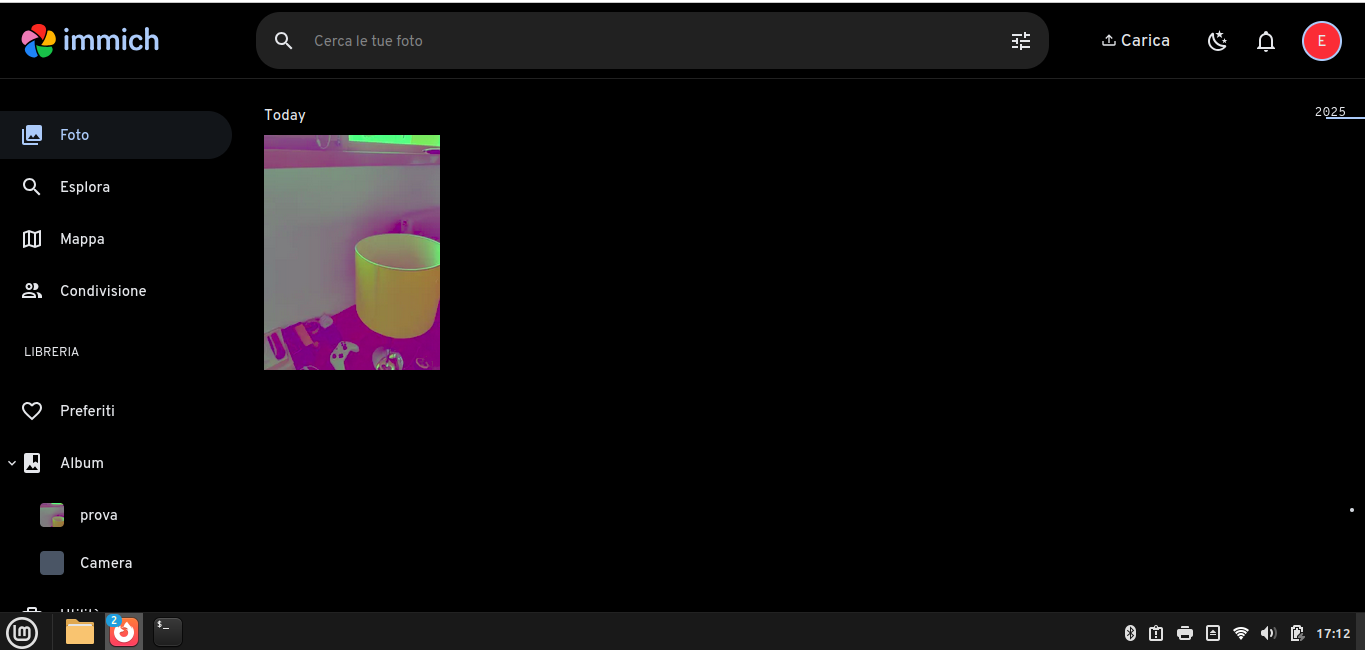
Note that i could only see this corrupting on the web interface of immich and in the local library files stored on the computer, not on my phone (maybe cause on the phone they were loading directly from the phone memory).
I also tried to delete the docker container an freshly reinstalling immich but the issue kept appearing.
What do i do? Is there a solution that i can try or I just need to wait for a release that fixes this issue?
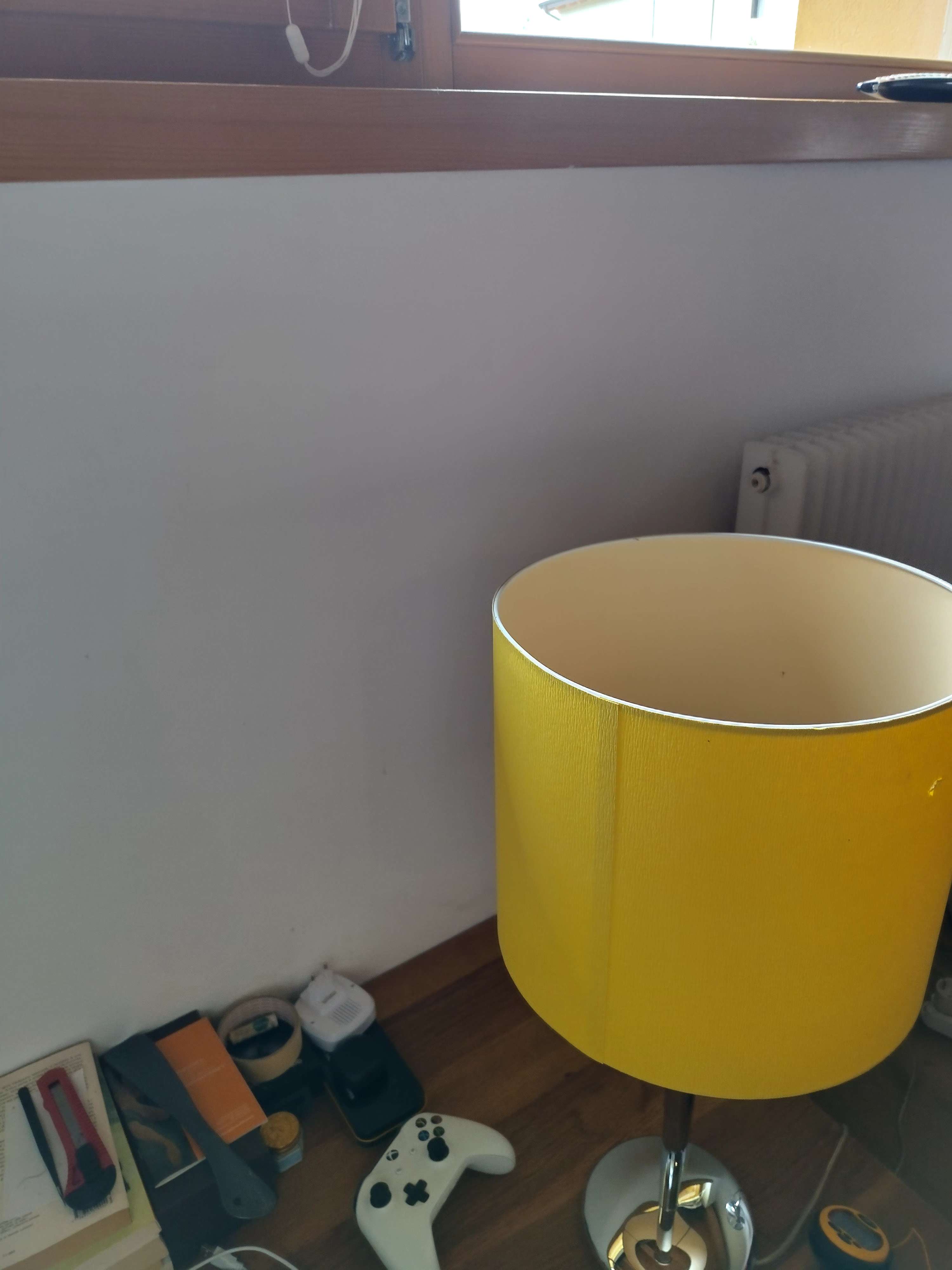
I attached screenshots of my phone interface, my pc interface and also the original .heif image.
Everything seemed to be working fine until i tried to backup the photos from my smartphone (that's the main reason i wanted to set up an immich server).
Just then I noticed that some photos (in particular they were .heif format photos) were corrupting after being uploaded, to be more precise they got color shifted to shades of magenta and yellow.
I tried to solve this first on my own, looking on the internet for answers and it seemed that it was caused by the library
libheifI then managed to update to version 1.19 of the library using this custom PPA: https://launchpad.net/~ubuntuhandbook1/+archive/ubuntu/libheif.
I then retried the thumb drive check and to my surprise the artifacting was actually gone, but when i got ahead and actually backed up my photos from the immich mobile app they were still corrupting like before.
Note that i could only see this corrupting on the web interface of immich and in the local library files stored on the computer, not on my phone (maybe cause on the phone they were loading directly from the phone memory).
I also tried to delete the docker container an freshly reinstalling immich but the issue kept appearing.
What do i do? Is there a solution that i can try or I just need to wait for a release that fixes this issue?
I attached screenshots of my phone interface, my pc interface and also the original .heif image.