Crashing after turning on better frames ingame
So I turned on better frames ingame and next to it said I had to restart my game inorder for it to work so I did I pressed launch on flarial but everytime I did that it launches but my game freezes at 07% and then it closes.
10 Replies
.logs
How to open logs
1. Press
⊞ + R on your keyboard
2. Paste this: %localappdata%\Packages\Microsoft.MinecraftUWP_8wekyb3d8bbwe\RoamingState\Flarial\logs
3. Send latest.log'follow that but please also send the crash_*.txt files here as well
@Ghostinee
How do I get those?
it should be in the same folder as the latest.log as well
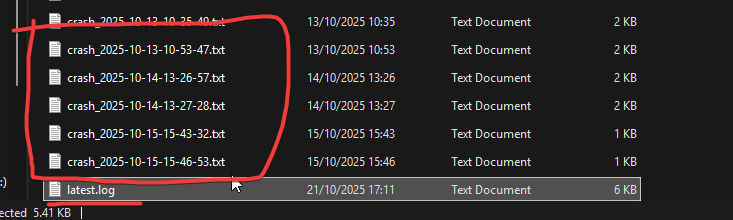
Ok all of them?
.killdx
1. Press
⊞ + R on your keyboard 2. Paste this: %localappdata%\Packages\Microsoft.MinecraftUWP_8wekyb3d8bbwe\RoamingState\Flarial\Config 3. Open PRIVATE file 4. Find "killdx" and edit true to false 5. Save the file The steps above will manually turn off the option "Better Frames," please do not enable it again in the settings as it will cause your minecraft to freeze again. If the above steps don't work, try and disable any overlays you have (e.g. AMD, Medal, etc)