How to apply the tenting feet on a Corne?
I bought the Tenting Feet and I'm lost to how I'm supposed to apply it.
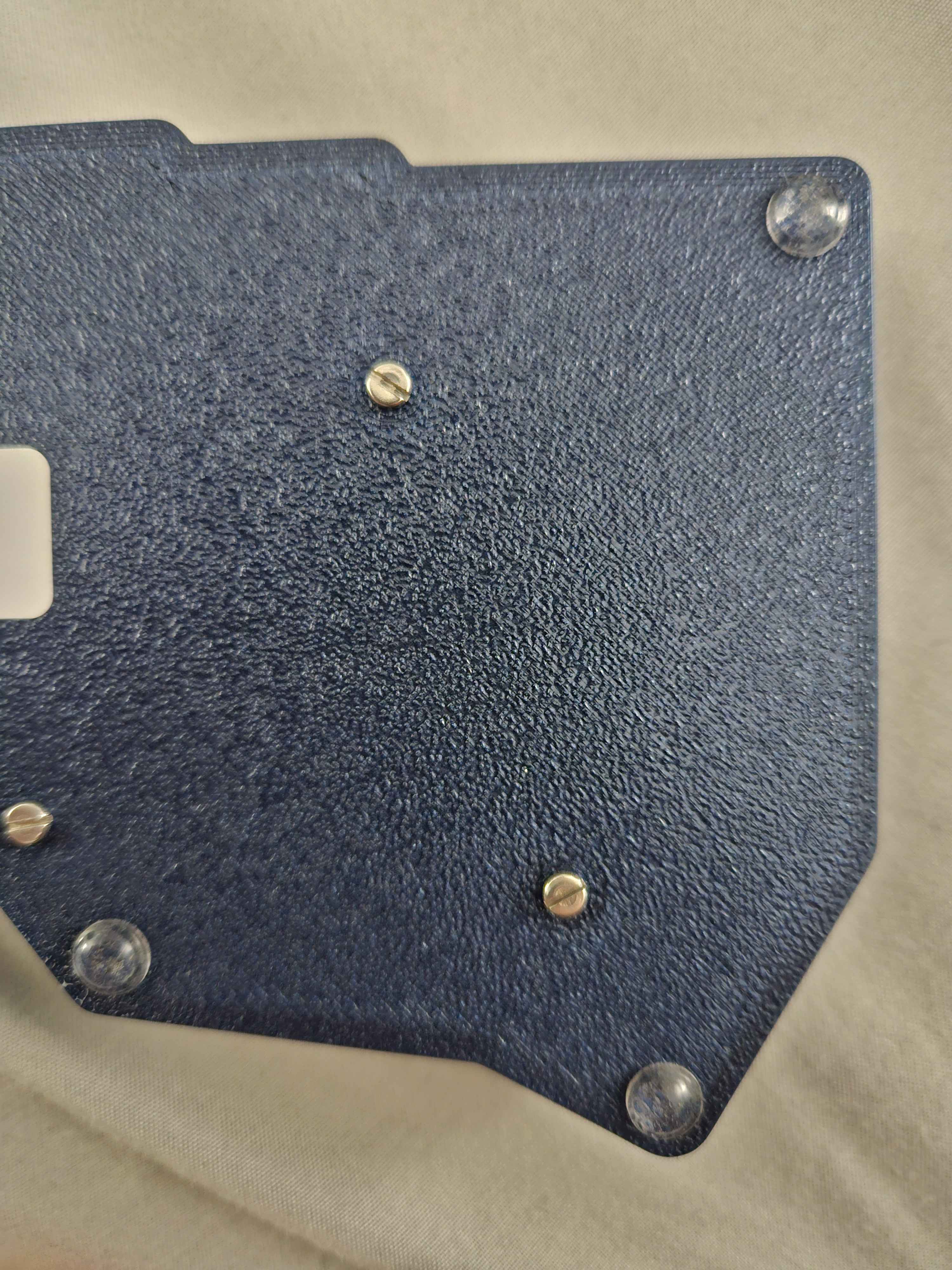
The video on the listing shows a Lily, but on my Corne there's a screw blocking me from putting it under the thumb keys.
My guess is to put it above the screw, but I'm worried that would make it wobble.
https://typeractive.xyz/products/tenting-feet
Typeractive.xyz
Tenting Feet
Add tenting to your keyboard with these feet. These 3.5mm thick feet can be placed at two different angles to tent your keyboard. Flip your keyboard upside down to set the foot height, and flip it back over. To collapse them, keep the keyboard right side up, gently pull back on the foot, and let it fall back flat. Come
4 Replies
Great question—on the Corne there’s a standoff screw near the thumb cluster that blocks the exact spot shown in the Lily video, so your instinct is right: place the tenting foot just ABOVE that screw, on the flat area, so the whole pad makes contact. That won’t cause wobble as long as you set up stable contact points.
Quick setup that works well:
- Use the tenting foot near the inner thumb (just above the screw).
- Use a second contact point on the outer/pinky side. You can keep a stock bumpon there, or use a second tenting foot if you want more angle.
- Aim for three points of contact per half (tenting foot + two bumpons, or two feet + one bumpon) to avoid rocking.
Tips:
- Dry-fit first with the liner on to test stability and angle.
- Make sure the foot isn’t sitting on any screw heads—full, flat contact only.
- If you feel any wobble, shift the outer contact point a few millimeters or add a thin bumpon shim on the opposite corner to balance.
If you can, send a photo of the underside of your Corne (which case: standard or premium?) and where you’re trying to place the foot—I can mark ideal spots for your exact setup.
Reference for bumpon locations (baseline contact points): build guide > Case > Apply the Bumpons
https://docs.typeractive.xyz/build-guides/corne-wireless/case
Need more help? Reply here or tag me and I’ll walk you through placement with your photos.
Case | Typeractive.xyz Documentation
The case ties the whole build together. This guide will go over installing the case and the PCB.
i accidentally bought two so I figured I would just wing it and try it
here's what I ended up doing. my worry that it would wobble (especially when using the thumb cluster) seems to not have happened. the wobble is very very slight, but it isn't distracting or feels like it's gonna tip over from hammering the space bar
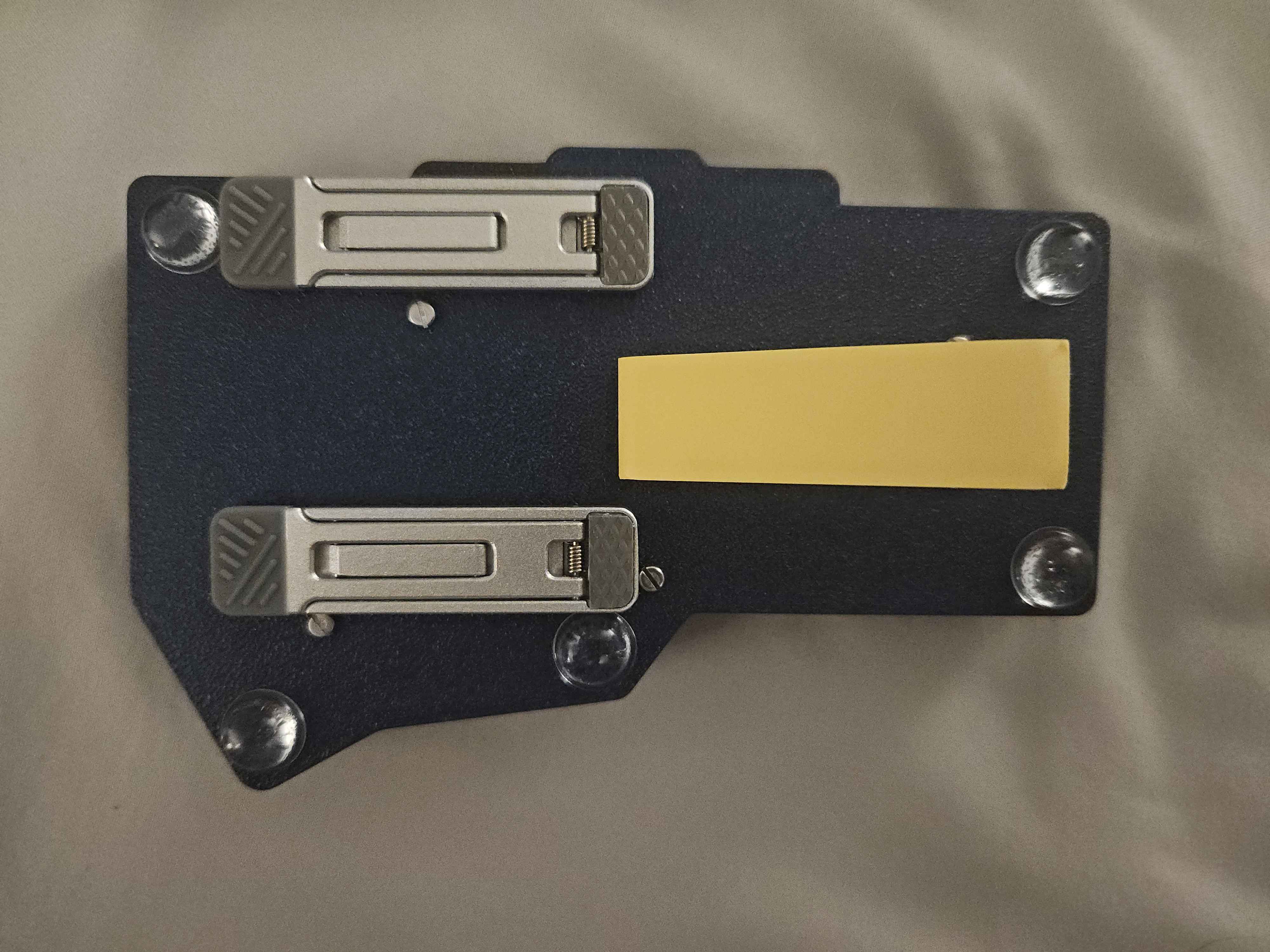
(the yellow paper is just to cover some private contact info I have on my keyboard)
it is a very tight fit though