Delete from mobile app while on subway
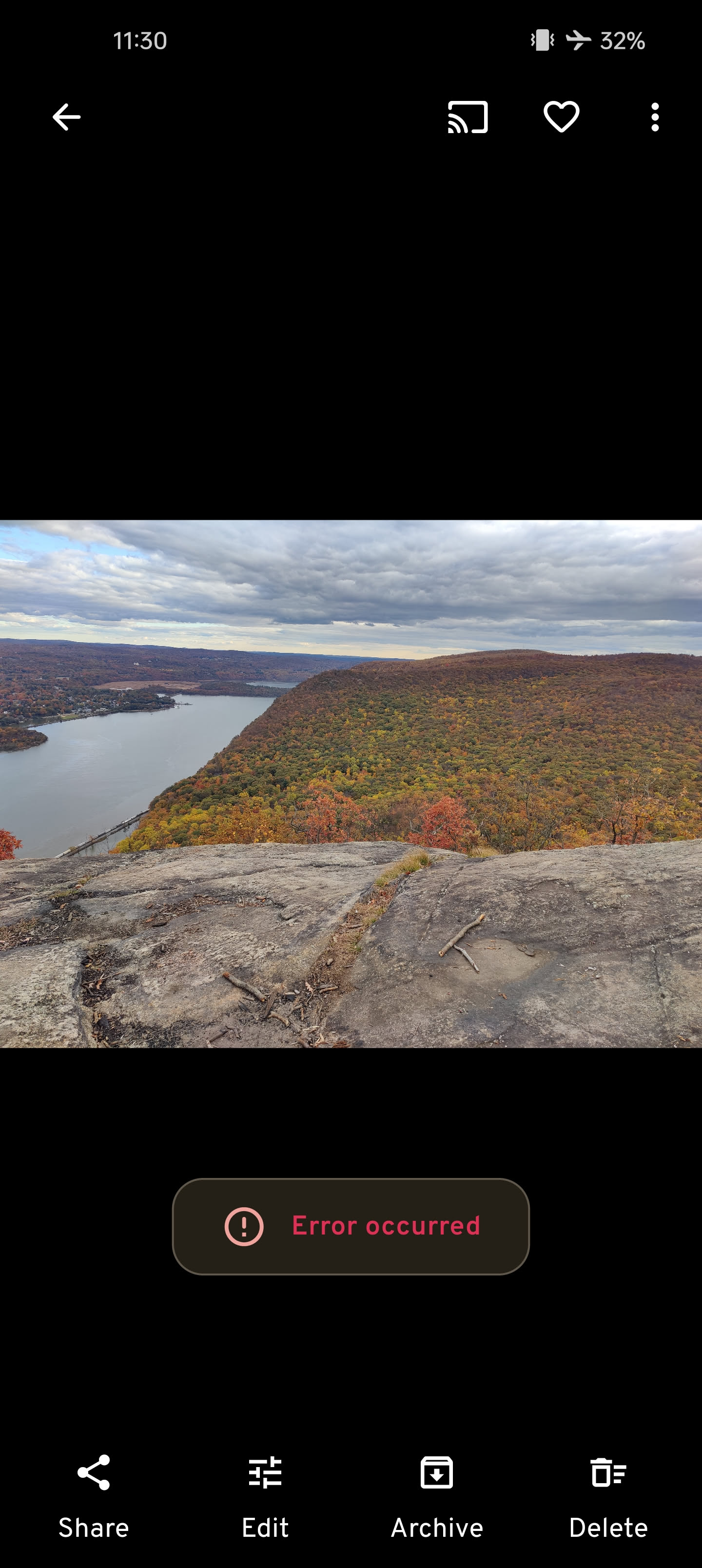
A typical day for me is to go out and take photos, and then on the subway home, I'd go through and delete duplicates. I live in NYC so there's no service on the subway. With Immich that means I'm unable to do anything, because already-backed-up photos will just tell me there's a server error.
This was never an issue with Google Photos because it queued/cached the offline changes and synced them to the server later.
Is there a way to do something similar with Immich?
7 Replies
:wave: Hey @bradyjo,
Thanks for reaching out to us. Please carefully read this message and follow the recommended actions. This will help us be more effective in our support effort and leave more time for building Immich :immich:.
References
- Container Logs:
docker compose logs docs
- Container Status: docker ps -a docs
- Reverse Proxy: https://immich.app/docs/administration/reverse-proxy
- Code Formatting https://support.discord.com/hc/en-us/articles/210298617-Markdown-Text-101-Chat-Formatting-Bold-Italic-Underline#h_01GY0DAKGXDEHE263BCAYEGFJA
Checklist
I have...
1. :ballot_box_with_check: verified I'm on the latest release(note that mobile app releases may take some time).
2. :ballot_box_with_check: read applicable release notes.
3. :ballot_box_with_check: reviewed the FAQs for known issues.
4. :ballot_box_with_check: reviewed Github for known issues.
5. :ballot_box_with_check: tried accessing Immich via local ip (without a custom reverse proxy).
6. :ballot_box_with_check: uploaded the relevant information (see below).
7. :ballot_box_with_check: tried an incognito window, disabled extensions, cleared mobile app cache, logged out and back in, different browsers, etc. as applicable
(an item can be marked as "complete" by reacting with the appropriate number)
Information
In order to be able to effectively help you, we need you to provide clear information to show what the problem is. The exact details needed vary per case, but here is a list of things to consider:
- Your docker-compose.yml and .env files.
- Logs from all the containers and their status (see above).
- All the troubleshooting steps you've tried so far.
- Any recent changes you've made to Immich or your system.
- Details about your system (both software/OS and hardware).
- Details about your storage (filesystems, type of disks, output of commands like fdisk -l and df -h).
- The version of the Immich server, mobile app, and other relevant pieces.
- Any other information that you think might be relevant.
Please paste files and logs with proper code formatting, and especially avoid blurry screenshots.
Without the right information we can't work out what the problem is. Help us help you ;)
If this ticket can be closed you can use the /close command, and re-open it later if needed.
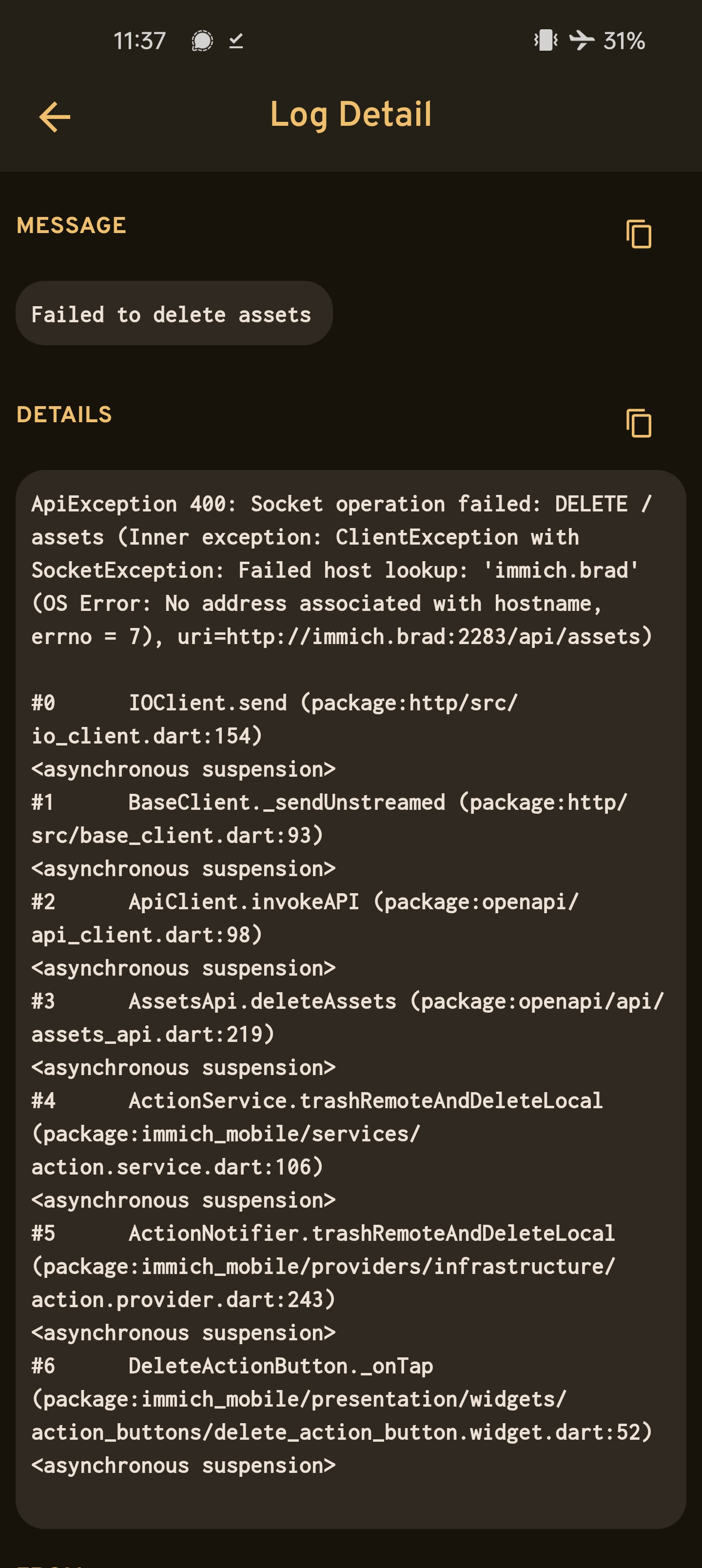
Successfully submitted, a tag has been added to inform contributors. :white_check_mark:logs, though what is happening is pretty obviously due to no connection to the immich server
we don't have such mechanism yet
Got it @Alex good to know! Is there an existing feature request I can track, or should I make a new one?
I don't think there is a specific feature request for this yet
Just made a feature request, thank you! https://github.com/immich-app/immich/discussions/23429
[Discussion] [Feature] Asset deletion in mobile app while server is unreachable (immich-app/immich#23429)