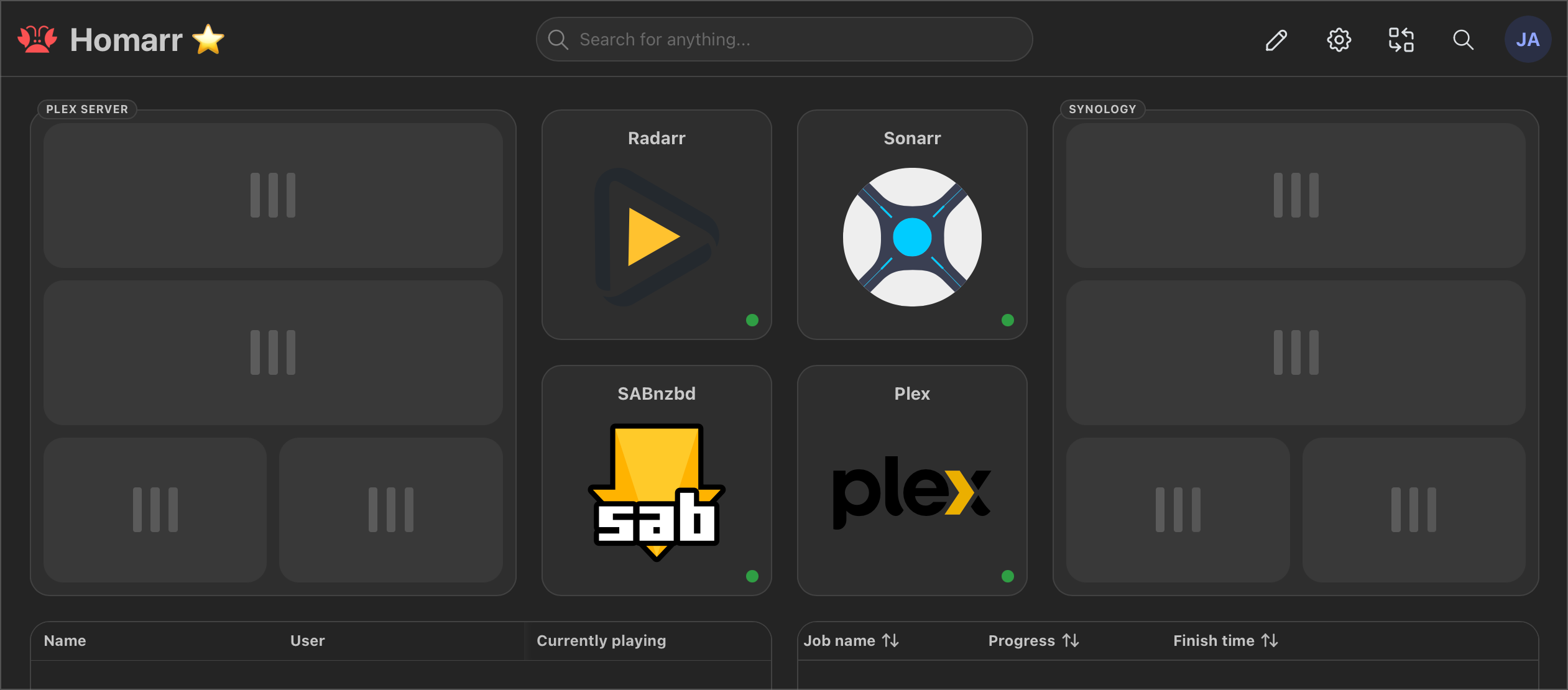
System Resources Tiles Stuck Loading

v1.43.1 on macOS. Debug logs, compose files, screenshots attached.
Solution:
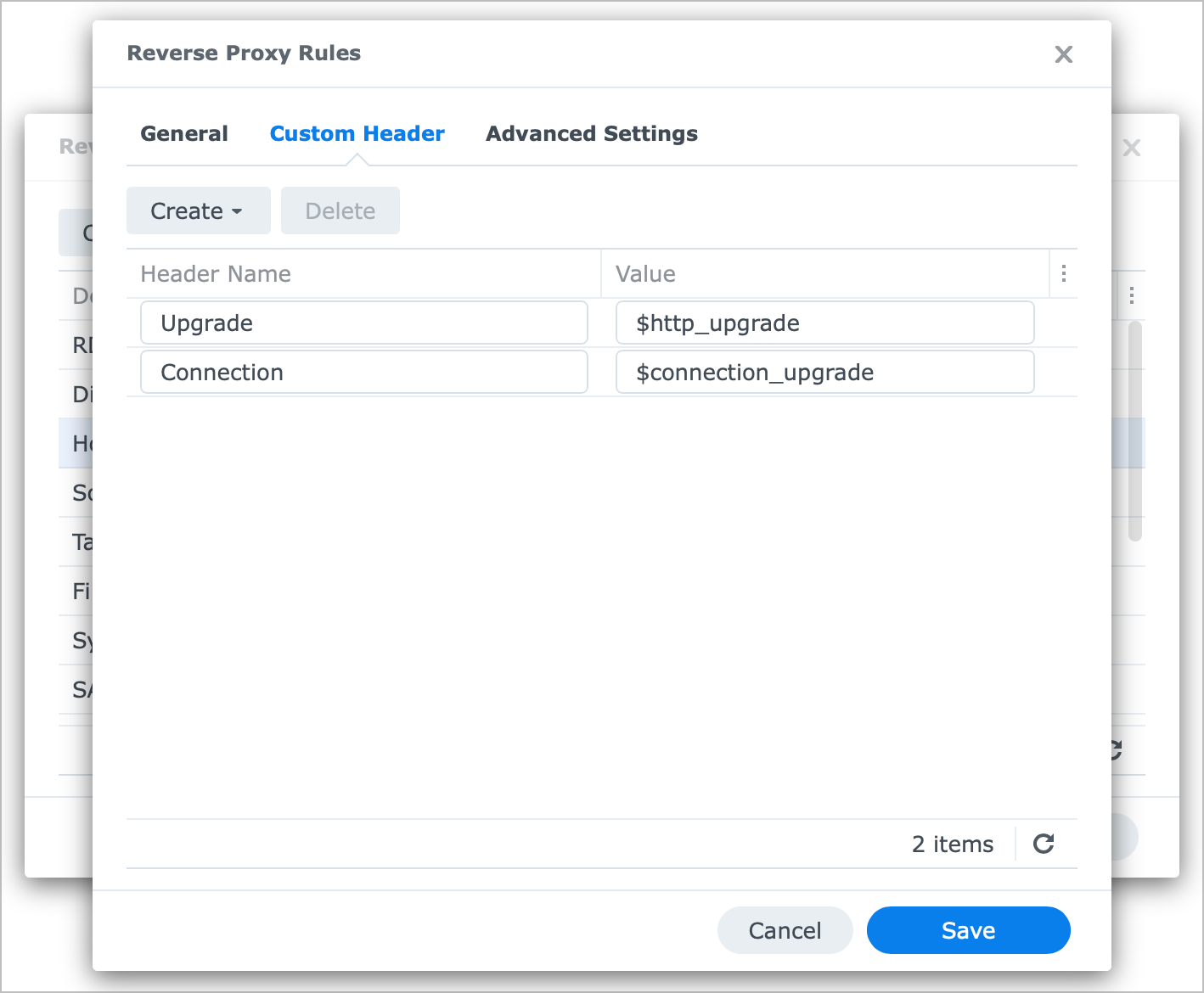
Enabled websocket on the reverse proxy rules for Homarr on my Synology NAS, and all good now.
No description
Jump to solution
15 Replies
Cakey Bot
Cakey Bot5w ago
Thank you for submitting a support request. Depending on the volume of requests, our team should get in contact with you shortly.
⚠️ Please include the following details in your post or we may reject your request without further comment: - Log (See https://homarr.dev/docs/community/faq#how-do-i-open-the-console--log) - Operating system (Unraid, TrueNAS, Ubuntu, ...) - Exact Homarr version (eg. 0.15.0, not latest) - Configuration (eg. docker-compose, screenshot or similar. Use ``your-text`` to format) - Other relevant information (eg. your devices, your browser, ...)
Frequently Asked Questions | Homarr documentation
Can I install Homarr on a Raspberry Pi?
Manicraft1001
Manicraft10015w ago
Please upload your logs to pastebin, see the Cakey bot instructions
jamauai
jamauaiOP5w ago
Pastebin
2025-11-05T21:42:40.048Z debug: Executed SQL query: select "hostnam...
Pastebin.com is the number one paste tool since 2002. Pastebin is a website where you can store text online for a set period of time.
jamauai
jamauaiOP5w ago
version: '3.8'

services:
homarr:
image: ghcr.io/homarr-labs/homarr:latest
container_name: homarr
environment:
- PUID=1026
- PGID=100
- TZ=Pacific/Honolulu
- LOG_LEVEL=debug
- SECRET_ENCRYPTION_KEY=4d362269f48334433a1a61f8368caac1908d4ed489f5c5a6f4bb692bb0c795f3
ports:
- "7575:7575"
volumes:
- /var/run/docker.sock:/var/run/docker.sock
- /volume1/docker/homarr/appdata:/appdata
restart: unless-stopped
version: '3.8'

services:
homarr:
image: ghcr.io/homarr-labs/homarr:latest
container_name: homarr
environment:
- PUID=1026
- PGID=100
- TZ=Pacific/Honolulu
- LOG_LEVEL=debug
- SECRET_ENCRYPTION_KEY=4d362269f48334433a1a61f8368caac1908d4ed489f5c5a6f4bb692bb0c795f3
ports:
- "7575:7575"
volumes:
- /var/run/docker.sock:/var/run/docker.sock
- /volume1/docker/homarr/appdata:/appdata
restart: unless-stopped
Manicraft1001
Manicraft10015w ago
I don't see any errors in the log. Have you enabled WebSocket if you're using a reverse proxy?
jamauai
jamauaiOP5w ago
Its not behind a reverse proxy. I connect to Homarr directly via IP:port.
Manicraft1001
Manicraft10015w ago
Did you wait a few seconds? The system resources needs a bit of time to initialize
jamauai
jamauaiOP5w ago
Honestly I've had it open all day and nothing ever loads. But when I spin up the old 0.16.0 version both Dash. / system resource tiles load immediately.
Manicraft1001
Manicraft10015w ago
Can you post your browser console? See instructions from Cakey
jamauai
jamauaiOP5w ago
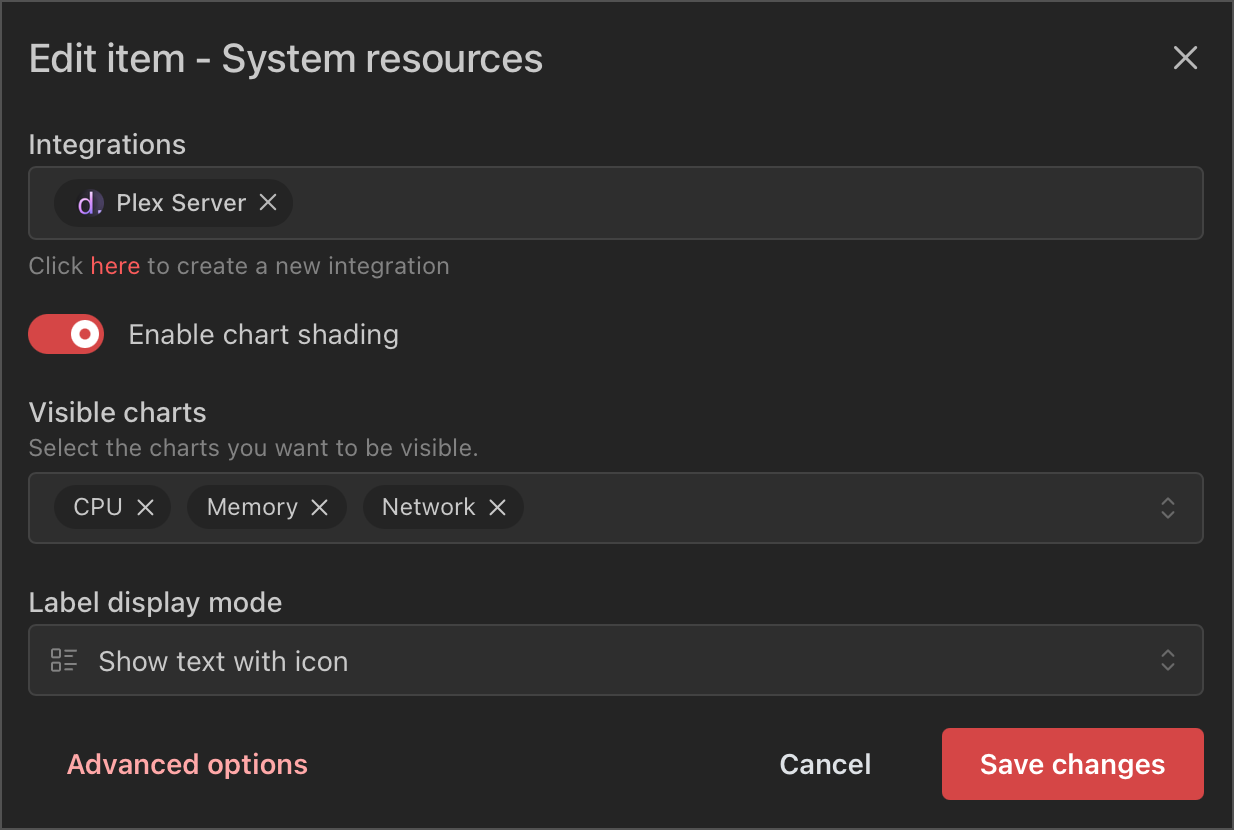
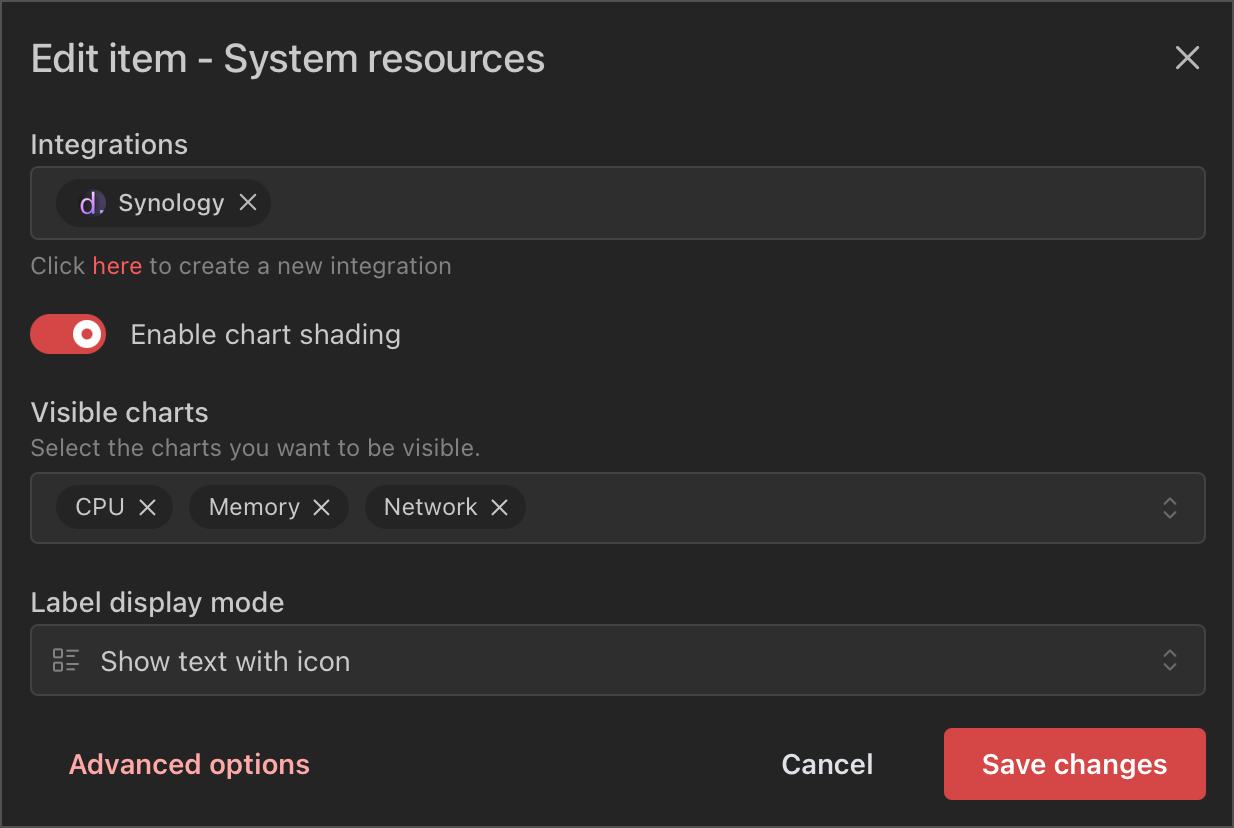
Sorry! Turns out it was reverse proxy. I was using a browser favorite to hit the page and thought I had set it back to IP:port. Where can I learn more about this websocket setting that's needed?
No description
Manicraft1001
Manicraft10015w ago
https://nginx.org/en/docs/http/websocket.html Specific configuration is out of scope, we can't provide support on third party proxies
jamauai
jamauaiOP5w ago
Oh its a setting on the reverse proxy side. In that case I'll look it up. Appreciate the help.
Solution
jamauai
jamauai5w ago
Enabled websocket on the reverse proxy rules for Homarr on my Synology NAS, and all good now.
No description
Manicraft1001
Manicraft10015w ago
Got it, can we mark this as resolved then?
jamauai
jamauaiOP5w ago
Yes

Did you find this page helpful?