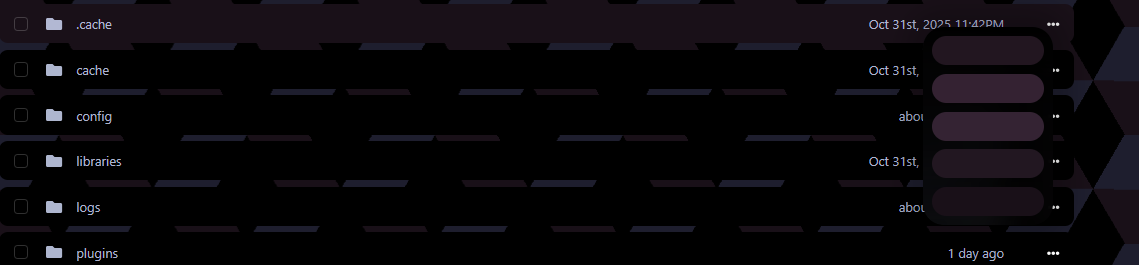
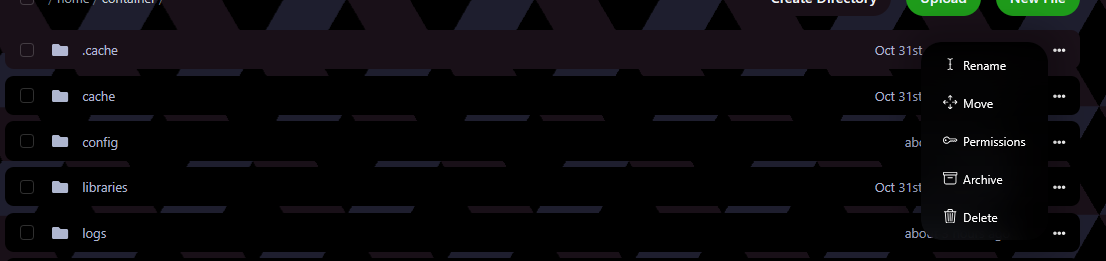
three dots not showing information

not sure why the three dots aren't loading, impossible atm to unzip files any suggestions on a fix would be appreciated
Uncaught (in promise) TypeError: can't access property "remove", document.getElementById(...) is null
removeStyle https://***.com/extensions/nebula/libraries/fetchStyle.js?1762976338:1
filesList https://***.com/extensions/nebula/libraries/fileMode.js?1762976338:1
filesRefresh https://***.com/extensions/nebula/libraries/fileMode.js?1762976338:1
onload https://***.com/server/70705e76/files:944
EventHandlerNonNull* https://**.com/server/70705e76/files:942
fetchStyle.js:1:587
Will-change memory consumption is too high. Budget limit is the document surface area multiplied by 3 (1817730 px). Occurrences of will-change over the budget will be ignored. files

Identifier: nebula
Version: 2.0-1
Blueprint: beta-2025-10
Author: prplwtf
Path: /var/www/pterodactyl
Data: /var/www/pterodactyl/.blueprint/extensions/nebula/private
Public: /var/www/pterodactyl/.blueprint/extensions/nebula/public
Type: local
Timestamp: 1762976338

Uncaught (in promise) TypeError: can't access property "remove", document.getElementById(...) is null
removeStyle https://***.com/extensions/nebula/libraries/fetchStyle.js?1762976338:1
filesList https://***.com/extensions/nebula/libraries/fileMode.js?1762976338:1
filesRefresh https://***.com/extensions/nebula/libraries/fileMode.js?1762976338:1
onload https://***.com/server/70705e76/files:944
EventHandlerNonNull* https://**.com/server/70705e76/files:942
fetchStyle.js:1:587
Will-change memory consumption is too high. Budget limit is the document surface area multiplied by 3 (1817730 px). Occurrences of will-change over the budget will be ignored. files

Identifier: nebula
Version: 2.0-1
Blueprint: beta-2025-10
Author: prplwtf
Path: /var/www/pterodactyl
Data: /var/www/pterodactyl/.blueprint/extensions/nebula/private
Public: /var/www/pterodactyl/.blueprint/extensions/nebula/public
Type: local
Timestamp: 1762976338

Solution:
1. Remove certain files and directories with rm -r resources public node_modules. 2. Go through the Pterodactyl update documentation. 3. Install dependencies by running the yarn command. 4. Repair Blueprint with blueprint -upgrade. 5. Get some Blueprint extensions (if you haven't already) and install them onto your panel.
Sent by prplwtf • byte snippet-upgrade
Jump to solution
12 Replies
Emma
Emma4w ago
which extensions do you have installed?
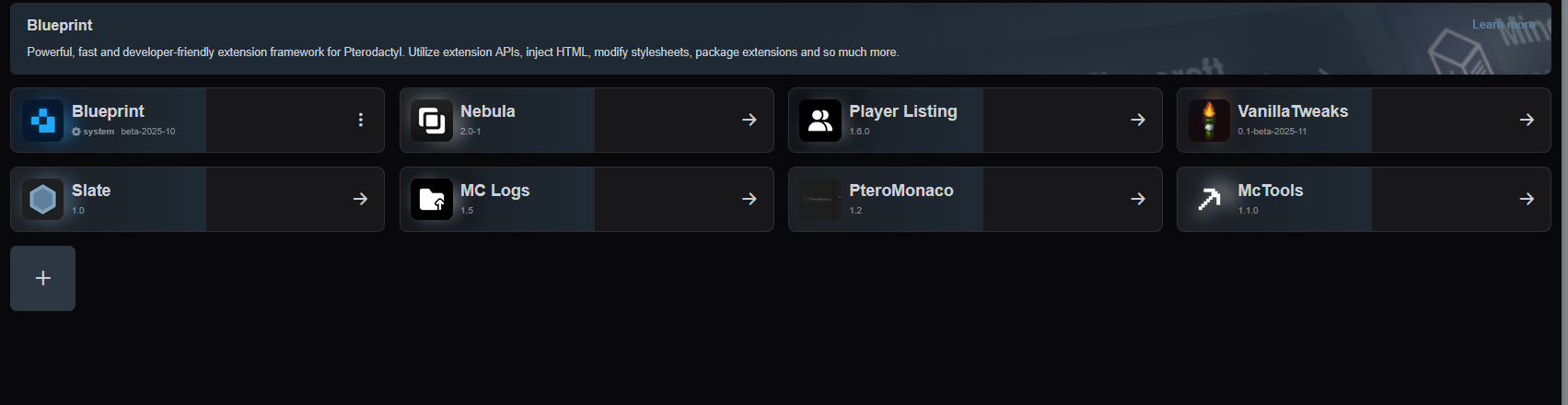
Y3LL0W
Y3LL0WOP4w ago
No description
Emma
Emma4w ago
Could you try temporarily removing the following extensions, then check if the problem still persists. - Player listing - VanillaTweaks - MC Logs - PteroMonaco - Mc Tools Removing an extension does not remove it's configuration. They'll work like they used to right after reinstalling them.
Y3LL0W
Y3LL0WOP4w ago
okey
Emma
Emma4w ago
(Just checking if one of these extensions may be causing the issue before I check for other causes.)
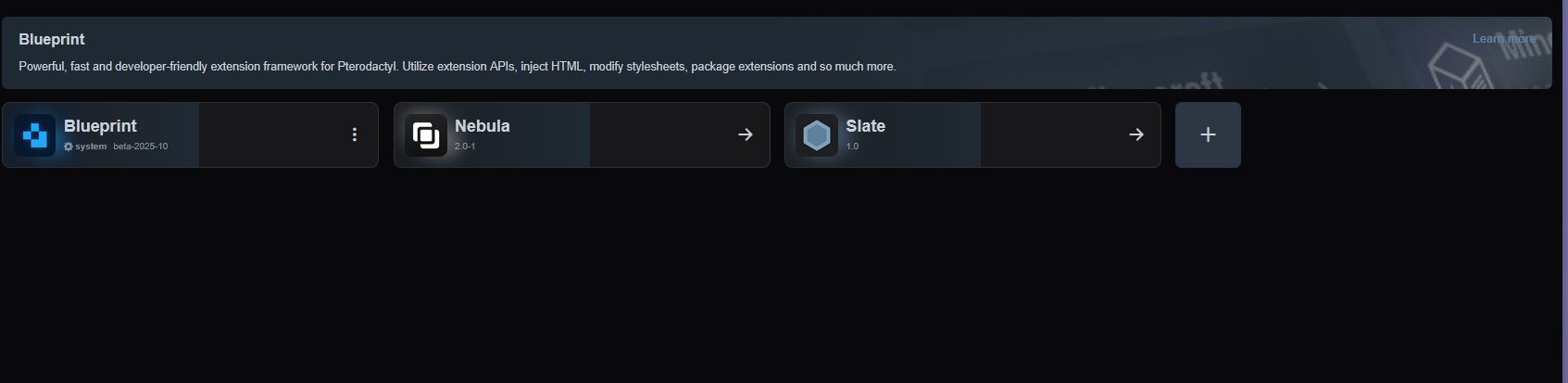
Y3LL0W
Y3LL0WOP4w ago
No description
No description
Y3LL0W
Y3LL0WOP4w ago
hmm same outcome pretty sure it worked before downloading nebula
Emma
Emma4w ago
do you have any non-blueprint modifications? like the ones where you have to modify files manually
Y3LL0W
Y3LL0WOP4w ago
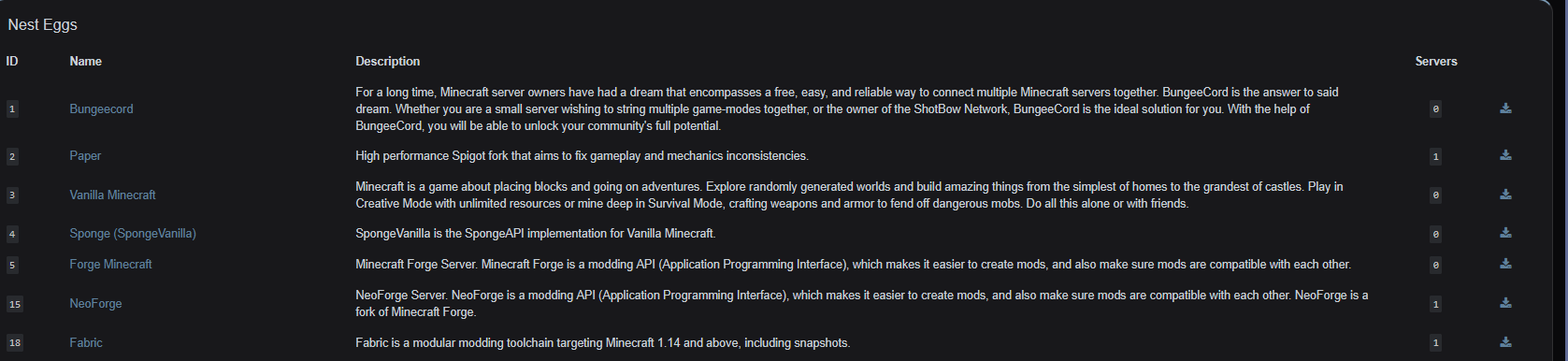
haven't really added anything custom outside 2 new eggs
No description
Emma
Emma4w ago
Could you remove all of your extensions, then go through the following steps:
Solution
Blueprint
Blueprint4w ago
1. Remove certain files and directories with rm -r resources public node_modules. 2. Go through the Pterodactyl update documentation. 3. Install dependencies by running the yarn command. 4. Repair Blueprint with blueprint -upgrade. 5. Get some Blueprint extensions (if you haven't already) and install them onto your panel.
Sent by prplwtf • byte snippet-upgrade
Y3LL0W
Y3LL0WOP4w ago
ty ❤️
No description

Did you find this page helpful?