
Stream mp4 url not working (Live instant clipping)
Hello I'm following this guide https://developers.cloudflare.com/stream/stream-live/live-instant-clipping/ and everything works fine. I get the hls url just fine from the time I want. Thumbnails working just fine. But when I get to the part of the mp4 url download it doesnt work.
Im using this template from the docs:
https://customer-<CODE>.cloudflarestream.com/<VIDEO_ID>/clip.mp4?time=427s&duration=60s
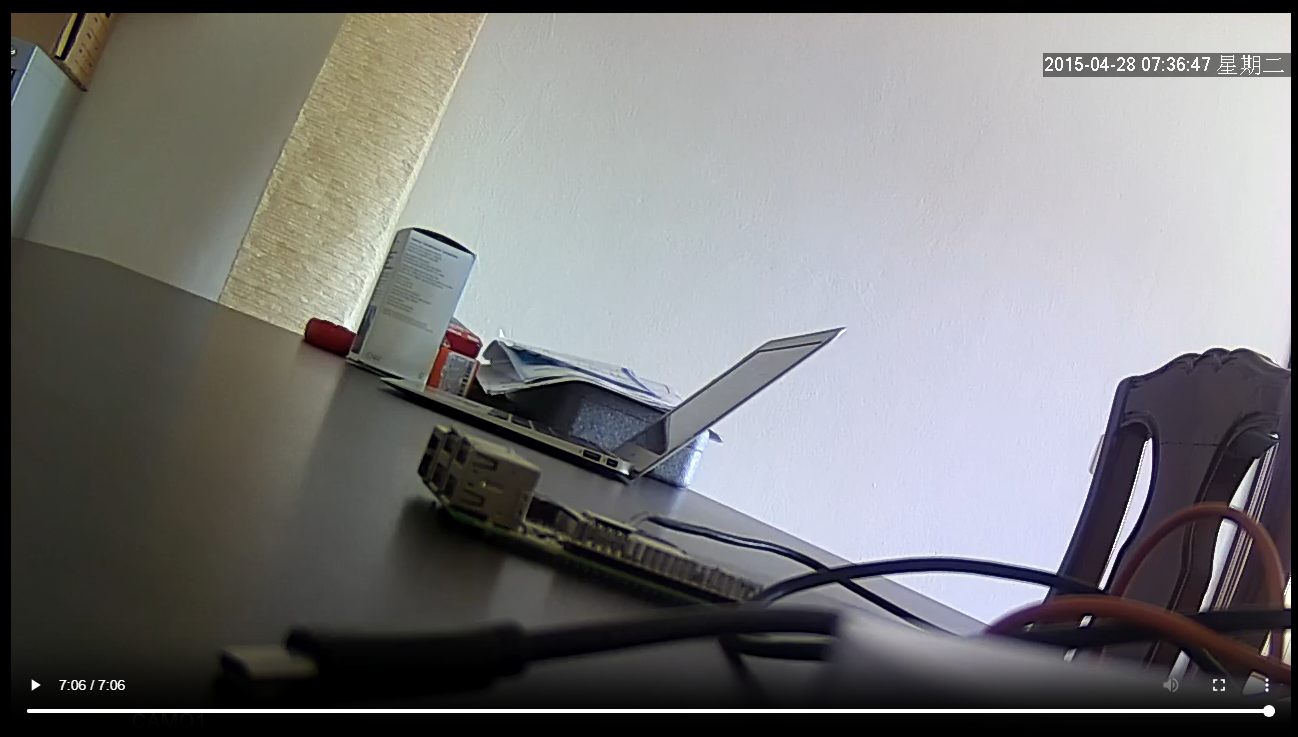
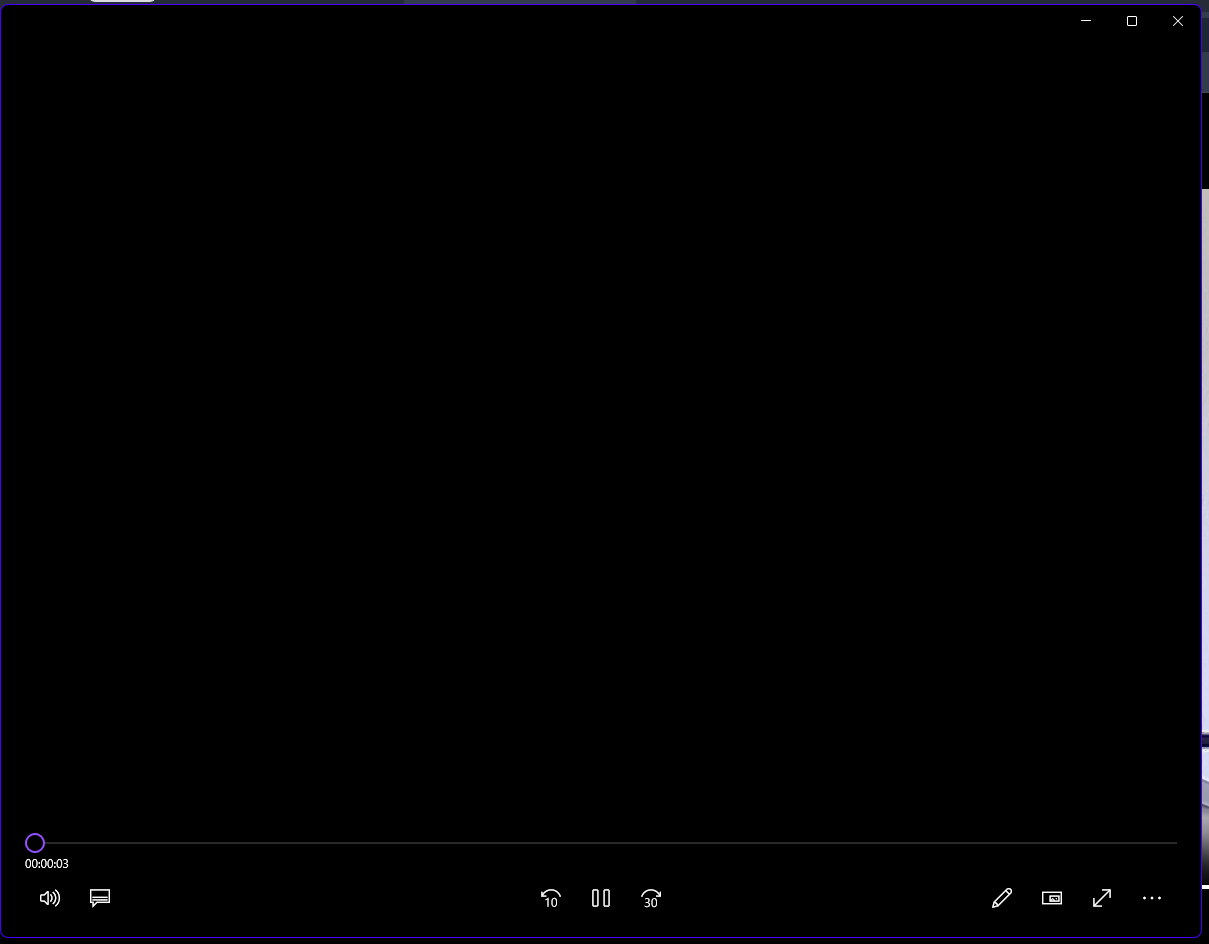
This returns a mp4 but it doesnt work. It is just black video and I can just see the last frame. I cannot "browse" through the video. And in this example the file is 7:06 minutes long. First photo is the web view. The second photo is the windows video player when I download the file. Do I need to read the video in a special way? Or is the URL not working?
Im using this template from the docs:
https://customer-<CODE>.cloudflarestream.com/<VIDEO_ID>/clip.mp4?time=427s&duration=60s
This returns a mp4 but it doesnt work. It is just black video and I can just see the last frame. I cannot "browse" through the video. And in this example the file is 7:06 minutes long. First photo is the web view. The second photo is the windows video player when I download the file. Do I need to read the video in a special way? Or is the URL not working?
Cloudflare Docs
Stream supports generating clips of live streams and recordings so creators and viewers alike can highlight short, engaging pieces of a longer broadcast or recording. Live instant clips can be created by end users and do not result in additional storage fees or new entries in the video library.

Welcome to the official Cloudflare Developers server. Here you can ask for help and stay updated with the latest news
87,353Members
Resources
Was this page helpful?
