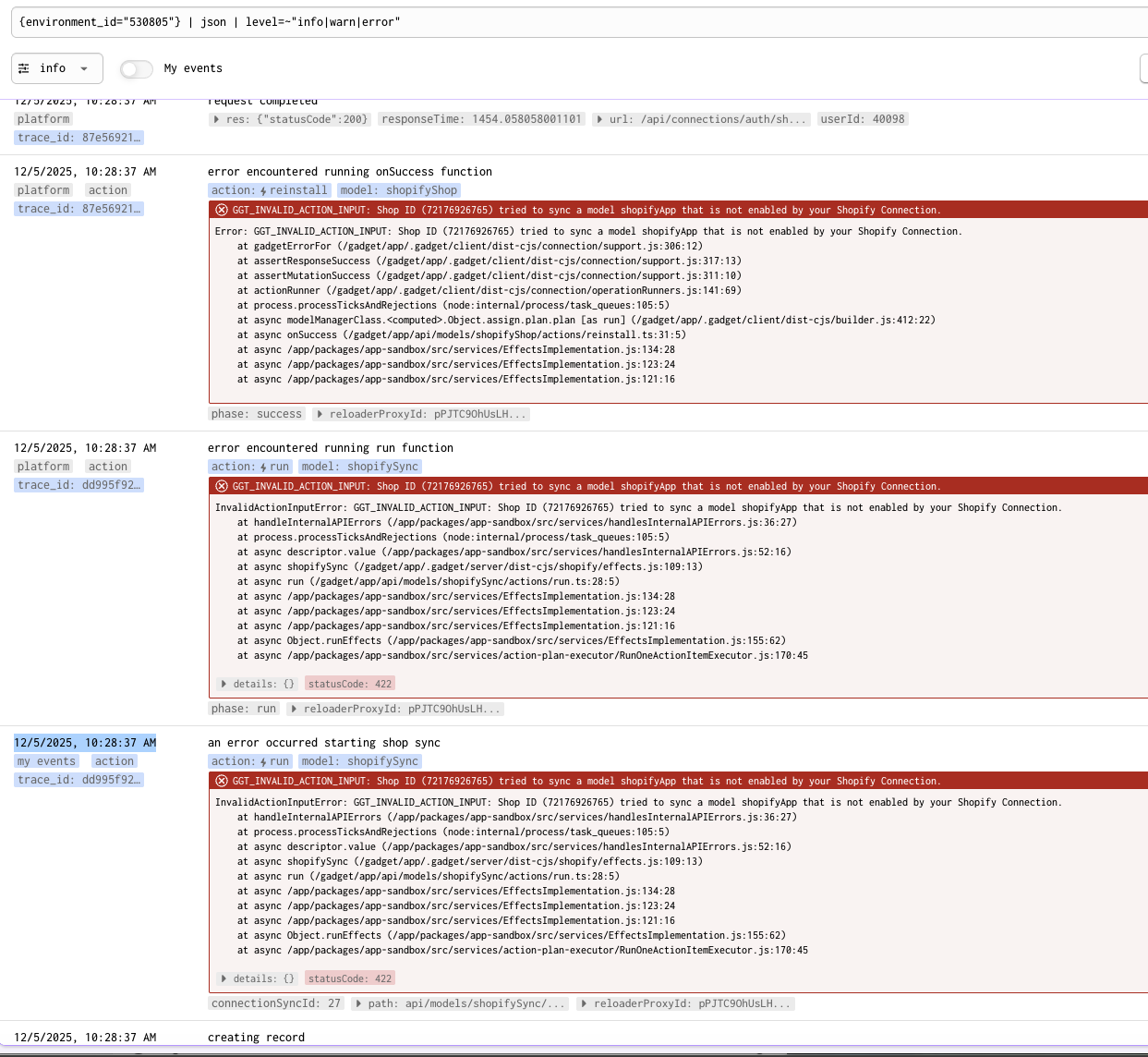
The error message I'm getting here is about what going wrong?
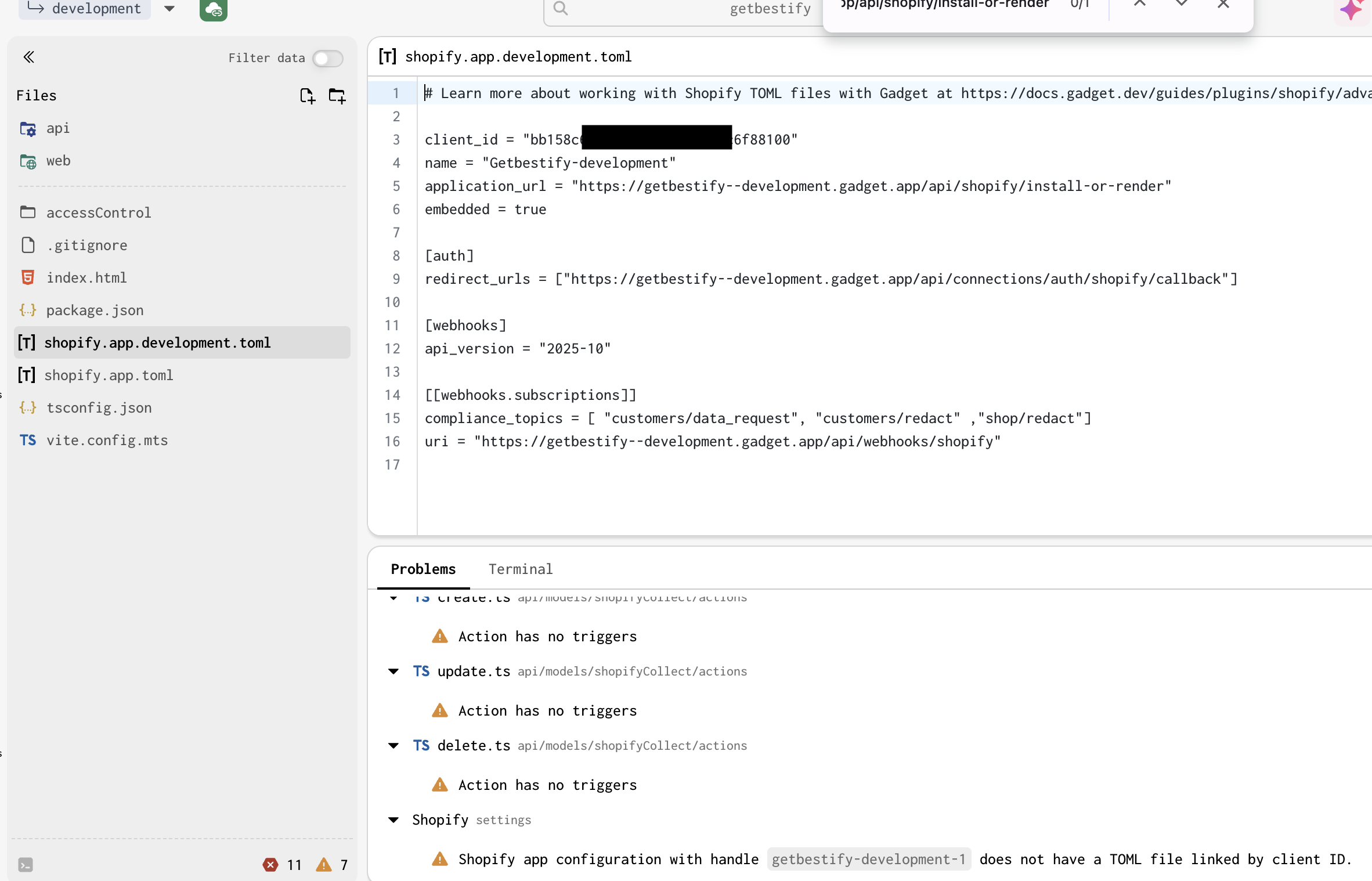
I can't remember what operation I performed, but this prompt appeared, telling me that the toml file doesn't exist. However, the file shopify.app.development.toml is indeed present in the Files directory.
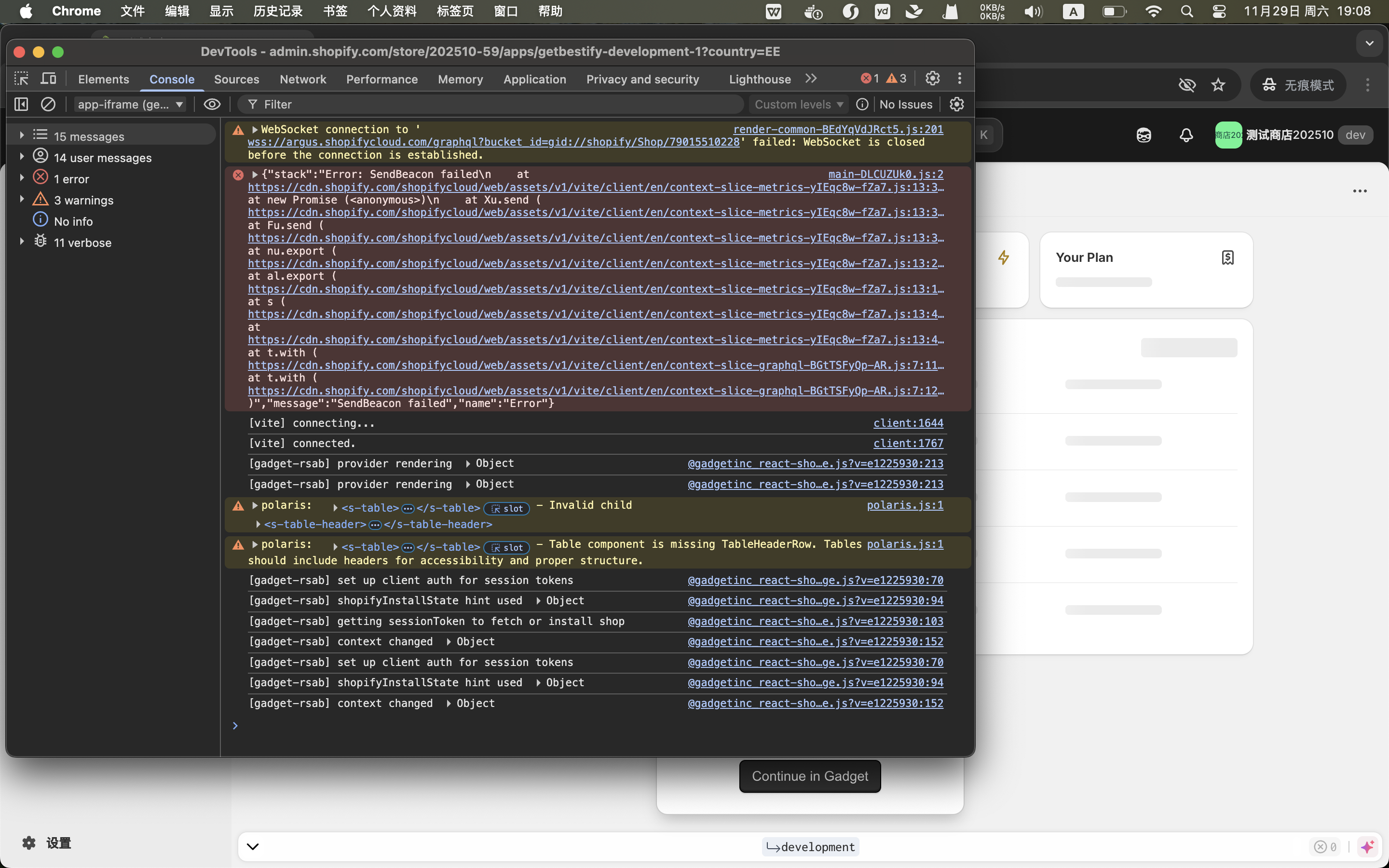
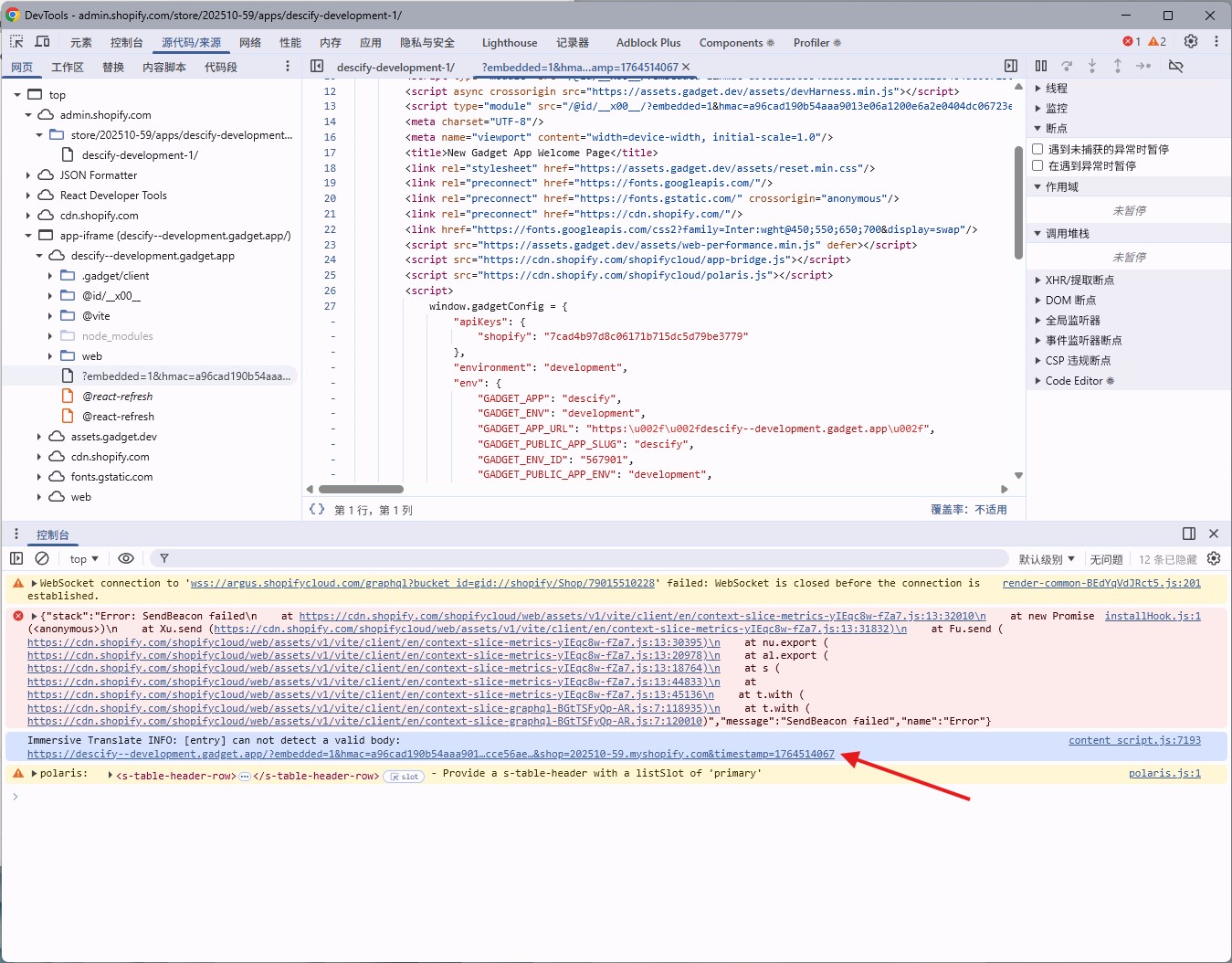
Meanwhile, when I tried to open Shopify separately for testing(I actually opened it in incognito mode.), I found the content was blank. Upon opening Inspect, I saw this error (p3).
How should I go about troubleshooting this issue?
8 Replies
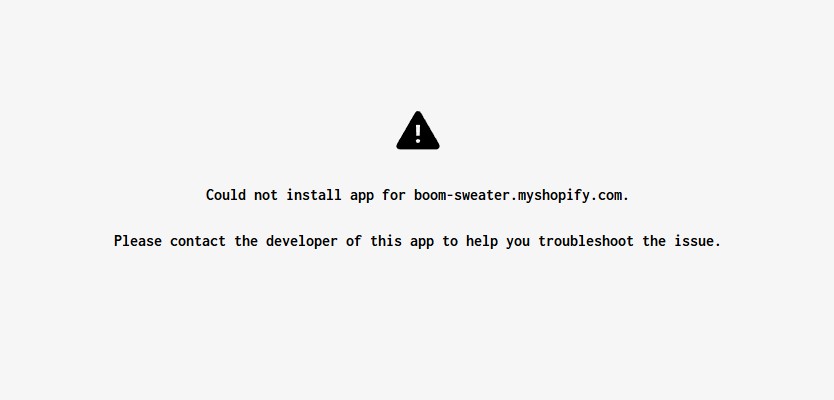
The current situation is even stranger. I tried deleting the development.toml file and then recreating the Shopify link, which generated a new app. But when selecting the app install, I got this error:
A problem occurred while installing this app for shop 202510-59.myshopify.com.
Please contact the developer of this app to help you troubleshoot the issue.
I tried clearing the shopifyShop table (it seems that after connecting to the new app, the previously installed shops from the old app remained, which might be causing the issue). Afterwards, I encountered another problem:
The app opens normally in the Gadget environment, but when I try to test it directly through Shopify in a new window, I run into this issue (even in incognito mode):
How should I diagnose and fix this?
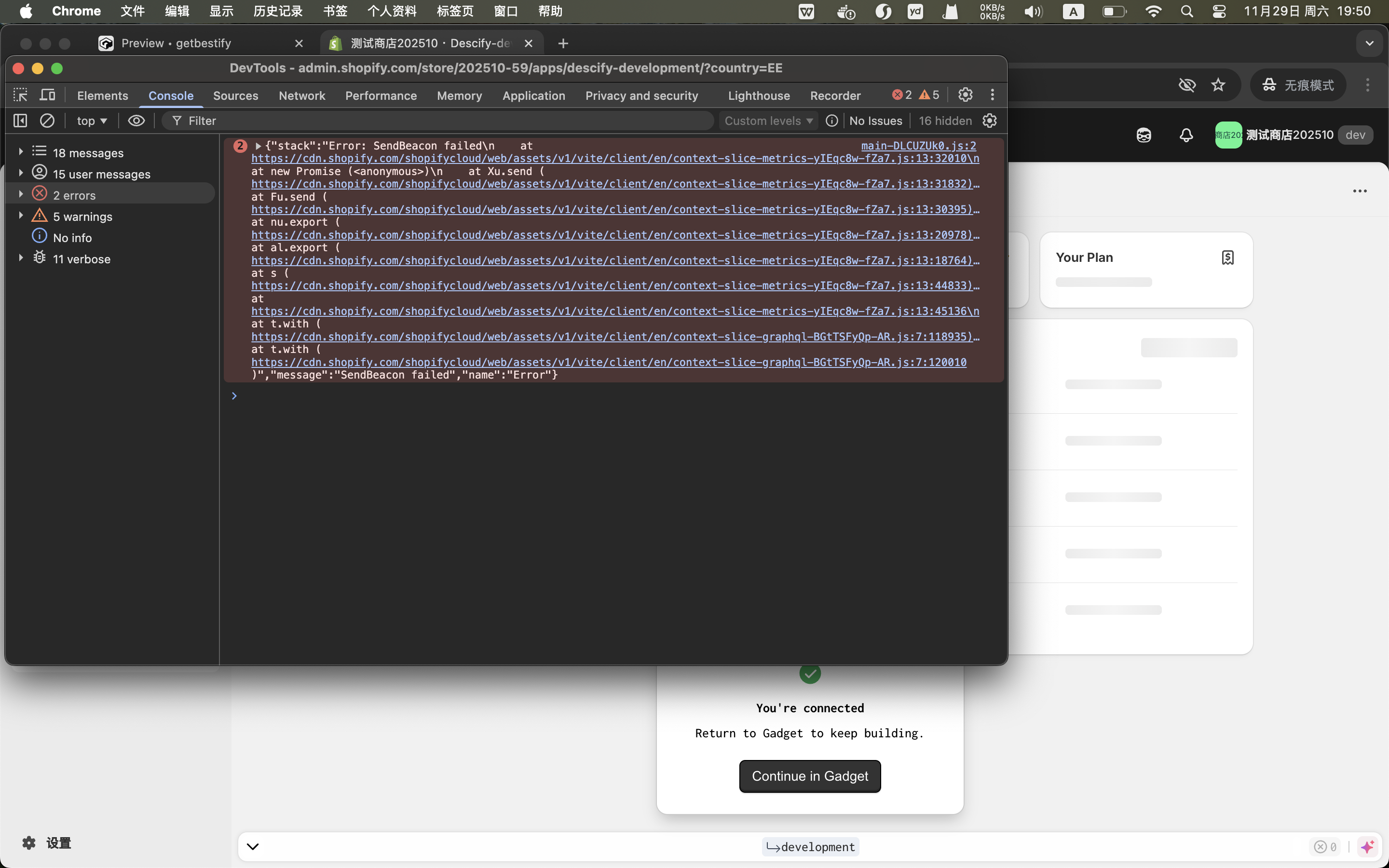
Now, I'm trying to fork a new app and create a new development store with installation, but these prompts still appear.
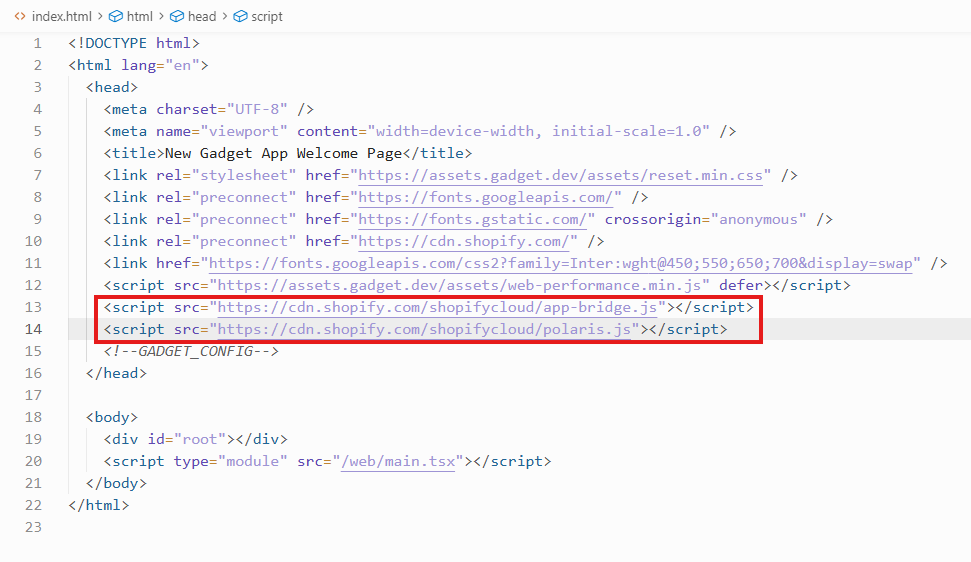
These two lines - I originally intended to use web components, but after adding them, the aforementioned issue occurs.
How should I write it to properly use web components?
Hello,
Could you please share the URL of the application so that I can help take a look?
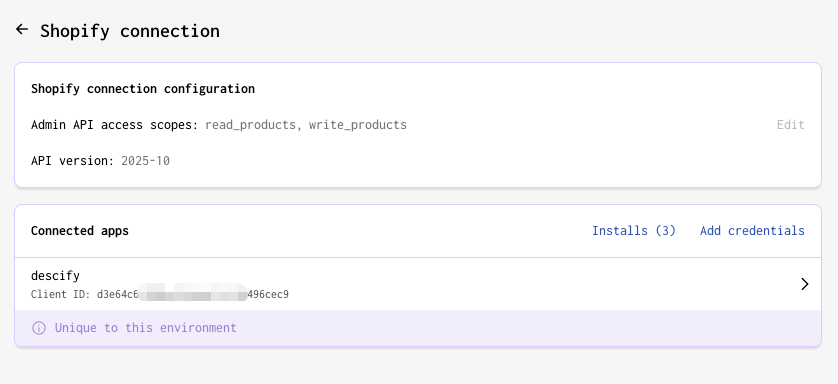
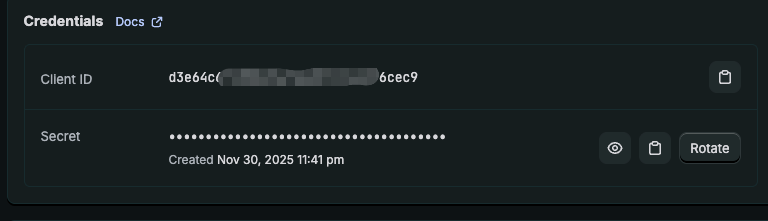
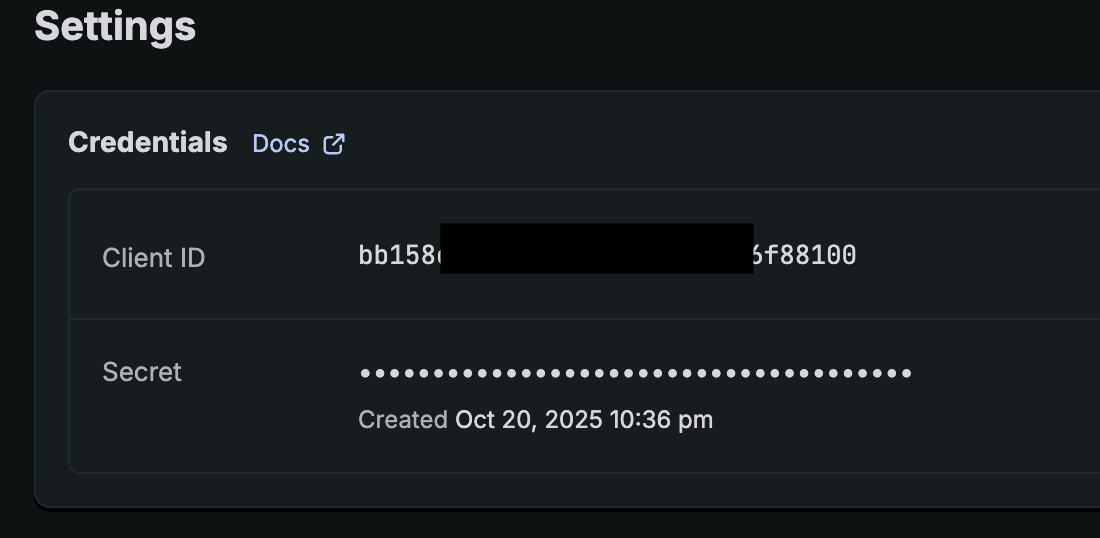
The first error typically means that you have the incorrect configurations for client id and/or app URLs in the environment's corresponding toml file
The second error means that you tried to install/create a record for a store that already existed in the database. You should delete the shop record and try reinstalling.
Yes, these are two separate issues. Let me reorganize the problems I encountered...
First Issue (Already Resolved)
I was trying to use web components, so I added two script tags in index.html but forgot to include the shopify-api-key meta tag. This resulted in a blank screen in the Shopify admin with console errors showing in Inspect. After adding the meta tag, it's now working properly.
Second Issue (Still Unresolved)
I created an app in Shopify admin, then connected it to Gadget backend using the production environment. When trying to install this production environment app on a development store, I encountered this error:
"Could not install app for xxxx.myshopify.com. Please contact the developer of this app to help you troubleshoot the issue."
Since the production app hasn't been submitted for review yet, I'm unable to provide the URL. However, may I provide you with the Gadget application ID or similar identifiers to help me check the log? Thank you.
What errors are you seeing in your logs in Gadget when installing?
Do you mind also sharing the URL of the app?
https://descify.gadget.app/
Just now, I tried to install the app through the production environment in the Shopify backend, but encountered an error after installation:
Could not install app for dreamshop-9984.myshopify.com.
Please contact the developer of this app to help you troubleshoot the issue.
I saw many error logs in the Gadget backend
Double-checked, Gadget is already connected to Shopify.