Errors during install - ACPI Errors and Memory Pressure errors
bughardware-compat
Hello, I am trying to install Bazzite on my laptop so that I can dual boot Windows 11 off the same SSD. I get ACPI errors right out of the gate, although the install acts like it is able to proceed. After the install runs through what appear to be system checks, I get another set of errors stating issues with the Memory Pressure Threshold and then a black screen with a cursor, followed by my laptop seeming to go to sleep.
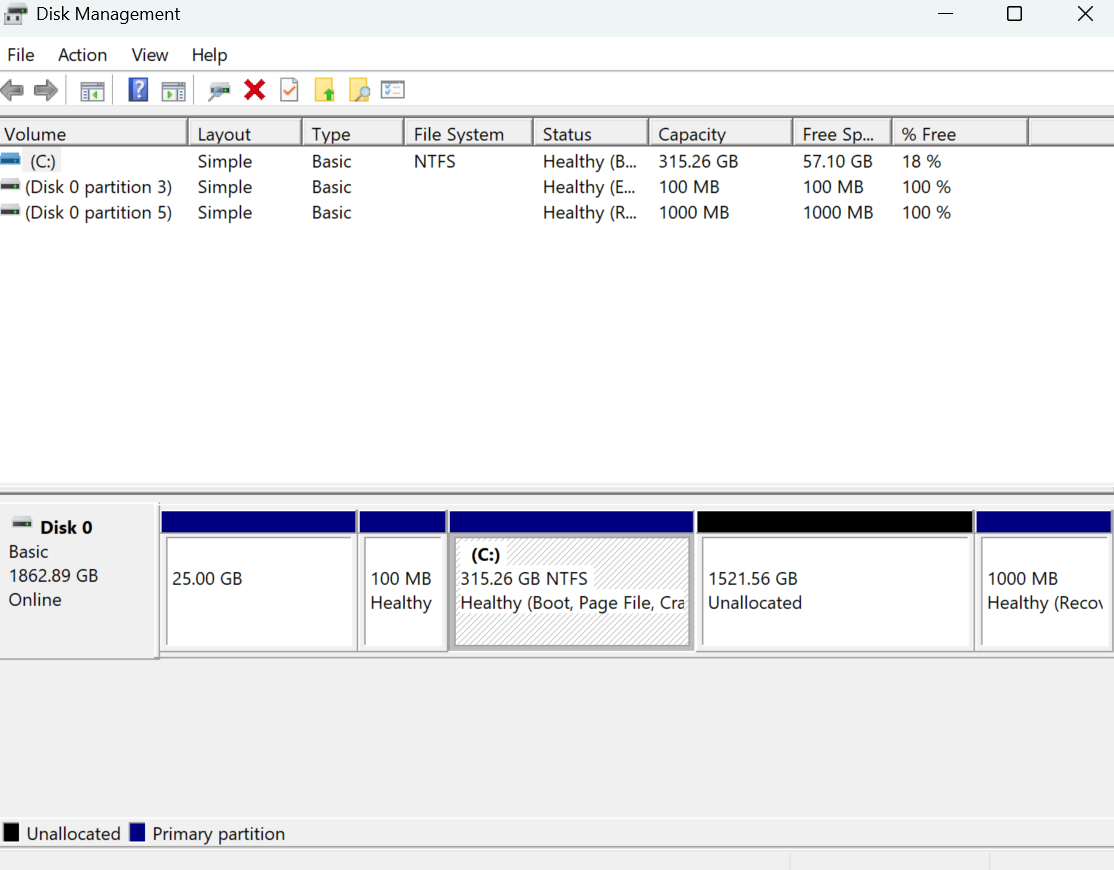
Some cursory Google searches make it seem like it's related to my laptop model (Razer Blade 14 [2025] with RTX 5070 and 32GB of RAM) or issues with my partition names. I would like to get Bazzite installed on this laptop as I am tired of Microsoft trying to force AI on me, but the last time I messed around with Linux was over a decade ago so I'm definitely out of practice.
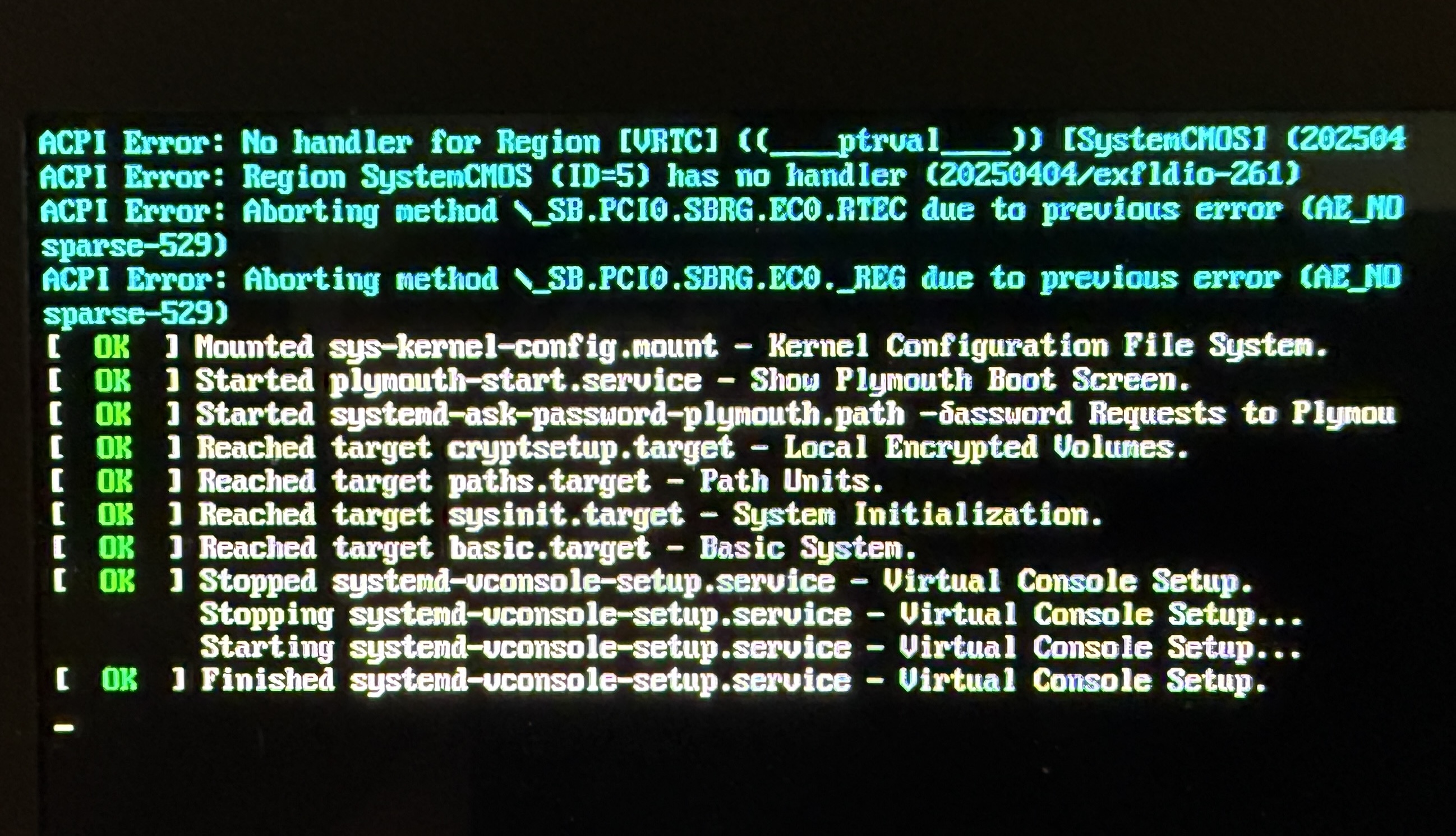
Here are the initial errors:
ACPI Error: No handler for Region [VRTC] ((ptrval)) [SystemCMOS] (202504
ACPI Error: Region SystemCMOS (ID=5) has no handler (20250404/exfldio-261)
ACPI Error: Aborting method _SB.PCIO.SBRG.ECO.RTEC due to previous error (AE_NO sparse-529)
ACPI Error: Aborting method _SB.PCIO.SBRG.ECO._REG due to previous error (AE_NO sparse-529)
It seems weird that I'm getting a ptrval variable instead of an actual pointer number, but I don't know if that's normal.
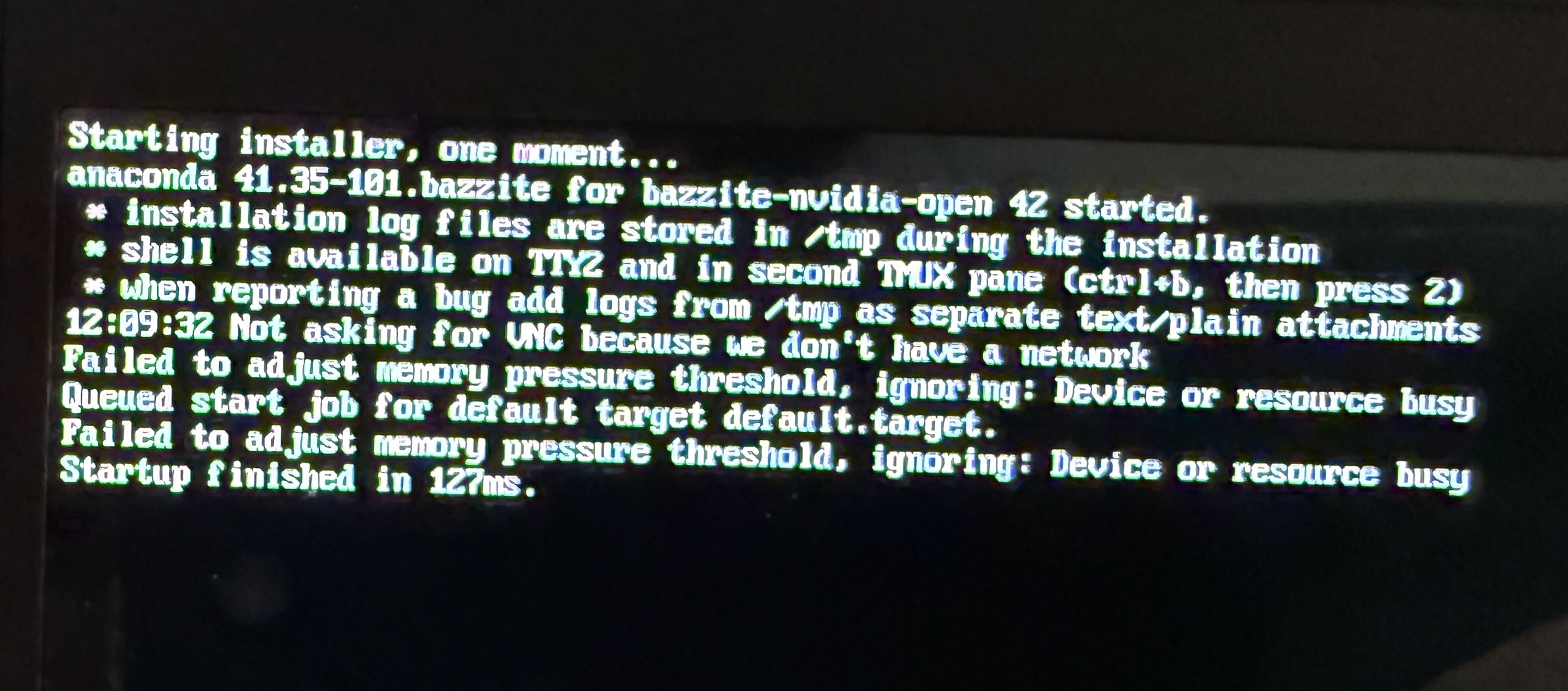
Here are the Memory Pressure errors:
Failed to adjust memory pressure threshold, ignoring: Device or resource busy
Queued start job for default target default.target.
Failed to adjust memory pressure threshold, ignoring: Device or resource busy
Startup finished in 127ms.
After the "Startup finished in 127ms." message, I get the black screen with a cursor on it, then it seems like the laptop goes to sleep.
I've attached some screenshots.
Some cursory Google searches make it seem like it's related to my laptop model (Razer Blade 14 [2025] with RTX 5070 and 32GB of RAM) or issues with my partition names. I would like to get Bazzite installed on this laptop as I am tired of Microsoft trying to force AI on me, but the last time I messed around with Linux was over a decade ago so I'm definitely out of practice.
Here are the initial errors:
ACPI Error: No handler for Region [VRTC] ((ptrval)) [SystemCMOS] (202504
ACPI Error: Region SystemCMOS (ID=5) has no handler (20250404/exfldio-261)
ACPI Error: Aborting method _SB.PCIO.SBRG.ECO.RTEC due to previous error (AE_NO sparse-529)
ACPI Error: Aborting method _SB.PCIO.SBRG.ECO._REG due to previous error (AE_NO sparse-529)
It seems weird that I'm getting a ptrval variable instead of an actual pointer number, but I don't know if that's normal.
Here are the Memory Pressure errors:
Failed to adjust memory pressure threshold, ignoring: Device or resource busy
Queued start job for default target default.target.
Failed to adjust memory pressure threshold, ignoring: Device or resource busy
Startup finished in 127ms.
After the "Startup finished in 127ms." message, I get the black screen with a cursor on it, then it seems like the laptop goes to sleep.
I've attached some screenshots.