Nebula is broken for me
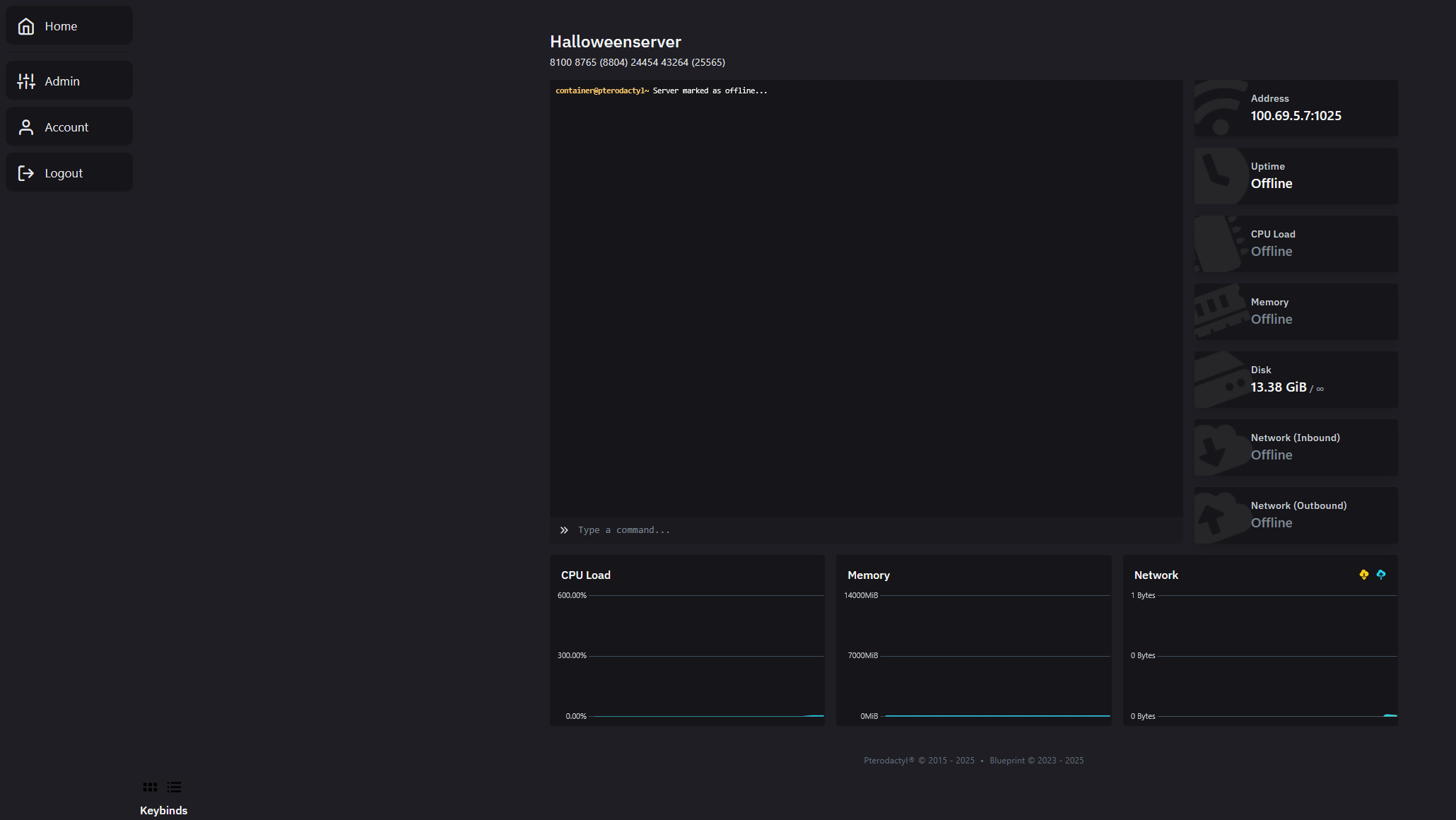
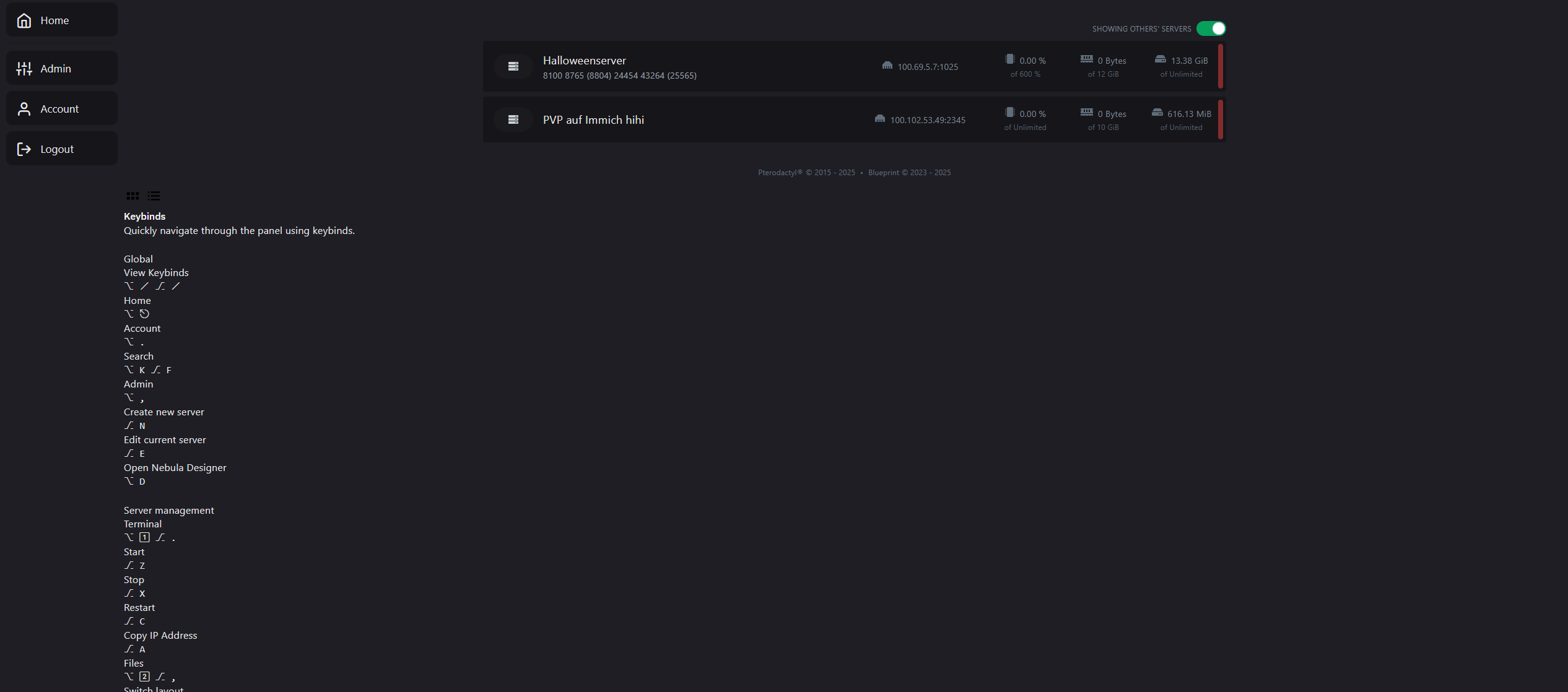
When I migrated the panel (using this: https://pterodox.com/guides/migrating-servers.html), the panel looked normal (because Blueprint and Nebula wasn't installed). As soon as I installed Nebula, it looks like this now.

5 Replies
1. Remove certain files and directories with
rm -r resources public node_modules.
2. Go through the Pterodactyl update documentation.
3. Install dependencies by running the yarn command.
4. Repair Blueprint with blueprint -upgrade.
5. Get some Blueprint extensions (if you haven't already) and install them onto your panel.Sent by prplwtf • byte snippet-upgrade
The same error after doing that. The statistics are now black
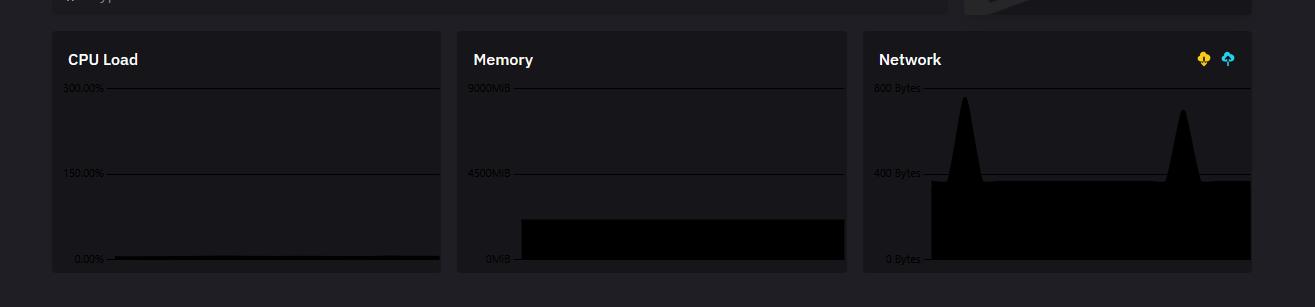
The graphs are not an issue with Nebula specifically, rather related to a recent issue with Blueprint.
me when tailwind colors
I just reinstalled the panel. It works normal now (except the statistics being black).